
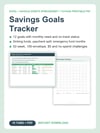
Savings Goals Tracker | Sinking Funds + Challenges | Excel, Google Sheets + PDF
Saving "when there's money left over" is why there is never money left over.
You have goals: a real emergency fund, a trip, a car that is not held together with hope. But the money sits in one checking account, the car repair wipes out what you saved for the trip, and you cannot say whether the vacation is on track or six months behind.
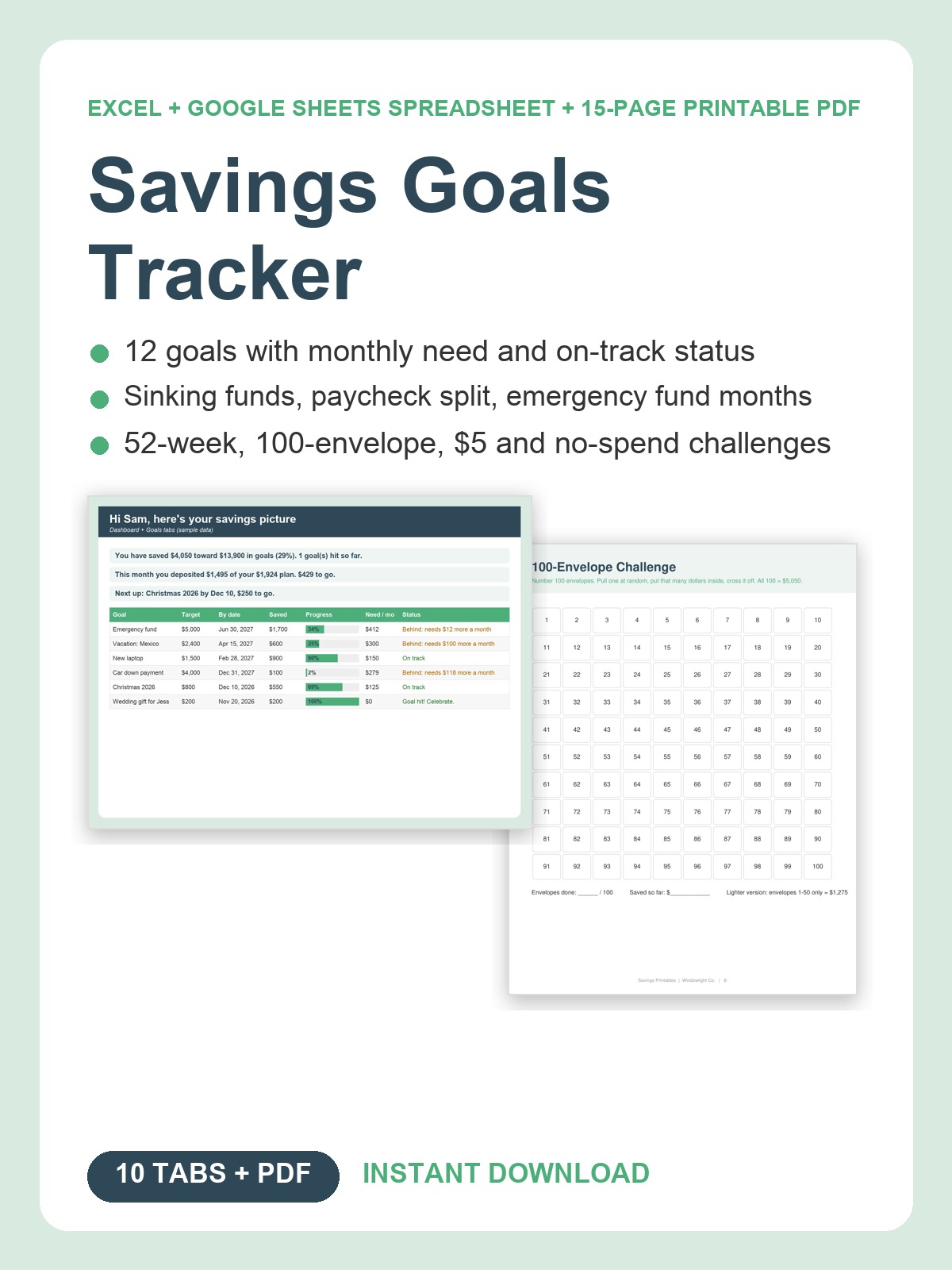
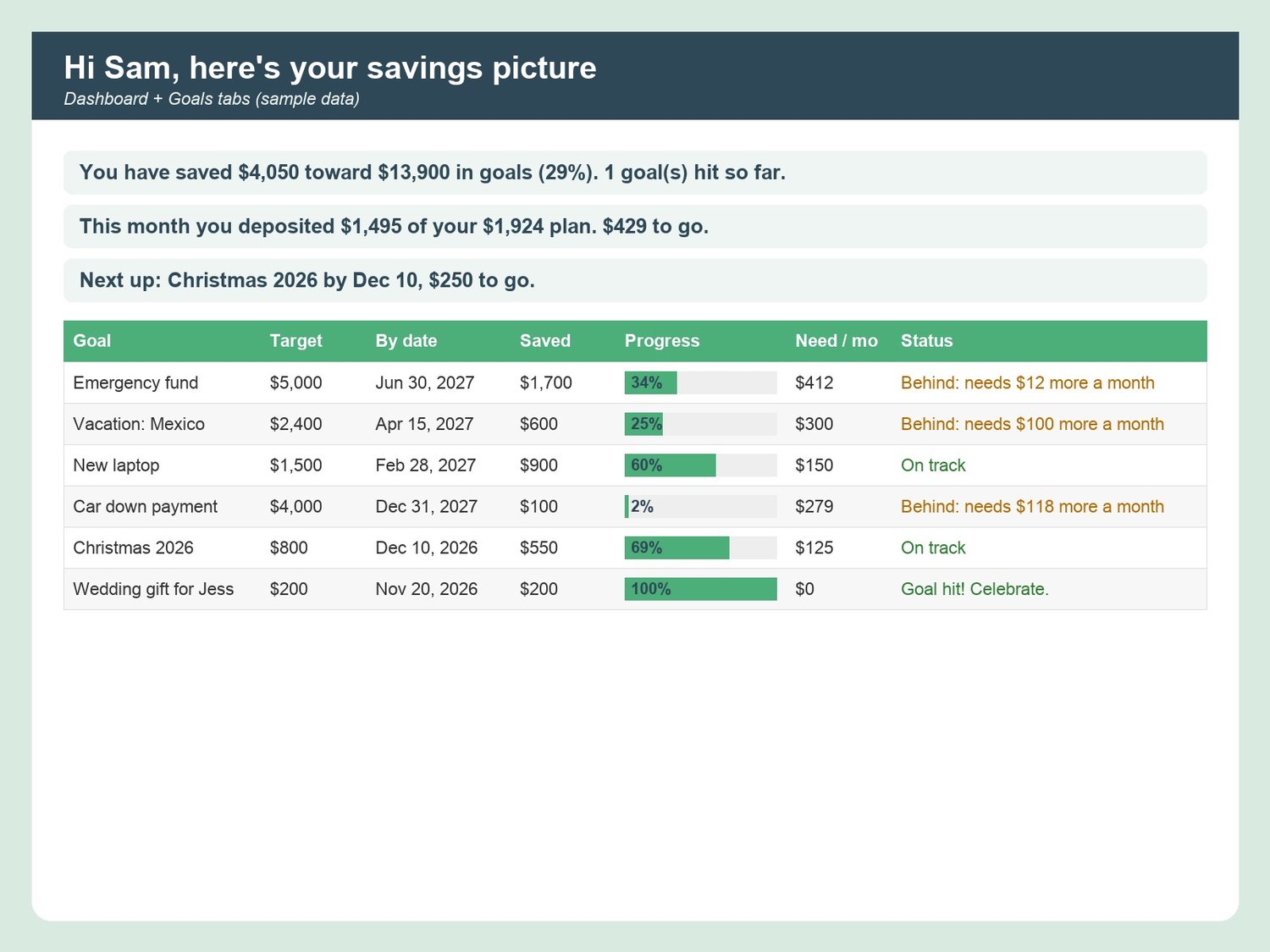
The Savings Goals Tracker gives every dollar a job. List up to 12 goals with a target and a date, and the sheet tells you the monthly amount each one needs and whether your paycheck plan covers it: "On track" or "Behind: needs $45 more a month." Sinking funds catch the bills that used to surprise you. Challenges turn saving into a game. And every tab greets you by name.
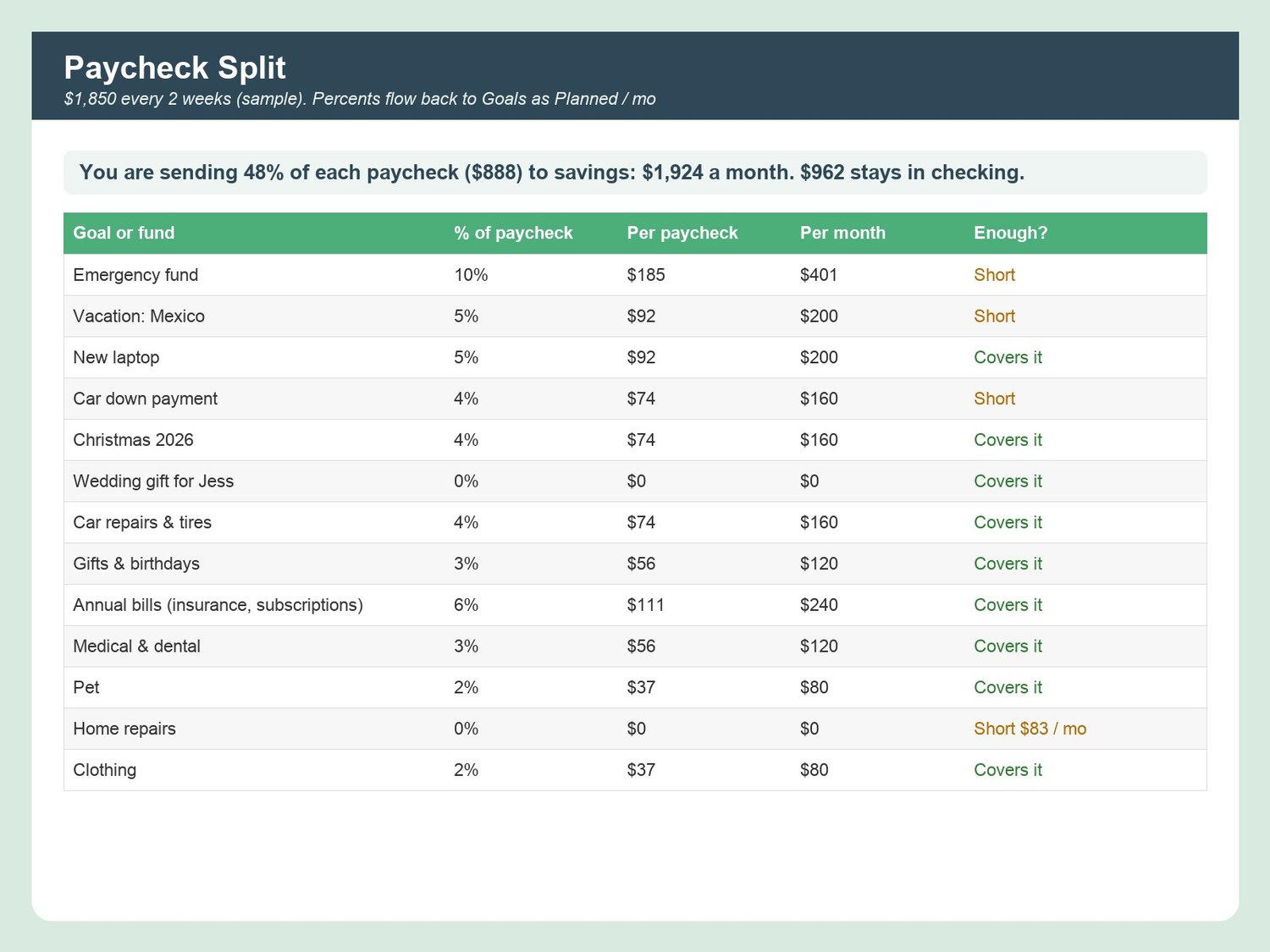
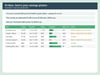
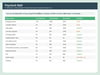
WHAT IT DOES- Goals (12): target, by date, saved, progress bar, months left, need per month, on-track / behind status in plain English- Sinking Funds (10): yearly need, monthly set-aside, balance after deposits and spending, "fully funded" status- Deposits Log (500 rows) with goal and fund dropdowns; withdrawals supported- Challenges: 52-week, 100 envelopes, $5 challenge and 30-day no-spend, with auto totals- Emergency Fund: list essentials, pick 1-12 months, see months covered and what is left to save- Paycheck Split: paycheck + frequency, a percent to each goal and fund, dollars per paycheck and per month, and a flag when a goal is short- Dashboard: total saved, goals hit, this month vs plan, next goal due, goal thermometers, 12-month deposit trend, your "why"- Monthly Review (3 prompts + auto numbers), Settings, Welcome with 5-step setup and FAQ
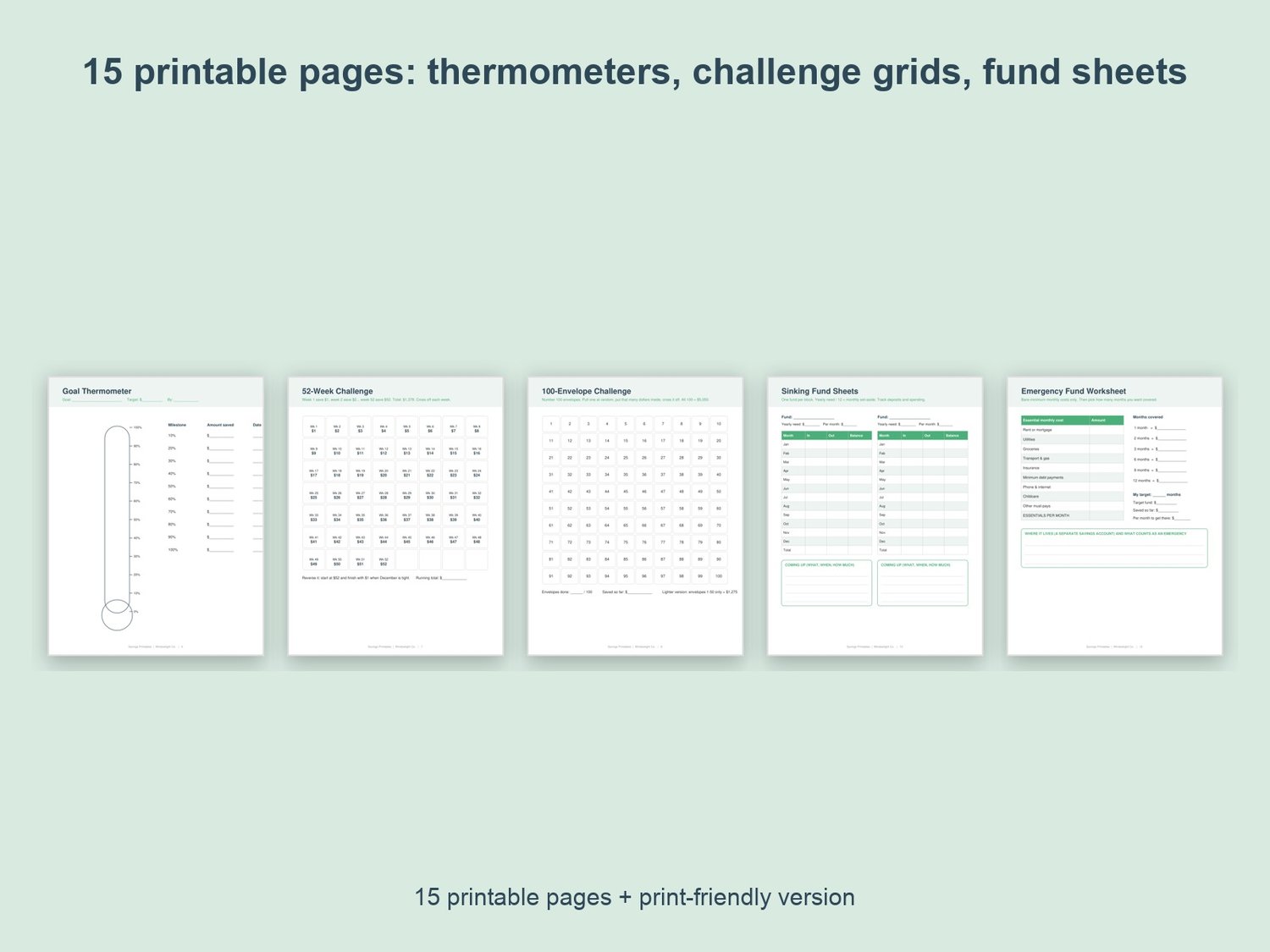
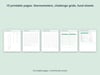
THE PRINTABLE PDF (15 pages, US Letter, plus a print-friendly black-and-white version)Savings vision page, one big and four small goal thermometers, 52-week grid, 100-envelope grid, $5 challenge + no-spend tracker, four sinking fund sheets, emergency fund worksheet, paycheck split worksheet, deposit log, monthly review.
WORKS WITHMicrosoft Excel (desktop or free online) and Google Sheets (upload to Drive, then Open with Google Sheets). No formulas to write: only yellow cells to fill in. Sample rows marked "delete me" show you how. Planning tool, not financial advice.
WHAT YOU GET1 Excel file (.xlsx, 10 tabs) + 2 PDFs (color and print-friendly). Instant download; nothing is shipped. Personal use. If anything does not open, reply to your receipt and I will help.
Made with AI assistance and checked by a human.