
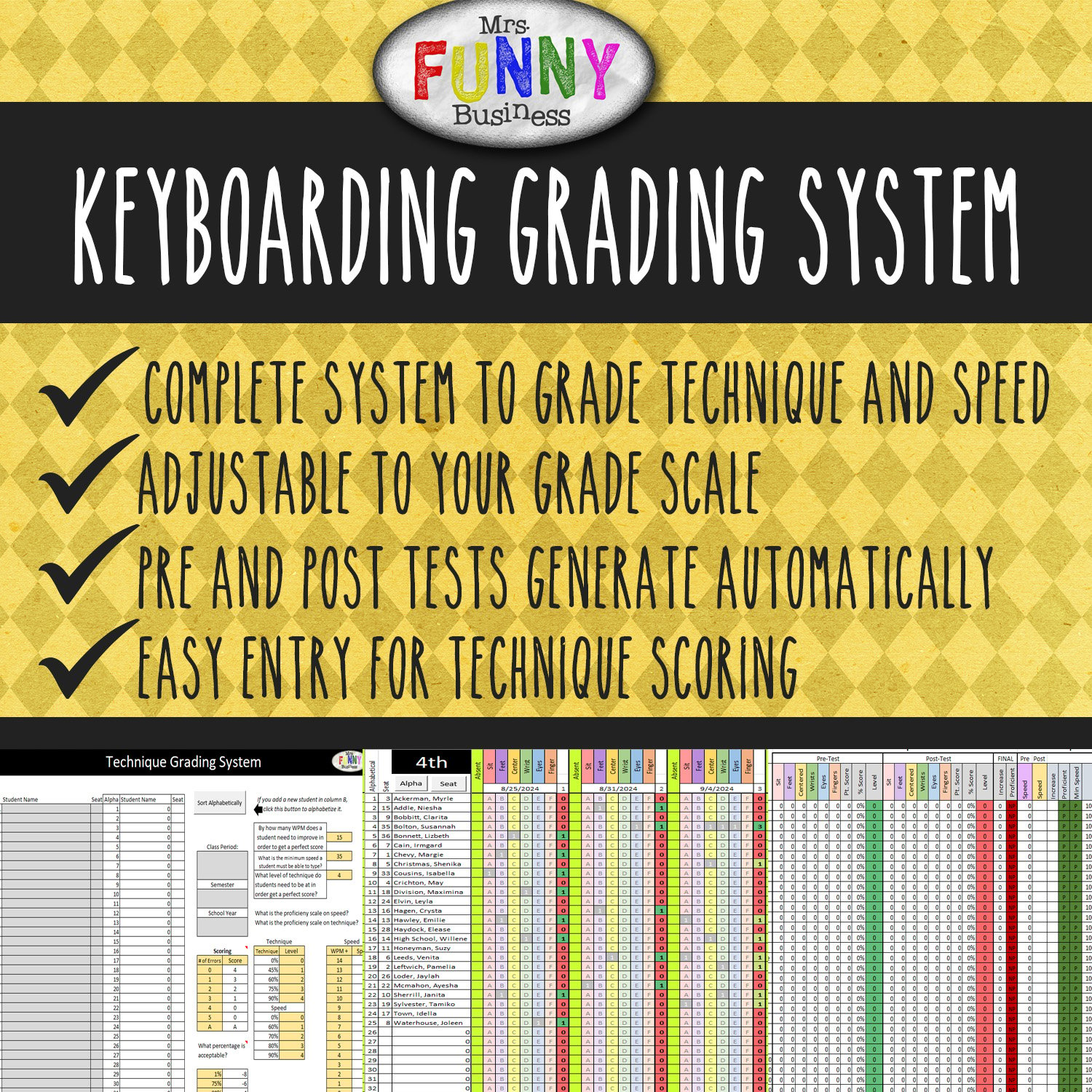
Keyboarding Grading System
*SIGNIFICANT UPDATE! This document has been updated as of 8-24! The new version is simplified. It includes a better mechanism for adding and removing students, an ABC test, and a new recording system for technique and speed.
After 20 years of teaching keyboarding, my main takeaway is this: Technique is what matters most. Speed and accuracy will come if the technique is there first. But it's also the one thing that a packaged online keyboarding program cannot do for you. The computer cannot determine if a student is using the right fingers or if they are resting their wrists or looking at their hands. That is something only the teacher can do. But isn't that a lot of WORK?
Over the last 20 years I have developed this simple and easy way of tracking and grading both technique and speed. Once you understand how the spreadsheet works, keeping track of your student's technique even multiple times a week is a piece of cake!
This Excel sheet is designed to help you keep track of your pre-and post test grading for Technique and Speed, as well as keep as track improvement in both over the course of the semester. You can edit the parameters to fit your needs, and the scoring shows in percentages, skill level, and proficiency. Great for SLO's! (Student Learning Objectives). It comes with a teacher training video to show you exactly how to use it. Easily enter weekly technique scores, track pre-and post tests, and record improvement. It allows teachers to record hard data and prove the level of improvement achieved by all levels of students. It makes grading much easier and also more effective. This download includes the video and the blank version.
*As this files uses macros, it does NOT work on Google Sheets. You must unzip it in a folder, not your Google drive. Make sure you have macros enabled. Student access to Excel not required as this file is for teacher use only.