
Restaurant Food Cost Calculator, Recipe Costing and Menu Pricing Spreadsheet, Menu Engineering, Plate Cost, Sub Recipes, Excel Template
Know what each menu item actually costs before you set its price. This recipe costing and menu pricing workbook connects ingredient purchases, usable yields, recipe quantities and menu pricing decisions in one working system.
Build accurate recipe cards, see where ingredient costs are rising and review the margin implications of each selling price before it reaches the menu.
Built for owners, chefs and managers who need real numbers. Input your invoice prices once; every recipe card and menu price updates. Before release, the formulas were checked with automated tests against independent calculations on three sample restaurants, and a sample menu shows each feature working.
OPERATIONAL PURPOSE
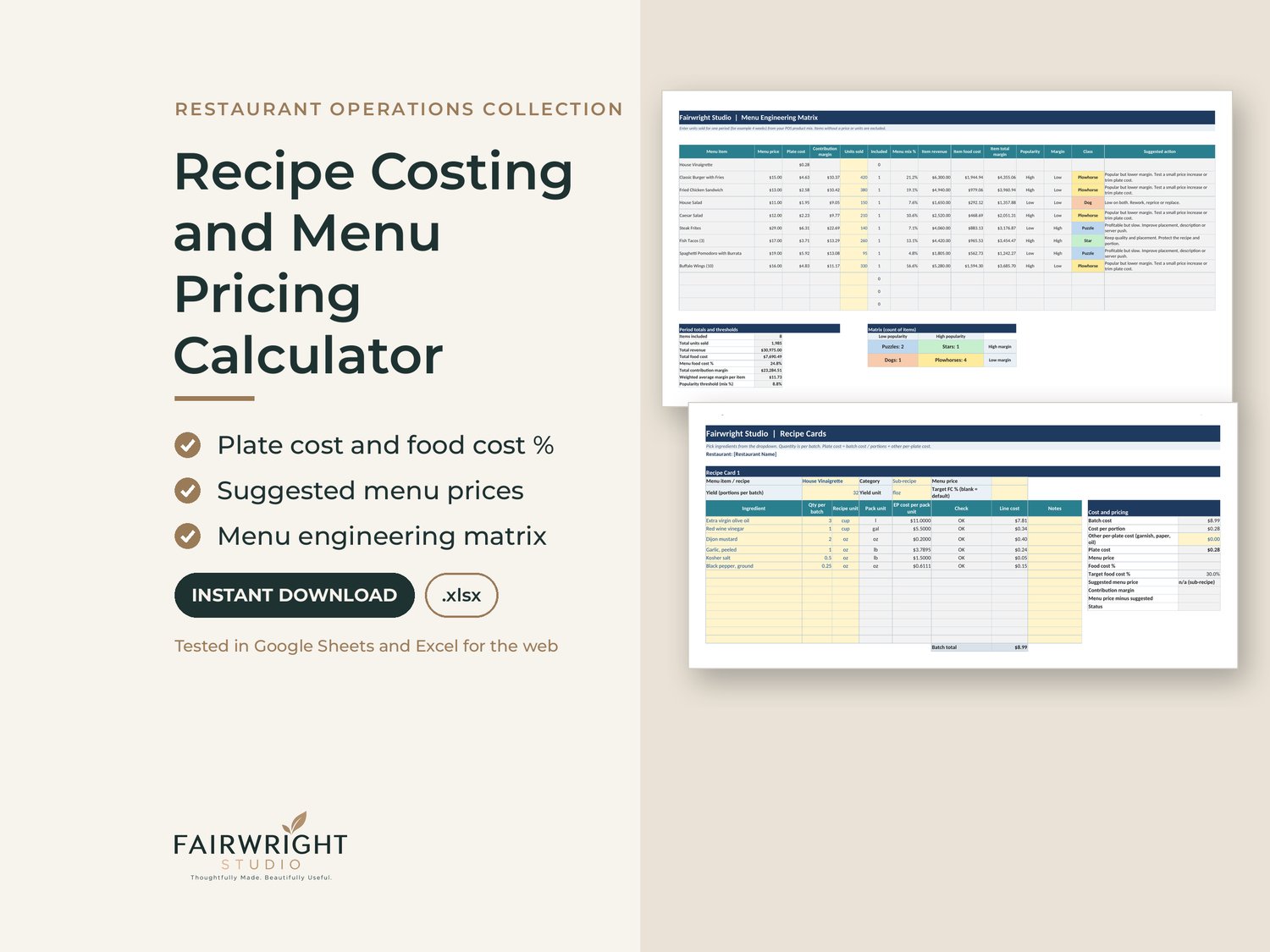
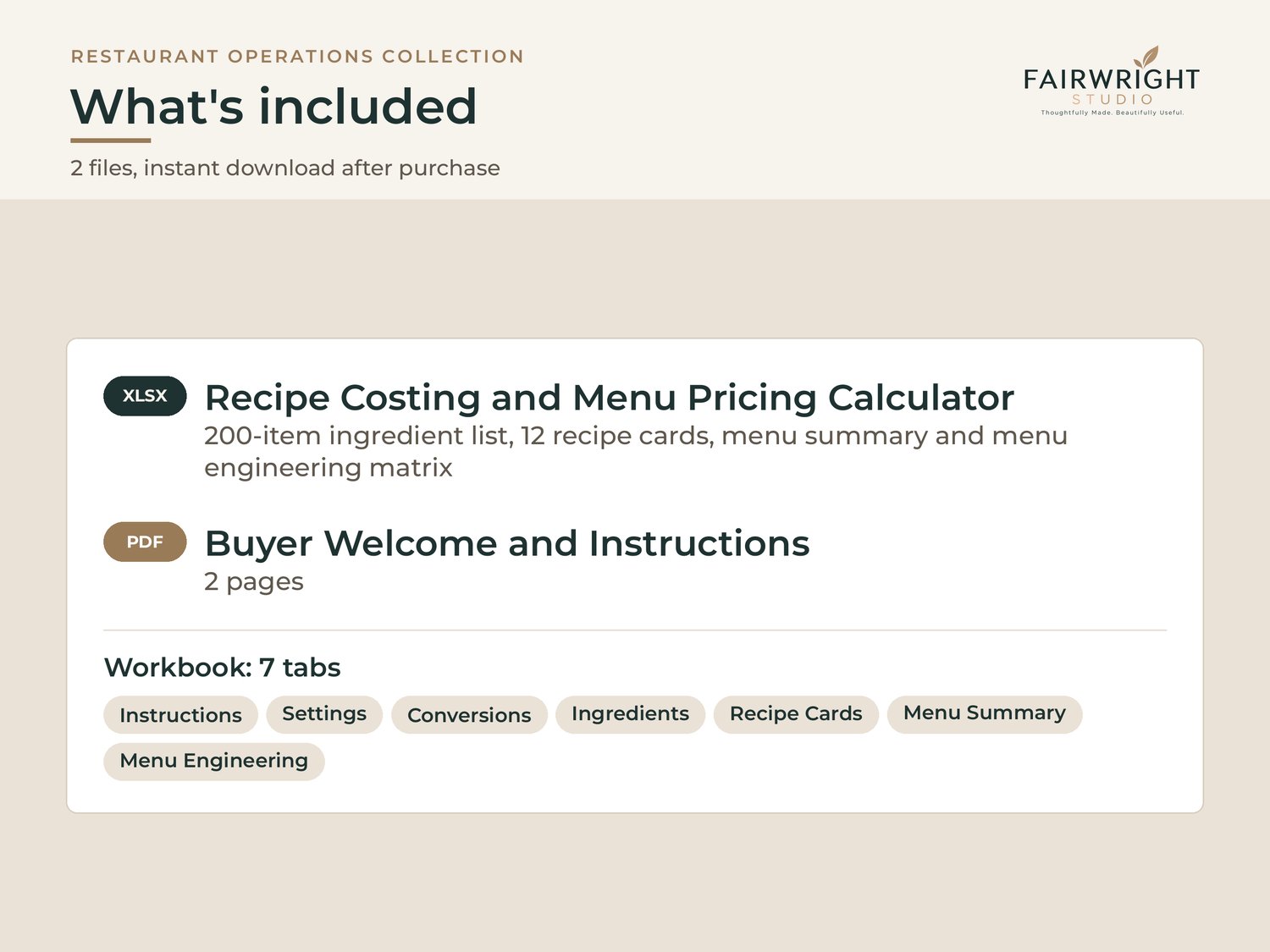
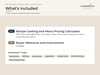
• Ingredient list for up to 200 items: purchase unit, pack size, pack cost and yield percent for trim and waste. Calculates as-purchased and usable cost per unit.
• Unit conversion built in: buy by the pound, use by the ounce; buy by the gallon, use by the fluid ounce. The sheet flags a mismatch, such as costing a weighed item by the cup, and flags duplicate ingredient names.
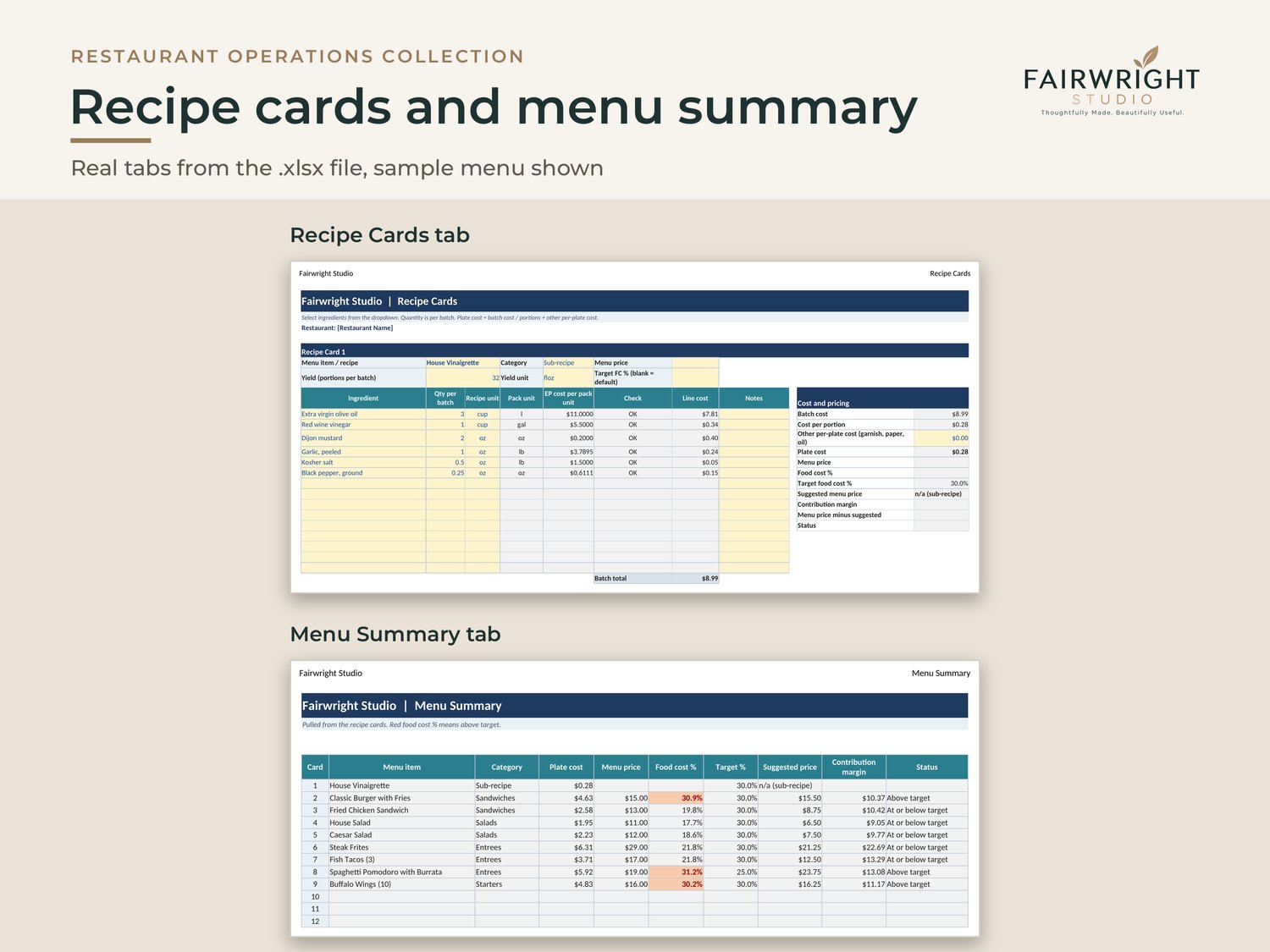
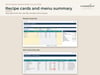
• 12 recipe cards with a dropdown ingredient lookup. Plate cost, food cost percent, target food cost, suggested menu price rounded to your step, and contribution margin.
• Sub-recipes, including nested ones: cost a syrup once, use it in a pastry cream, and use that in a tart.
• Menu summary with items above target highlighted.
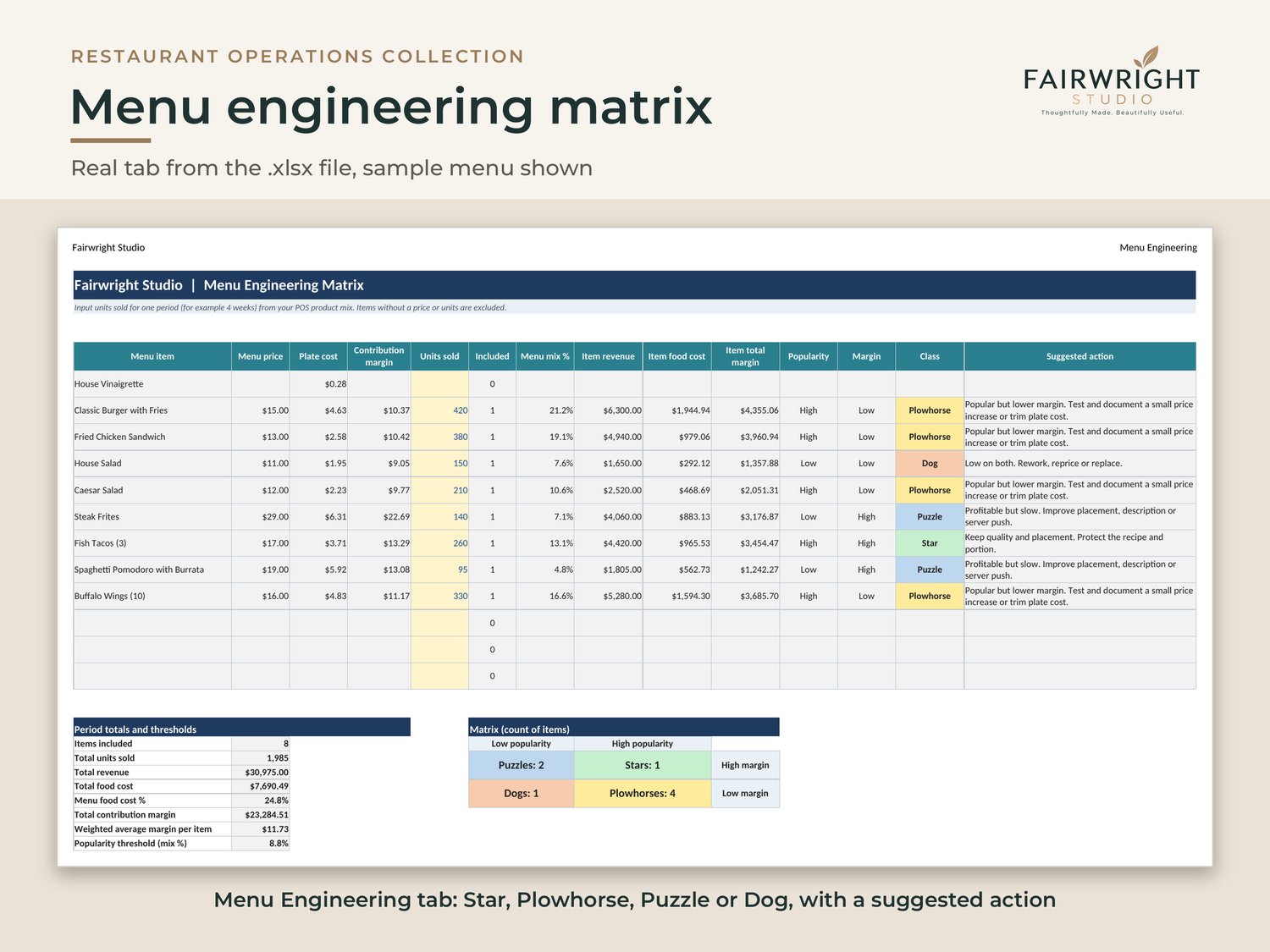
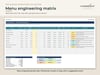
• Menu engineering matrix: enter units sold from your POS and each item is classed as a Star, Plowhorse, Puzzle or Dog, with a suggested action.
• Unit converter and yield test helper.
GOOD TO KNOW
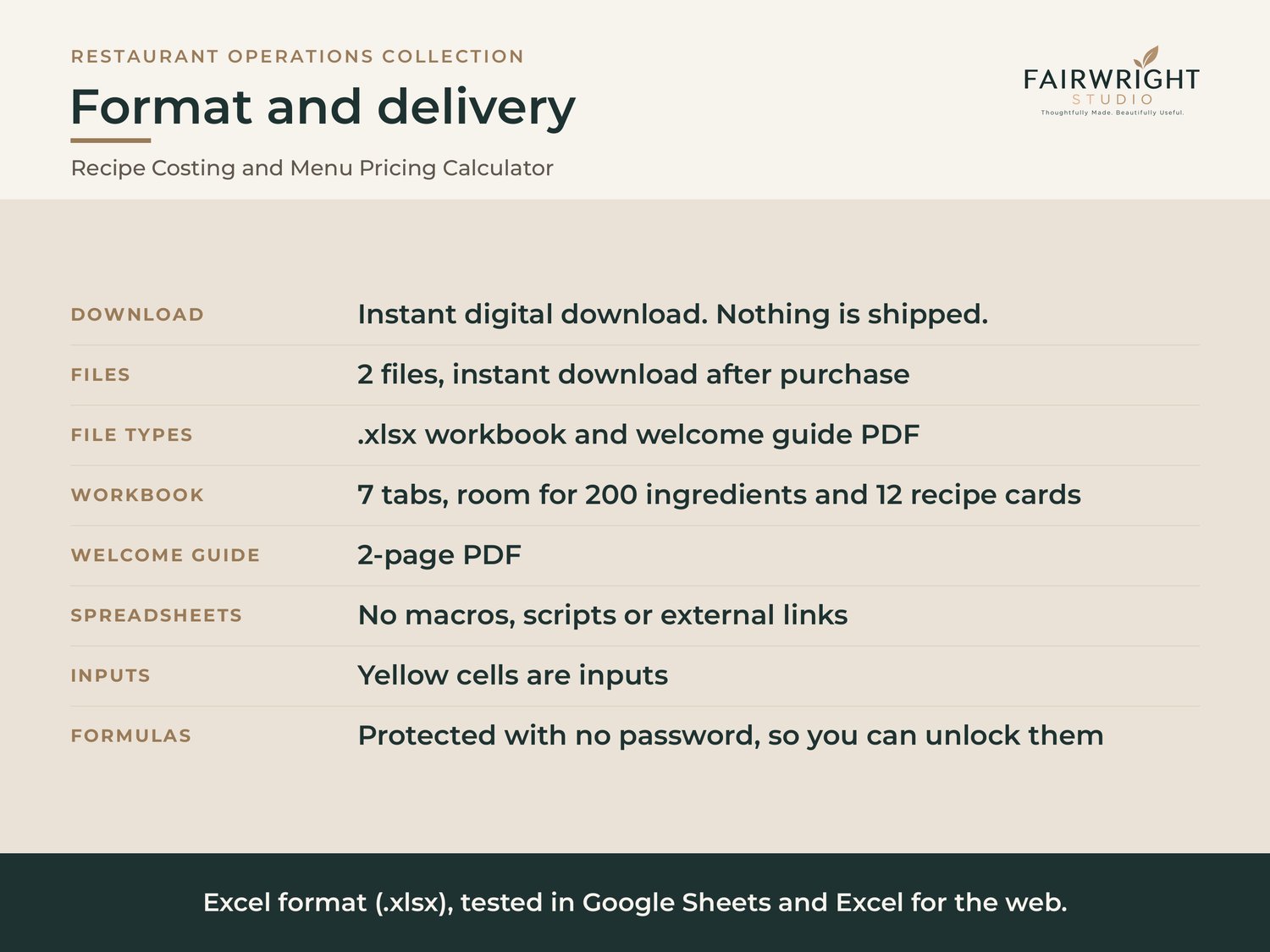
• Digital download. Nothing is shipped.
• Built in Excel format (.xlsx). No macros, scripts or external links.
• Tested in Google Sheets and Excel for the web. In Google Sheets, sheet protection and print layout do not carry over when you import the file; the Instructions tab shows how to set them up again.
• Yellow cells are inputs. Formulas are protected with no password, which gives you a way to unlock and customize.
• An Instructions tab and a buyer welcome guide explain every step.
• Questions about setup? Contact us through this store; we reply within 1 business day.
• For use in your own restaurant business, up to 3 locations under the same ownership.
• Refunds: Because these are digital downloads, we do not offer refunds for change of mind. If a file does not open, does not work as described, or is materially different from its description, contact us and we will fix or replace it. This does not affect any rights you have under the law.