
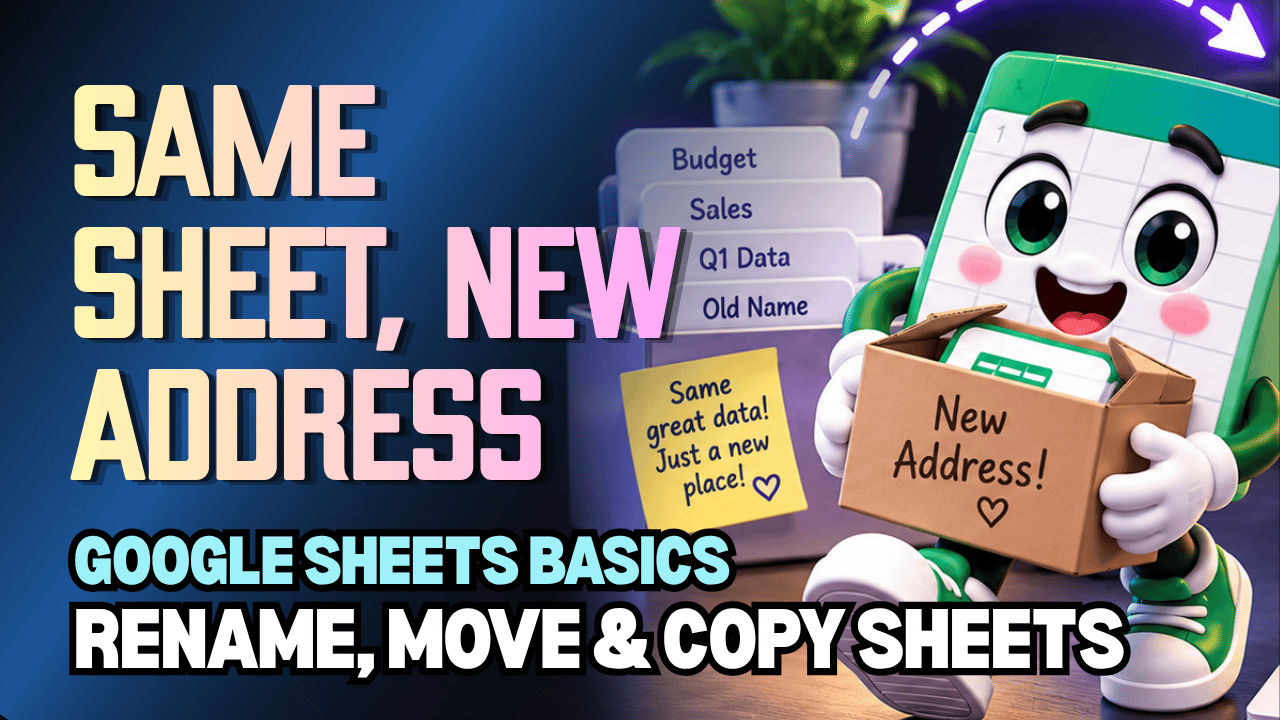
Google Sheets Rename, Move & Copy Worksheets Practice Workbook | Beginner Practice
Learn how to rename, move, and copy worksheets in Google Sheets with this beginner-friendly practice workbook from Easy Mode Excel Tutorials!
Want to give your worksheet tabs meaningful names, arrange them in a better order, or make a copy of an existing worksheet? Google Sheets makes managing your worksheets simple once you know where to look!
This hands-on workbook accompanies our free Google Sheets Rename, Move & Copy Worksheets video lesson, giving you the opportunity to practice organizing your spreadsheet tabs with confidence.
What You'll Practice
✓ Rename worksheets with clear, descriptive names
✓ Locate worksheet options using the sheet tab menu
✓ Move worksheet tabs into a different order
✓ Rearrange worksheets to keep information organized
✓ Duplicate an existing worksheet
✓ Understand the difference between moving and copying a worksheet
What's Included
✓ One ready-to-use Google Sheets practice workbook
✓ Beginner-friendly exercises to reinforce the lesson
✓ Your own editable copy of the workbook
✓ Hands-on practice you can complete at your own pace
Perfect for Google Sheets beginners! Learn how to manage your worksheet tabs and keep your spreadsheets organized as your projects grow.
Price: $2.49 USD — one-time purchase.
After purchasing, you'll receive a link to create your own editable copy of the Google Sheets practice workbook.
This purchase includes the practice workbook only.
Watch the FREE Video Lesson
🎥 Google Sheets Rename, Move & Copy Worksheets:
More FREE Learning
Continue learning with our free Google Sheets lessons on hiding and unhiding worksheets, and inserting and deleting worksheets. You'll find them on the Easy Mode Excel Tutorials YouTube channel.