
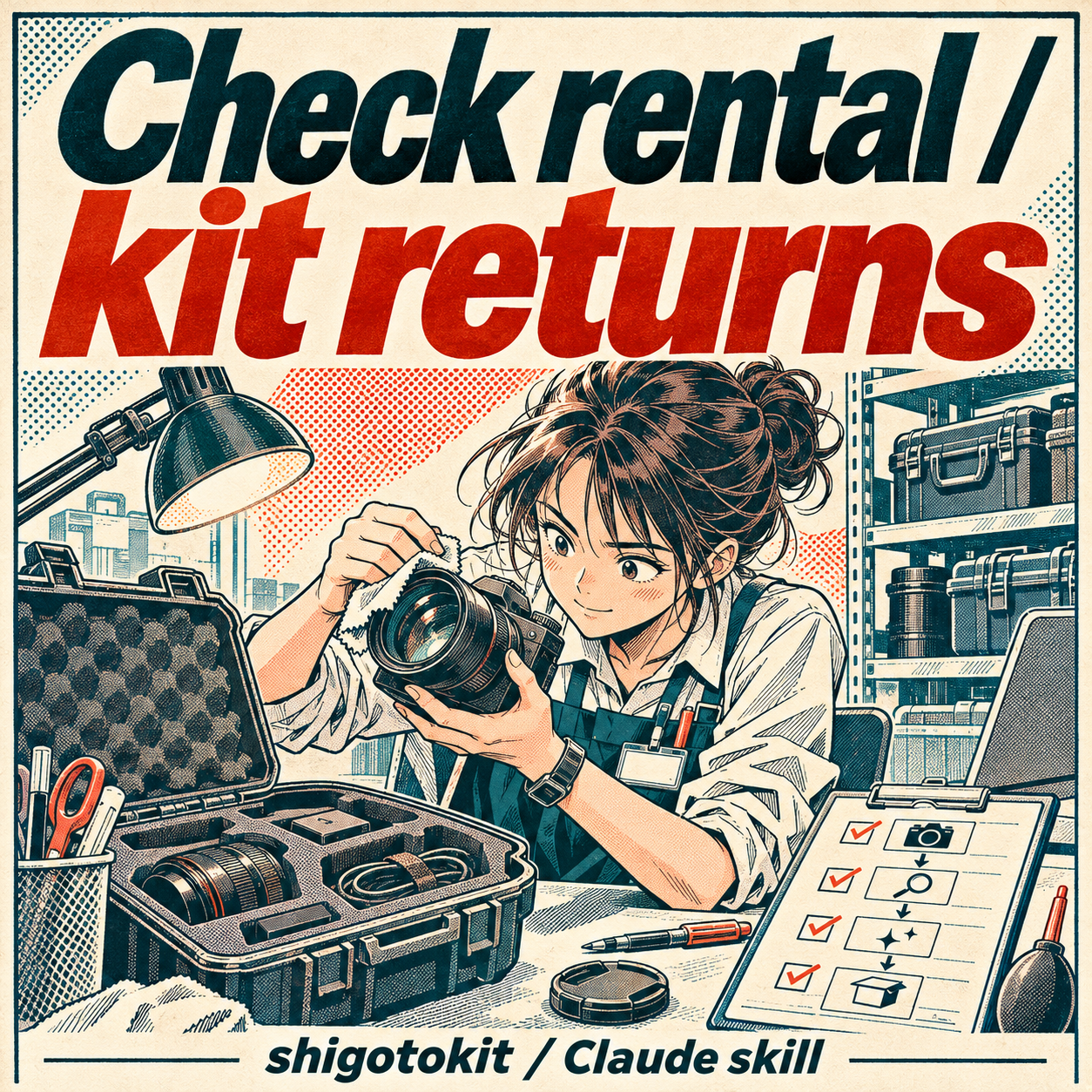
Rental Equipment Return Checklist for Claude
Separate returned equipment, missing accessories and pending tests.
An English-language Claude custom skill for equipment-rental return desks. Match the serial number first, then compare expected and returned accessories. Keep missing items separate from returned-but-damaged items and untested equipment.
WHO IT IS FOR
For equipment-rental return desks who want a structured draft they can check against their original records.
WHAT YOU PROVIDE
Serial numbers, expected accessories, actual returns and inspection status.
FICTIONAL EXAMPLE
Input: Camera A17, two batteries and charger issued. A17, one battery and charger returned; no function test.
Draft result: Serial matches, one battery missing, charger returned, function check pending.
WHAT IS INCLUDED
• rental-kit.zip — the installable English Claude skill
• START-HERE.txt — setup instructions, input fields and a worked example
HOW TO USE IT
1. Extract the purchase ZIP and open START-HERE.txt.
2. Upload the enclosed rental-kit.zip through Claude's custom skills interface and enable it.
3. Start a fresh chat, provide anonymized job notes and request the worksheet or draft.
4. Compare every result with the original records before using it.
REQUIREMENTS AND LIMITS
You need a Claude account with access to custom skills. Claude access and usage fees are not included. This is a set of instructions for Claude, not standalone software or an integration that changes your business systems. AI output can contain mistakes. You remain responsible for checking the records and approving any action.
WORKFLOW DETAILS
Match serialized units by identifier before counting accessories. Separate missing from returned-but-damaged. Never infer functionality from appearance or decide a charge without a quoted fee policy.
USE AND CONTACT
You may edit and use the files within your own business. Redistribution and resale of the files are not permitted. For questions, use the seller contact option on this marketplace.
Version: 1.0