

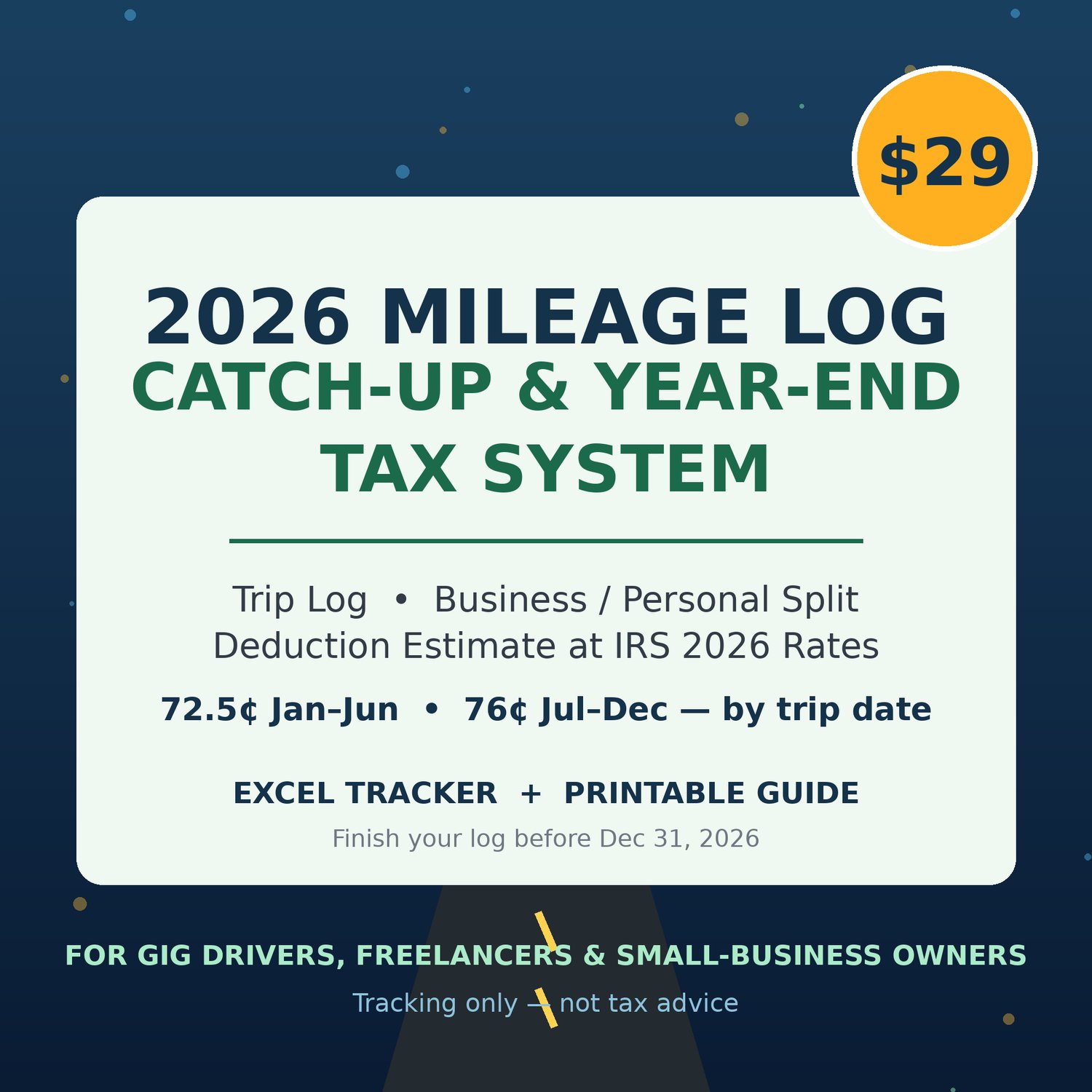
2026 Mileage Log Catch-Up & Year-End Tax System — Trip Log, Business Split & Deduction Estimate Excel + Guide
The year ends on Thursday, December 31, 2026. If you drive for work — delivery, rideshare, freelance visits, business errands — your mileage deduction lives or dies on one thing: a complete log. App summaries alone do not finish it. They cover miles with the app on and miss the business miles between trips, and they know nothing about your client visits, supply runs, or personal and commute miles.
This system finishes the log before Dec 31, month by month, from records you already have — and it prices every trip at the correct 2026 rate.
THE 2026 RATE IS SPLIT — THIS WORKBOOK HANDLES IT
The IRS published 72.5 cents per mile for Jan 1–Jun 30, 2026 (Notice 2026-10 / IR-2025-128), then raised it mid-year to 76 cents per mile for Jul 1–Dec 31, 2026 (Announcement 2026-11 / IR-2026-29). A single-rate log misprices half the year. This workbook holds both rates as editable inputs and picks the right one from each trip's date, by formula.
WHAT YOU GET
- mileage-log-year-end-system.xlsx — a working Excel workbook with real formulas. No macros. Works in Microsoft Excel and Google Sheets.
- mileage-log-year-end-system-guide.pdf — a 4-page printable guide: the split 2026 rates with sources, a five-step method to rebuild a missing month from app summaries, calendars, and receipts, sheet-by-sheet help, and a Dec 21–31 close-the-year routine.
THE FIVE SHEETS
1. Start Here — the two published 2026 rates (72.5¢ and 76¢), the Jul 1 split date, and your check date, all as editable yellow inputs with IRS source notes. Quick answers update on the same page.
2. Trip Log — one row per trip: date, from, to, purpose, type (Business / Personal / Commute), odometer start and end, parking and tolls, and the evidence source. Miles = end − start, the rate is picked by trip date, and the deduction counts Business trips only.
3. Monthly Catch-Up — live monthly totals from the Trip Log: business miles, personal + commute miles, total miles, deduction, and trip count for each month of 2026, with the rebuild sources for that month and a Done marker to close it.
4. Evidence & Checklist — the four record elements IRS Publication 463 asks for (amount, time, place, business purpose) mapped to your columns, plus an eight-step year-end checklist.
5. Summary — one dashboard: total miles, business miles, business-use %, the deduction estimate split by rate period, business parking and tolls, the total estimate, and two completeness counts that must read 0 before you file.
SAMPLE PRE-LOADED: 17 trips, 825 total miles, 729 business miles (88.4% business use). Jan–Jun business miles (311) at 72.5¢ = $225.49; Jul–Nov business miles (418) at 76¢ = $317.68. Mileage deduction estimate $543.17, plus $18.50 of business parking and tolls, for a total estimate of $561.67. December is empty on purpose — log it as you drive and close the year on Dec 31. Change any yellow cell and every number updates.
WHY NOT THE APP SUMMARY ALONE? The app knows the miles it watched. It does not know the drive to the first pickup, the client visit on your calendar, the supply run on a receipt, or which of your miles were personal. This workbook joins those records into one log with a source named on every rebuilt row — the form a complete record takes.
Instant download (.xlsx + .pdf). Digital product — no physical item ships. Personal use. Tracking and estimating only — this system is not tax advice, does not file anything, and does not promise that any trip is deductible in your situation. Verify the current IRS rates at irs.gov and consult a qualified tax professional before you file. One driver, one vehicle per workbook copy; this is a personal mileage log, not a fleet fuel and maintenance tracker.