
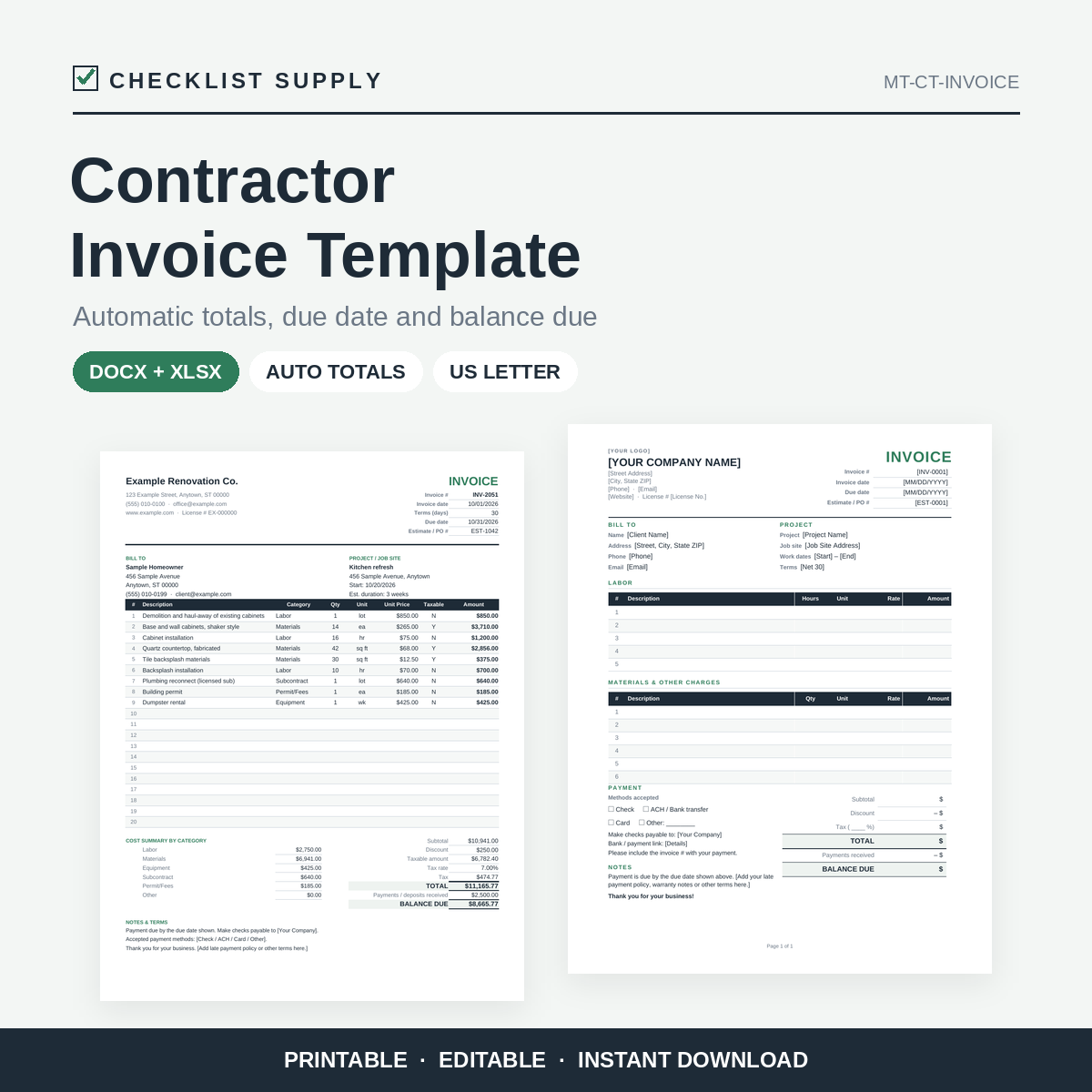
Contractor Invoice Template: Editable Word + Excel Invoice with Automatic Totals & Balance Due
Get paid with a clear, professional invoice. The Word (.docx) version is a clean one-page invoice with separate Labor and Materials sections. The Excel (.xlsx) version calculates everything for you.
In the spreadsheet, enter your line items and the amounts, subtotal, discount, tax and total fill in automatically. Enter your payment terms in days and the due date is calculated. Record any deposits or payments received and the balance due updates instantly. A category summary helps you track Labor and Materials for your records, and an example tab shows a completed invoice.
Replace the [bracketed] placeholders with your details, add your logo, and send it as a PDF.
What you get:
- Contractor-Invoice-Template.docx (Word, one page)
- Contractor-Invoice-Template.xlsx (Excel) with formulas, a filled-in example tab and a how-to tab
- 1-page PDF quick-start guide
Bullet points:
- Two formats: Word document and Excel spreadsheet
- Automatic line totals, subtotal, discount, tax, total and balance due in Excel
- Due date calculated from invoice date and payment terms
- Payments / deposits received line for progress billing
- Separate Labor and Materials sections in the Word version
- Payment methods and payment details section
- US Letter, one page, printer-friendly
- Works with Microsoft Office, Google Docs/Sheets, LibreOffice and Apple Pages/Numbers
- Instant digital download
Please note: This is a formatting and calculation tool. It is not legal, tax or accounting advice. You enter your own tax rate and terms; check which rules apply to your business. Some formatting may look slightly different outside Microsoft Office. Licensed for use in your own business. Please do not resell or redistribute.
Need a quick one-off invoice? Try HandyStack's free Invoice Maker: https://handystack.app/free/invoice-maker/