
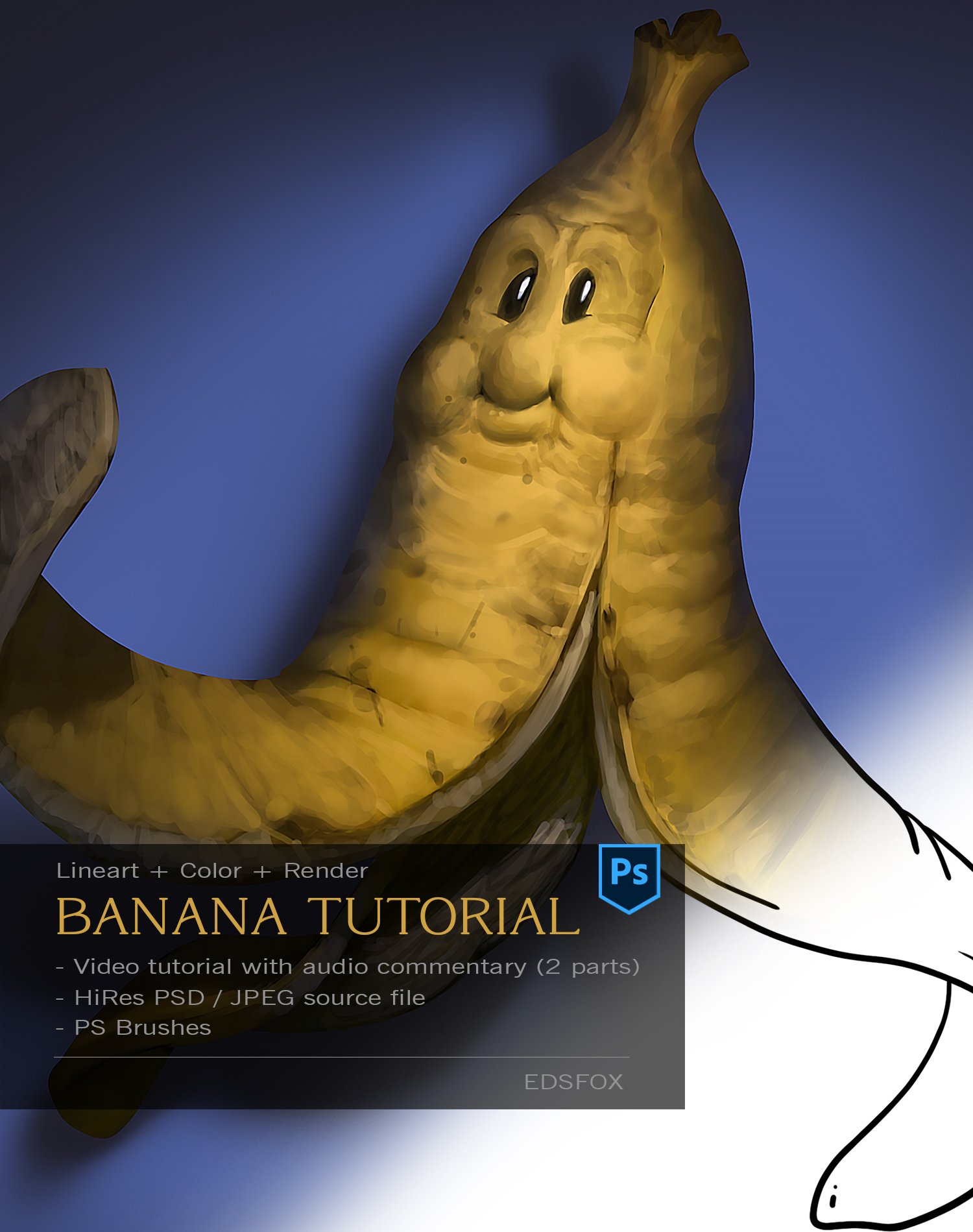
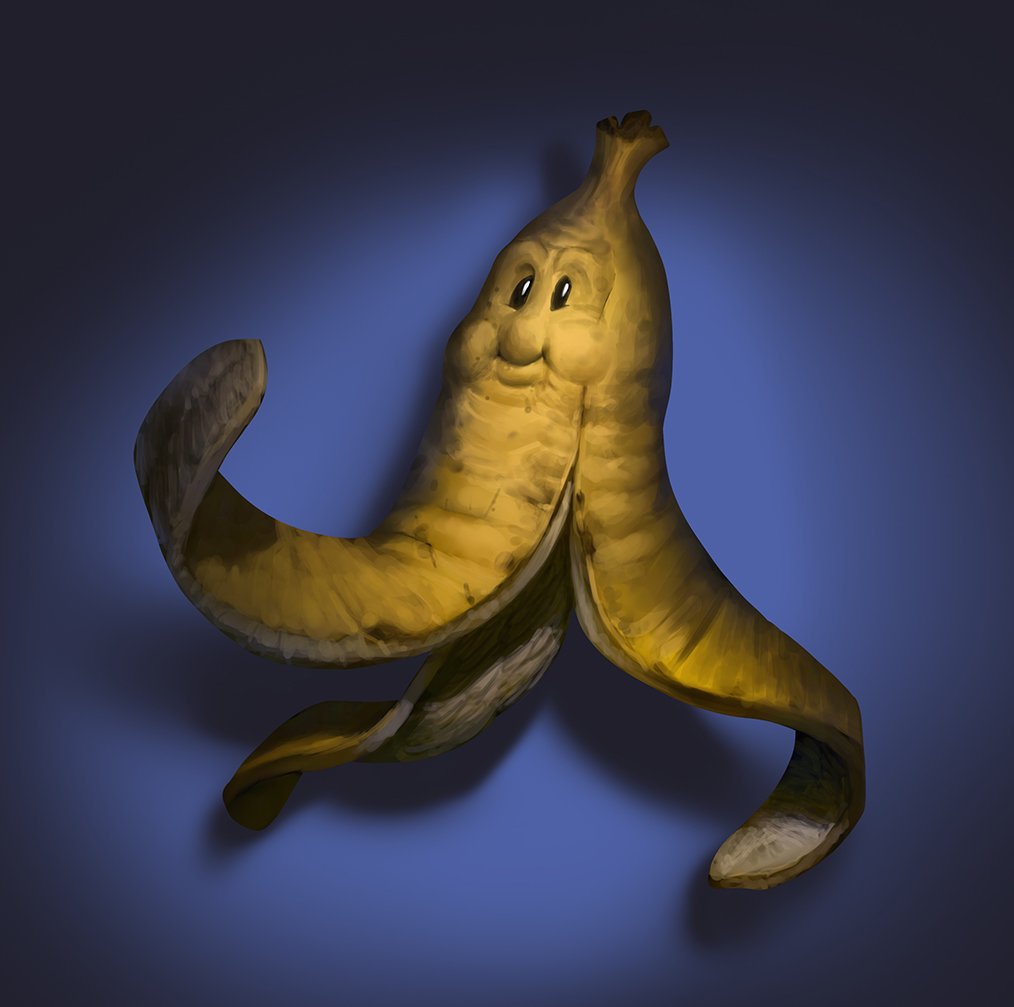
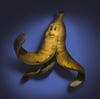
Digital Painting Tutorial – “Harry the Banana Peel”
On Sale
$4.00
$4.00
Thank you for getting this tutorial!
In this lesson, we’ll paint Harry, a lively banana peel character — a fun and slightly more advanced project compared to the basic Golden Star tutorial. You’ll learn how to refine your shapes, manage light and color, and bring personality to a simple concept using Photoshop.
This tutorial includes:
- A full real-time narrated video in English
- The final PSD file
- A high-quality JPG of the finished artwork
- The original lineart JPG
- The custom brush pack used during the process
If you enjoyed this one, make sure to check out the other tutorials in the series — each one is designed to help you level up your digital painting skills step by step.
Keep painting, keep experimenting, and most of all — have fun creating!