

Palo Alto Firewall
What is a Palo Alto Firewall?
A Palo Alto Networks Firewall is a Next-Generation Firewall (NGFW) that secures networks by understanding applications, users, and content, not just IPs and ports.
 Traditional firewall:
“Allow port 443”
Palo Alto firewall:
“Allow Microsoft Teams for Finance users with file upload blocked”
 Core Concepts (Must-Know for Beginners)
 App-ID (Application Identification)
Palo Alto identifies applications regardless of port or encryption.
Examples:
SSH
BitTorrent
Zoom
 Even if an app uses TCP 443, Palo Alto still knows what it is.
 User-ID (User Awareness)
Firewall rules can be based on users or groups, not just IPs.
Sources:
Active Directory
LDAP
Azure AD (with integrations)
Example:
makefile
Copy code
Allow:
User: HR_Group
Application: Office365
 Content-ID (Threat Prevention)
Protects against:
Malware
Viruses
Spyware
Vulnerabilities
Data leaks
Includes:
Antivirus
Anti-Spyware
Vulnerability Protection
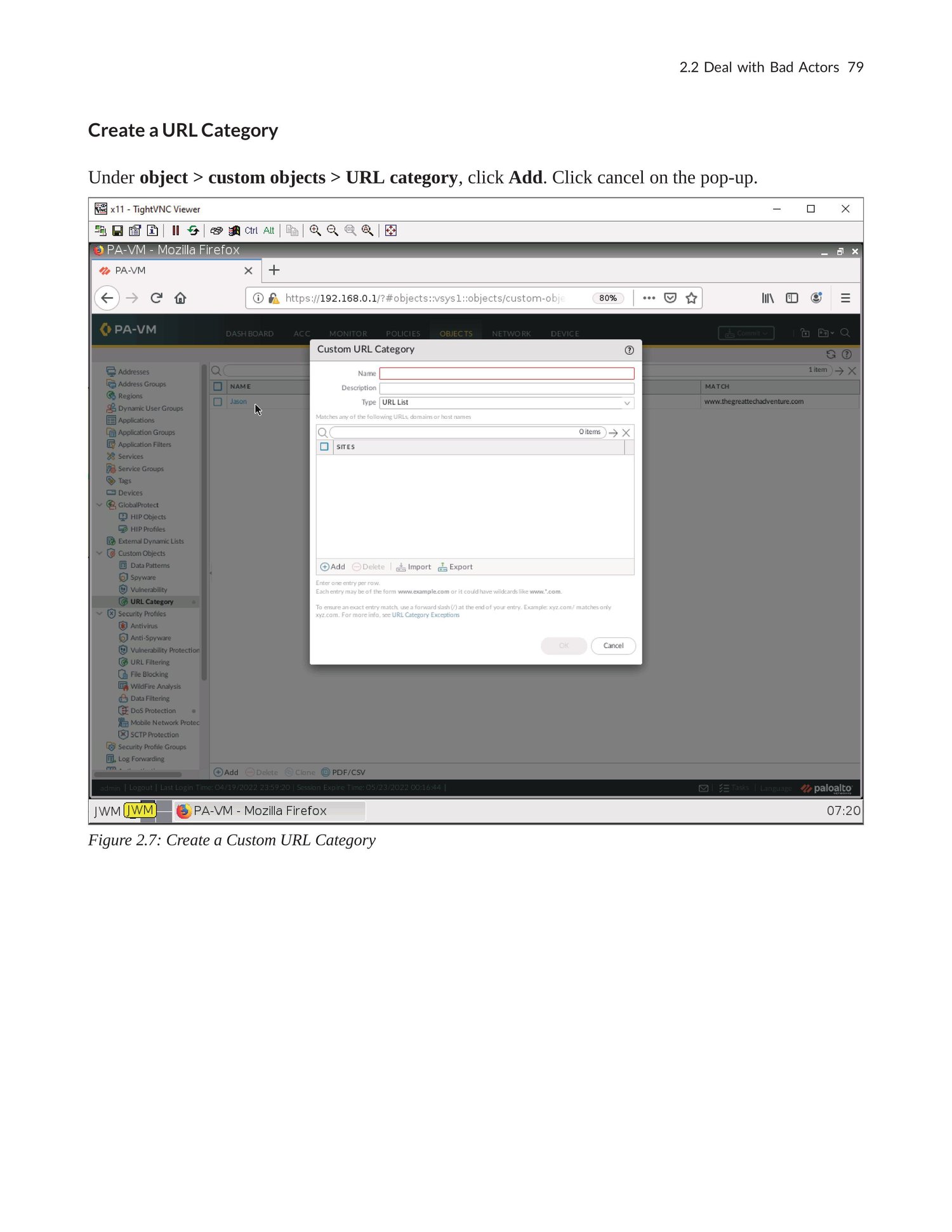
URL Filtering
File Blocking
WildFire (sandbox)
 Firewall Architecture (Simple View)
less
Copy code
Internet
|
[ Untrust Zone ]
|
[ Palo Alto Firewall ]
|
[ Trust Zone ]
|
Internal Network
 Zones are critical – traffic is controlled between zones, not interfaces.
 Key Configuration Objects
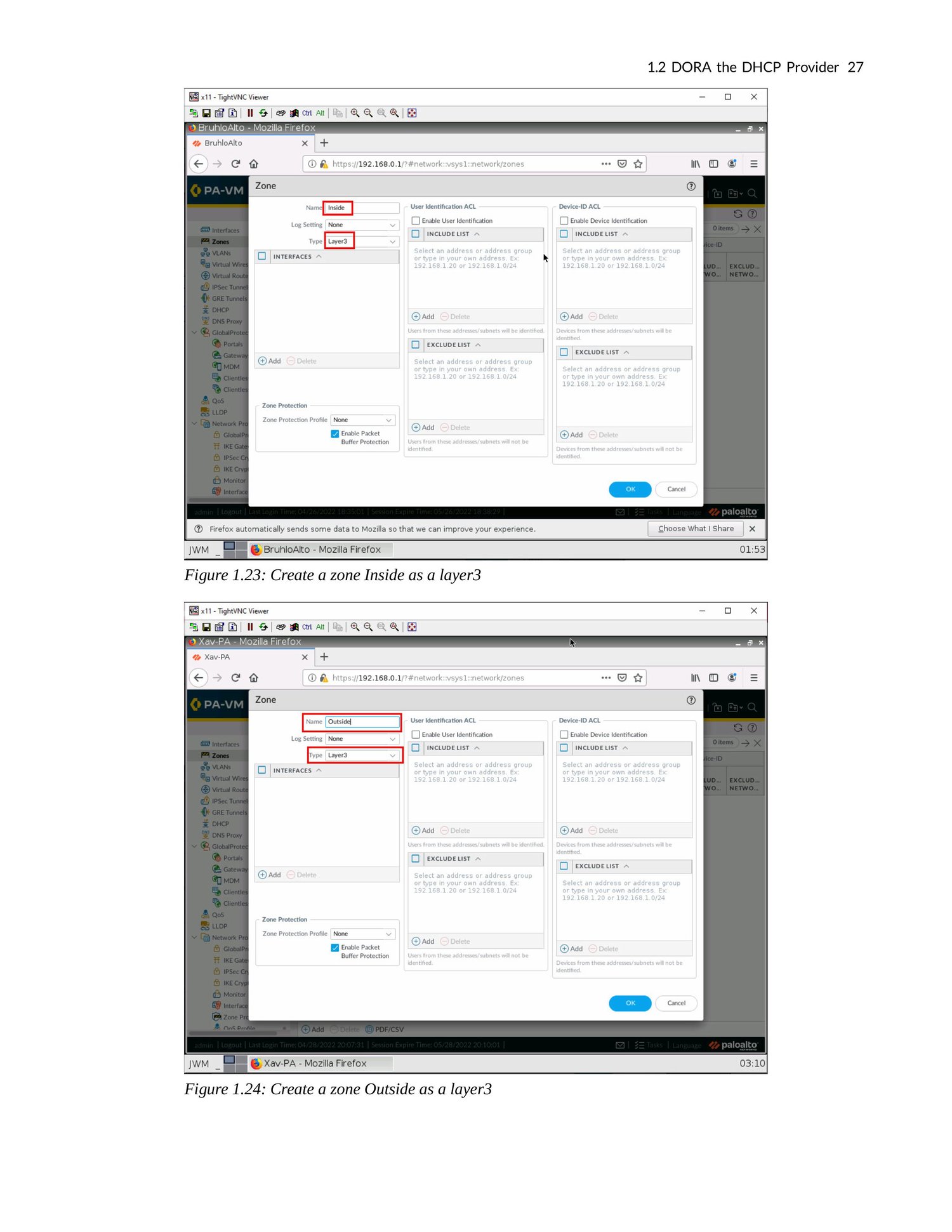
 Zones
Zones
Logical security areas:
Trust
Untrust
DMZ
VPN
Interfaces
Layer 3 (most common)
Layer 2
Virtual Wire
Each interface is assigned to a zone.
Security Policies (Most Important)
Rules that allow or deny traffic.
Basic rule structure:
css
Copy code
Source Zone → Destination Zone
Source IP → Destination IP
Application
Service
Action (Allow / Deny)
 Palo Alto evaluates rules top-down.
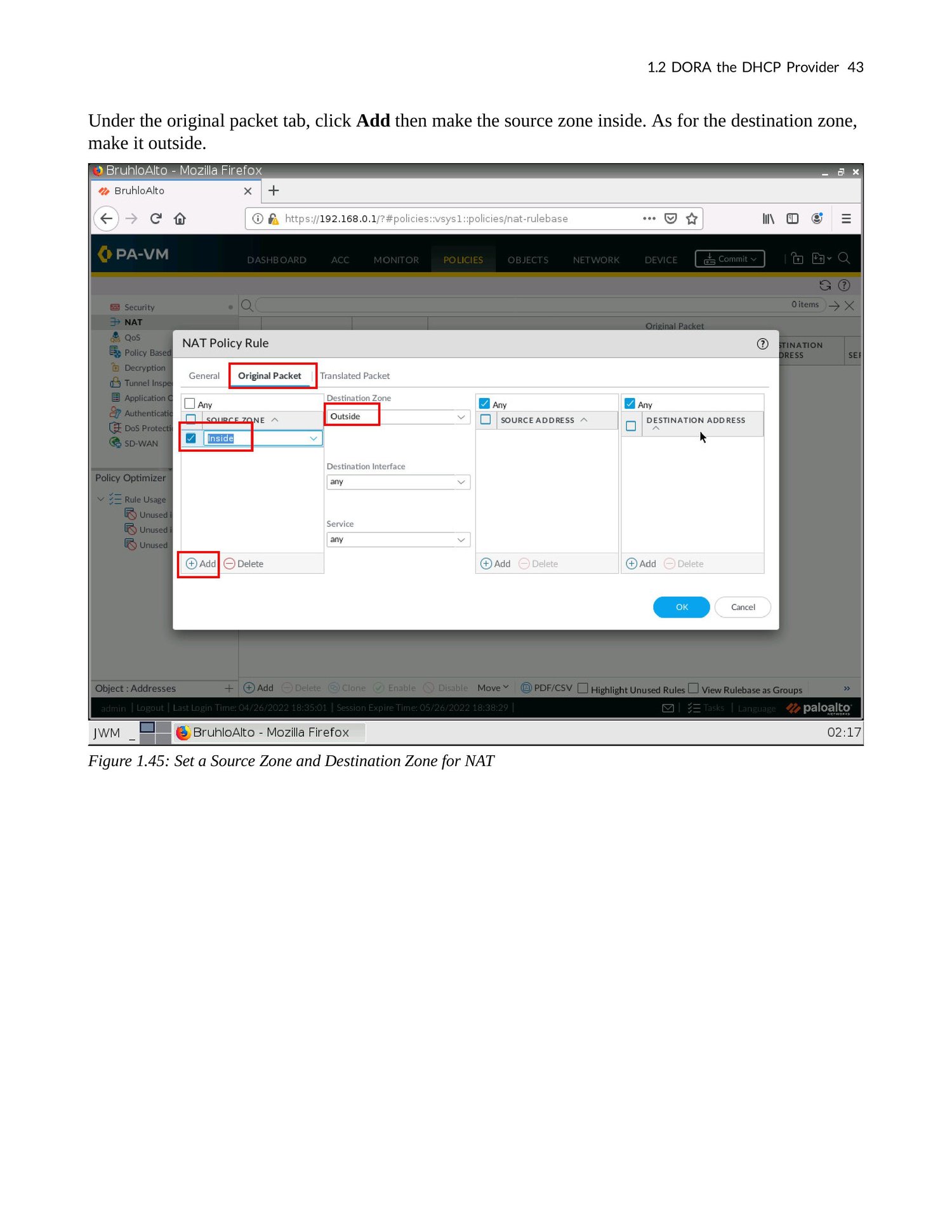
 NAT in Palo Alto (Beginner Level)
Types:
Source NAT – Internal → Internet
Destination NAT – Internet → Internal Server
Example:
pgsql
Copy code
Public IP → Internal Web Server
NAT is configured separately from security rules (important difference from some firewalls).
 Security Profiles (Protection Layer)
Attach these to Allow rules:
Antivirus
Anti-Spyware
Vulnerability Protection
URL Filtering
WildFire
Best practice:
Never create an allow rule without security profiles