
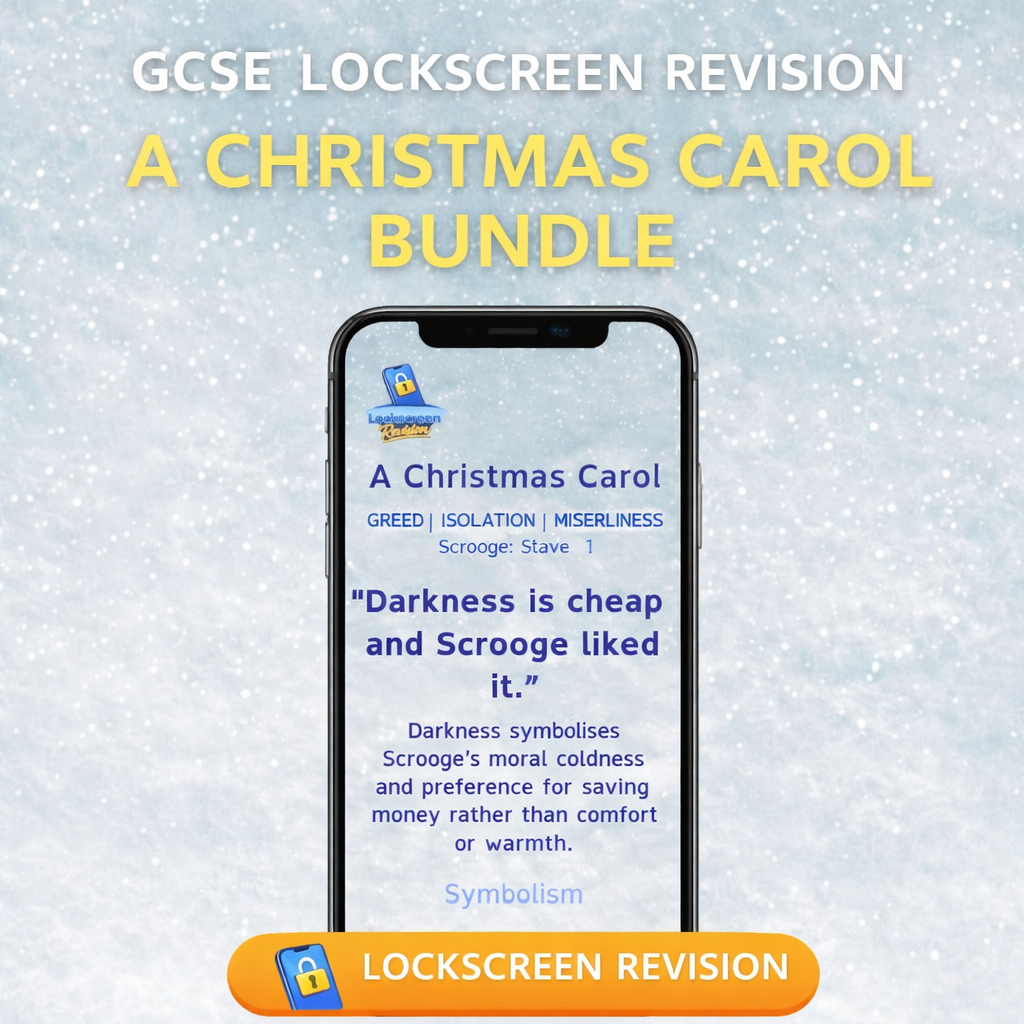
Lockscreen Revision A Christmas Carol Character Bundle
On Sale
£2.00
£2.00
Lock-Screen Revision: GCSE English Literature – A Christmas Carol (Characters)
Revise A Christmas Carol every time you check your phone.
This digital resource turns 72 key character quotations into lock-screen images, allowing students to revise little and often through repeated, low-effort exposure.
✔ What’s included
- Character-focused lock-screen revision slides covering:
- Scrooge
- The Cratchit Family
- The Ghost of Christmas Past
- The Ghost of Christmas Present
- The Ghost of Christmas Yet to Come
- Other characters
Each quotation slide includes:
- The quotation
- Speaker
- Act & Scene
- Three key themes
- One clear technique
- A short, exam-ready analysis
All content is written in GCSE-appropriate language and designed to be readable on a mobile phone screen.
🧠 Why this works
- Encourages frequent, passive revision
- Supports quotation recall and analysis
- Ideal for students who struggle with traditional revision
- Clear, consistent format — no overload
- Perfect for daily reinforcement in the run-up to exams
📱 How to use Lock-Screen Revision
On iPhone
- Download and unzip the files after purchase
- Save the images to your Photos app
- Open Settings → Wallpaper → Add New Wallpaper
- Select Photo Shuffle
- Choose Select Photos Manually, then tap All
- Select your lock-screen images and tap Add
- Pinch with two fingers to adjust the position of each image
- (tap the screen to move between images)
- Tap the three dots icon and choose how often the images shuffle
- (e.g. on tap, hourly, daily)
- Tap Add to set the Lock Screen
On Android
(Exact steps may vary slightly depending on your device.)
- Download and unzip the files after purchase
- Save the images to your Gallery / Photos app
- Open Settings → Wallpaper
- (or press and hold on your home screen and select Wallpaper & style)
- Choose Change wallpaper or Add photos
- Select your lock-screen images from the Gallery
- Choose Lock Screen (or Lock Screen & Home Screen)
- Adjust the position of each image by pinching or dragging if prompted
- If available, enable Wallpaper shuffle / change on tap
- Apply or set the Lock Screen
💡 Revision tip
The more often you see the quotation, the more likely you are to remember it.
If you check your phone, you’re revising.
🎯 Suitable for
- GCSE English Literature students
- Independent revision
- Homework support
- Teachers recommending effective revision strategies
- Parents supporting exam preparation
Compatible with all GCSE exam boards.
📁 Format
- Digital download (ZIP file)
- Image files suitable for all smartphones