
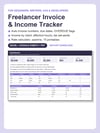

Freelancer Invoice & Income Tracker | Overdue Flags, Rate Calc, Taxes | Excel
Who still owes you money right now, and how much?
If you had to scroll through email to answer that, you are not alone. Invoices go out from three different places, a client pays late and nobody notices for a month, and at the end of the year you cannot say which client was actually worth your time, or what your real hourly rate was after all the unbillable admin.
That fog is expensive. One invoice that sits 40 days is an interest-free loan to a company with more money than you. A project that quietly ran 15 hours over budget was a pay cut you gave yourself. And the quarterly tax you did not set aside turns into a lump sum with penalties.
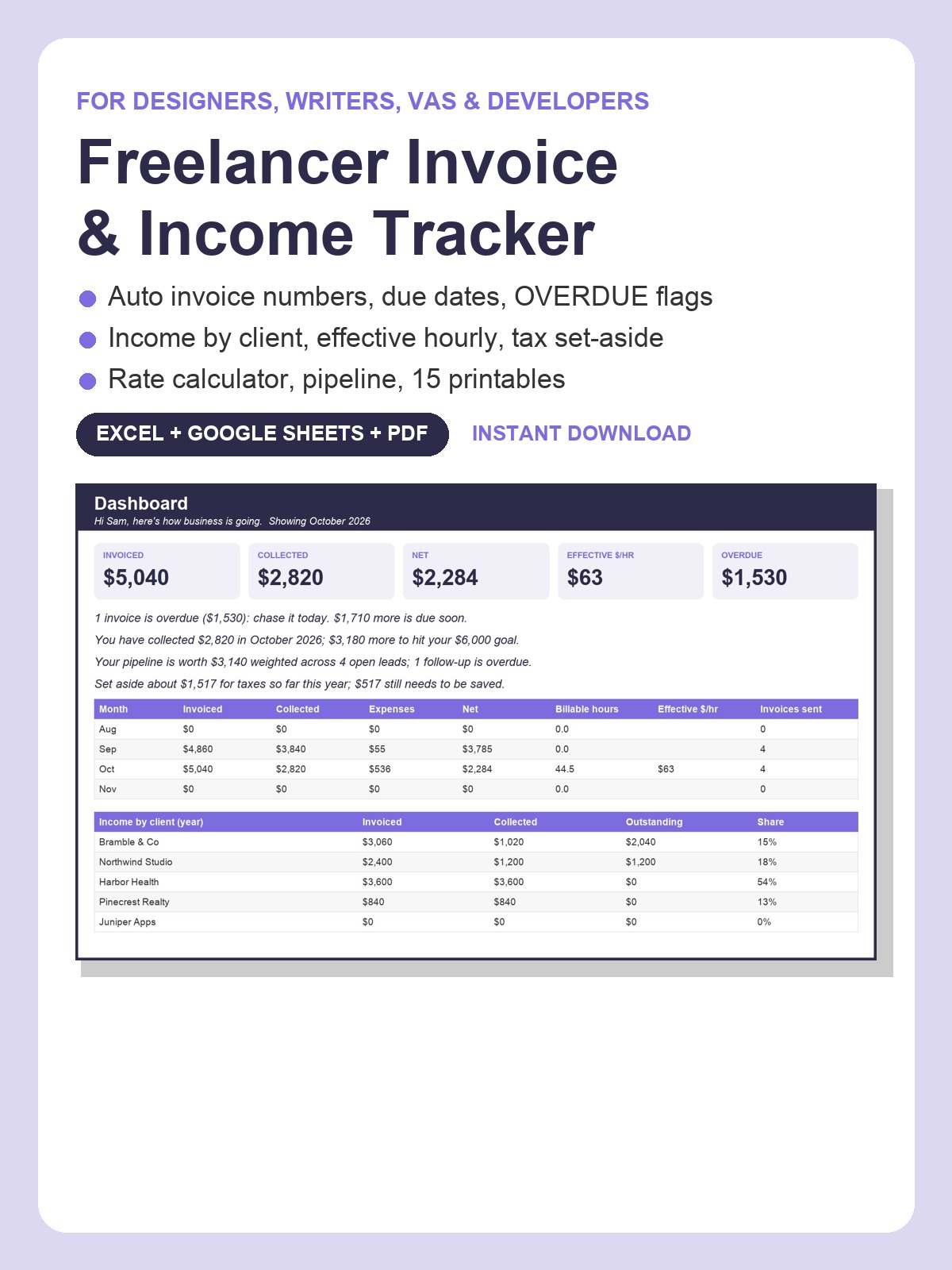
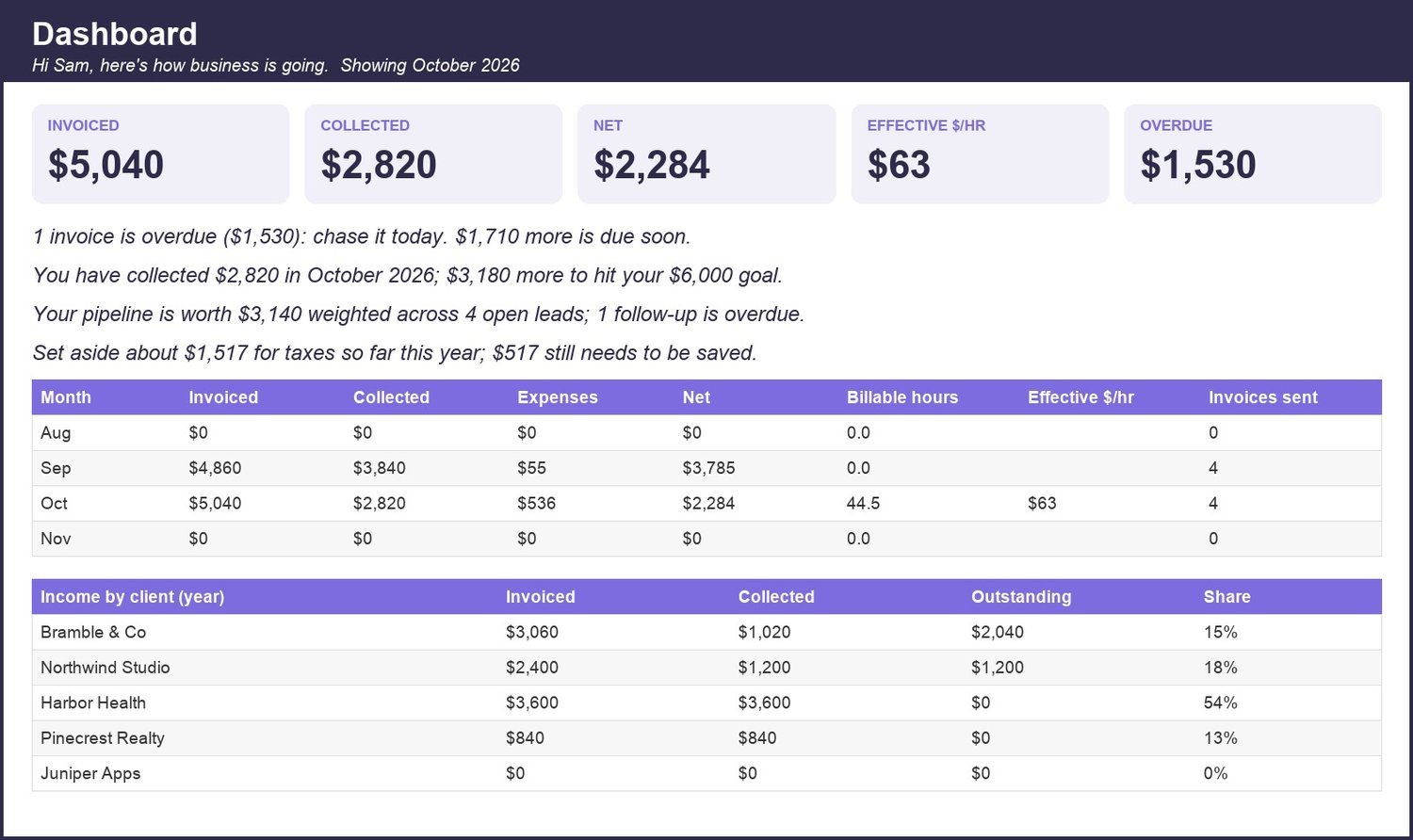
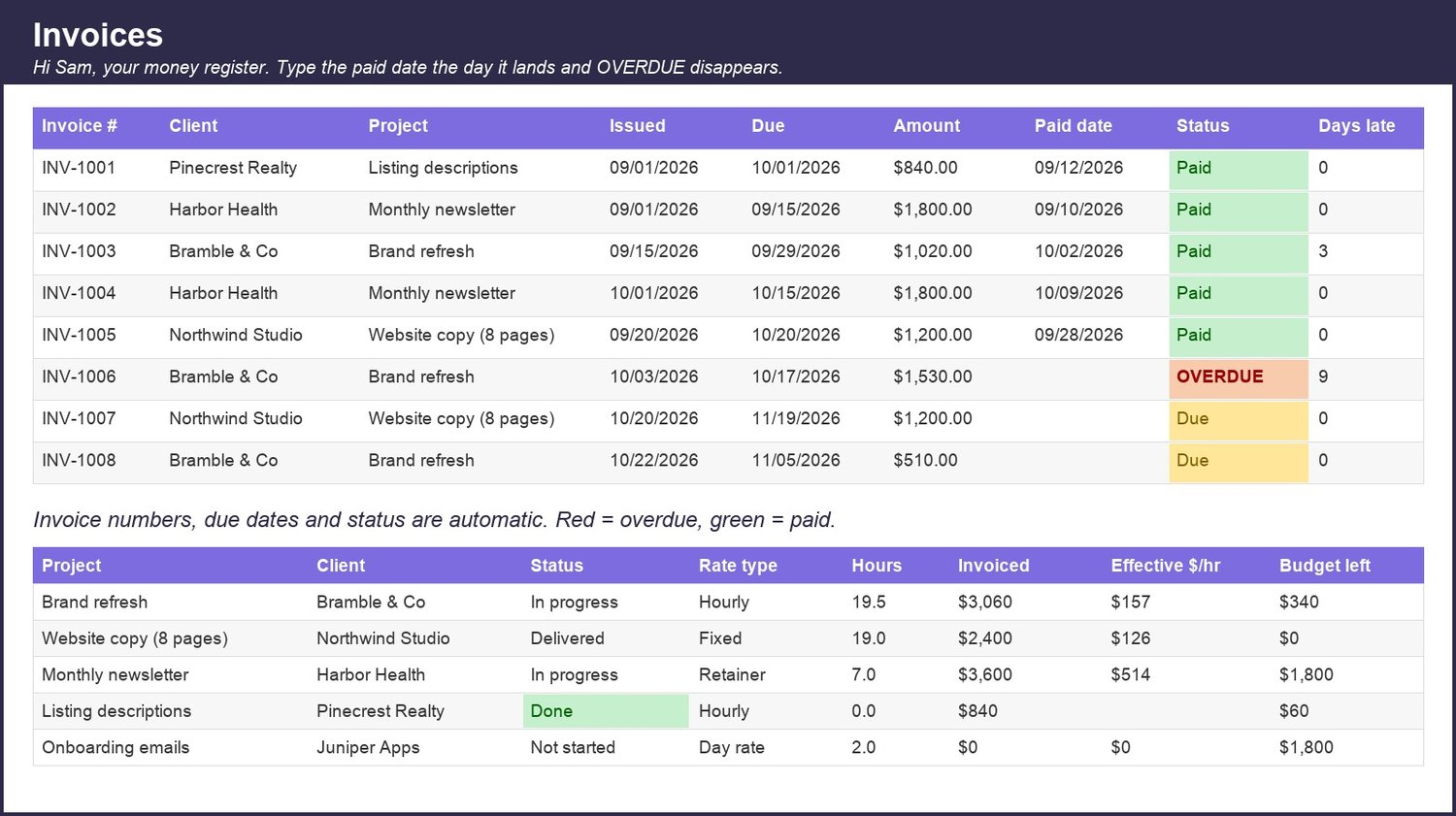
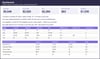
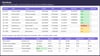
The Freelancer Invoice & Income Tracker clears it in about a minute a day. Add a row when you send an invoice; the number, due date and status (Paid / Due / OVERDUE in red) fill themselves, and the Dashboard greets you by name and says it plainly: "2 invoices are overdue ($2,730): chase them today." Log hours and the Projects tab shows your effective hourly per project. The Rate Calculator tells you the rate you actually need: "To take home $80,000 a year at 25 billable hours a week you need to charge about $100 an hour." Tax Set-Aside estimates each quarter with the real IRS due dates.
WHAT IS INSIDE (13 tabs, Excel + Google Sheets)- Welcome: type your first name once and every tab says hello; 5-step setup and FAQ- Dashboard: this month and year to date (invoiced, collected, net, hours, effective hourly), outstanding and overdue, pipeline, status lines, 12-month trend, income by client- Clients: contacts, rate, terms; invoiced, collected and outstanding per client, automatic- Projects: status, rate type, budget, hours logged, invoiced, effective hourly, budget left (red when over)- Invoices: 600 rows, auto numbering, client and project dropdowns, due date from each client's terms, Paid / Due / OVERDUE, days late- Time Log: hours per project with a billable flag- Expenses: category dropdown and deductible flag- Pipeline: leads with stage, value, probability, weighted value and a FOLLOW UP flag- Tax Set-Aside: quarterly profit, set-aside %, already saved, still to save, due dates- Rate Calculator: the rate you need, your actual effective rate, and a what-if grid by rate and hours- My Why & Goals: progress bars that fill as you log- Monthly Review: pick a month, get the numbers, answer three prompts- Settings: year, invoice start number, default terms, tax %, goals, every dropdown list
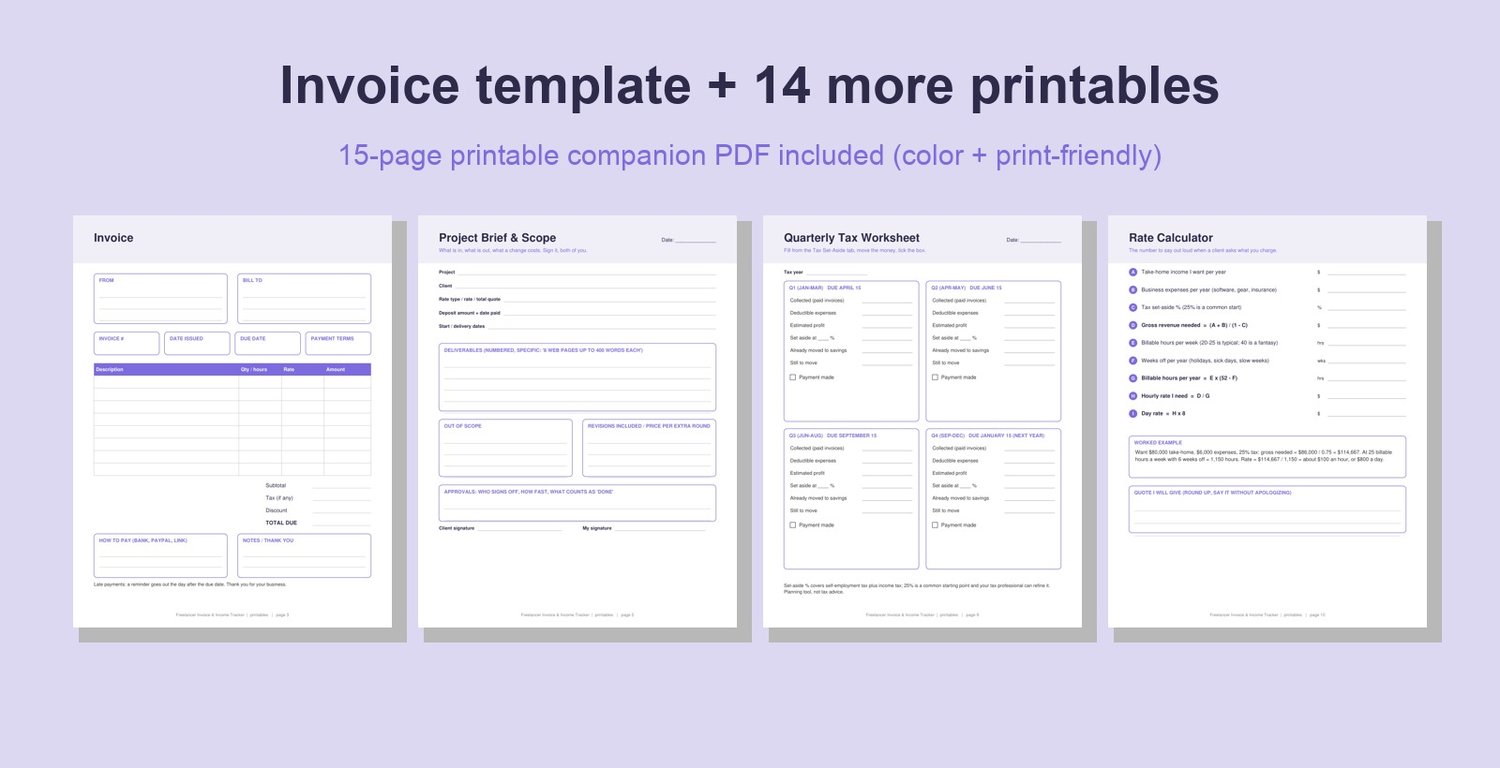
PLUS A 15-PAGE PRINTABLE PDF (color + print-friendly versions)How to use, Invoice Template, Client Intake Sheet, Project Brief & Scope, Weekly Time Sheet, Monthly Income Log, Expense Log, Quarterly Tax Worksheet, Rate Calculator, Pipeline Tracker, Late-Payment Scripts (friendly / firm / final), Monthly Review, My Why & Goals, Tax-Time Checklist.
WORKS WITH- Microsoft Excel (desktop or free Excel online)- Google Sheets (upload to Drive, then Open with Google Sheets)- Your phone, through the free Google Sheets app
GOOD TO KNOW- Realistic sample clients, projects and invoices marked "delete me" so you can see it working, then clear them- Formulas only (SUMIFS, COUNTIFS, INDEX/MATCH); nothing to install, no macros- Instant digital download; nothing is shipped- Planning tool, not tax or legal advice- All sales are final on digital files, but reply to your receipt and I will help with anything
The Q4 estimated tax payment is due January 15. Start logging this week and the number will be ready before the deadline. Download now, $3.99.
Made with AI assistance and checked by a human.