

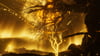
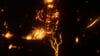
✨ Screenspace Shader — VRChat Screen Effects
Give your avatar a fully customizable screenspace effect with an easy drag-and-drop setup.
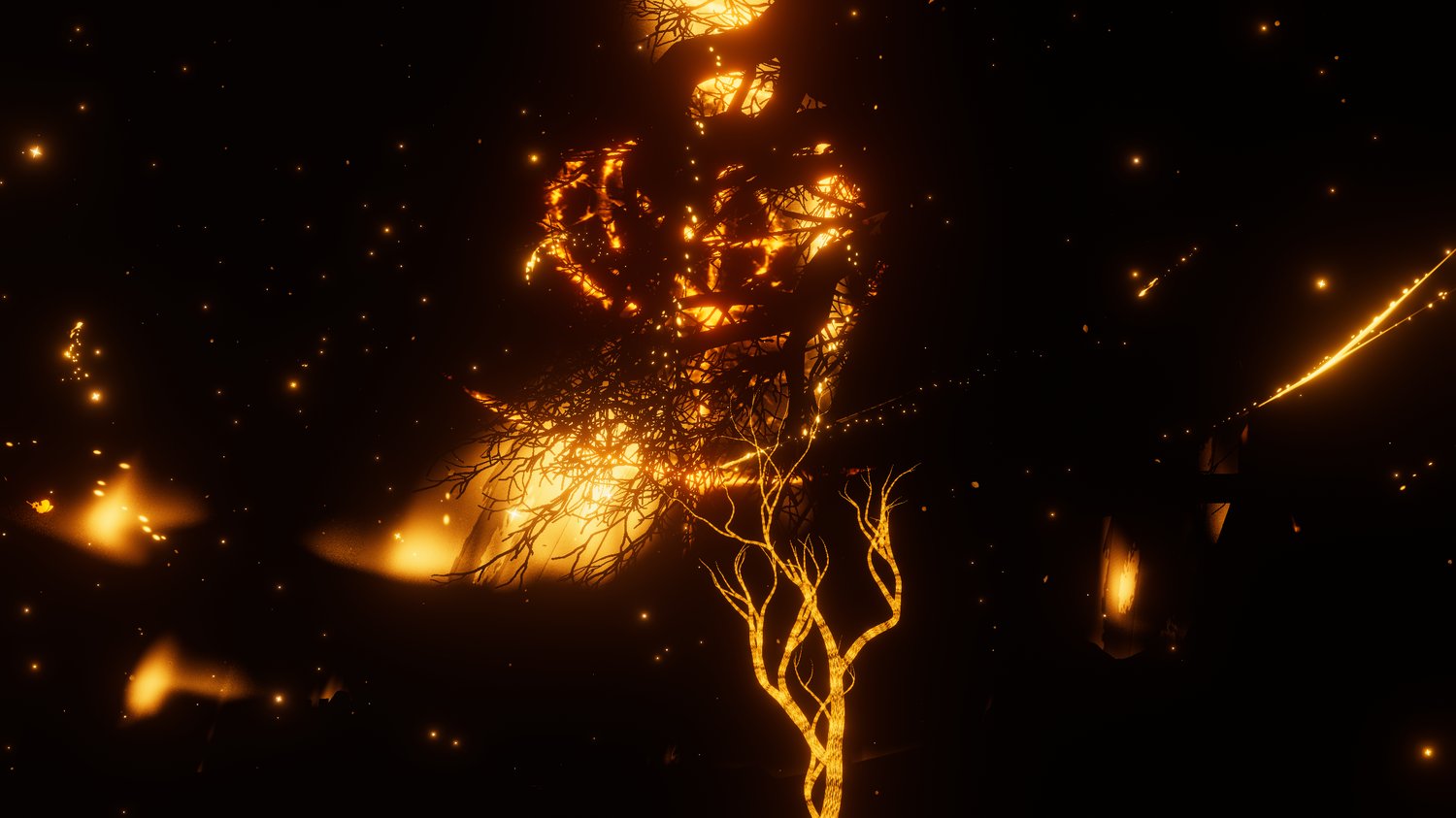
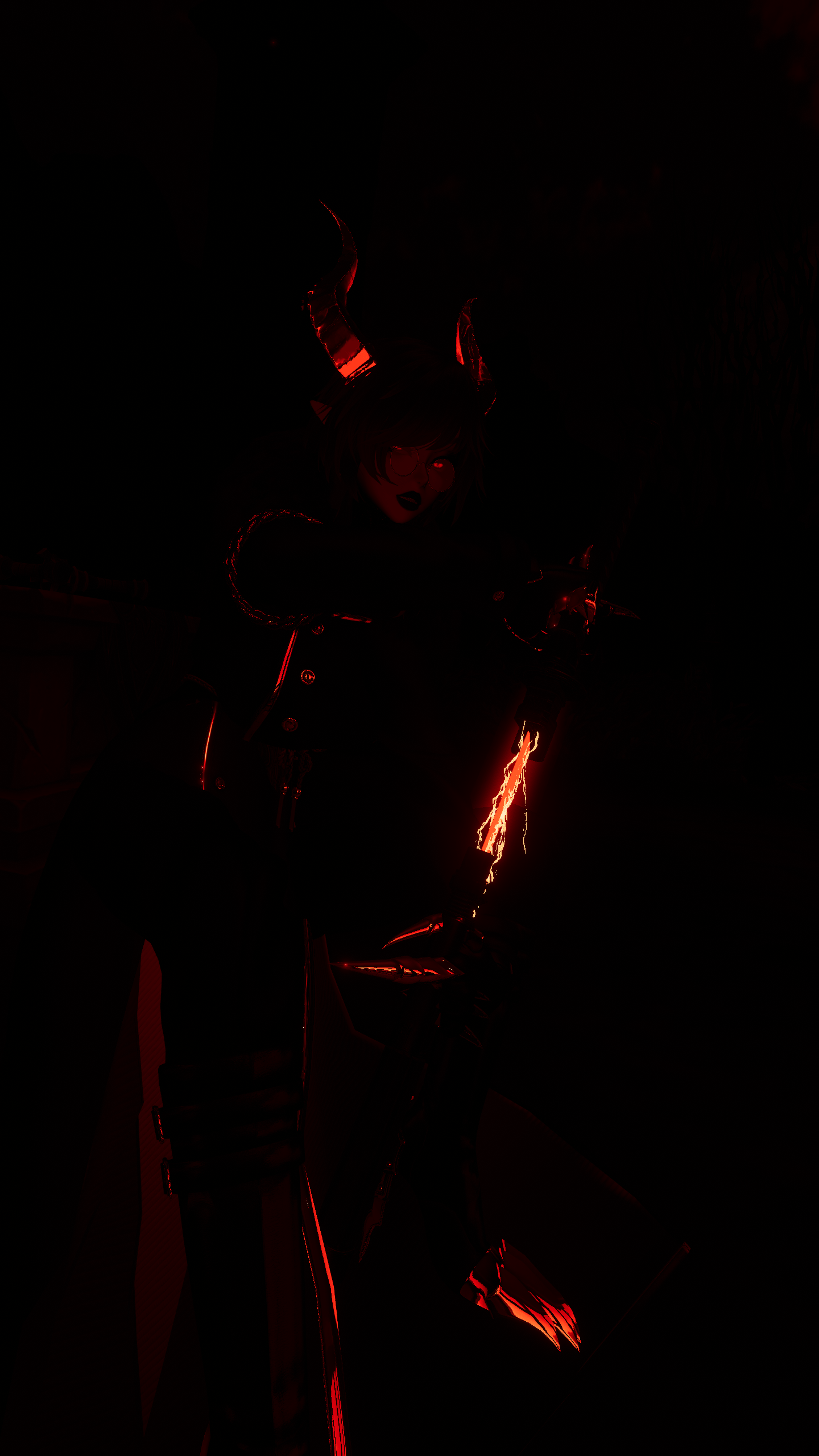
This shader lets you adjust your screen color, hue, burn effects, distortion, depth strength, and more directly from your VRChat avatar menu.
The package includes a ready-to-use prefab that installs the main feature menu automatically with VRCFury, so youcan test and control the shader without needing to manually build menus or animator layers.
✨ Features
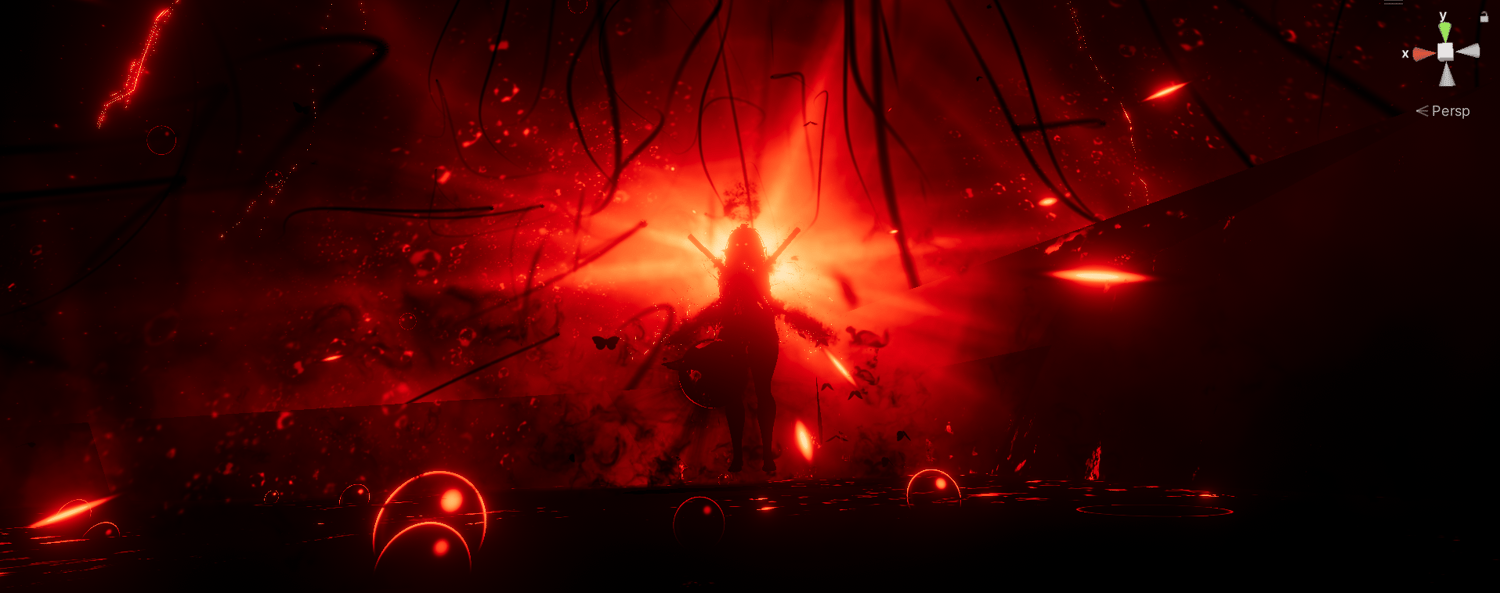
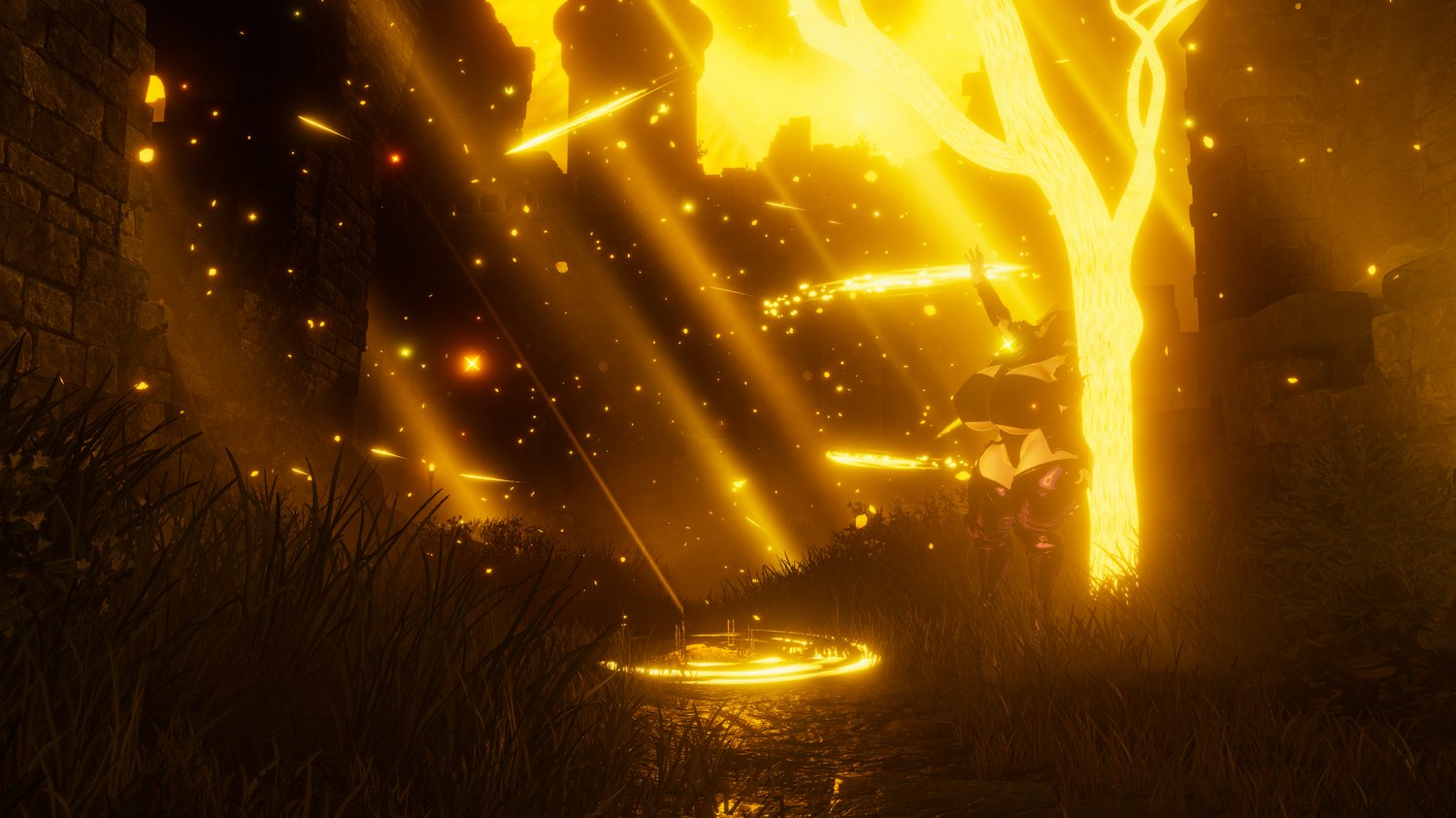
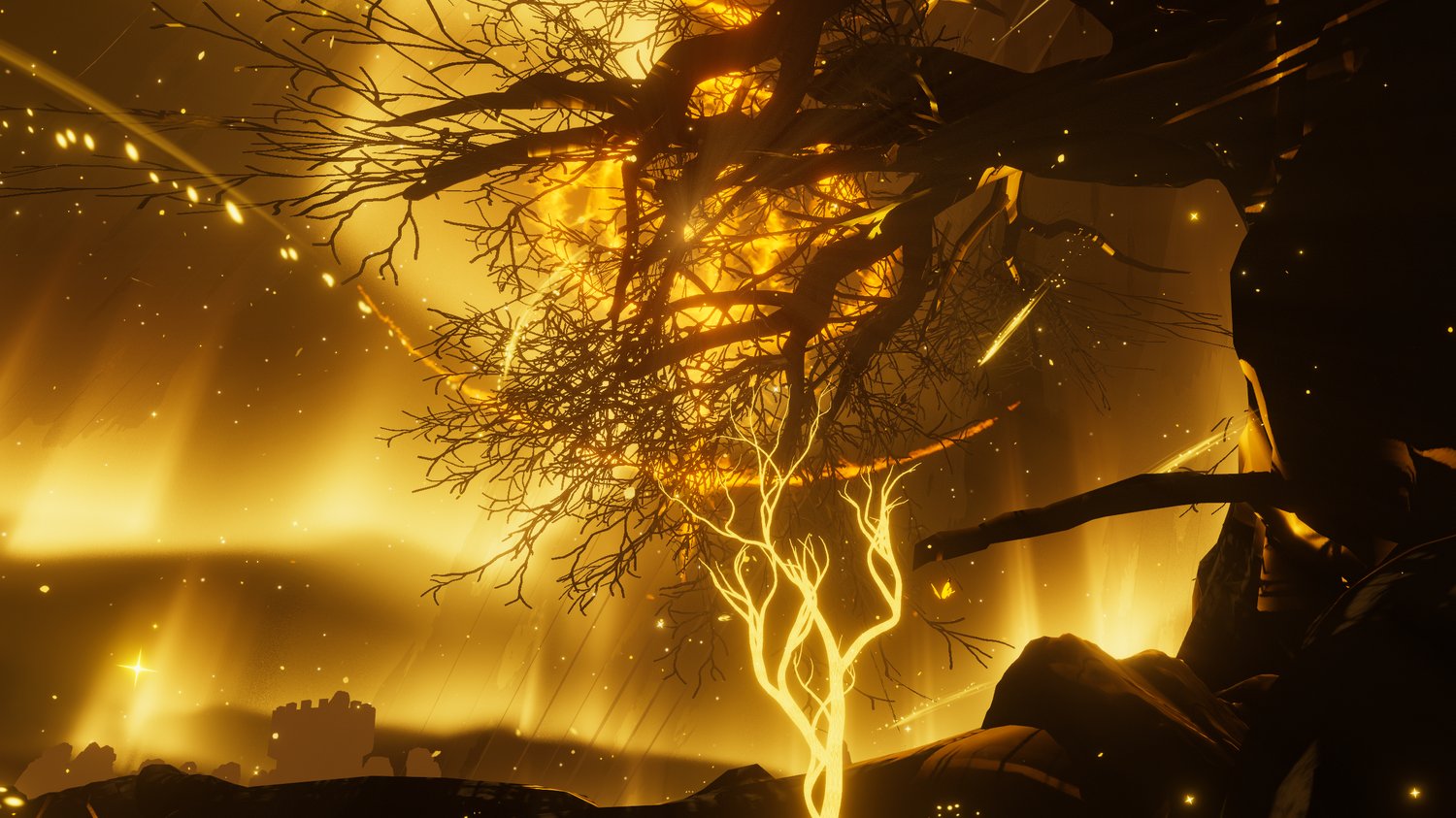
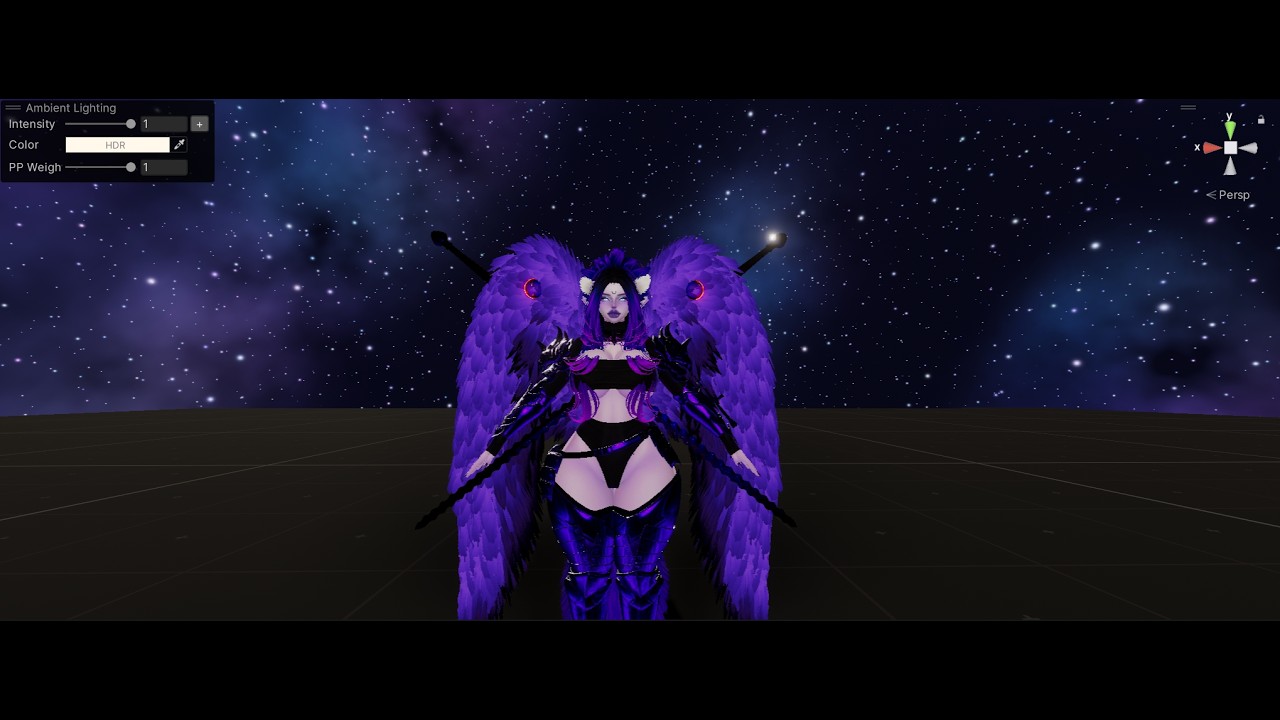
A lightweight screenspace shader to manipulate how you and/or the world look to take cool pictures and more ^^
All effects can be controlled via settings (or sliders in the included sample prefab) to affect your vicinity and/or distant objects. They also fade out completely at a certain distance from your avatar, so other players won't get their screen messed with if they are not close enough to you.
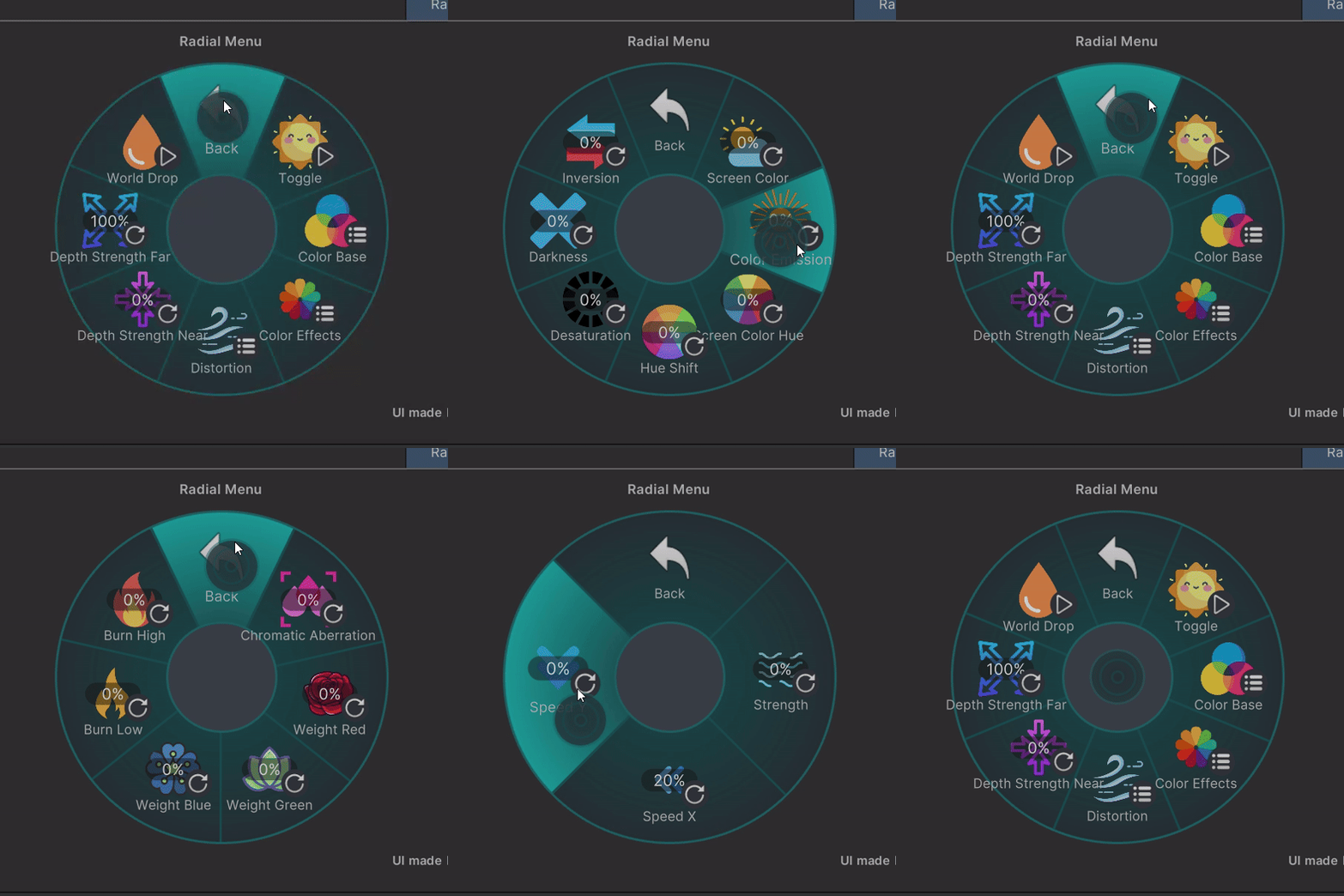
⚙️ Main Menu
The main menu gives quick access to the important controls:
- ☀️ Toggle the effect
- 🎨 Color Base submenu
- 🌈 Color Effects submenu
- 🌊 Distortion submenu
- 🔮 Depth Strength Near
- 🔭 Depth Strength Far
- 💧 World Drop effect toggle
🎨 Color Base Menu
Adjust the core screen color settings directly in-game:
- ☀️ Screen Color — control the base screen tint
- ✨ Color Emission — add glowing color intensity
- 🎨 Screen Color Hue — tint the screen color
- 🌈 Hue Shift — shift the full screen hue
- ⚫ Desaturation — reduce color saturation
- 🌑 Darkness — darken the screen
- 🔁 Inversion — invert the screen colors
🌈 Color Effects Menu
Add stronger stylized color effects:
- 💖 Chromatic Aberration
- ❤️ Weight Red - increase red colours in intensity
- 💚 Weight Green - increase green colours in intensity
- 💙 Weight Blue - increase blue colours in intensity
- 🔥 Burn Low - control how bright pixels need to be to be shown
- 🔥 Burn High - control how bright pixels need to be to be shown
These effects are great for magic, status effects, glitch visuals, corrupted vision, dreamlike overlays, or transformation-style avatar effects.
🌊 Distortion Menu
Control screenspace distortion movement and intensity:
- 🌊 Strength
- ↔️ Speed X
- ↕️ Speed Y
Use subtle values for a soft watery shimmer, or push it further for glitchy, unstable, or magical distortion. You can also use this to display screen-impact effects etc.
🚀 Easy Installation
Installing the shader prefab is very simple:
- Import the Unity package into your avatar project.
- Make sure VRCFury is installed in your project.
- Open the folder:
- Assets > _CyberLuna > _Screenspace Shader
- Drag and drop the included prefab onto your avatar.
- Upload your avatar and control the shader from the installed avatar menu.
That’s it — the prefab automatically installs the menu through VRCFury.
⚡ Lightweight & Avatar-Friendly
The shader was designed to be lightweight while still offering a lot of customization.
It is especially useful for avatar effects where you want a strong visual impact without needing complex setup.
📦 Requirements
- VRCFury installed to use the example prefab
- Depth Light use recommended if worlds don't have one (free one available on here)
🛡️ License
Personal use license only.
You may:
- Use this asset on your own personal VRChat avatars
You may not:
- Resell, redistribute, or reupload the asset files