

Morrow Recipe Book — Digital Recipe Organizer for iPhone, iPad, Android & Desktop
Keep a photo of the original recipe beside the version you actually cook. One download includes editions for iPhone, iPad, Android, Mac and Windows.
Full description
The handwritten card says “a little ginger.” After making it three times, you know exactly how much. Morrow Recipe Book gives you a place to keep both the original and your own kitchen notes.
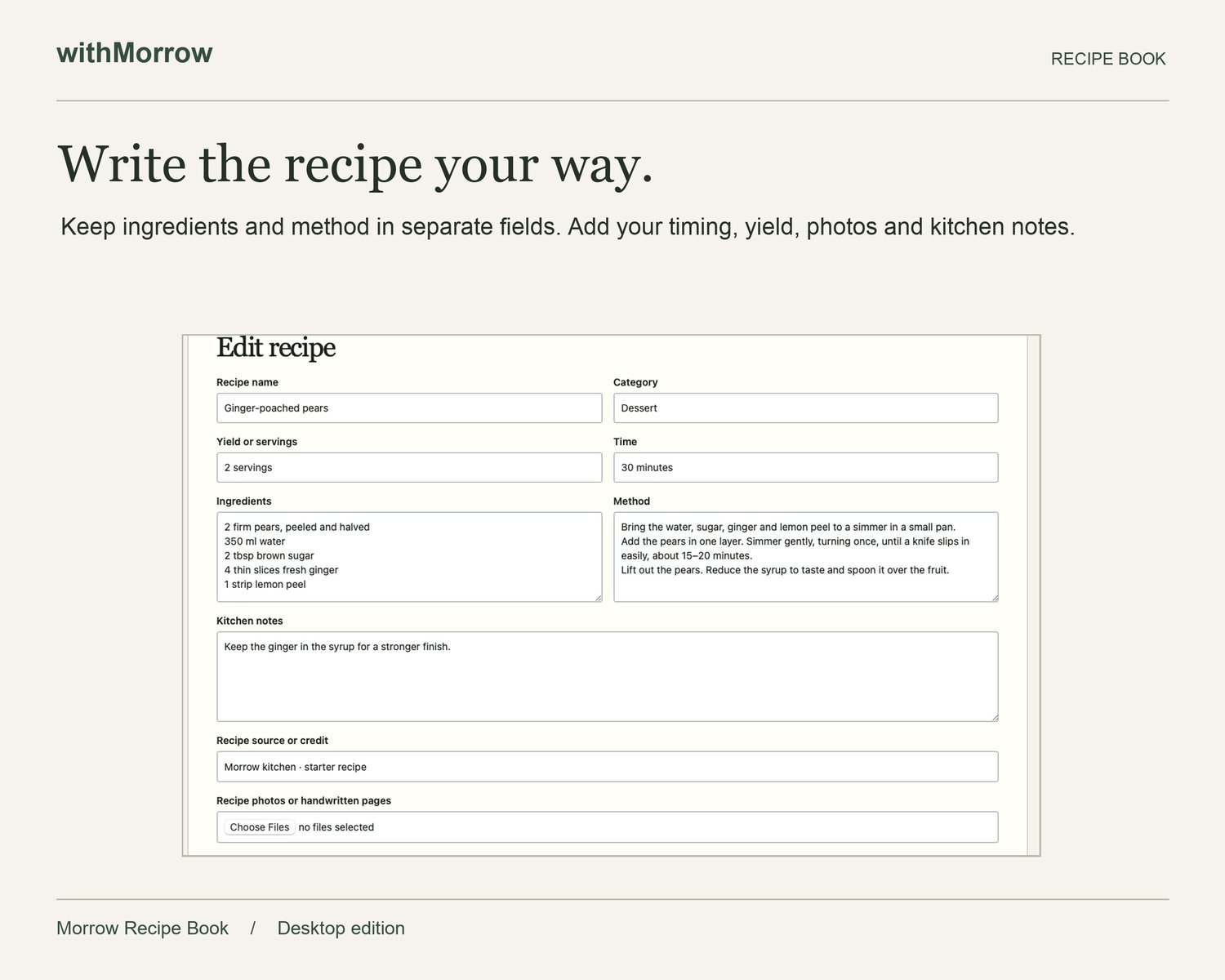
Save family recipe cards, type your ingredients and method, and organize dishes into categories that make sense to you. Keep a note of what you changed, who gave you the recipe, or what you want to try next time.
Choose the edition for your kitchen
- iPhone or iPad: Open the recipe book in Safari. Photograph handwritten pages or type a recipe, then add a category and your own notes. Have your Payhip purchase email and license key handy for activation.
- Android: Install the included app on a compatible Android 7 or later device. Photograph a handwritten recipe and turn it into an editable draft. Check the quantities against the original, then save both. The app works offline after installation.
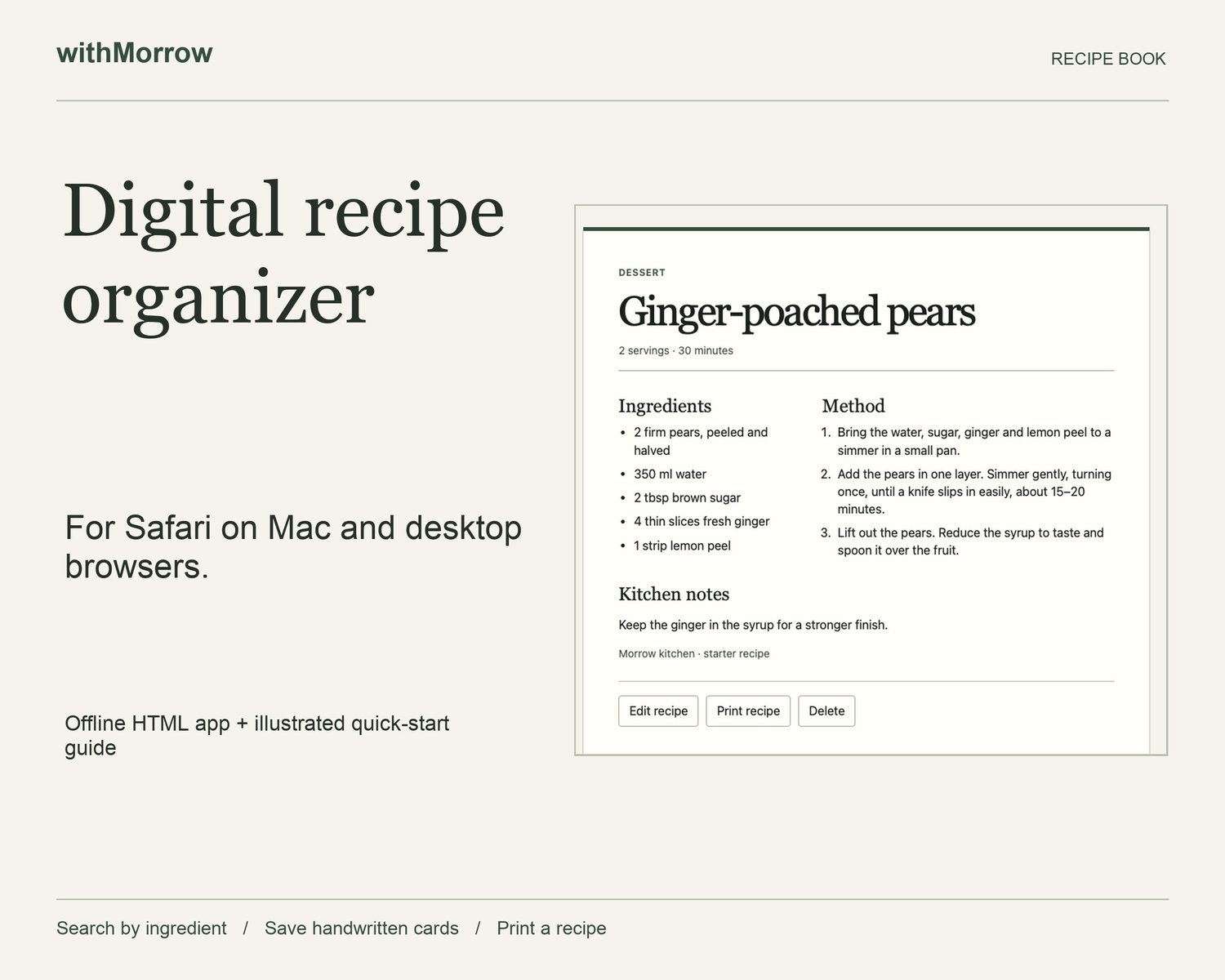
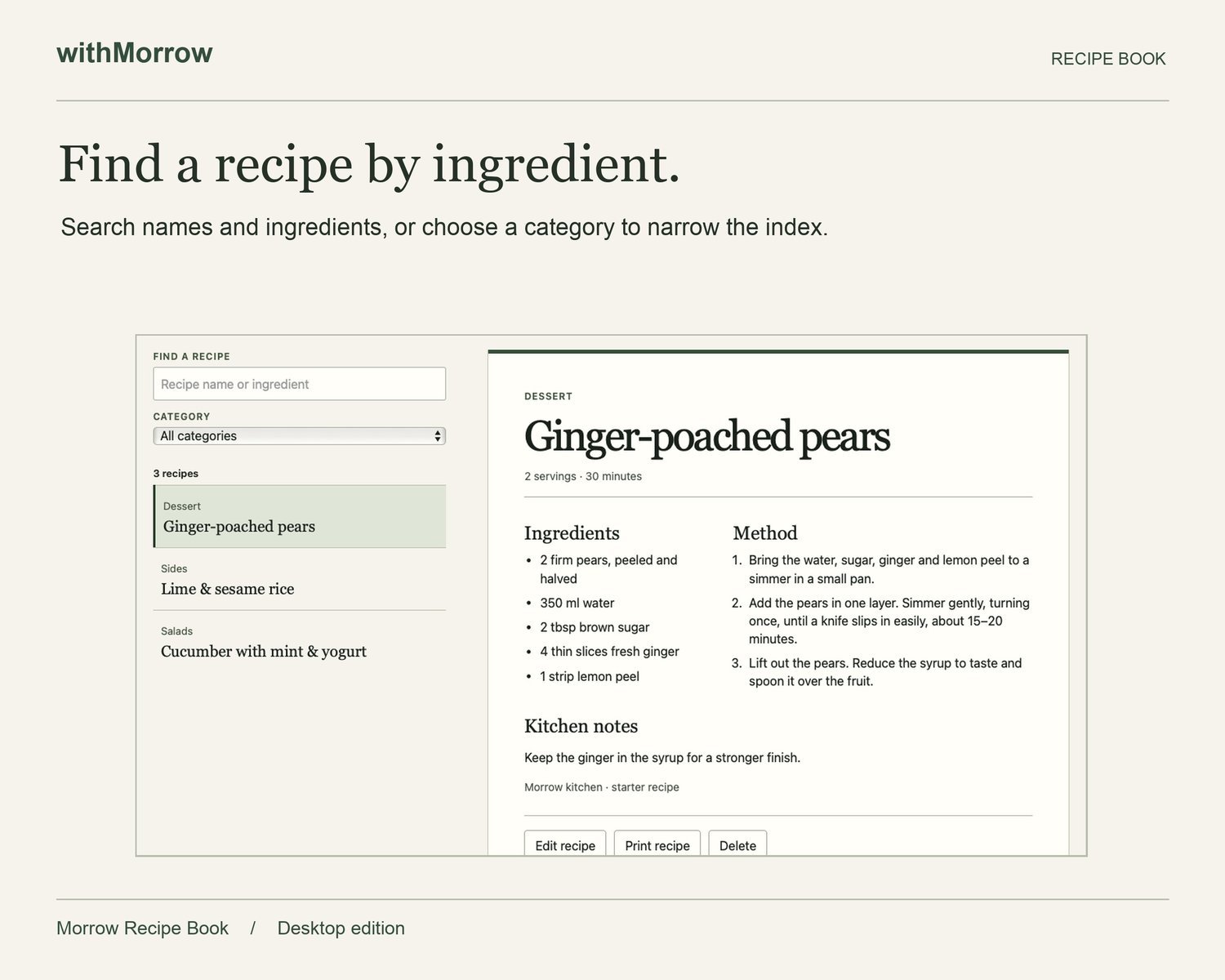
- Mac or Windows: Open the offline organizer in Safari on Mac or desktop Chrome. Search by dish or ingredient, attach recipe photos, and print a clean recipe page to keep on the counter. Three editable starter recipes are included in this edition.
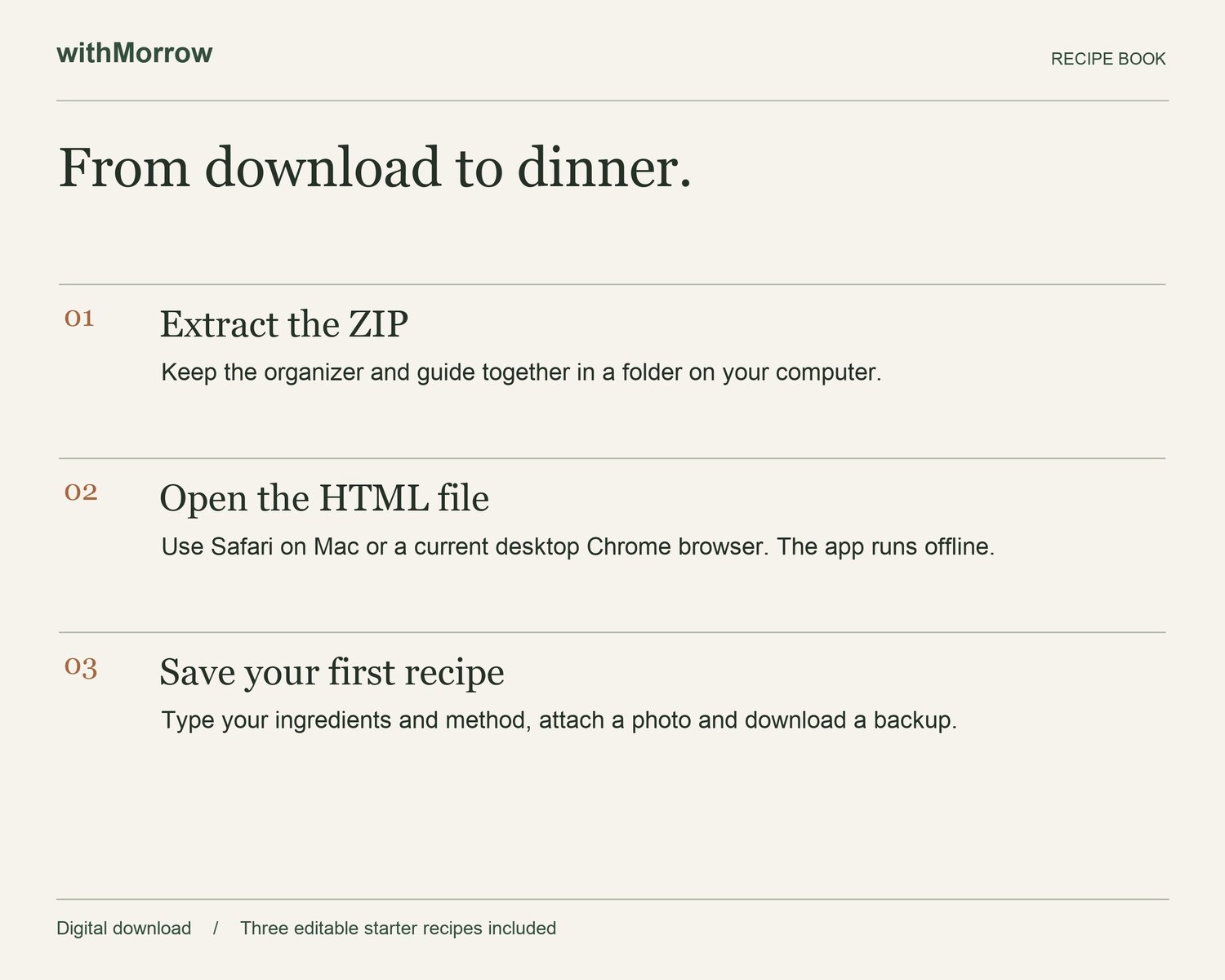
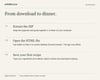
Your download includes all three editions and a Choose Your Device guide. Download the ZIP, extract it once, and open 00-Choose-Your-Device.pdf to get started.
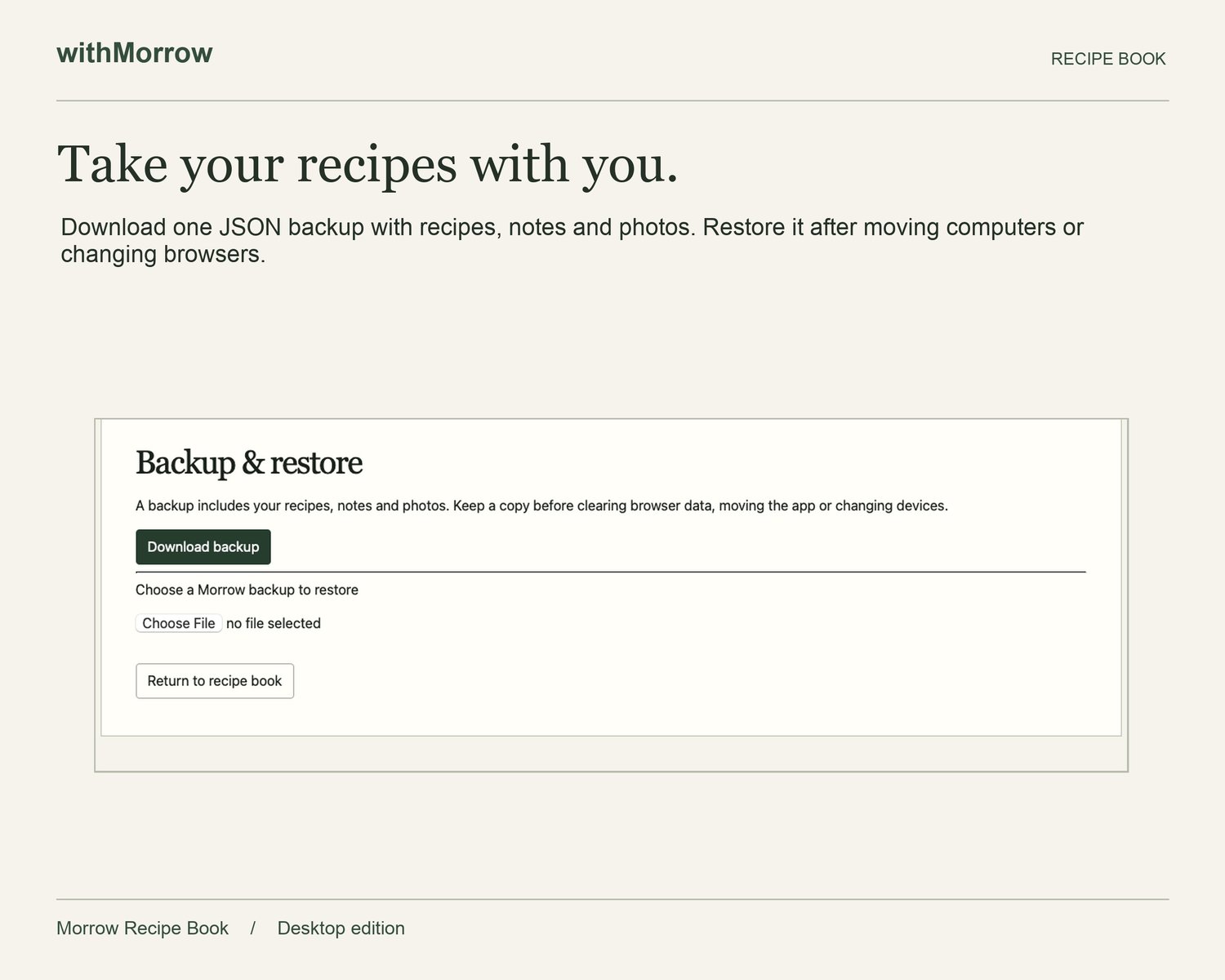
Each device keeps its own recipe collection. Use the backup feature to keep a separate copy of your recipes and photos. Collections do not sync automatically.
Created by Peter Tjahjadi Creatives for withMorrow. For personal household use.
Buyer note
Thank you for choosing Morrow Recipe Book. Open 00-Choose-Your-Device.pdf first. If you’re using an iPhone or iPad, keep your Payhip receipt nearby for activation. After saving your first few recipes, download a backup so you have a copy to keep.