
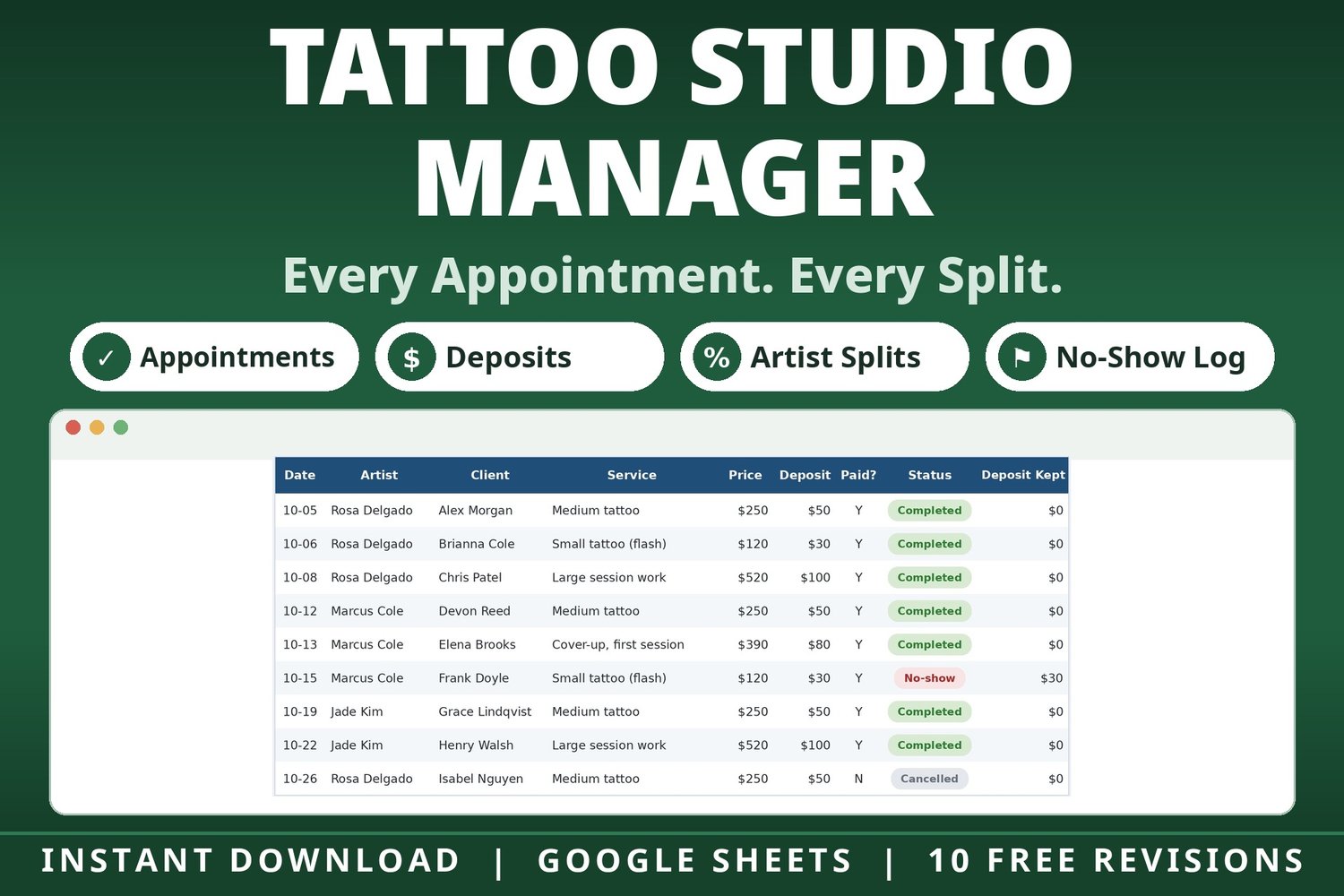



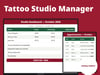
Tattoo Studio Manager Spreadsheet | Appointments, Deposits, Artist Splits, No-Shows and Monthly Profit - Google Sheets
Another no-show?
Every studio owner knows the two headaches: the client who never shows up (and the deposit that may or may not cover it), and the quiet question underneath the whole business — is each artist actually earning the shop more on commission, or on booth rent?
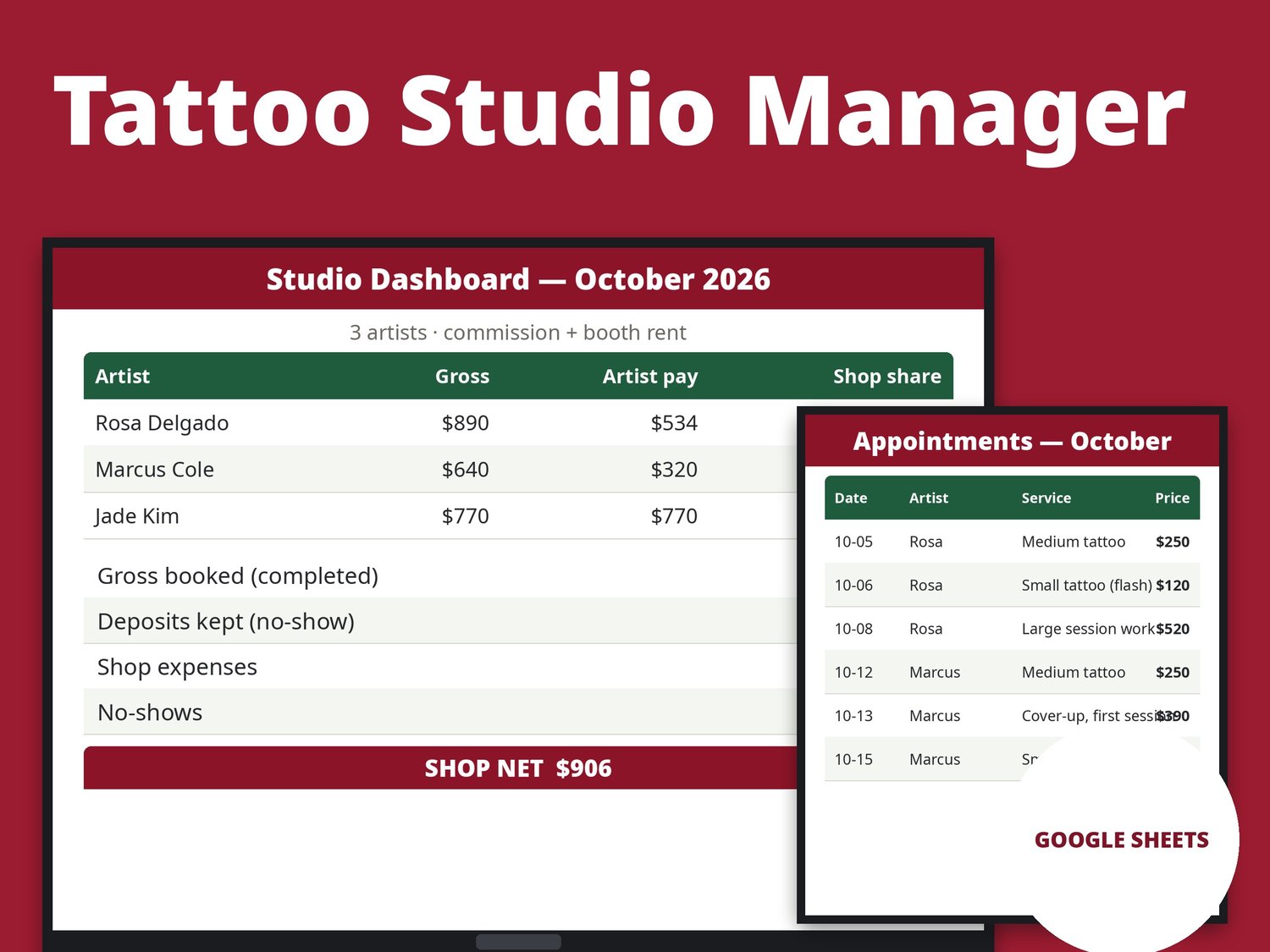
This spreadsheet handles both. Book the work, mark the status, and the sheet keeps score: deposits kept from no-shows, every artist's split worked out, and a monthly P&L that shows exactly what the shop kept.
Transparency note: this spreadsheet was designed with AI assistance, then hand-built and formula-tested by our shop.
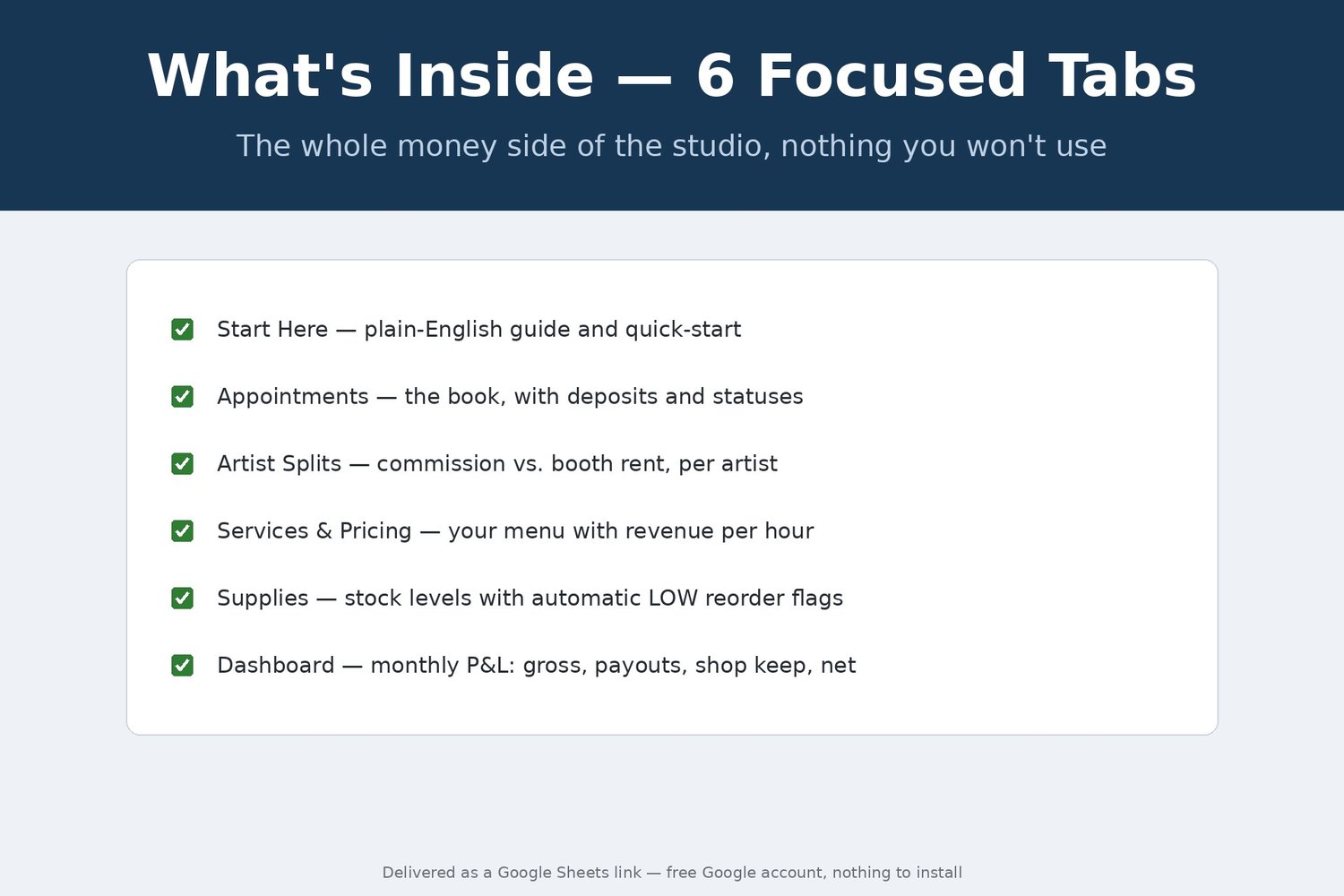
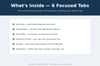
WHAT'S INSIDE — 6 focused tabs:
- Start Here — a plain-English guide, quick-start steps, and the exact rules the sheet follows
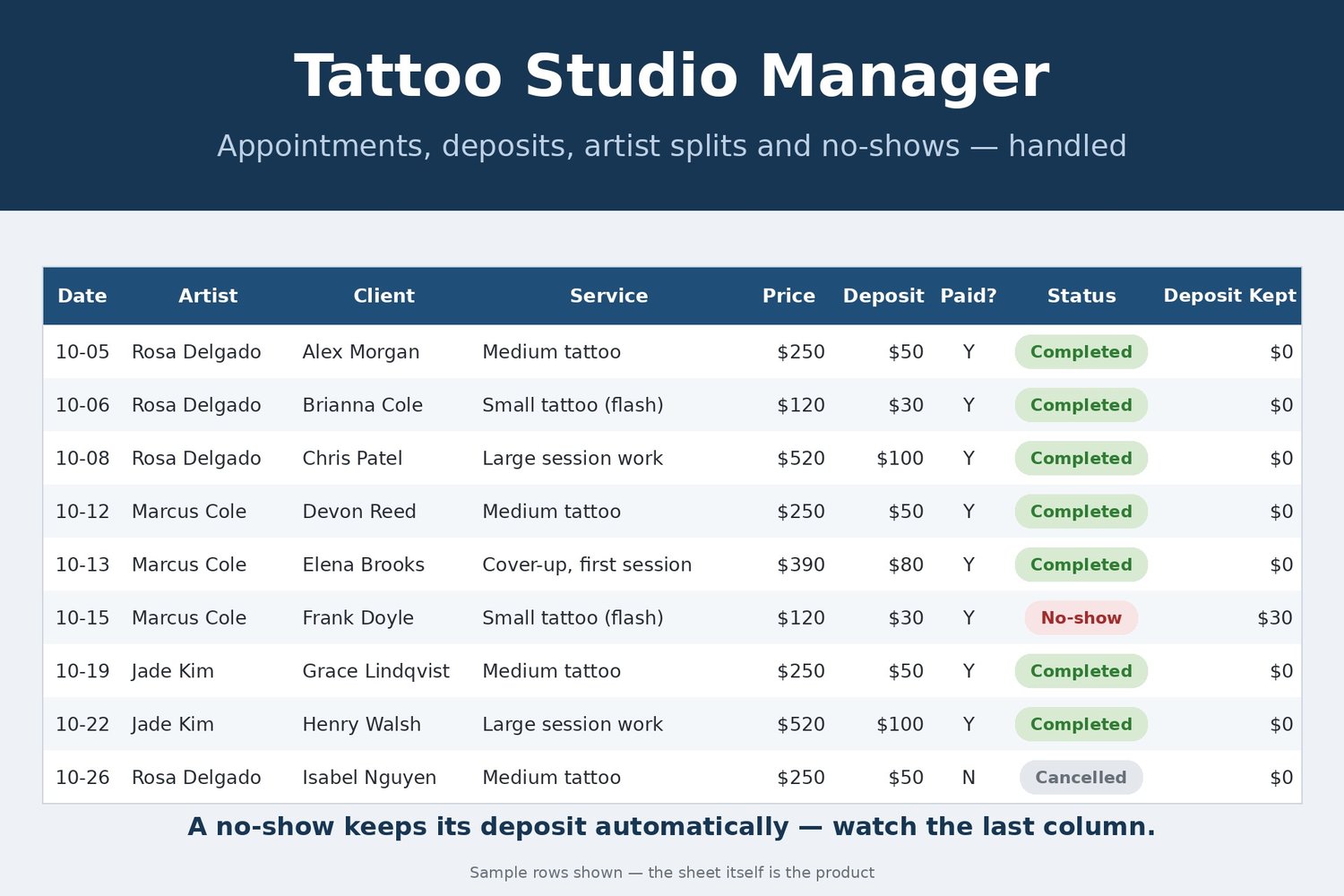
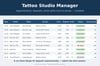
- Appointments — the book: date, artist, client, service, price, deposit, deposit paid, and status (Booked / Completed / No-show / Cancelled). Mark a No-show with a paid deposit and the Deposit Kept column fills itself in
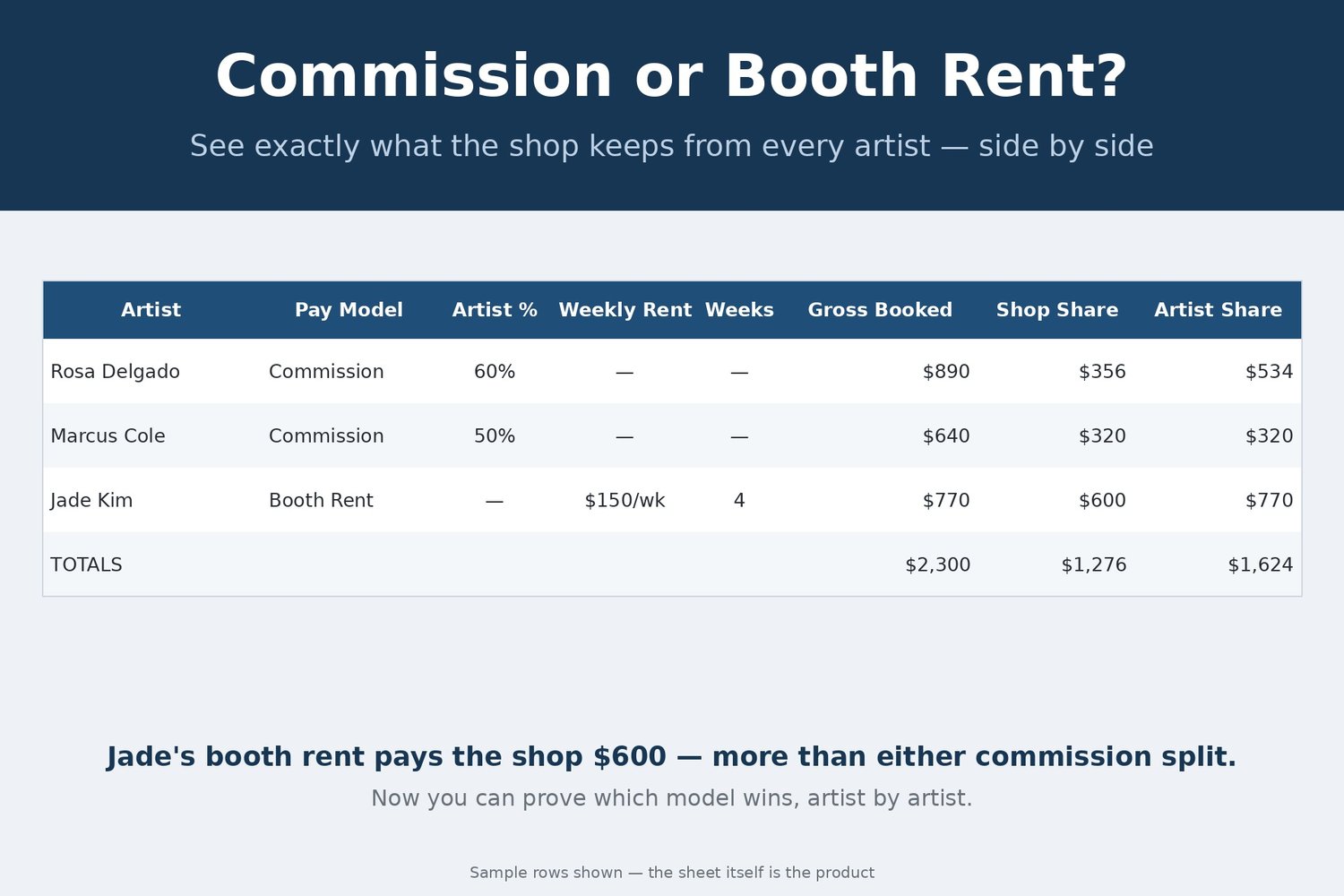
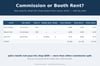
- Artist Splits — every artist side by side: Commission (you set the artist's %) or Booth Rent (weekly rent × weeks in the period). The sheet totals each artist's completed gross and shows what the shop keeps and what the artist takes — so you can prove which model pays you more, per artist
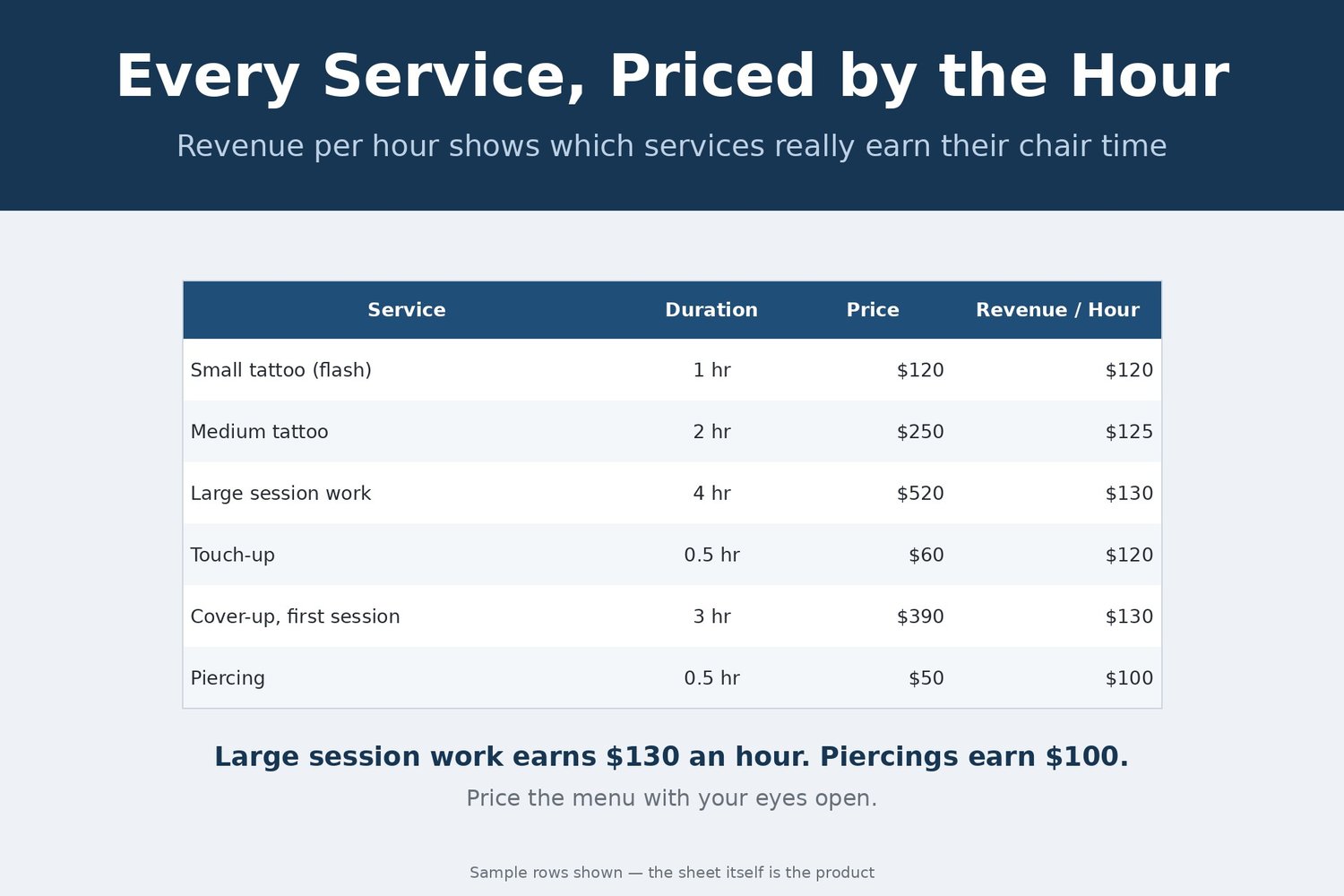
- Services & Pricing — your menu with duration and price; revenue per hour is calculated for every service, so you can see which services really earn their chair time
- Supplies — stock on hand with unit costs; a LOW - REORDER flag appears by itself when an item hits its reorder point
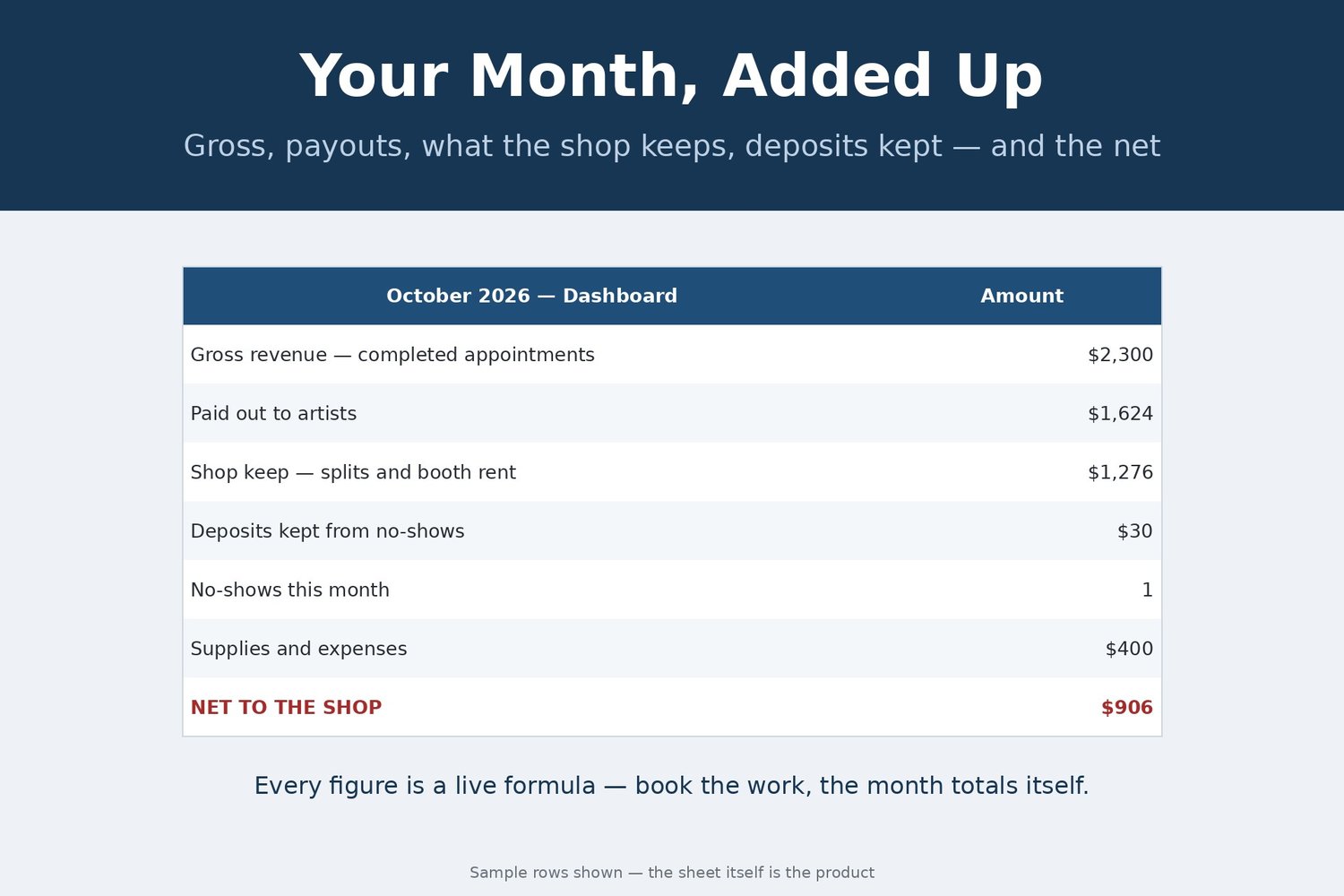
- Dashboard — the monthly P&L: gross revenue, artist payouts, shop keep, deposits kept from no-shows, no-show count, supplies and expenses, and the net
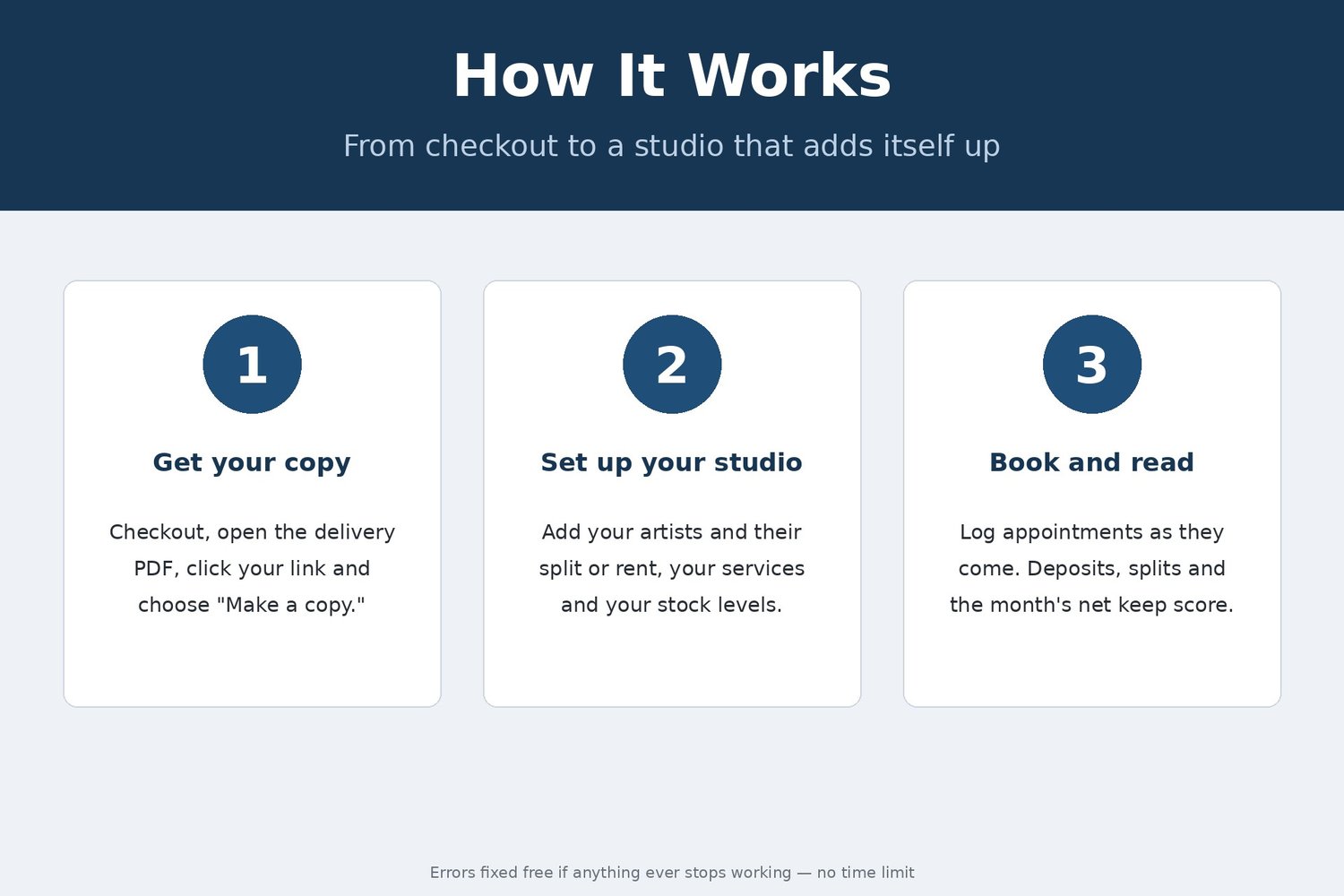
HOW IT WORKS
1. After checkout you get a PDF with your private link. Click it and choose "Make a copy" — the spreadsheet is yours.
2. Add your artists and their split or rent, your services, and your stock levels. Two minutes of setup.
3. Log appointments as they come and set the status as work happens. Deposits, splits, and the month's net keep score on their own.
THE RULES, IN PLAIN ENGLISH
Only Completed appointments count toward an artist's gross and the month's revenue — no-shows and cancellations never inflate your numbers. A no-show with a paid deposit counts the deposit as kept, automatically. Commission artists split their completed gross at the % you set; booth-rent artists keep their gross and pay the shop weekly rent times the weeks in the period (the sample month counts 4 weeks — change it to 5 for a five-week month).
WHY THIS ONE
It comes loaded with a full fictional sample month — three artists (two on commission, one on booth rent), nine appointments including a no-show and a cancellation — so you can watch every rule work before you replace the samples with your own studio.
FINISHED FILE — This listing is a digital item, delivered instantly as a file at checkout. The file is finished and ready to use — nothing is customized or personalized. If anything ever breaks or a formula misbehaves, message us and you will receive a corrected file free — forever, no time limit.
REQUIREMENTS: a free Google account. Your spreadsheet lives in Google Sheets — no Excel needed, and it works at the shop, at home, and on your phone.
This is a digital product — no physical item will be shipped, and all sales are final (we can't accept returns or cancellations on digital downloads). Your files are available instantly after checkout. But don't worry: if anything isn't working right, message us anytime and we'll fix it for you — no time limit.