
One Notion Workspace. Every Goal, Task & Habit — Finally Connected.
Stop managing 5 apps to run your life. Smart Life OS does it all — inside Notion.
Your tasks are in one app. Your habits are in another. Your goals are in a notebook you haven't opened since January.
Nothing connects. Nothing updates automatically. And at the end of every week, you can't honestly say whether you moved forward on anything that actually matters.
That's not a motivation problem. That's a system problem.
The cost of no system
Every day without a clear system is a day spent reacting instead of executing.
You write the same tasks twice. You forget which habits you committed to. Your goals stay at 0% because nothing in your workflow is actually pointing toward them.
The mental load of managing scattered tools is exhausting — and it's quietly killing your momentum.
Most people don't fail because they lack ambition. They fail because their tools work against each other instead of together.
There's a better way
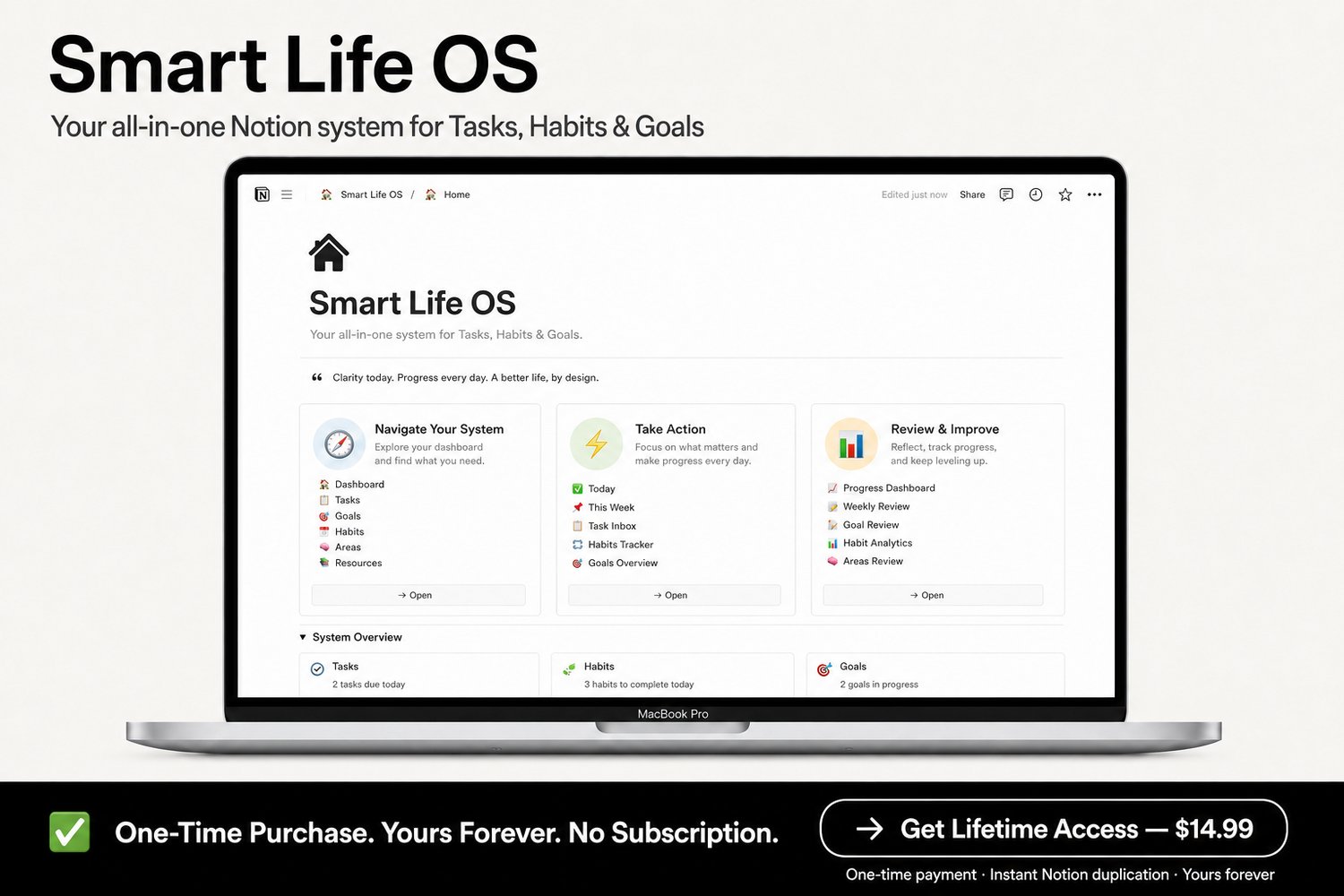
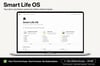
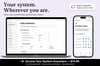
Smart Life OS is a complete Notion workspace that connects your tasks, habits, and goals into one intelligent system — so you always know what to do next, and you can see yourself making real progress.
No app-switching. No manual updates. No starting over every Monday.
One workspace. Three connected systems. Built to run your life.
📦 What's inside Smart Life OS
🧠 The Task System
Never stare at a 30-item list wondering where to start.
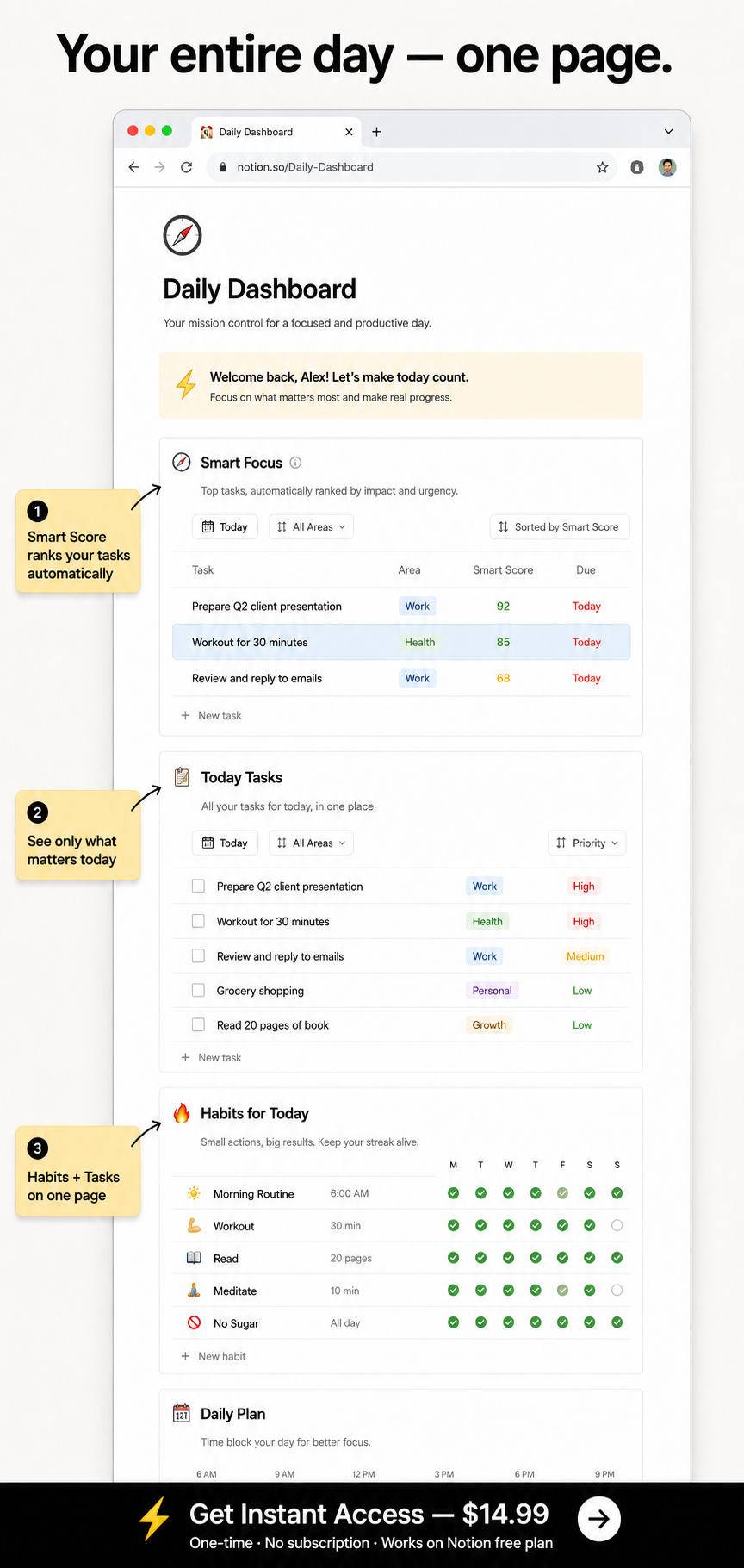
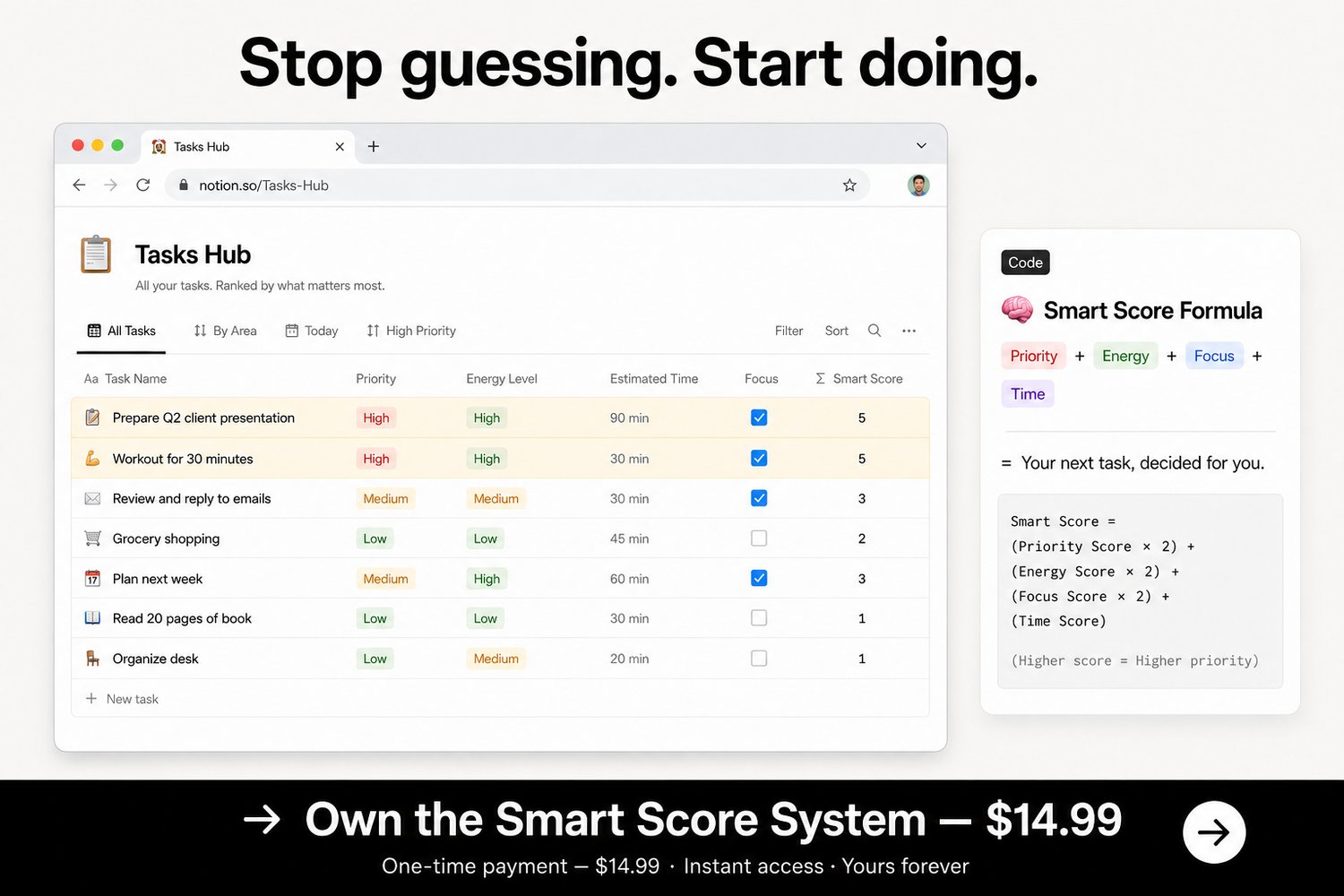
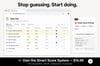
Every task has a Priority level, Energy Level, Estimated Time, Due Date, and a built-in **Smart Score formula** that automatically ranks your tasks — so your most important work rises to the top without you lifting a finger.
- Smart Focus view — your top tasks, ranked and ready
- Today Tasks view — only what's due today, nothing else
- Quick Wins view— short, low-energy tasks for when focus is hard
- This Week view— your full weekly plan in one place
- Recurring task support— Daily, Weekly, Monthly — set it once
🔥 The Habit Tracker
Consistency is what changes everything. This system makes consistency easy.
Log your daily and weekly habits with a single click. Watch your streak grow. The Don't Break the Chain view makes your momentum visible — which makes quitting feel much harder.
- Habit Type tracking — Health, Learning, Productivity, Personal
- Habit Level system — Beginner → Intermediate → Advanced
- Streak + Score tracking — see your consistency at a glance
- This Week Progress view — spot patterns before they become problems
- Habits by Type view — understand where you're consistent and where you're not
🎯 The Goals Planner
Your goals don't fail because you dream too big. They fail because nothing in your day points toward them.
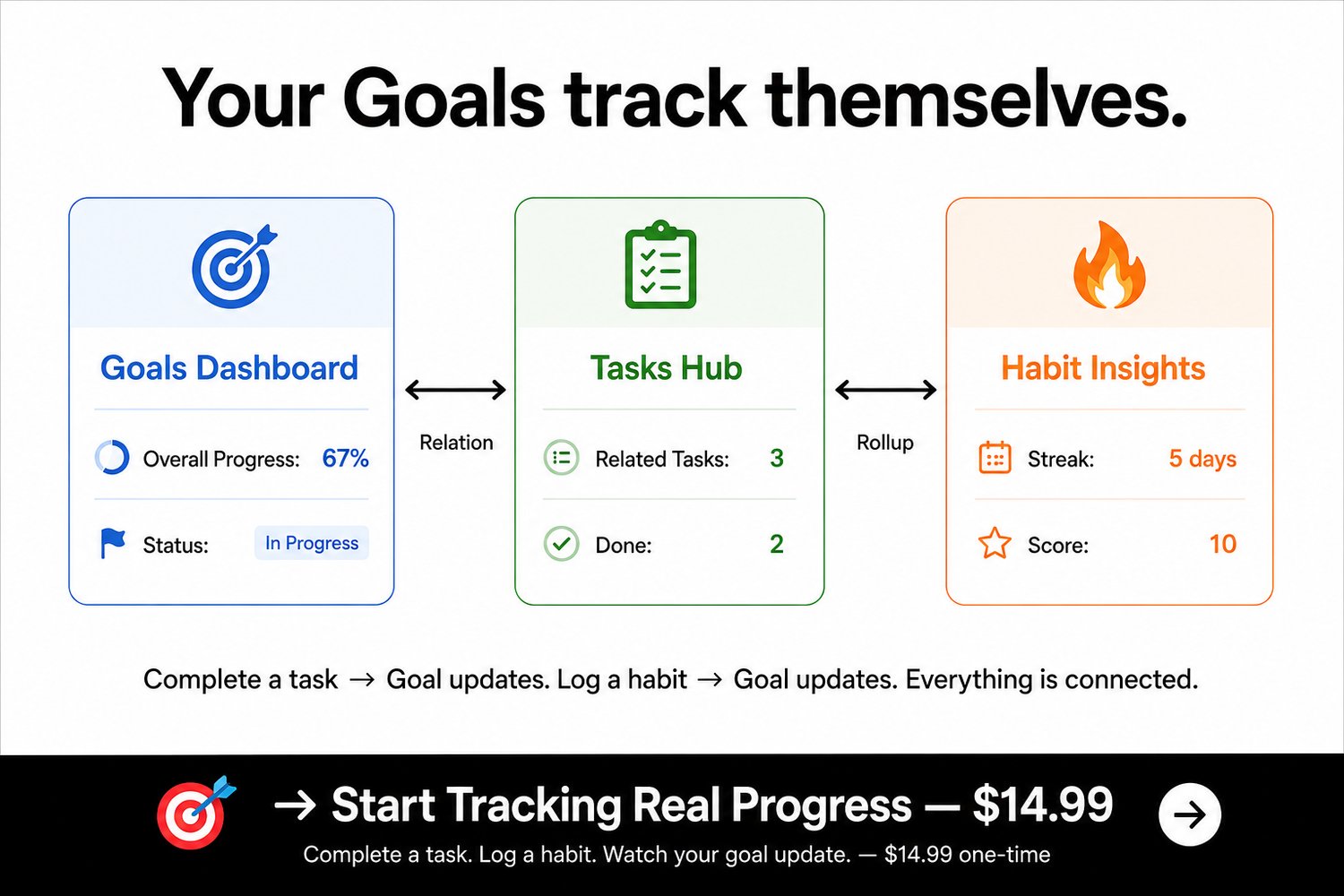
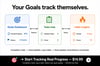
Smart Life OS connects every task and habit directly to your goals using Notion's relational database system. Complete a task → your goal updates. Log a habit → your goal updates. No manual tracking. No guessing.
- Active Goals view — focus only on what's in progress
- Completed Goals archive — see how far you've come
- Goals Timeline view — stay aware of every deadline
- Auto-calculated Overall Progress % — updated automatically, always accurate
- Structured Goal pages — Vision, Milestones, Action Plan, and Progress Notes built in
📊 The Analytics Dashboard
What gets measured gets improved. This dashboard does the measuring for you.
Every week and every month, your Progress Insights page gives you a clear picture of your output — tasks completed, habits maintained, goals advanced. No journaling required.
- Overview Quick Stats — your week at a glance
- Goals Progress view — completion rates across all goals
- Habits Performance view — consistency metrics over time
- Top Habits view — double down on what's working
- Tasks This Week view — measure your weekly execution
⚡ The Daily Dashboard
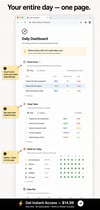
Your entire day — one page. No switching. No searching.
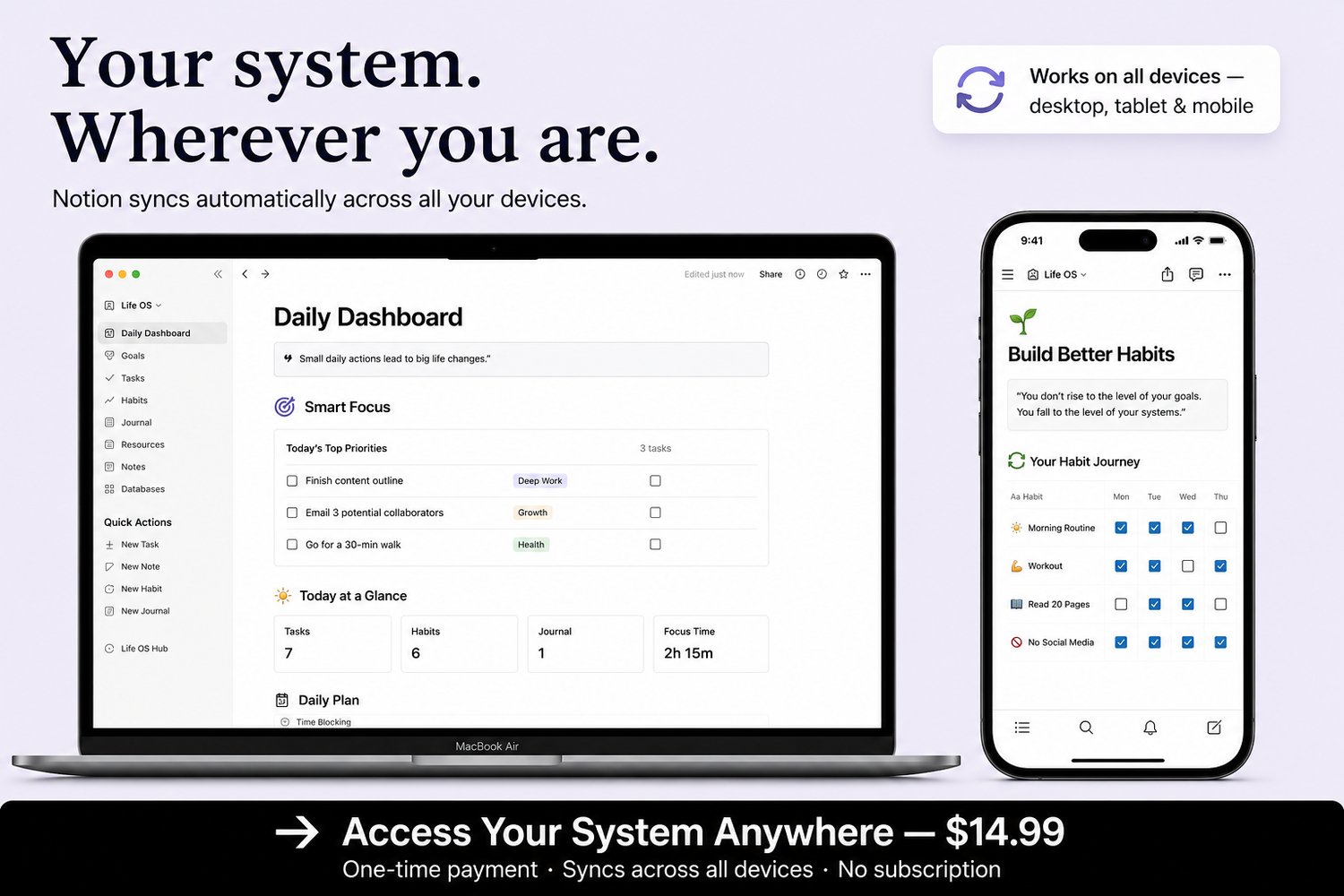
The Daily Dashboard pulls Smart Focus, Today Tasks, Quick Wins, Today's Habits, and Active Goals into a single scrollable view. Open it every morning. Know exactly what to do. Close it when you're done.
Seven filtered views. One page. Complete daily clarity.
💡 Why this is different
"I've downloaded Notion templates before and never used them."
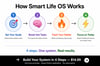
Most templates are beautiful and unusable. Smart Life OS is built around a 4-step Quick Start— you can have your first task, habit, and goal entered in under 10 minutes. The Start Here guide and full User Guide walk you through every step, so you never feel lost.
"I'm not advanced enough in Notion for something like this."
You don't build anything. You don't set up any formulas or databases. **Duplicate it once — everything is ready.** If you can type in Notion, you can use Smart Life OS. No technical skills required.
"I'll set it up and abandon it after two weeks."
The system is designed around your daily open — one dashboard, one view, one clear answer to "what should I do right now?" The simpler the daily ritual, the longer the streak. Smart Life OS is built to be opened, not admired.
🔒 Risk-Free Guarantee
You have nothing to lose — and a working system to gain.
Smart Life OS is a one-time purchase. No subscription. No recurring fees. Yours forever.
If for any reason it's not what you expected, contact me within 7 days for a full refund — no questions asked.
You get instant access the moment you purchase. One click to duplicate into your Notion workspace. Compatible with Notion's free plan — no paid Notion subscription required.
💰 One-time investment. Lifetime access.
$14.99 — yours forever.
No monthly fees. No upsells. No locked features.
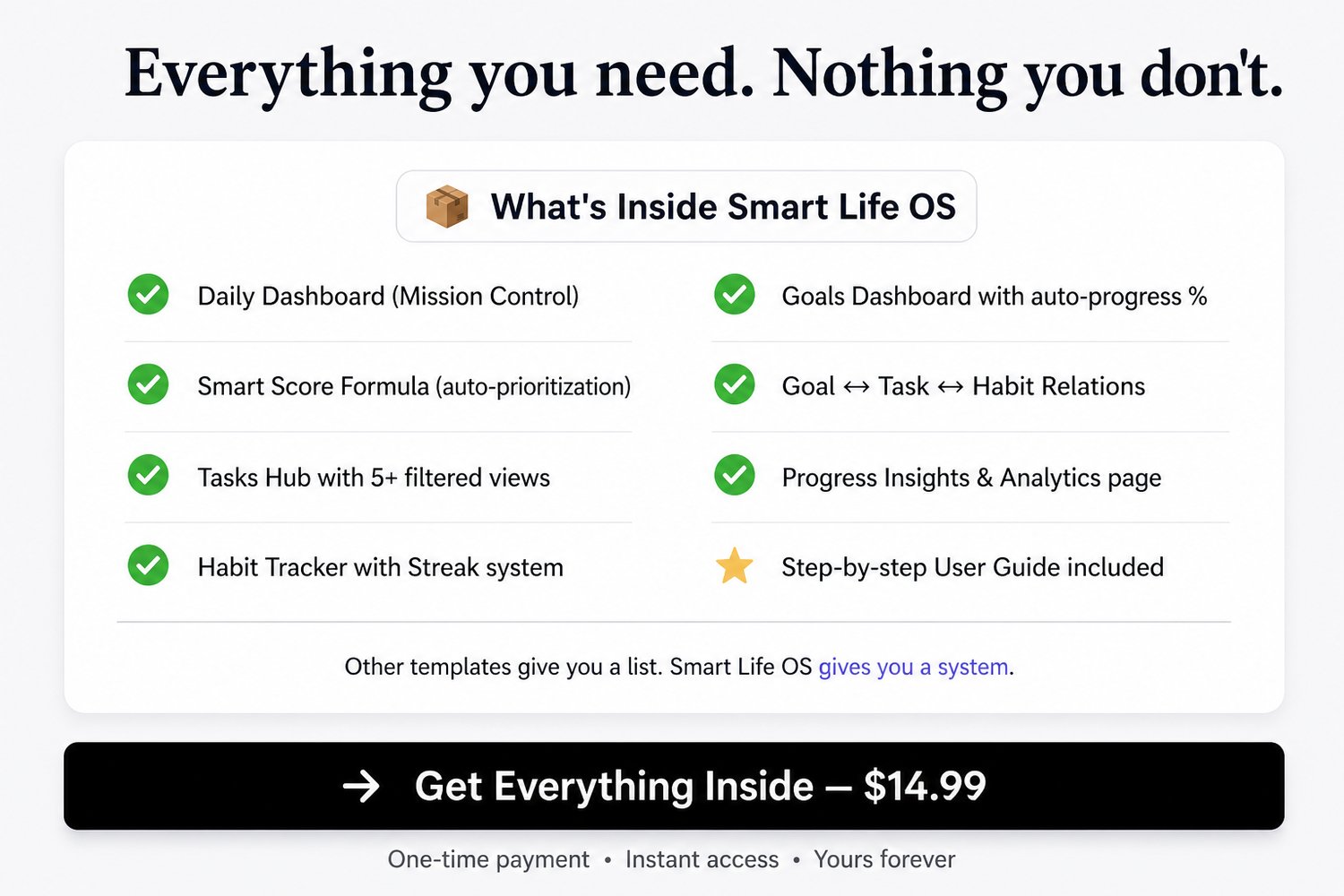
Everything described on this page — all three databases, all dashboards, the Smart Score formula, the Daily Dashboard, the Progress Insights page, the User Guide — is included in one purchase.
🔒 Instant delivery · One-time payment · 7-day money-back guarantee
👇 Ready to stop reacting and start executing?
Your tasks, habits, and goals have been waiting for a system that connects them.
This is that system.
🟢 [GET MY ORGANIZED LIFE — $14.99]
or
🟢 [START MY PRODUCTIVITY SYSTEM TODAY]
⚙️ Requirements & instant access
What you need:
- A free Notion account (no paid plan required)
- Basic familiarity with Notion (no advanced skills needed)
What happens after purchase:
1. You receive instant access to a PDF with your template link
2. Click the link — it opens directly in Notion
3. Hit **Duplicate** to add it to your workspace
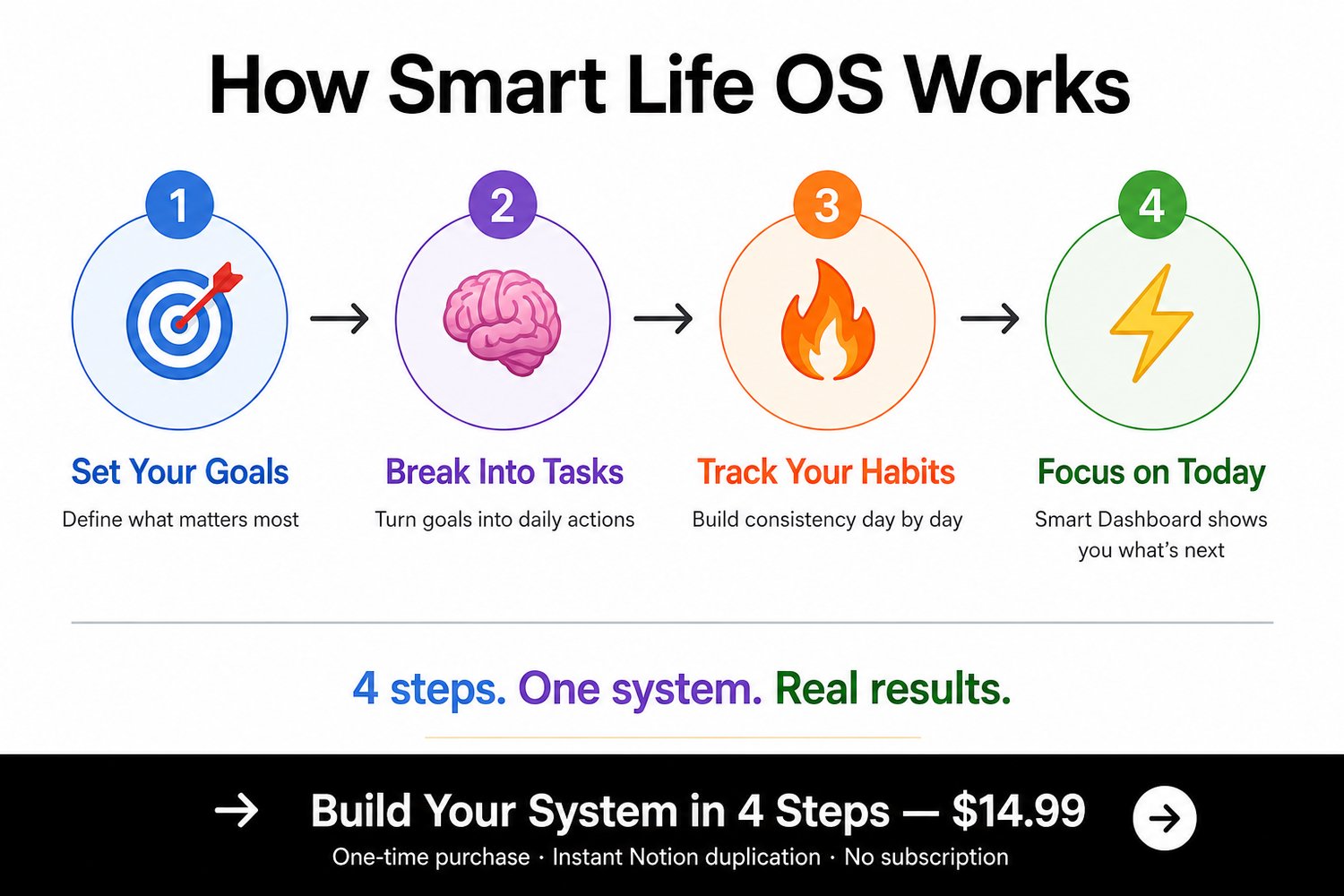
4. Open the **Start Here** page and follow the 4-step Quick Start
You'll be organized before the end of today.