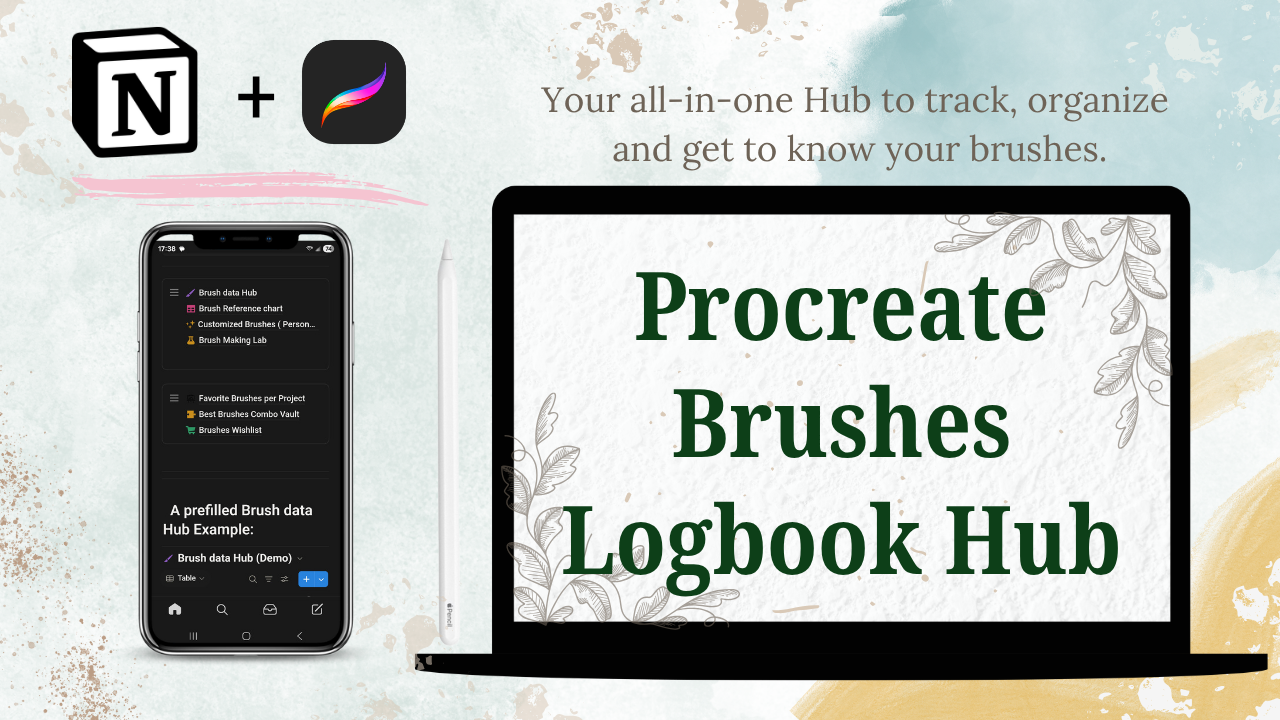


Procreate Brushes Logbook Hub Notion Template
🌟Tired of Forgetting Which Procreate Brush You Used?
Procreate brushes are AMAZING, but remembering which one you used is not so fun!
If you’re like me, your custom brush library keeps growing and growing. And with the new Procreate 5.4 update bringing 180 stunning brushes created by some of the best brush makers out there, it’s easy to lose track of your favorites.
You’re probably excited to try them all, see how they fit your style, and mix them with your go-to brushes. That’s exactly why I created the Procreate Brushes Logbook Hub.
💡 What Is the Procreate Brushes Logbook Hub?
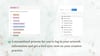
The Procreate Brushes Logbook Hub is a set of 7 pre-designed Notion templates that help you track, log, and test your Procreate brushes in an organized and easy way.
These templates work together to make your creative process smoother by:
- Keeping your portfolio organized and easy to update
- Taking away the pain of not knowing which brushes you used for each artwork
- Giving you a simple place to test, note, and rediscover your favorite brushes and combos
- allow you brainstorm, plan and design your own custom brushes to sell
🧭 What’s Included in the Hub?
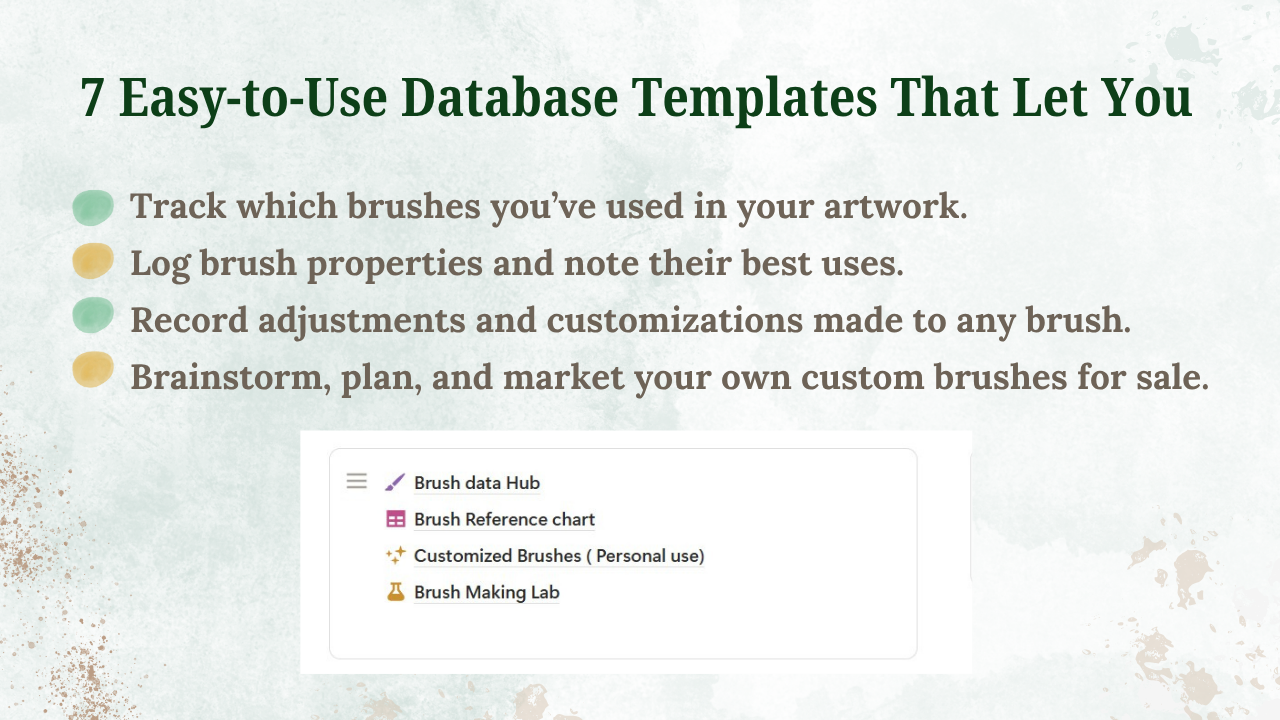
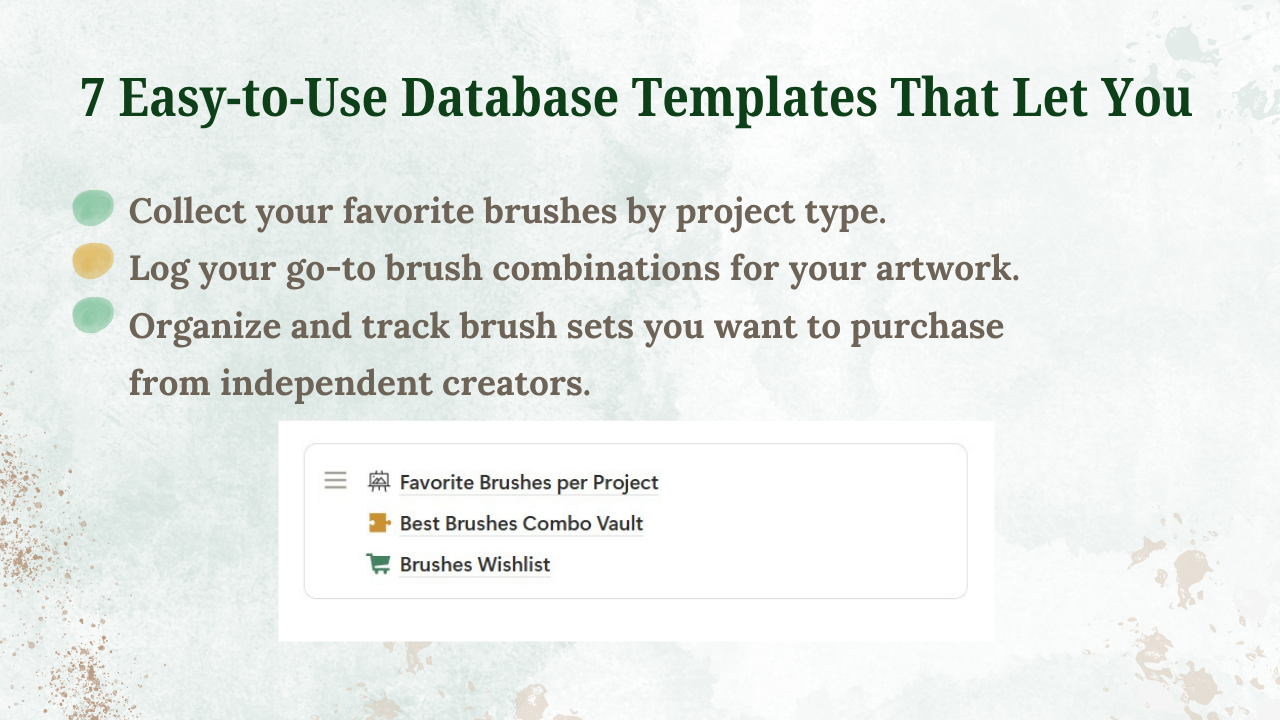
7 Easy-to-Use Notion Templates That Let You:
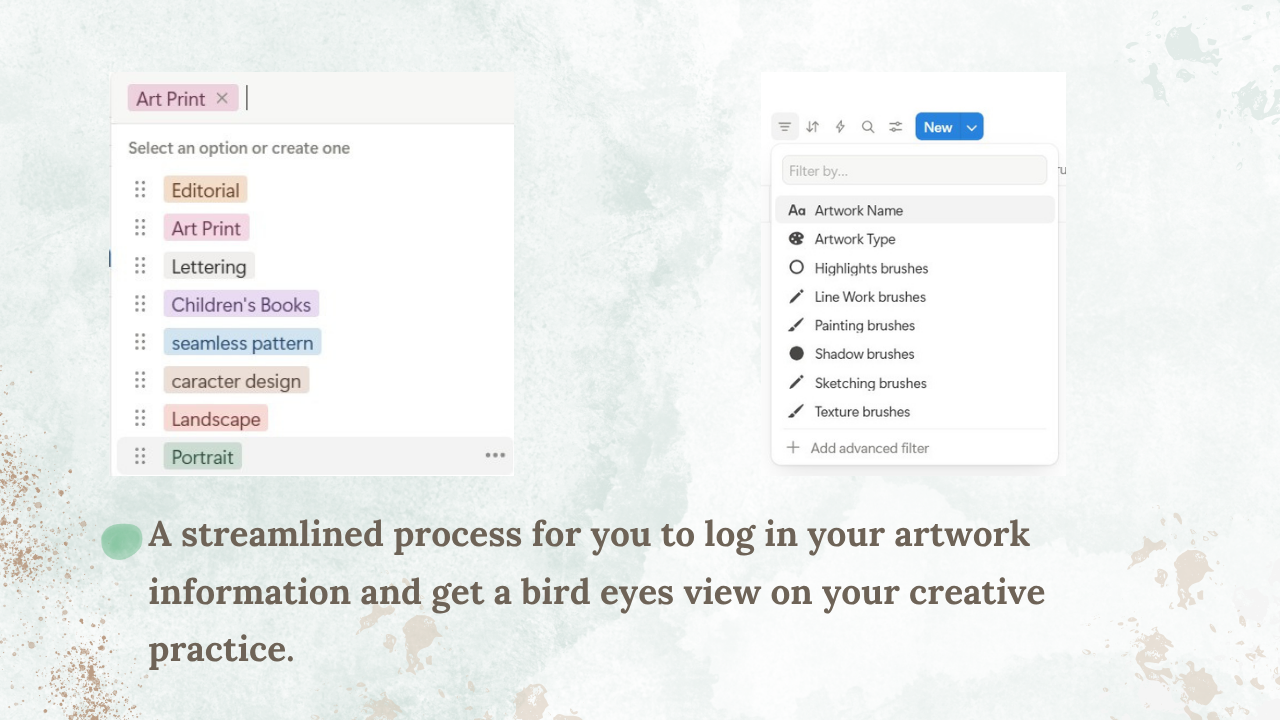
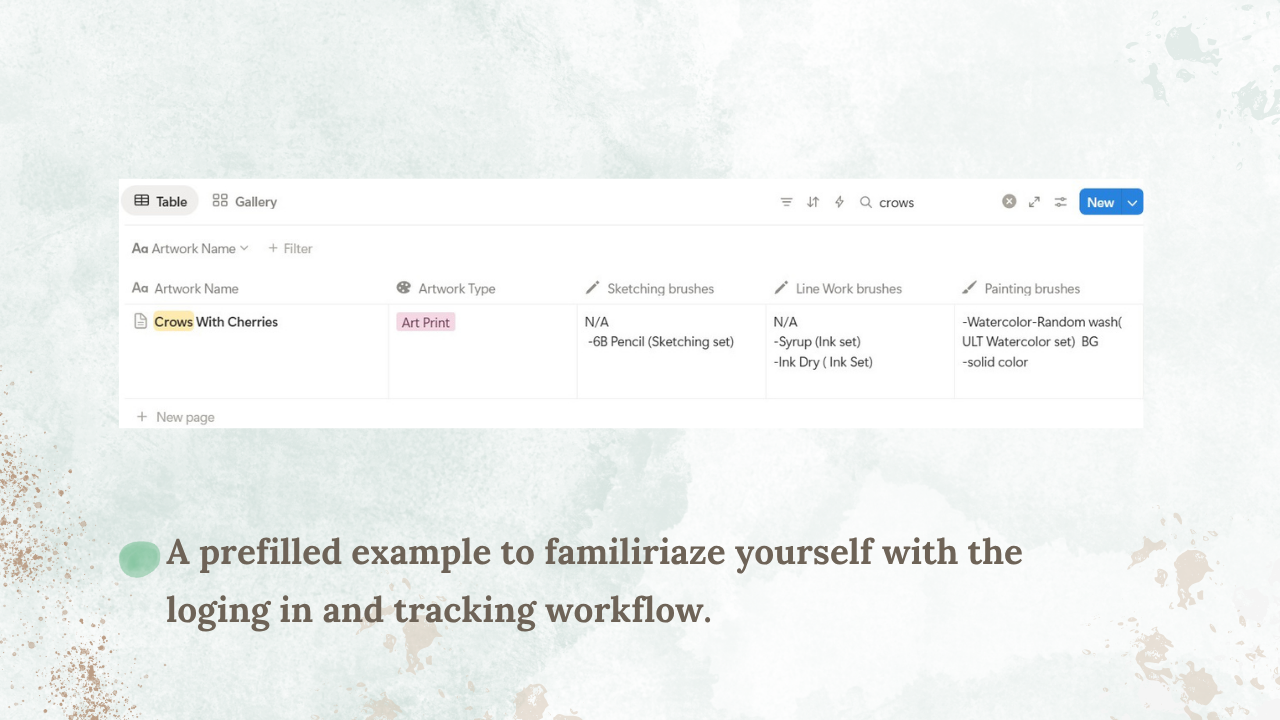
- Track which brushes you’ve used in each artwork
- Log brush properties and note their best uses
- Record adjustments or custom tweaks
- Brainstorm, plan, and market your own custom brushes
- Collect your favorite brushes by project type
- Log your go-to brush combinations
- Organize and track brush sets you’d like to purchase from other creators
Plus:
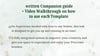
- A Written Companion Guide
- A Step-by-Step Video Walkthrough showing you how to use each template
💻 Do I Need to Install Anything?
Yes! You’ll need Notion on your desktop, and if you’d like mobile or iPad access, you can download the app too.
All setup instructions are included in the PDF Companion Guide.
🤔 Do I Need to Know How to Use Notion?
No experience needed! The hub is beginner-friendly and designed to get you up and running in no time.
🎨 I Already Have a Favorite Brush Library, So Why Do I Need This?
Having a custom library is great, but it doesn’t show you where or how you used each brush.
With the Logbook Hub, you can easily track your brushes by project and always know what worked best for you.
🌈 How Will This Help Me in Procreate?
Getting to know your brushes helps you use Procreate more efficiently, explore your creative style, and improve your workflow.
These templates make that process easy, fun, and stress-free, so you can focus on creating your best work.
✂️ I’m a Brush Minimalist. Do I Still Need This?
Even if you only use a few trusted brushes, the Logbook Hub is still helpful. It lets you see which brushes you use most, track them by project, and test new ones in a safe and organized way.
Whether you’re a brush collector or a minimalist, this hub is here to make your Procreate experience smoother, smarter, and more enjoyable.