




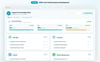





Knowledge Base for Customer Service Teams - Food Delivery
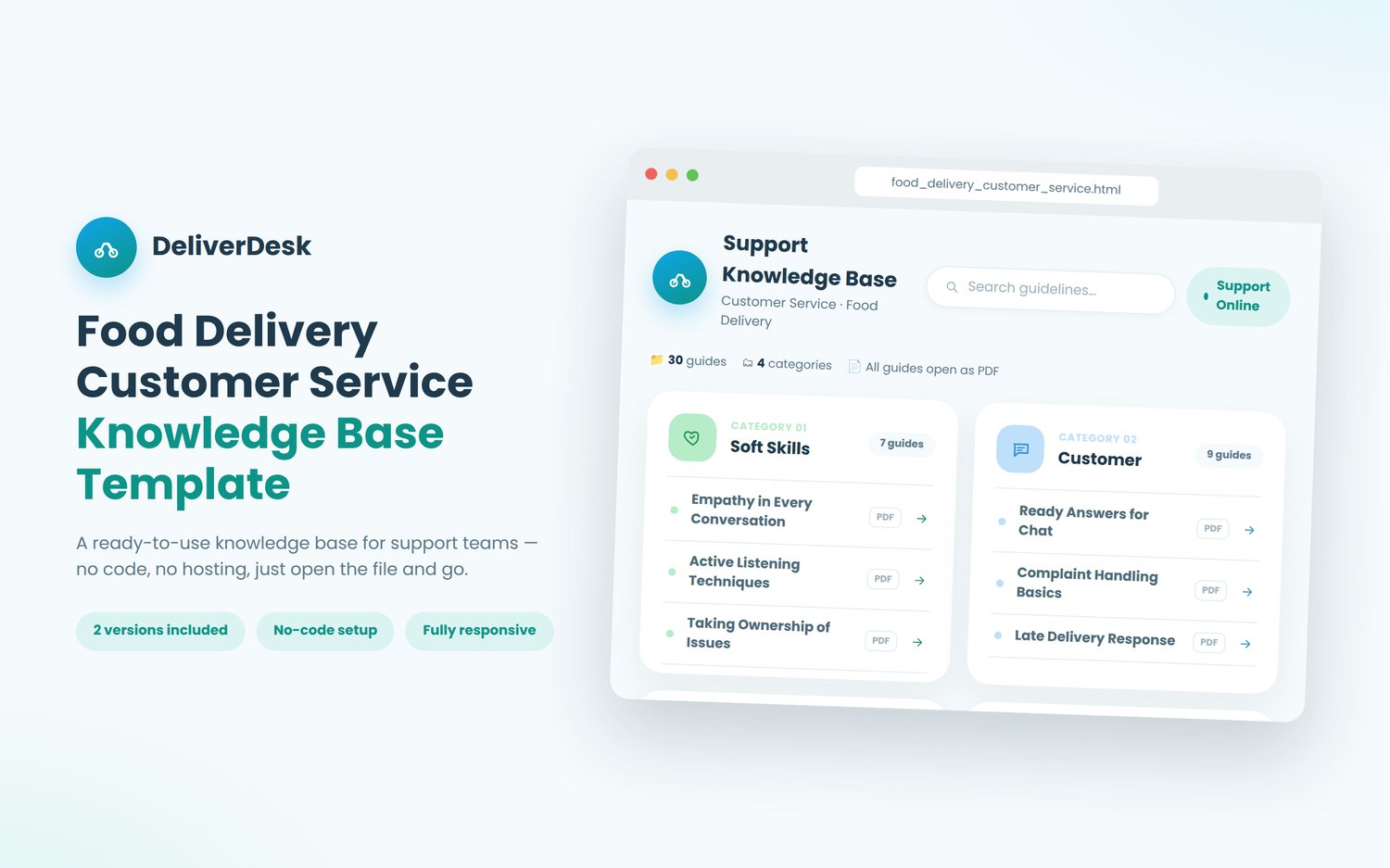
A ready-to-use, no-code knowledge base for food delivery support teams. Organize every SOP, script, and troubleshooting guide in one clean page your whole team can bookmark.
What it is
A single, self-contained HTML page that organizes your customer service guidelines into four categories (Soft Skills, Customer, Courier, and Partners) with clickable links to your own PDF guides. No website builder, no CMS, no hosting fees. Just open the file in any browser and it works.
Who it's for
Support team leads, training managers, and food delivery operations teams who want a single, professional home for their customer service SOPs, without building or paying for internal wiki software.
Two versions included
- Simple version: the knowledge base only. Add your PDFs, and you're done.
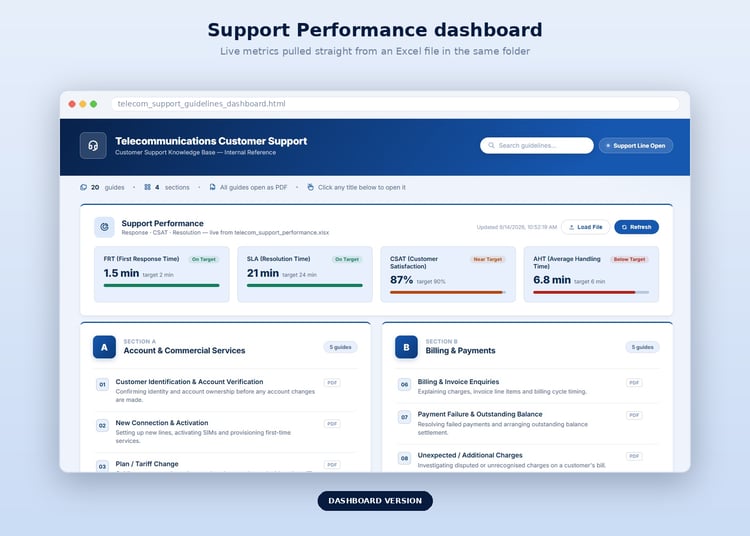
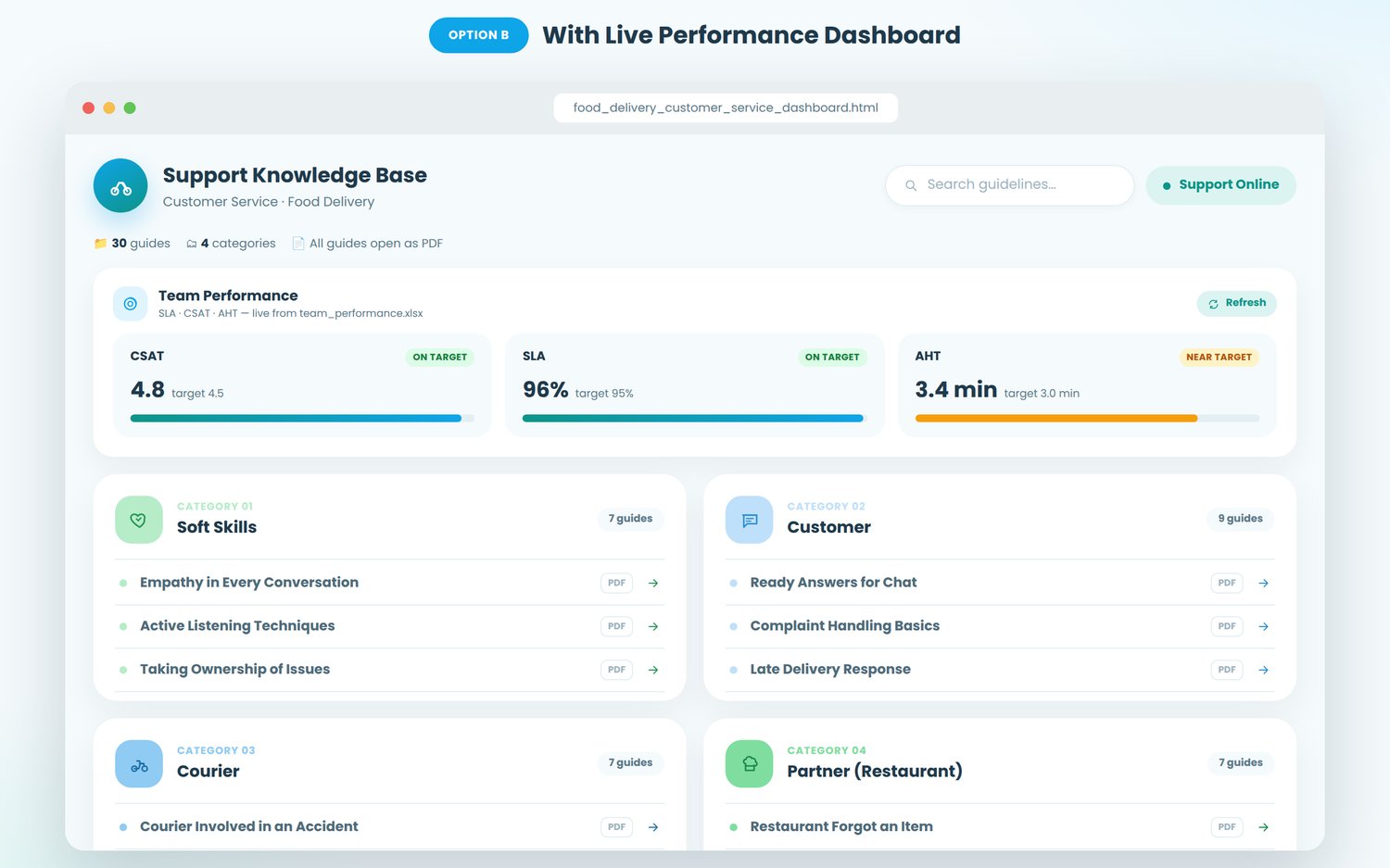
- Dashboard version: everything in the simple version, plus a live Team Performance panel (SLA, CSAT, AHT) that pulls its numbers straight from an Excel file, so your team's key metrics sit right above the guidelines.
Features
- Clean, modern design with soft color-coded categories for fast visual scanning
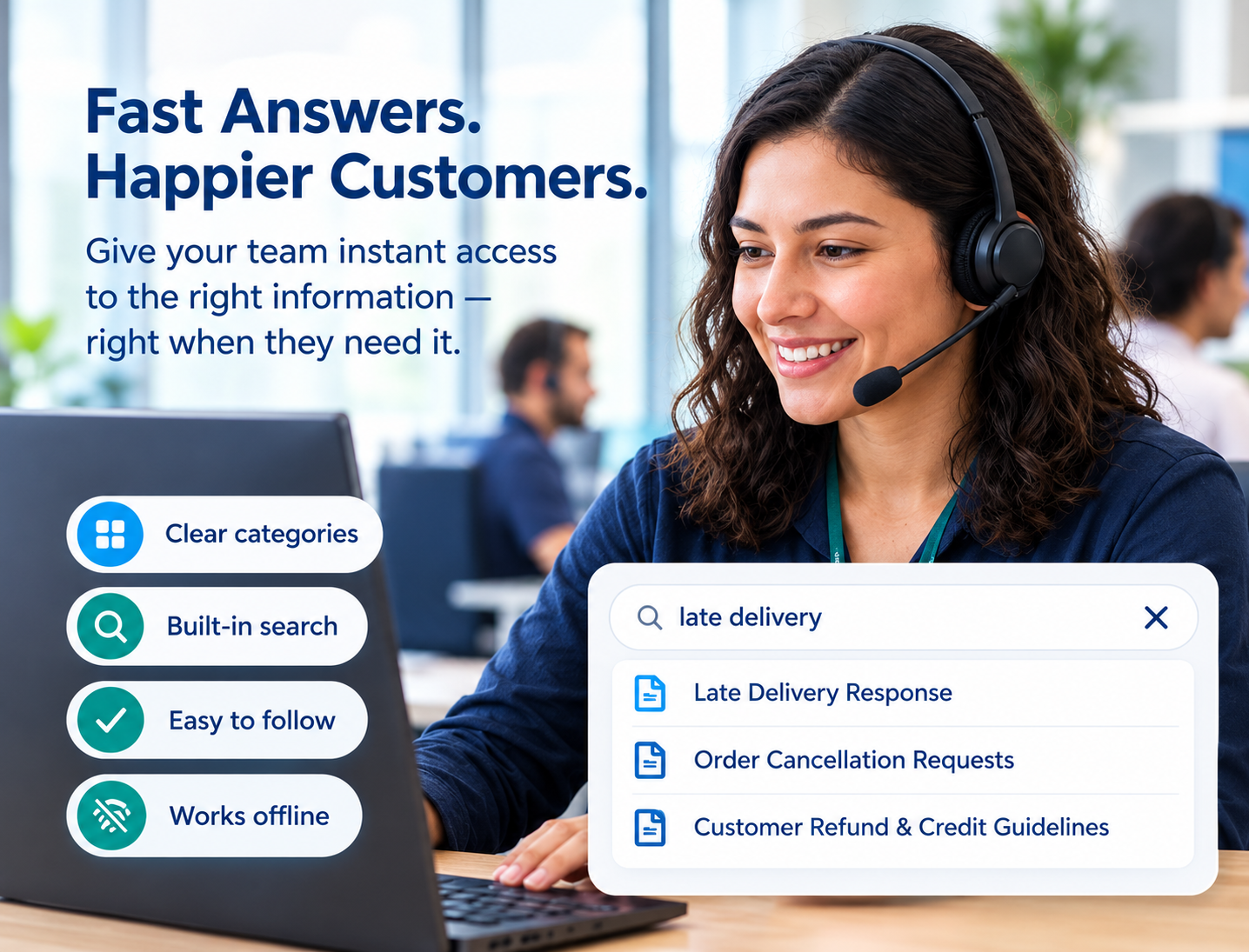
- Built-in search bar to filter guidelines instantly
- Fully responsive. Looks right on desktop, tablet, and mobile
- No coding required to use it. Just rename your PDFs (and Excel file, if using the dashboard version) to match the provided naming guide
- Editable if you do know HTML/CSS. Every color, label, and category is easy to customize
- Works completely offline with no server, no subscription, no dependencies beyond a browser
What's included in the download
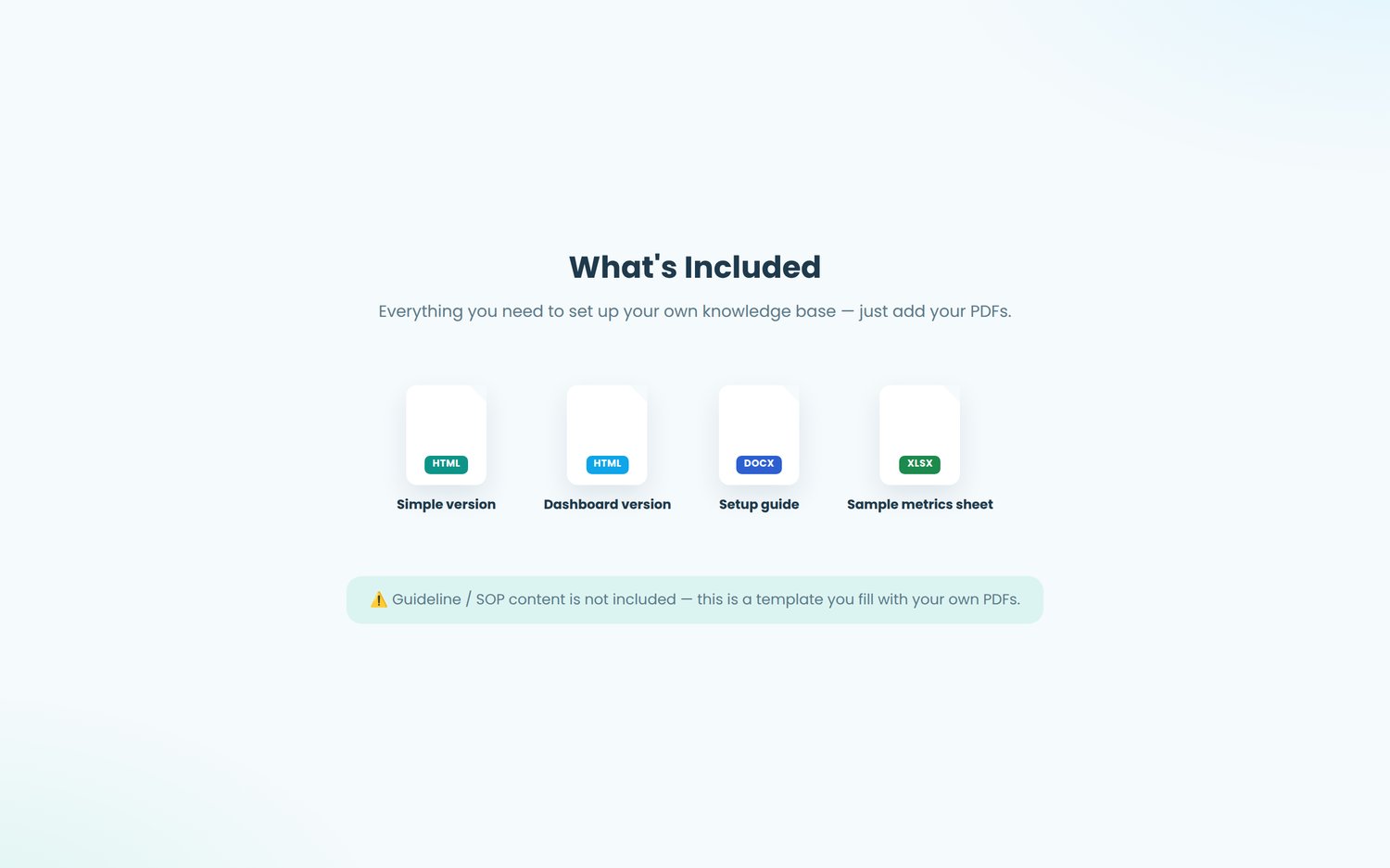
- food_delivery_customer_service.html (simple version)
- food_delivery_customer_service_dashboard.html (dashboard version)
- Step-by-step setup guide covering PDF naming, Excel setup, and troubleshooting
- Sample Excel file structure for the performance dashboard
How it works
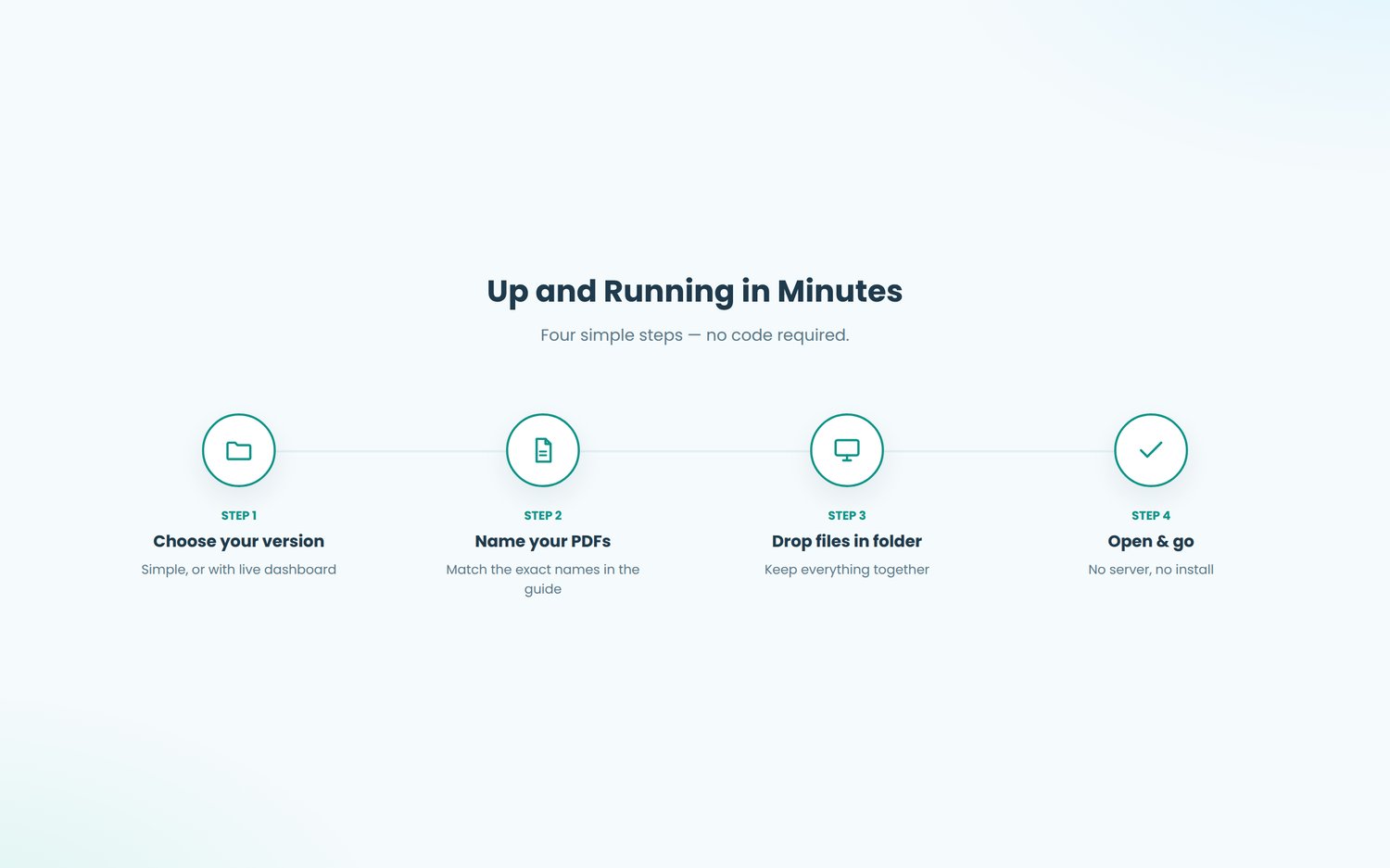
- Choose the simple or dashboard version.
- Export each of your guidelines as a PDF using the exact file names listed in the included guide.
- Drop the PDFs (and, for the dashboard version, your Excel file) into the same folder as the HTML file.
- Open the HTML file — your knowledge base is live.
Disclaimer: This is a Knowledge Base file only. The actual SOP/guideline PDFs are not included. You'll need to supply your own content and export it as PDFs using the file names listed in the included setup guide.