
No-Guilt ADHD Student Planner | Undated Digital GoodNotes PDF + Printable
School planners assume you'll write in them every single day. Your brain had other plans.
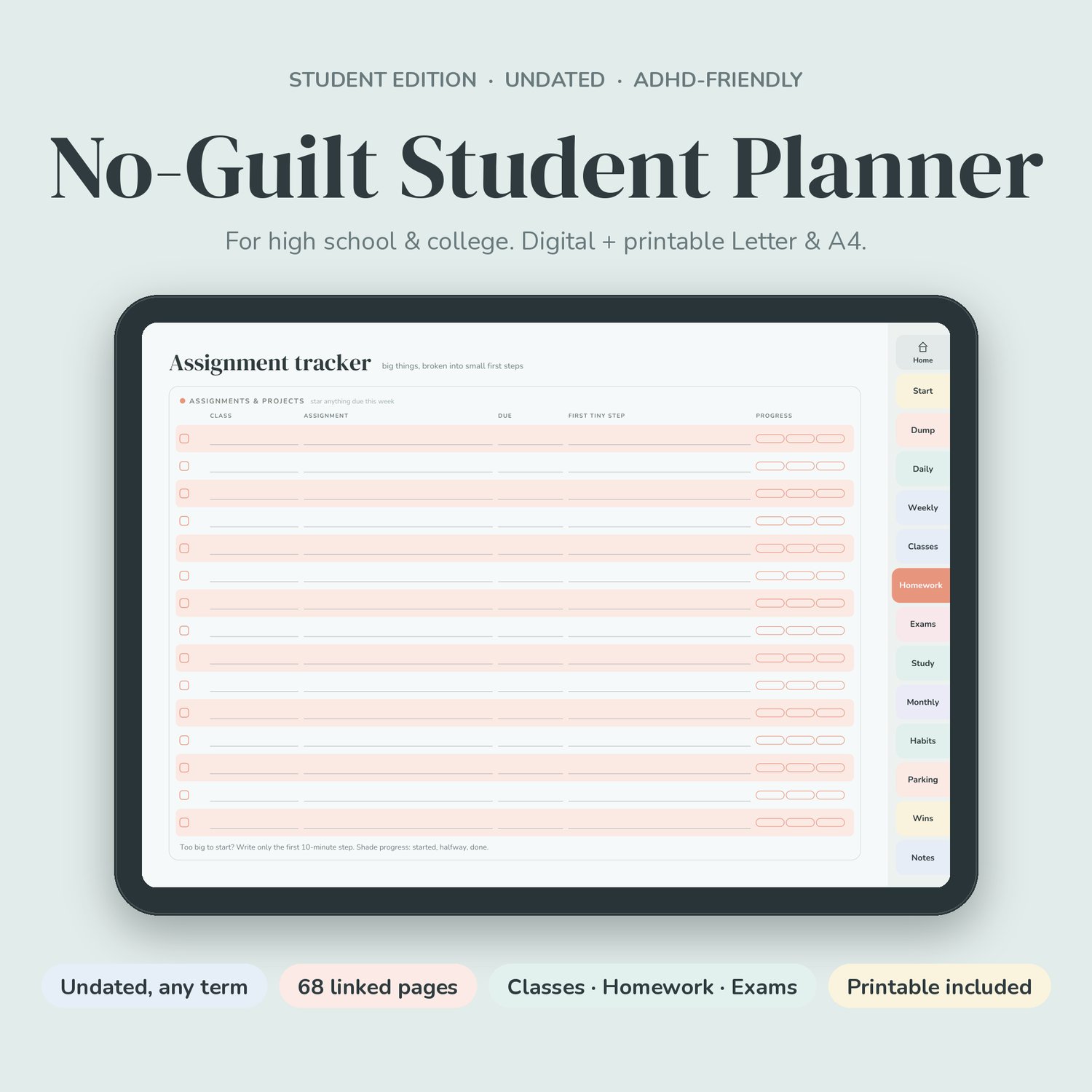
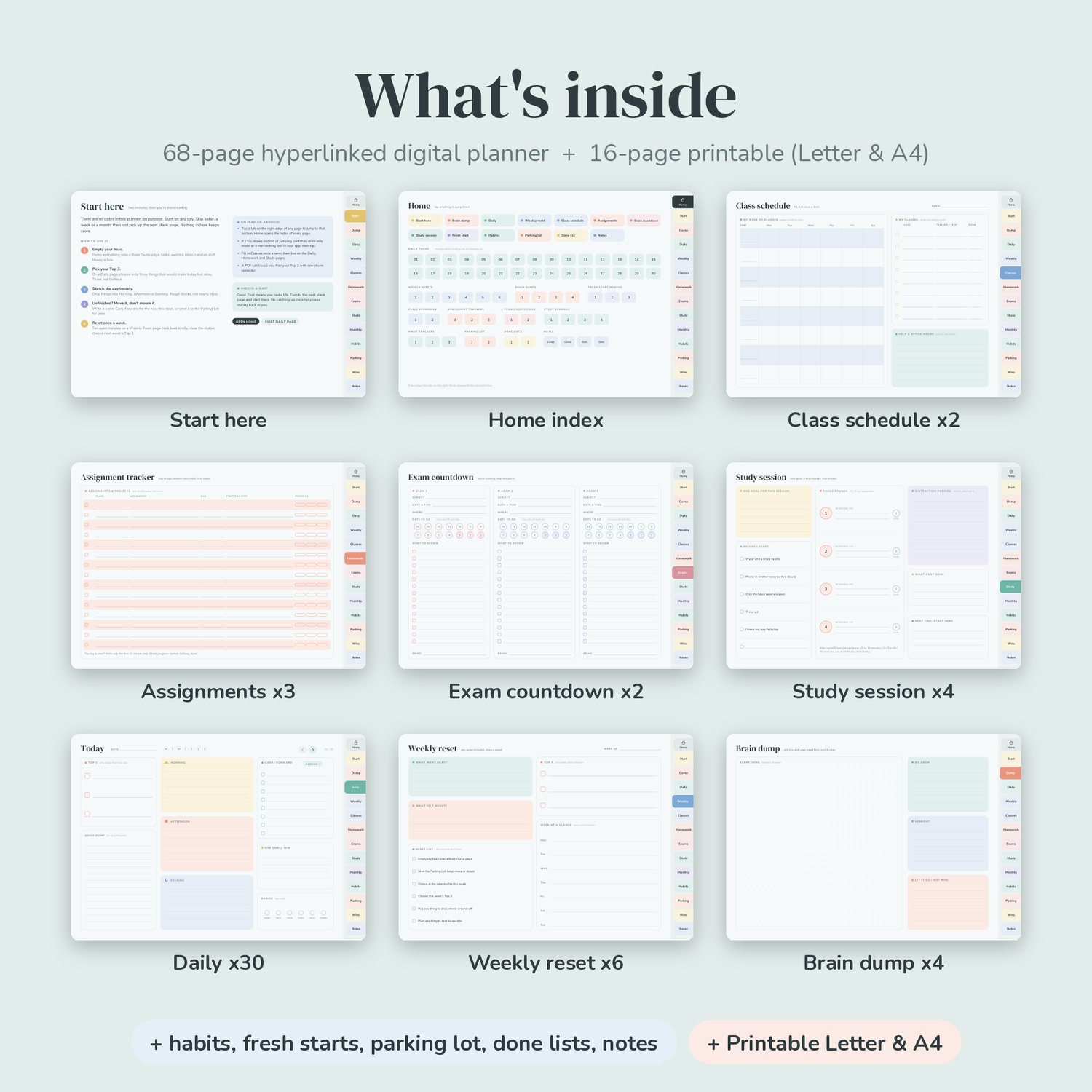
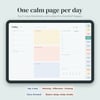
The No-Guilt Student Planner is an undated digital planner for high school and college students with ADHD (or anyone whose deadlines tend to sneak up on them). It has the calm, one-page-a-day layout of the original No-Guilt Planner, plus the pages school actually needs: a class schedule, an assignment tracker built around the first tiny step, exam countdowns and focus-session pages with real breaks.
No dates anywhere. Start in week 1 or week 9. Skip a week during midterms, then pick up on the next blank page. Nothing here keeps score.
Who it's for
- High school, college and university students with ADHD, diagnosed or not
- Students who start every term with a planner and abandon it by October
- Anyone who freezes on big assignments and needs help breaking them down
- iPad and Android tablet users (GoodNotes, Notability, Samsung Notes and more), plus printable fans
The student pages
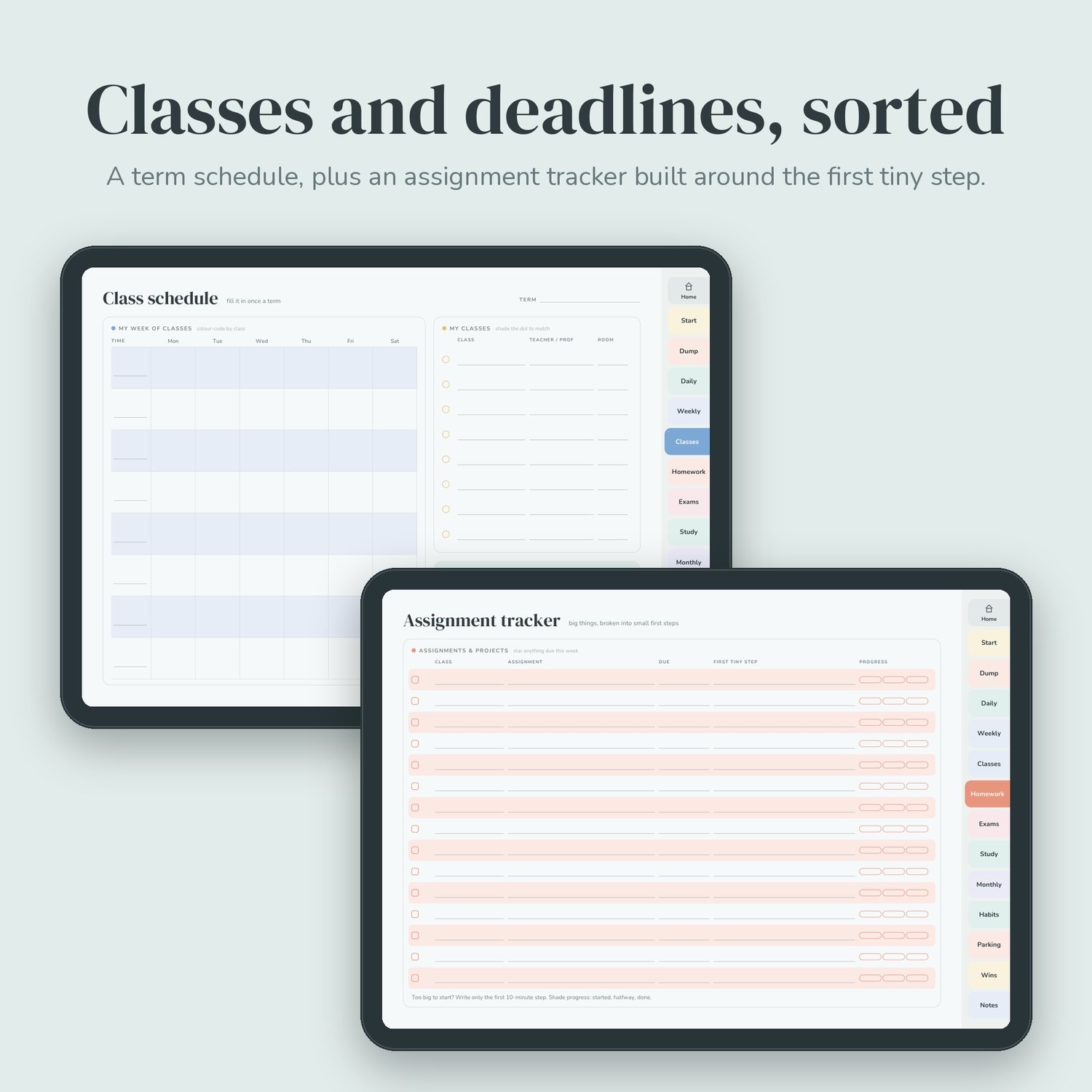
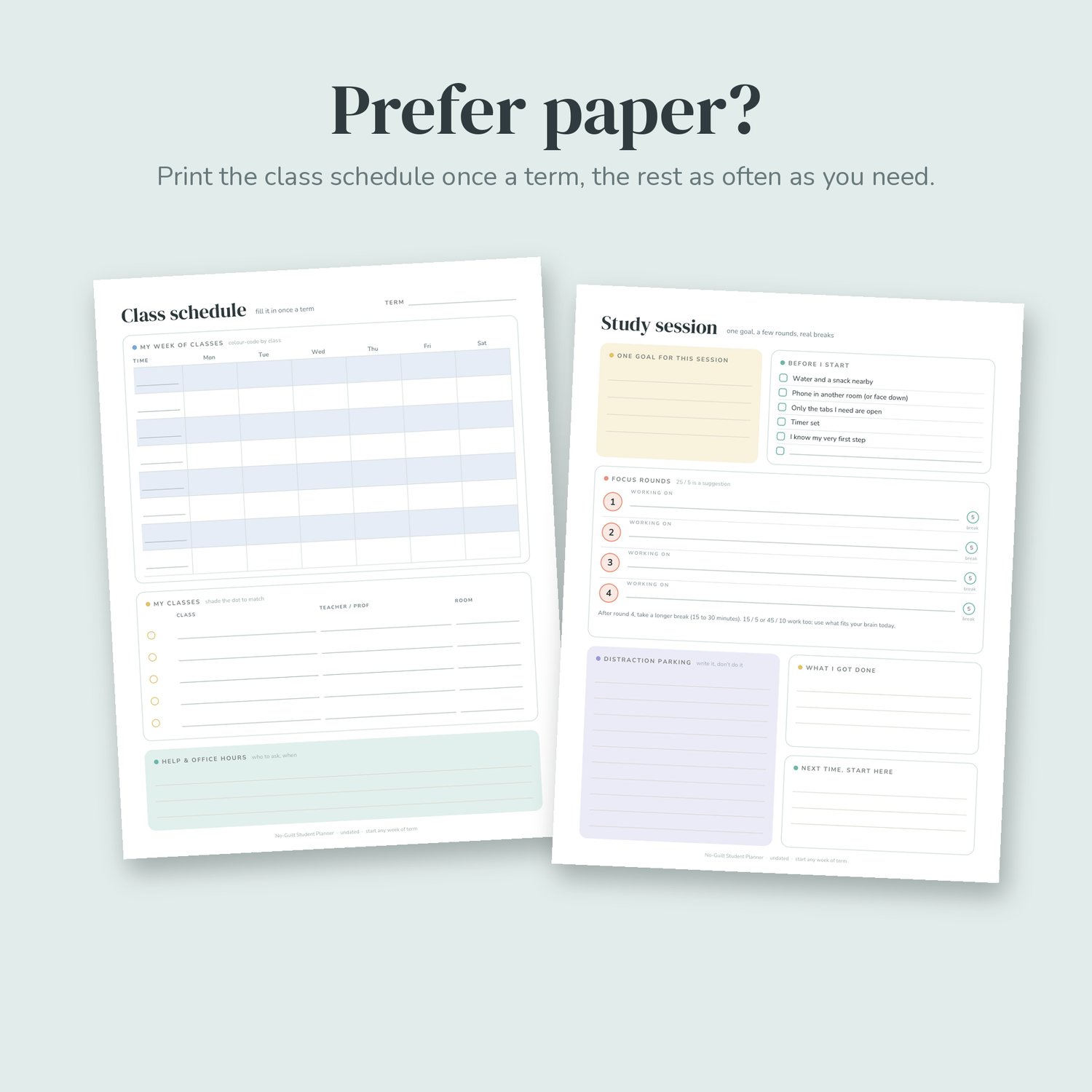
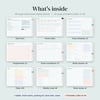
- Class schedule (x2, one per term). A Mon to Sat grid with 8 time blocks, a "my classes" list with a colour dot per class (teacher/prof and room), and a box for help and office hours.
- Assignment tracker (x3). Class, assignment, due date, first tiny step and a three-part progress bar (started, halfway, done). Because "write essay" is impossible but "open a doc and write the title" is doable.
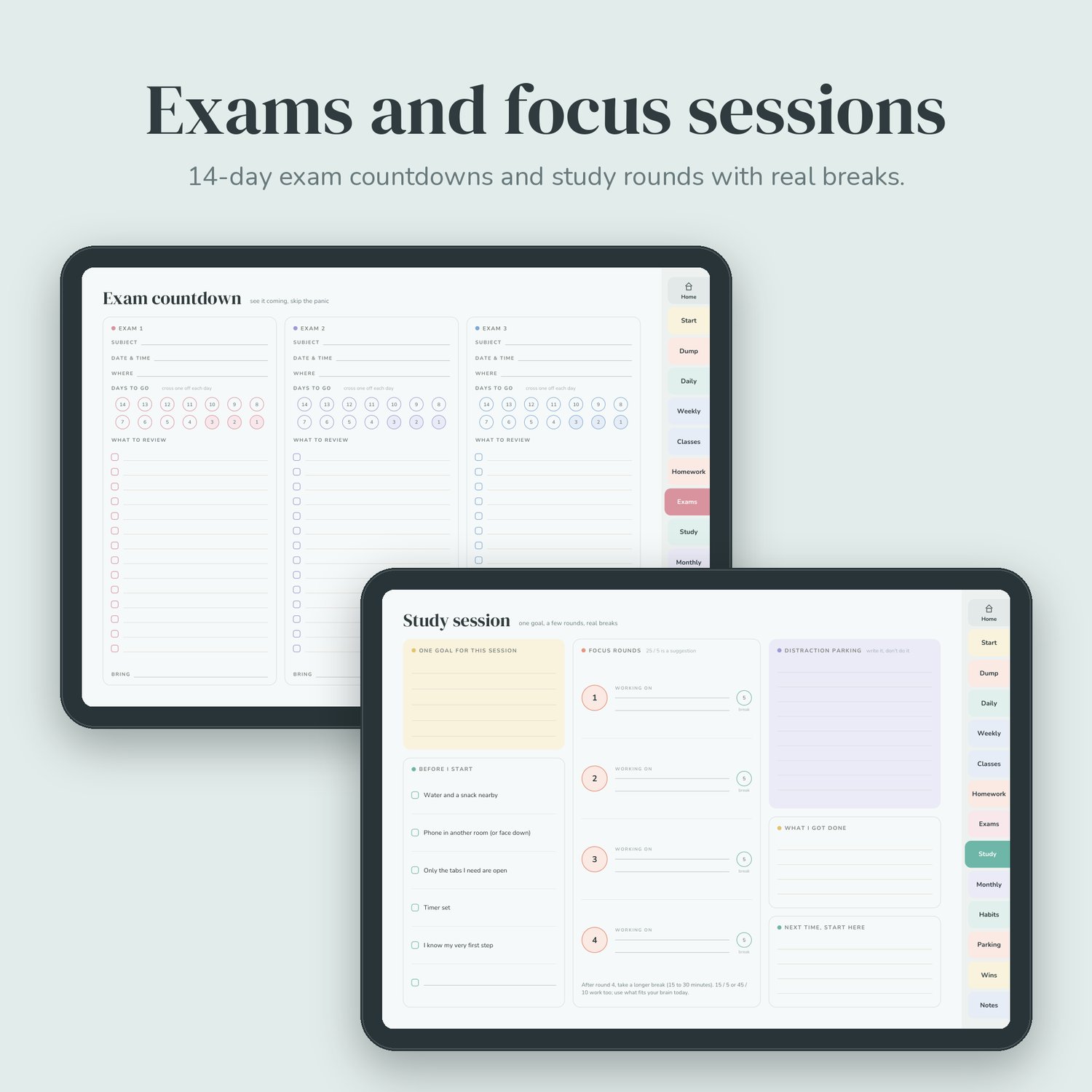
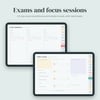
- Exam countdown (x2, three exams per page). Subject, date, room, a 14-day countdown to cross off, a "what to review" checklist and a "bring" line (calculator, ID, pencils).
- Study session (x4). One goal for the session, a "before I start" checklist (water, phone away, timer set), four focus rounds with breaks, a distraction parking box ("write it, don't do it") and "next time, start here" so restarting is easy.
Plus everything from the No-Guilt Planner
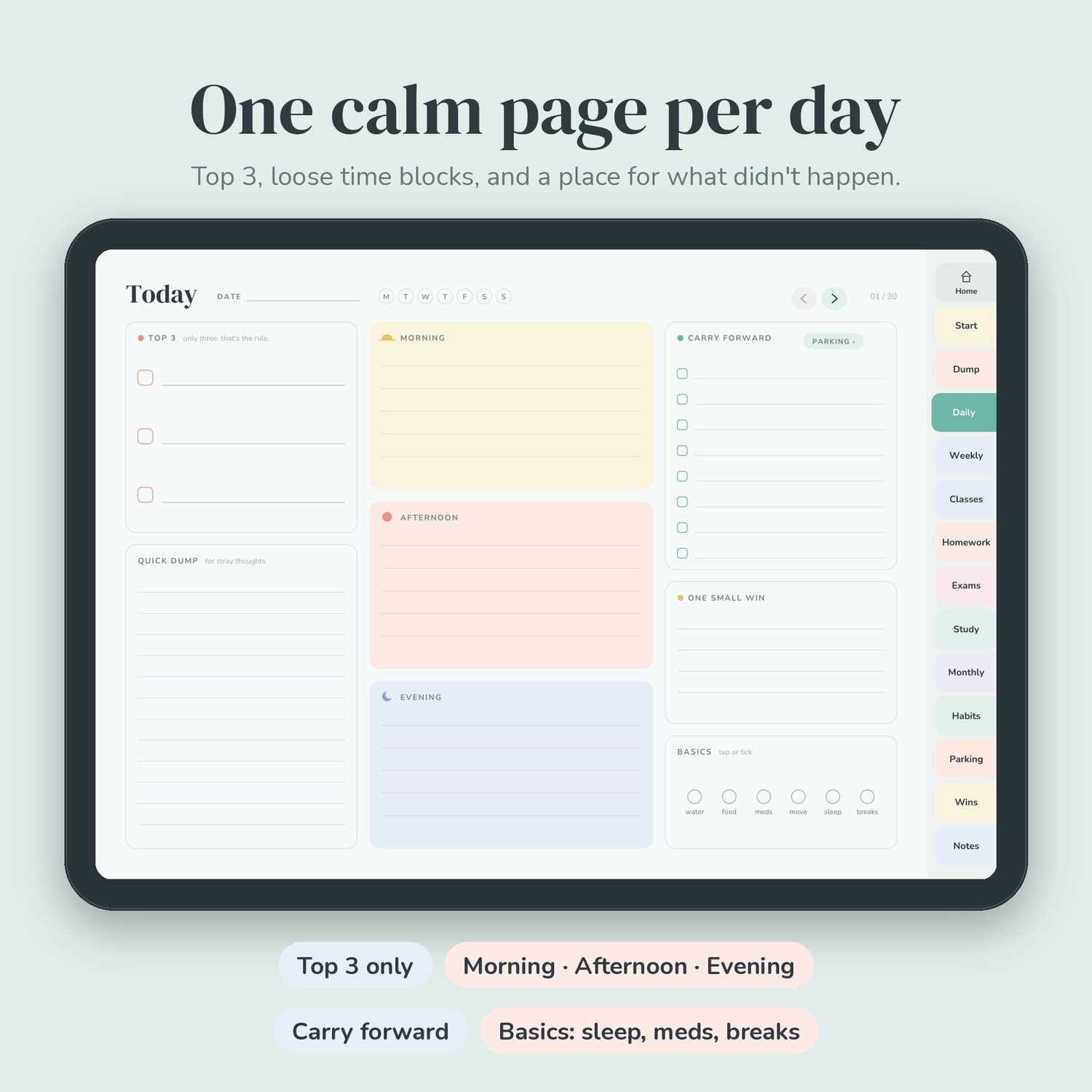
- Daily x30: Top 3, Morning / Afternoon / Evening blocks, carry forward, quick dump, one small win, and a basics check-in tuned for students (water, food, meds, move, sleep, breaks)
- Weekly reset x6, Brain dump x4, Fresh start month x3, Habit tracker x3
- Carry forward & parking lot x2, Done list x2, Notes x4 (lined and dot grid; great for class notes)
What's included
1. Digital student planner: hyperlinked PDF, 68 pages, landscape tablet size, 14 tabs on every page (Home, Start, Dump, Daily, Weekly, Classes, Homework, Exams, Study, Monthly, Habits, Parking, Wins, Notes) and a Home index linking to every page.
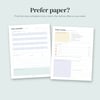
2. Printable student planner: 16 pages each in US Letter and A4, one of every page type.
3. README with setup steps, plus a personal-use licence.
How to set it up
1. Download and unzip. Save no-guilt-student-planner-digital.pdf to Files.
2. In GoodNotes tap New > Import and choose the PDF. In Notability tap Import.
3. Fill in your Class schedule first and colour each class's dot. Use the same colours on the Assignment tracker.
4. Tap the tabs to jump around. Home shows every page. If a tap draws instead of jumping, switch to read-only mode and tap again.
5. Need more assignment or study pages? Duplicate them in your app.
Specs
- Digital: PDF, 68 pages, 1194 x 834 pt landscape (fits iPad and most Android tablets), 1,121 internal links (all tested), under 1 MB
- Printable: PDF, 16 pages each, US Letter and A4, portrait, white background
- One zip file, under 1 MB. Digital download only; nothing will be shipped.
FAQ
Is it dated or tied to one school year? No. It works for any term, semester or quarter, and you can restart it every term.
High school or college? Both. The class grid runs Monday to Saturday with blank time slots, so it fits block schedules, college timetables and evening labs.
What's the pomodoro thing? Study in short focus rounds (25 minutes is the classic) with 5-minute breaks. The page suggests 25/5 but tells you 15/5 or 45/10 are fine too. Use what fits your brain today.
Will it work in my app? It's a standard hyperlinked PDF, built for GoodNotes and Notability, and it works in most PDF note apps. Link behaviour can vary slightly between apps.
Is this medical advice? No. It's a planning tool, not a diagnosis or treatment.
Refunds? It's an instant digital download, so sales are final. If a file won't open or a link doesn't work, reply to your receipt and I'll fix it.
License
Personal use only, one student per purchase. Please don't share it with classmates or upload it anywhere. Teachers or tutors who want copies for a class can reply to the receipt to ask about a classroom licence.
Original design and wording. Clean vector pages, no AI-generated images or clip art.