
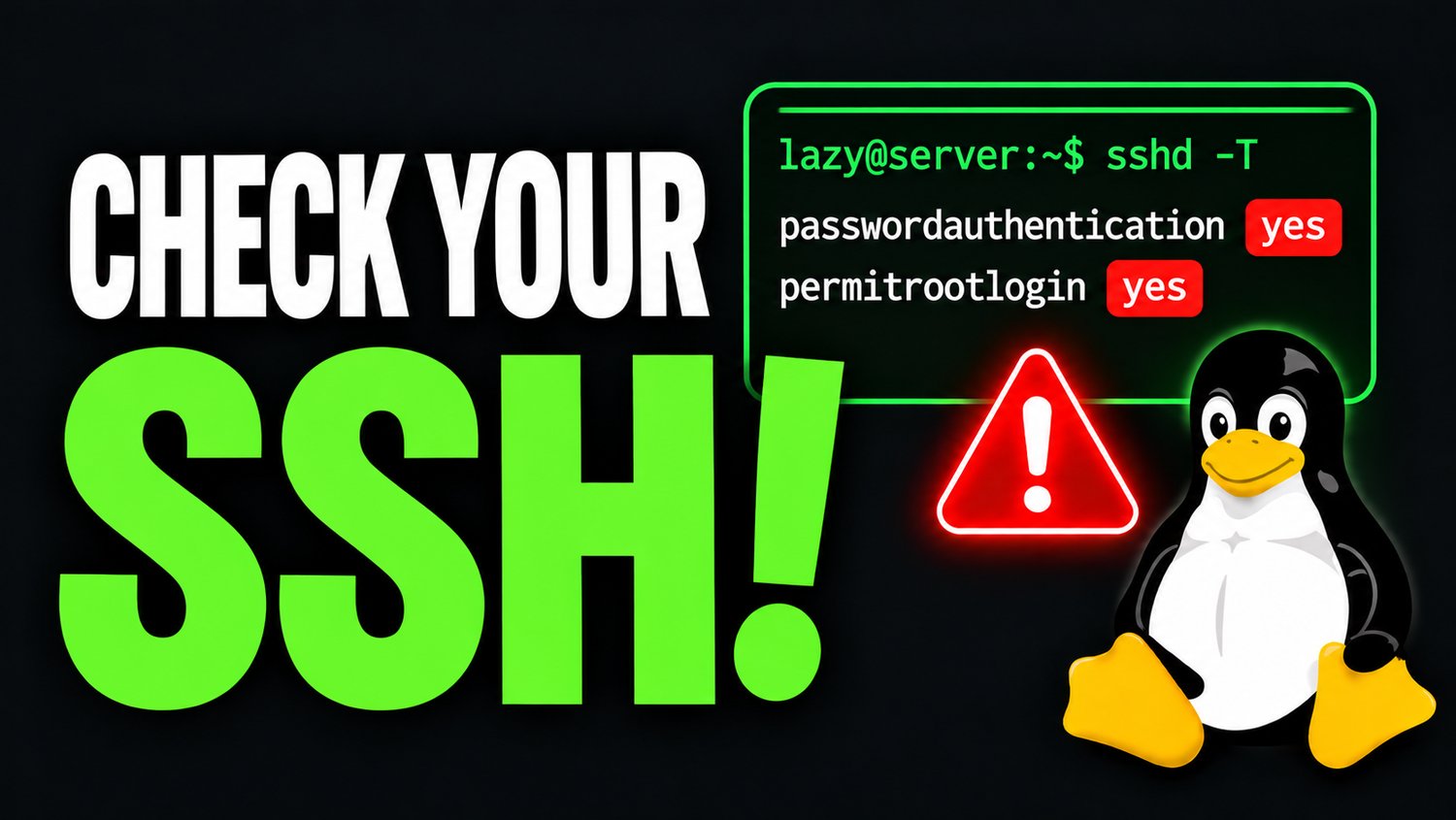
6 SSH Security Settings You Should Change! | Complete SSH Hardening Guide
SSH Security Cheat Sheet
A Practical Linux Server Hardening Reference
Secure your Linux servers. Strengthen SSH access. Reduce unnecessary exposure.
SSH is one of the most important tools used by Linux system administrators. It provides remote access to servers, but improper configuration can leave systems exposed to unauthorized access, password attacks, and automated scanning.
The SSH Security Cheat Sheet by The Lazy SysAdmin is a practical, easy-to-follow PDF reference covering essential OpenSSH security settings, configuration examples, and commands you can use when hardening Linux servers.
Whether you're managing a production server, maintaining a home lab, or preparing for a Linux system administration role, this guide gives you a convenient reference for reviewing and improving your SSH configuration.
What's Inside?
This cheat sheet covers 12 practical topics:
1. Safe SSH Configuration Workflow
- Back up your SSH daemon configuration.
- Check the SSH service status.
- Understand the difference between ssh and sshd service names.
2. SSH Key Authentication
- Generate Ed25519 SSH key pairs.
- Install public keys using ssh-copy-id.
- Test key-based authentication before disabling password access.
- Understand where private and public keys should be stored.
3. SSH Authentication Hardening
- Enable public-key authentication.
- Disable password authentication where appropriate.
- Disable direct root login.
- Use normal administrative accounts with sudo.
4. Restrict SSH User Access
- Configure AllowUsers.
- Understand the alternative AllowGroups approach.
- Limit SSH access to authorized accounts.
5. Change the Default SSH Port
- Change the default SSH port from 22 to 2222.
- Configure UFW and firewalld.
- Update SELinux SSH port policies where applicable.
- Connect to SSH using a custom port.
6. Brute-Force Protection
- Understand the role of Fail2ban.
- Add another layer of protection against repeated failed authentication attempts.
7. Authentication Limits
- Configure MaxAuthTries.
- Configure LoginGraceTime.
- Understand how these settings reduce authentication exposure.
8. Firewall Access Restrictions
- Allow SSH through UFW and firewalld.
- Restrict SSH access to trusted IP addresses and networks.
- Understand the importance of limiting network exposure.
9. Server Maintenance
- Review authentication logs.
- Monitor unexpected login attempts.
- Keep your Linux server and SSH software updated.
10. Validate SSH Configuration
- Run sshd -t to check configuration syntax.
- Use sshd -T to inspect effective settings.
- Reload the correct SSH service.
- Test a second connection before closing your existing session.
11. SSH Hardening Checklist
A practical checklist to help verify that important SSH security measures have been addressed.
12. Quick Command Reference
Frequently used SSH commands organized by task and execution location, making it easier to distinguish between commands run on your local administrator computer and those run on the remote Linux server.
Who Is This Cheat Sheet For?
- Linux system administrators
- Junior and intermediate Linux engineers
- DevOps engineers and infrastructure professionals
- Linux enthusiasts and home lab administrators
- Students preparing for Linux administration certifications
- Anyone responsible for managing remote Linux servers
What Makes This Guide Useful?
- Practical commands: Includes actual configuration directives and terminal commands.
- Clear command separation: Distinguishes local administrator commands from remote server commands.
- Mobile-friendly layout: Designed with readable typography and clearly boxed command examples.
- Quick reference format: Find commonly used settings without searching through lengthy documentation.
- Distribution awareness: Includes relevant Ubuntu/Debian and RHEL-family service and firewall examples.
- Safety reminders: Highlights important precautions to help avoid SSH lockouts when changing configurations.
Product Details
SpecificationDetailsProductSSH Security Cheat SheetPublisherThe Lazy SysAdminFormatPDFLength6 pagesLanguageEnglishContentLinux SSH hardening settings and commandsDeliveryDigital download
Important Notes
This guide provides example configurations and commands for learning and reference purposes. SSH defaults and configuration behavior can vary depending on your Linux distribution, OpenSSH version, included configuration files, authentication requirements, and security policies.
Always review and test configuration changes before applying them to production servers.
Learn More with The Lazy SysAdmin
Want to learn more about Linux administration, automation, troubleshooting, and server management?
Subscribe to our YouTube channel for practical Linux tutorials and demonstrations.
YouTube: https://www.youtube.com/@lazysysad
The Lazy SysAdmin — Automate. Learn. Do More.
Get your copy today and keep essential SSH security settings and commands within reach whenever you manage a Linux server.