

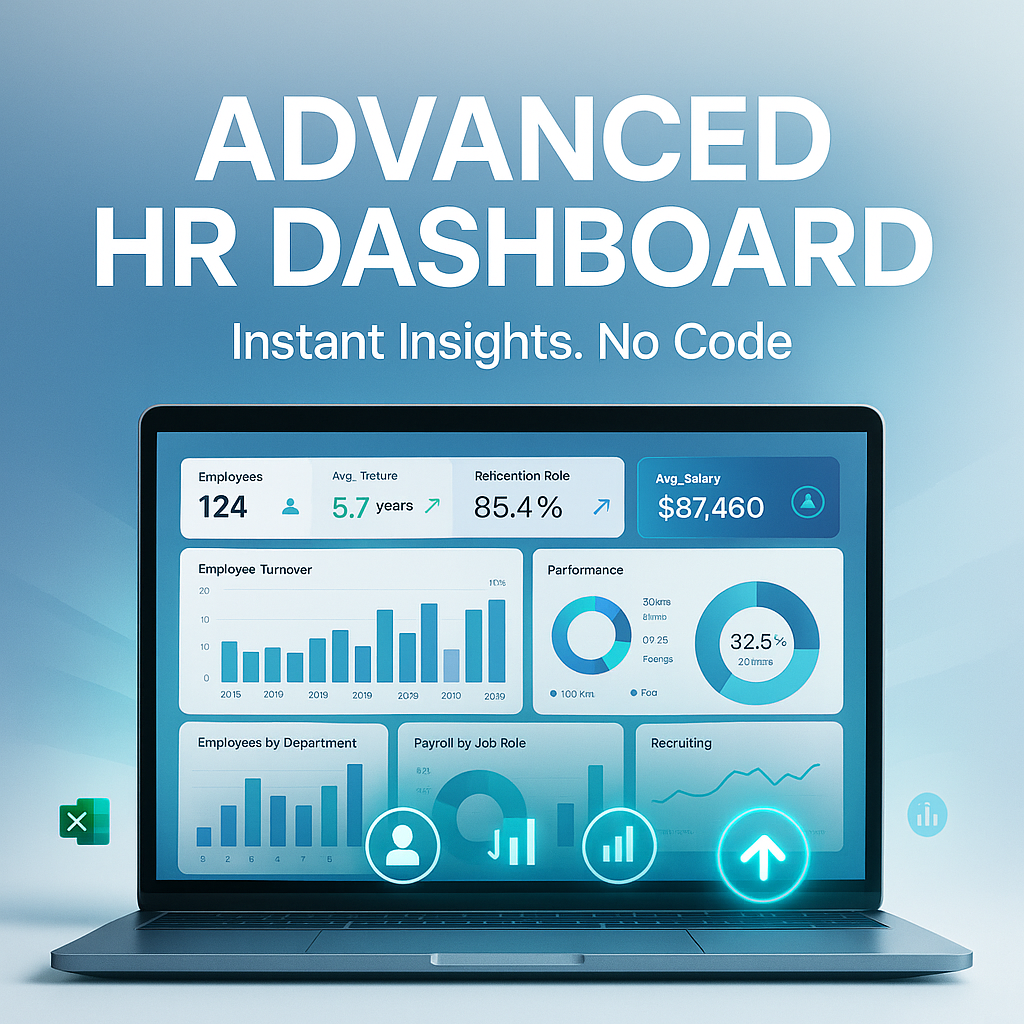
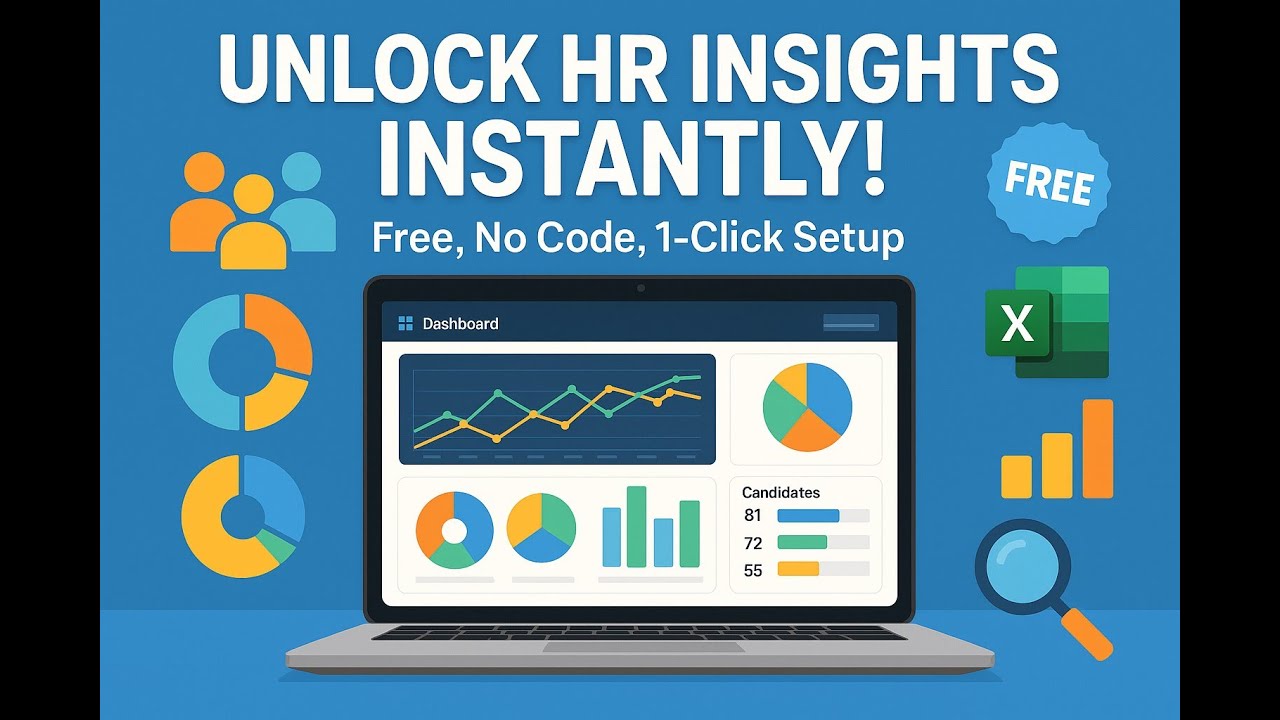
Advanced HR Dashboard – Professional Employee Analytics & Insights
Still wasting hours on pivot tables, transforming Excel sheets, creating macros, and writing formulas just to get basic HR insights?
Stop!
With the Advanced HR Dashboard, you get a ready-to-use analytics platform that turns your HR data into actionable insights—instantly. No more manual spreadsheet work, no coding, no setup headaches.
What You Gain
- Save Time: Use this dashboard as a professional template—just update the included Excel file with your data and upload. No need to build reports, dashboards, or formulas from scratch.
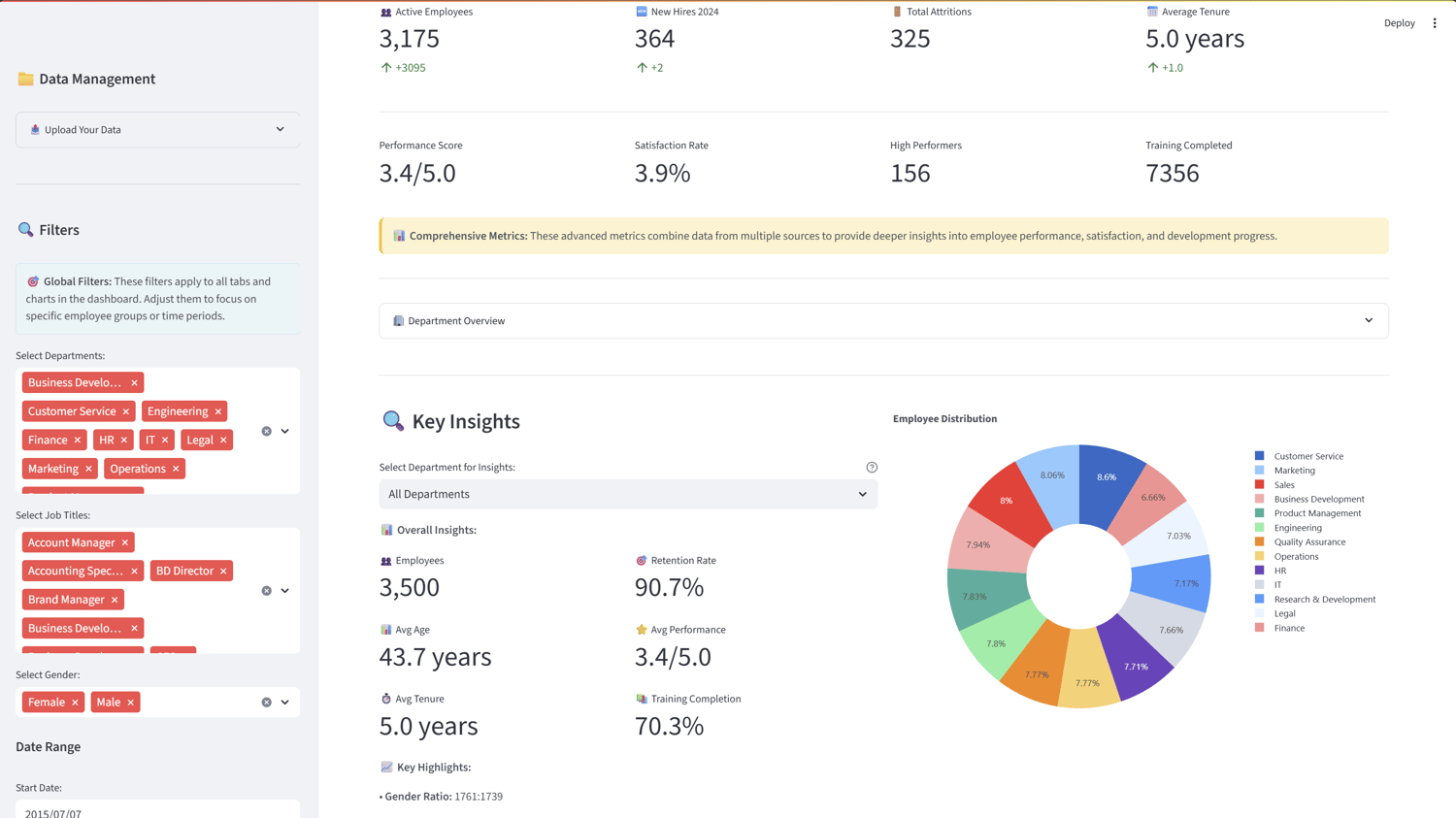
- Instant Insights: Visualize KPIs, trends, retention, performance, payroll, training, and recruitment in seconds.
- Advanced Analytics: Clustering, attrition risk, correlation, and trend analysis—no technical skills required.
- All-in-One Solution: Manage, filter, and analyze your workforce from one place. Export charts and reports for presentations or compliance.
- Professional Results: Impress leadership with clean, interactive dashboards and presentation-ready visuals.
How to Use
- Download and unzip the product files.
- Easy setup:
- Just double-click setup.bat (Windows only).
- This will automatically create a virtual environment, install all required libraries, and launch the dashboard in your browser.
- No need to use or write any code!
- Upload your data:
- Open the included comprehensive_hr_dataset.xlsx file.
- Replace the sample data in each sheet with your own HR data (keep the same columns).
- Save the file and upload it using the dashboard sidebar.
- The magic happens: your data is instantly visualized and analyzed across all tabs!
- Explore:
- Use sidebar filters to focus on departments, roles, gender, or date ranges.
- Navigate tabs for Overview, Analytics, Employees, Performance, Training, Payroll, Recruitment, Data, and Documentation.
- Export charts and insights for your reports.
Data Structure & Upload
- No complex formatting needed!
- Just use the provided comprehensive_hr_dataset.xlsx (is not real data ) as your template.
- Replace the demo data with your own, save, and upload.
- Sheets included: Employees, Performance, Training, Payroll, Recruitment, Satisfaction.
- Columns:
- Employees: ID, Name, Department, JobTitle, Age, Gender, HireDate, ExitDate, IsActive, Tenure
- Other sheets: see template for details.
Who Is This For?
- HR professionals & managers
- Business leaders & executives
- Data-driven organizations
- Anyone who wants to save time and get instant, professional HR analytics
License
Free License
This dashboard is free to use for personal, educational, or commercial purposes.
You may use, modify, and share the application without restriction. Attribution is appreciated but not required.
Ready to stop wasting time on spreadsheets?
Just update the Excel template, upload your file, and let the dashboard do the rest!
Setup is 100% code-free—just click setup.bat and everything is automatic.
No Python knowledge required.
All dependencies are installed for you on first run.
If you need help, full documentation and support are included!