
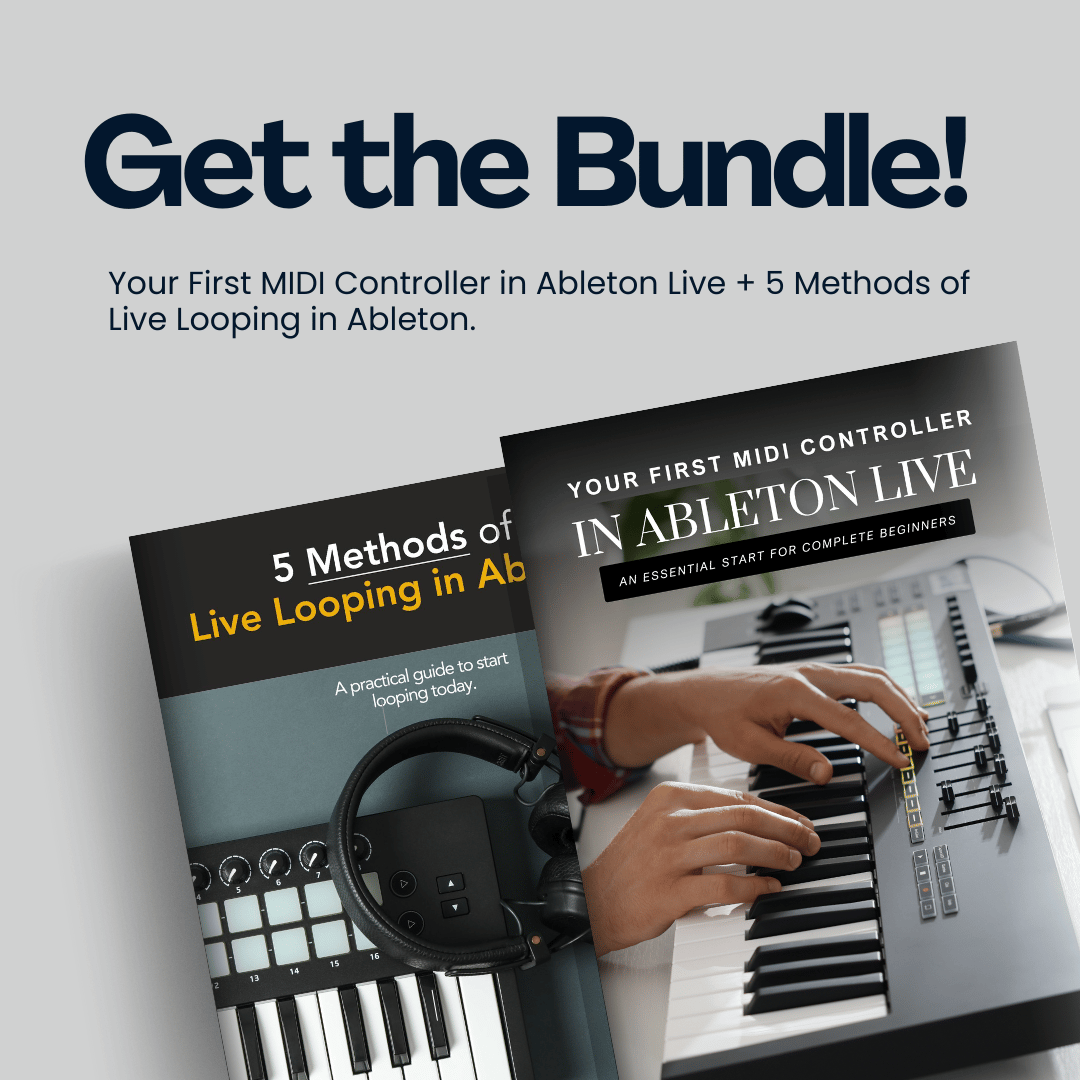
BUNDLE: Your First MIDI Controller in Ableton Live + 5 Methods of Live Looping in Ableton
If you're just starting your journey with Ableton Live and want to learn how to use your MIDI controller while also understanding live looping, this bundle is the perfect place to begin. It brings together two practical guides designed to help you start making music and learn live looping from day one.
What’s Included:
1) Your First MIDI Controller in Ableton Live
Learn how to set up your controller, play sounds, record ideas, and start making music inside Ableton Live. You’ll learn how to:
✓ Set up and use your first MIDI controller
✓ Load sounds and start playing
✓ Record and edit musical ideas
✓ Map knobs, faders, and pads
✓ Add effects to shape your sound
✓ Create beats using Drum Racks
✓ Launch clips and scenes
✓ Save and export your music
✓ And more
38 Pages Total.
2) 5 Methods of Live Looping in Ableton
Discover practical techniques to create loops, layer sounds, and build songs in real time using five different methods, from beginner to advanced. The methods you’ll learn:
Method 1:
✓ Basic Live Looping in Session View
Method 2:
✓ Fixed Length Looping
Method 3:
✓ Using Ableton’s Looper
Method 4:
✓ Looper Automation in Arrangement View
Method 5:
✓ Using the IAC Driver (Mac Users Only)
46 Pages Total.
Requirements: A MIDI Controller and any version of Ableton Live (Ableton Live Lite, Intro, Standard, or Suite).
*Ableton Live Lite users: The "Looper" device is not included in the free version of Ableton, so you will not be able to use methods 3 and 4 from the book “5 Methods of Live Looping in Ableton”.