



CleanCompare — CSV & JSON Clean and Compare for VS Code
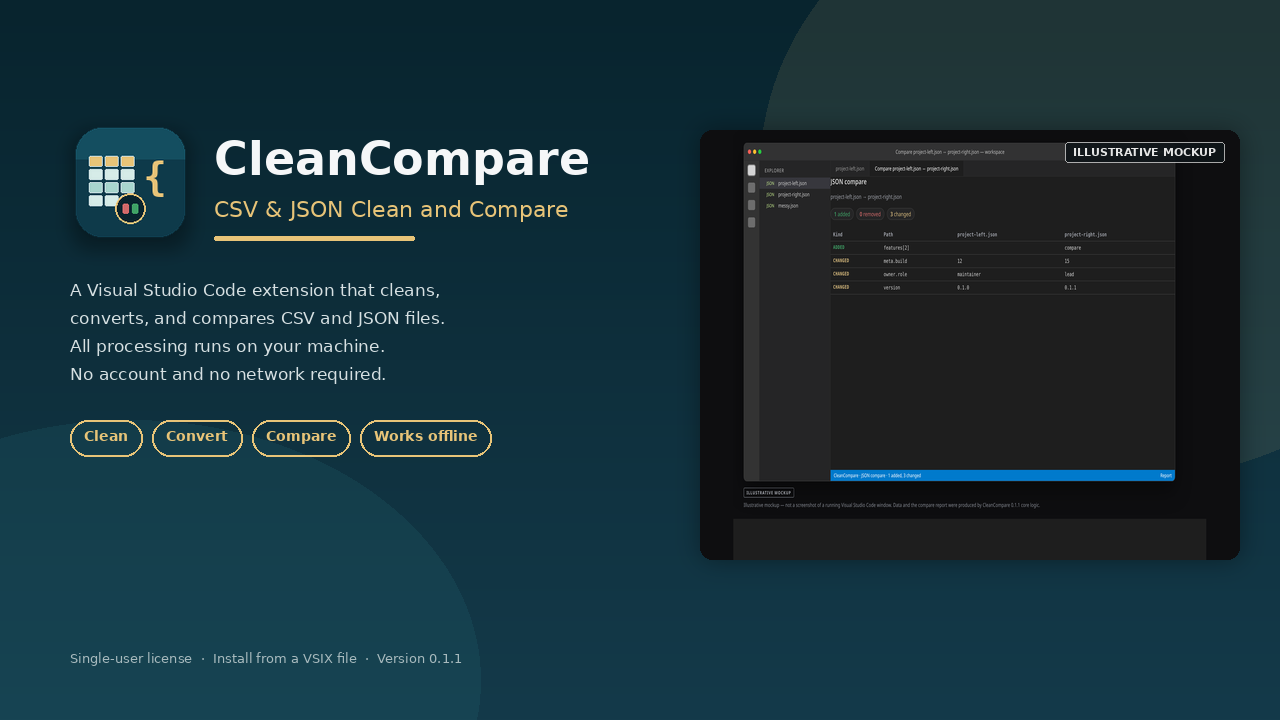
Clean, convert, and compare CSV and JSON files in Visual Studio Code. Works fully offline. Install from a VSIX file. USD $9, single-user license.
CleanCompare is a Visual Studio Code extension for everyday CSV and JSON work: cleaning messy tables, formatting and validating JSON, converting between the two formats, and comparing two files in a report panel.
Everything runs on your computer. The extension does not require an account and does not connect to a network. There is no product key to enter. This purchase includes every command listed below.
The product is delivered as a VSIX file plus install instructions. It is not published on the Visual Studio Marketplace or Open VSX. You install it with `code --install-extension` or from the Extensions view in VS Code: open the "..." menu and choose "Install from VSIX…". Compatible editors that accept VS Code extensions can install the same file.
### What's included
- The installable `cleancompare-0.1.1.vsix` package
- English README, INSTALL.txt, license, changelog
- Example CSV and JSON files you can open to try the commands
### Features
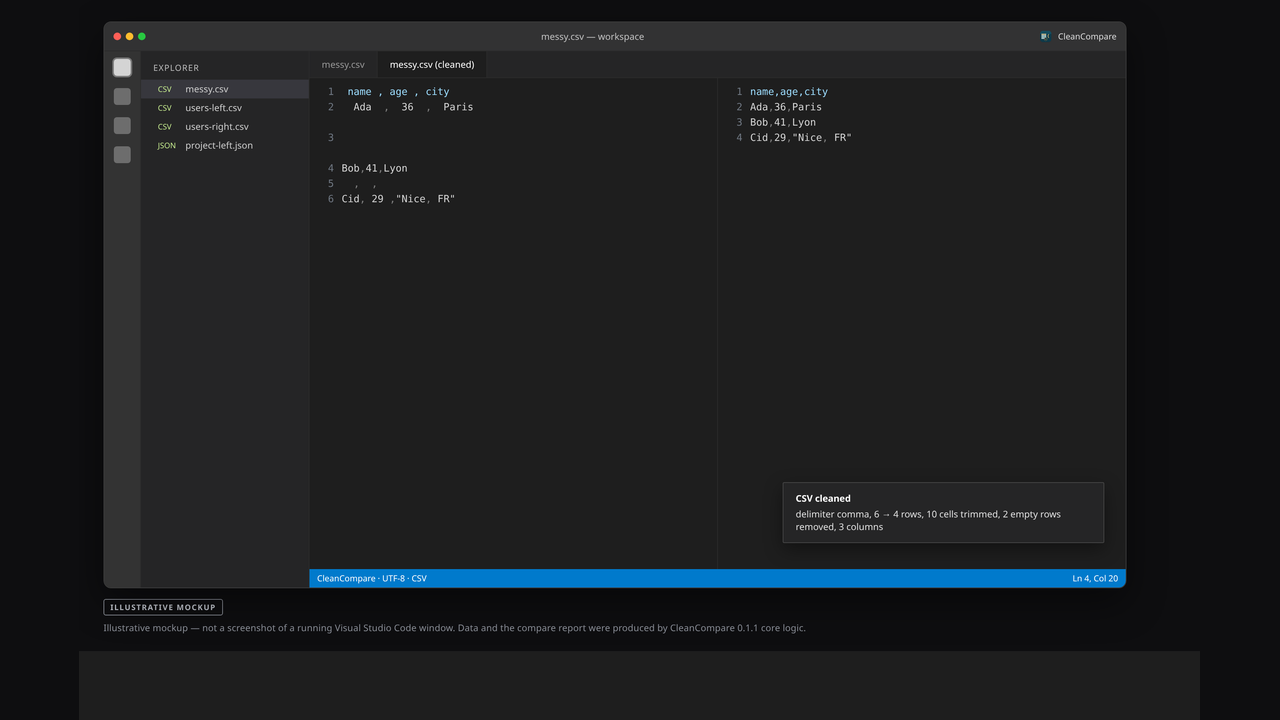
- Clean CSV: trim cells, drop empty rows, fill missing or duplicate headers, drop empty columns, and re-serialize with consistent quoting. Delimiters are detected automatically (comma, semicolon, tab, or pipe).
- Format, minify, and validate JSON (2-space indent; invalid JSON is rejected with the parser error).
- Sort JSON object keys recursively.
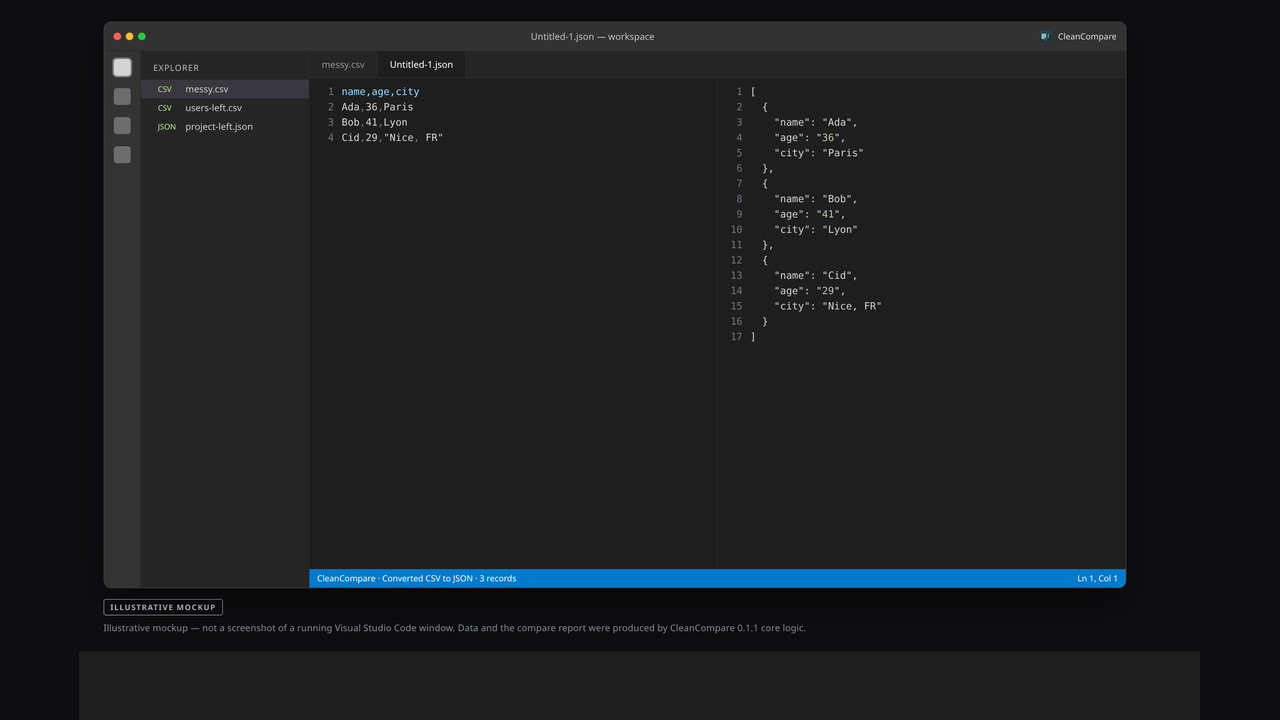
- Convert CSV to JSON (first row as object keys by default).
- Convert JSON to CSV (arrays of objects become tables; nested paths are flattened).
- Deduplicate CSV rows by the whole row or by selected key columns.
- Compare two CSV files by row index or by key columns, with optional ignored columns.
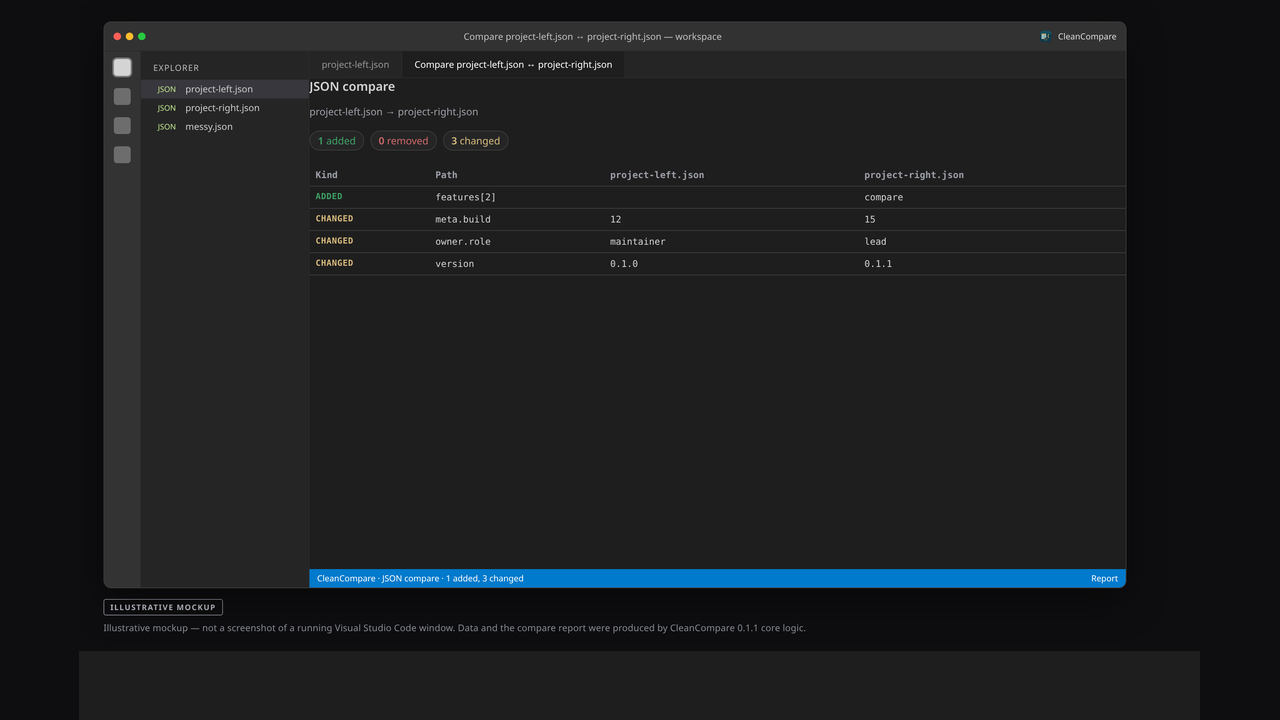
- Compare two JSON files by path, with optional ignored paths.
- Open a read-only compare report in a side panel, and export it as Markdown.
### License
This is a single-user license. The purchaser may install and use CleanCompare on more than one device that they personally own or control. The files may not be resold or redistributed. See LICENSE in the download.
### What was tested (honest)
- The core clean, convert, and compare logic was checked with Node unit tests when this package was built: **18 tests passed, 0 failed**.
- This build was **not** verified with manual clicks inside a running Visual Studio Code window. The environment used to package it did not have a VS Code or code-server binary available, and no in-editor click-through test was run.
- All processing is offline. There is no online activation and no copy-protection system.
### Screenshots
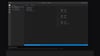
The product images are **illustrative mockups**, not screenshots of a live Visual Studio Code window. The data and the compare-report area were produced by CleanCompare 0.1.1 core logic from the bundled example files. Each image is labeled "ILLUSTRATIVE MOCKUP".
### Limitations
- Very large files are not streamed. Compare reports stop after 500 differences.
- When comparing CSV files by key columns, duplicate keys are matched in order, one-to-one.
- You cannot compare a CSV file directly with a JSON file.
- The JSON validator accepts strict JSON only (no comments).
### Requirements
- Visual Studio Code 1.85 or later, or a compatible editor that can install a VSIX file
- A `.csv`, `.tsv`, `.json`, or `.jsonc` file to work with (examples are included)