


Vybex-PRO
Advanced Image Privacy & Optimization — directly in your browser.
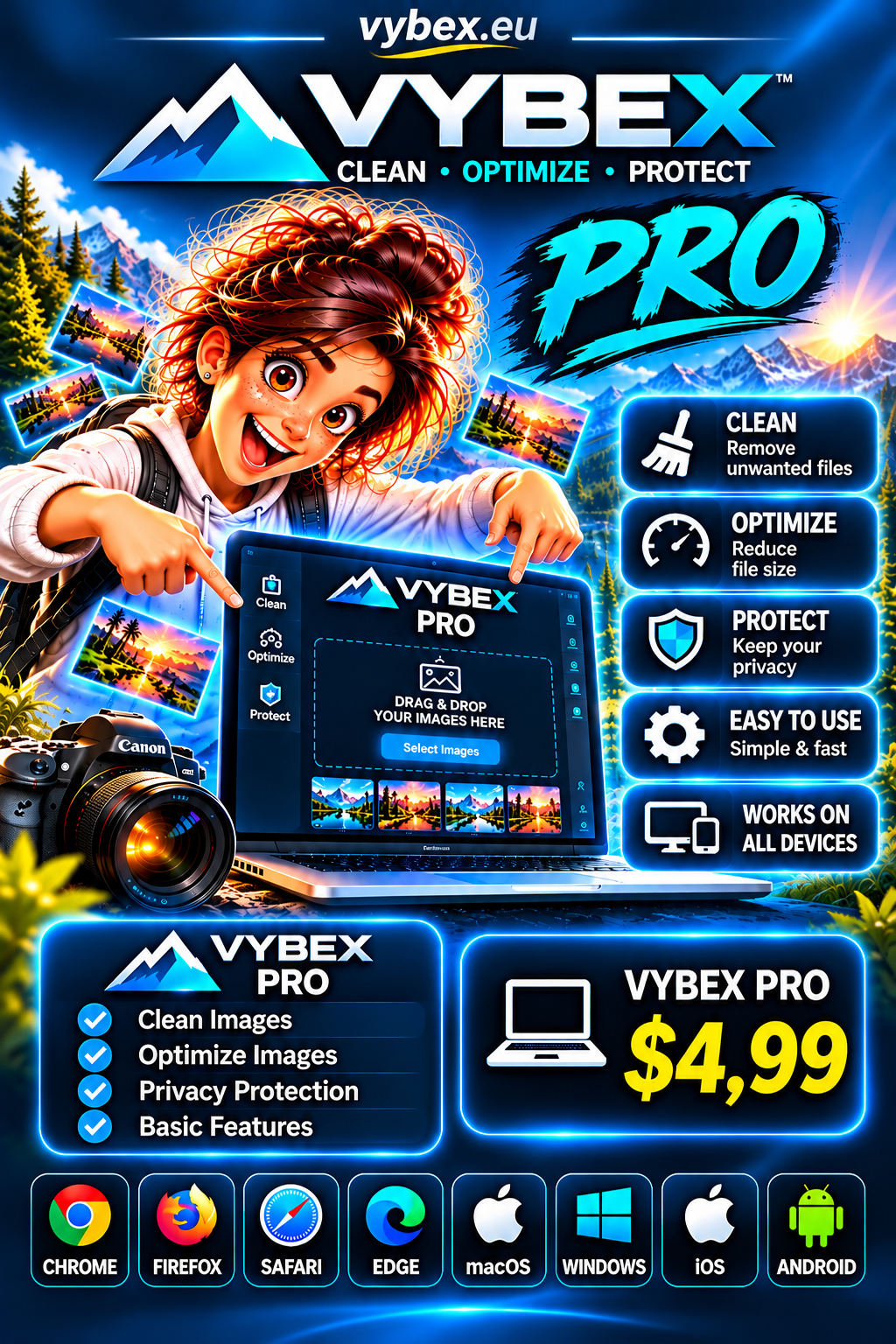
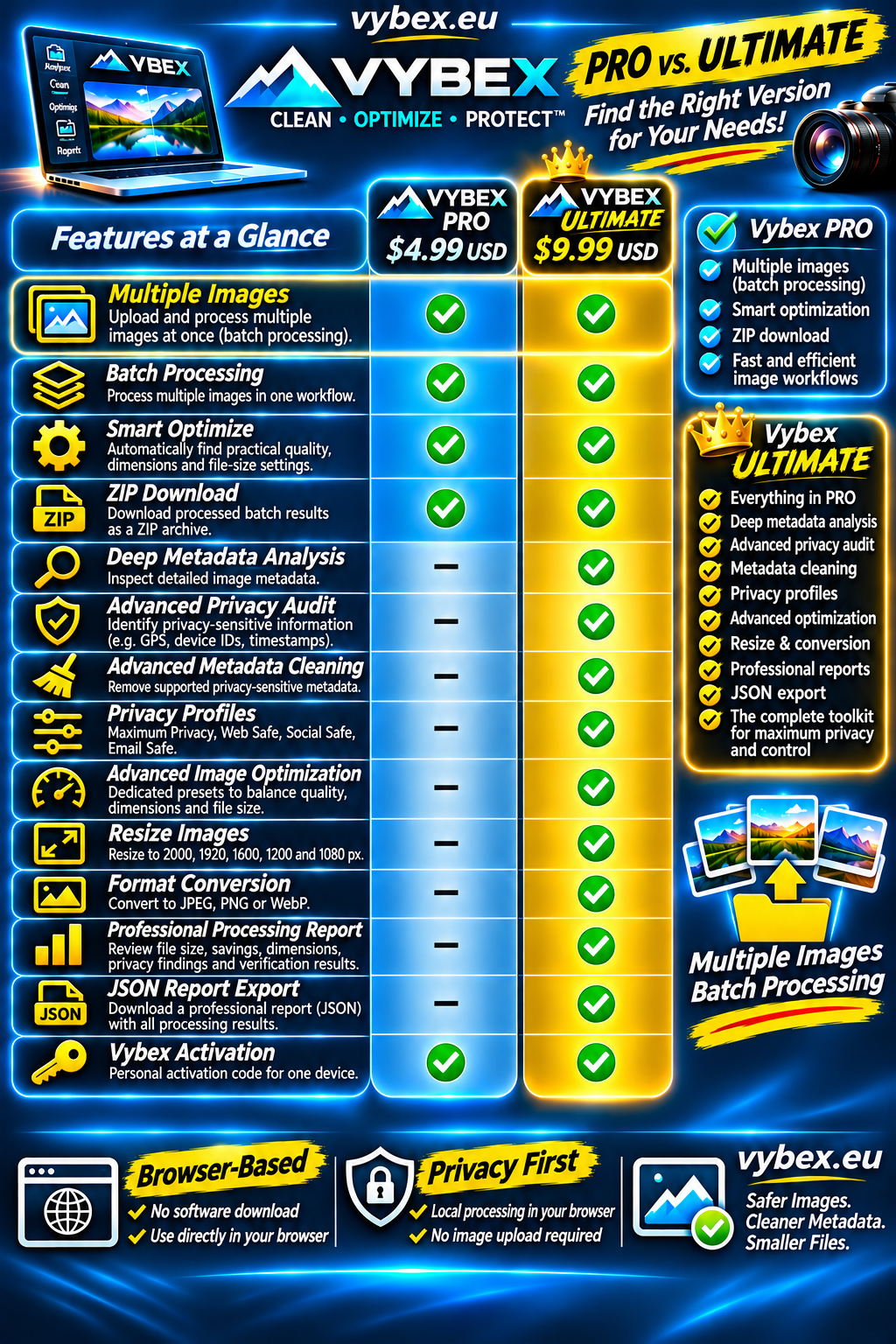
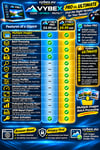
Vybex Pro unlocks the advanced features of Vybex for faster and more convenient image workflows.
With Vybex Pro you can process multiple images, optimize images toward practical size targets, and download processed batches as a ZIP archive — directly in your browser.
What you get:
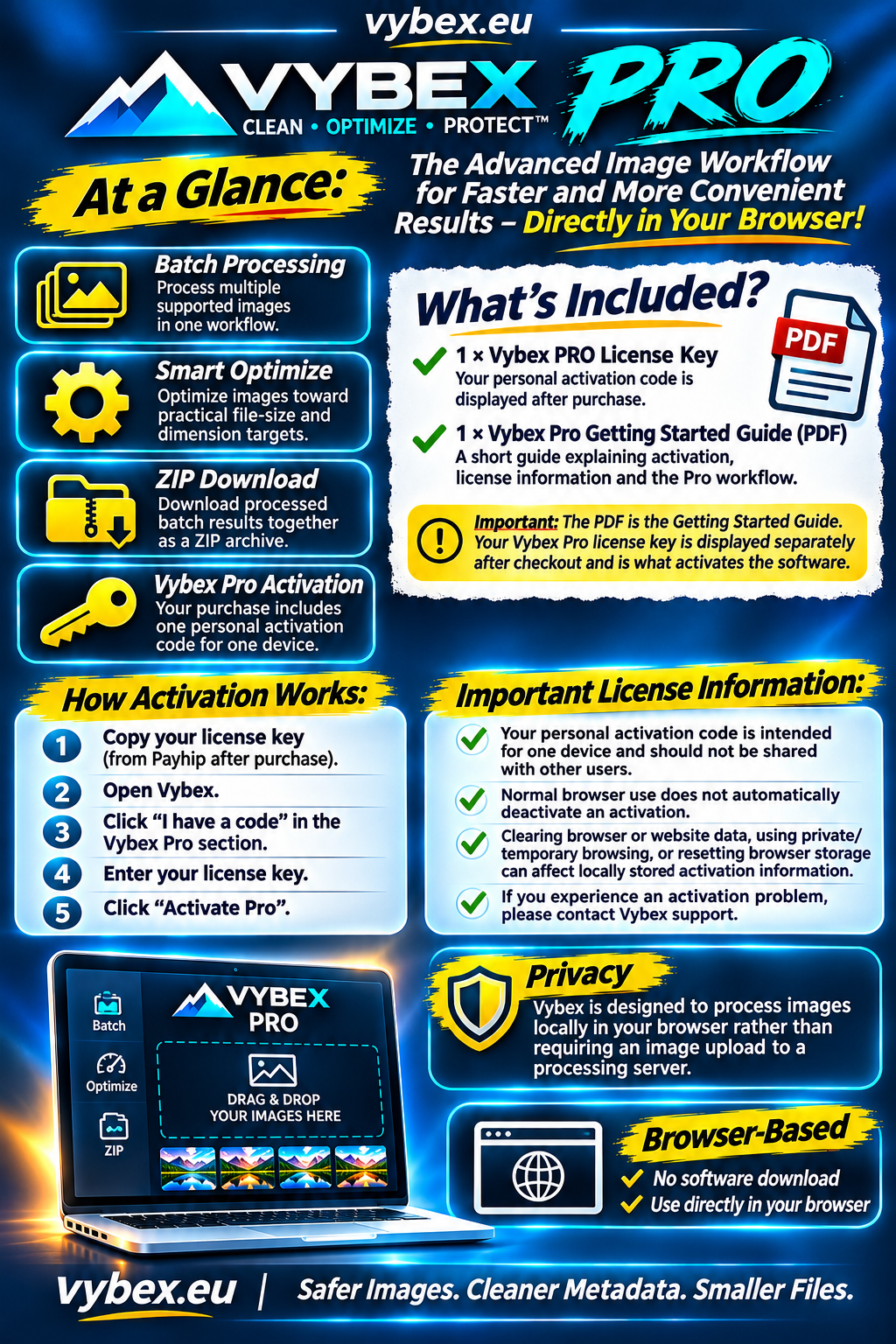
✓ Batch Processing
Process multiple supported images in one workflow.
✓ Smart Optimize
Optimize images toward practical file-size and dimension targets.
✓ ZIP Download
Download processed batch results together as a ZIP archive.
✓ Vybex Pro activation
Your purchase includes one personal activation code for one device.
How activation works:
After completing your purchase, Payhip will display your personal Vybex Pro License Key.
- Copy your license key.
- Open Vybex.
- Click “I have a code” in the Vybex Pro section.
- Enter your license key.
- Click “Activate Pro”.
That's it. Your Vybex Pro features are unlocked.
Important license information:
Your personal activation code is intended for one device and should not be shared with other users.
Normal browser use does not automatically deactivate an activation. However, clearing browser or website data, using private/temporary browsing, or resetting browser storage can affect locally stored activation information.
If you experience an activation problem, please contact Vybex support.
What is included with your purchase?
1 × Vybex PRO License Key
Your personal activation code is displayed after purchase.
1 × Vybex Pro Getting Started Guide
A short guide explaining activation, license information and the Pro workflow.
Important: The PDF is the Getting Started Guide. Your Vybex Pro license key is displayed separately after checkout and is what activates the software.
Privacy
Vybex is designed to process images locally in your browser rather than requiring an image upload to a processing server.
Vybex.eu
Safer Images. Cleaner Metadata. Smaller Files.