




Palo Alto Networks Guide
Palo Alto Networks VPN Configuration Guide
 VPN Types on Palo Alto (Must Know)
IPsec Site-to-Site VPN (most common)
GlobalProtect VPN
Remote Access (users)
Site-to-Site (firewall-to-firewall)
IKEv1 vs IKEv2
IKEv2 = recommended
 Site-to-Site IPsec VPN (Firewall
  Firewall)
 High-Level Flow
IKE Phase 1 → IKE Phase 2 → IPsec Tunnel → Security Policies → Routing
Step 1: Create IKE Crypto Profile (Phase 1)
Network → Network Profiles → IKE Crypto
Encryption: AES-256
Authentication: SHA-256
DH Group: 14
Lifetime: 8 hours
Step 2: Create IPsec Crypto Profile (Phase 2)
Network → Network Profiles → IPsec Crypto
Encryption: AES-256
Authentication: SHA-256
Lifetime: 1 hour
Step 3: Create IKE Gateway
Network → IKE Gateways
Authentication: Pre-Shared Key
Peer IP: Remote firewall public IP
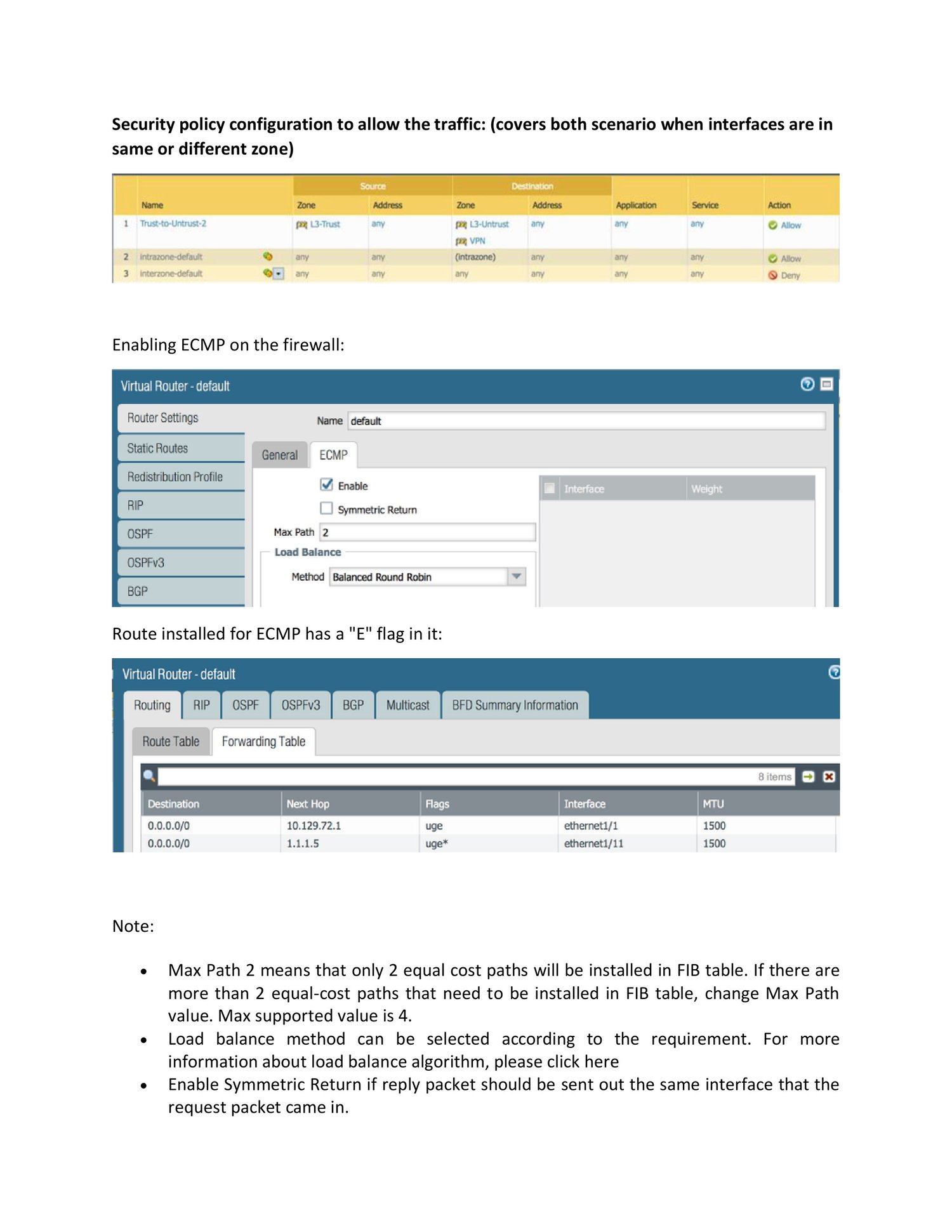
Local Interface: ethernet1/1
IKE Version: IKEv2
NAT Traversal: Enabled
Step 4: Create IPsec Tunnel
Network → IPsec Tunnels
Tunnel Interface: tunnel.1
IKE Gateway: Select gateway
IPsec Crypto Profile: Select profile
Step 5: Assign Tunnel Interface
Network → Interfaces → Tunnel
Interface: tunnel.1
Virtual Router: default
Security Zone: VPN-ZONE
Step 6: Routing
Network → Virtual Routers → Static Routes
Destination: Remote subnet
Interface: tunnel.1
Step 7: Security Policies (Very Important)
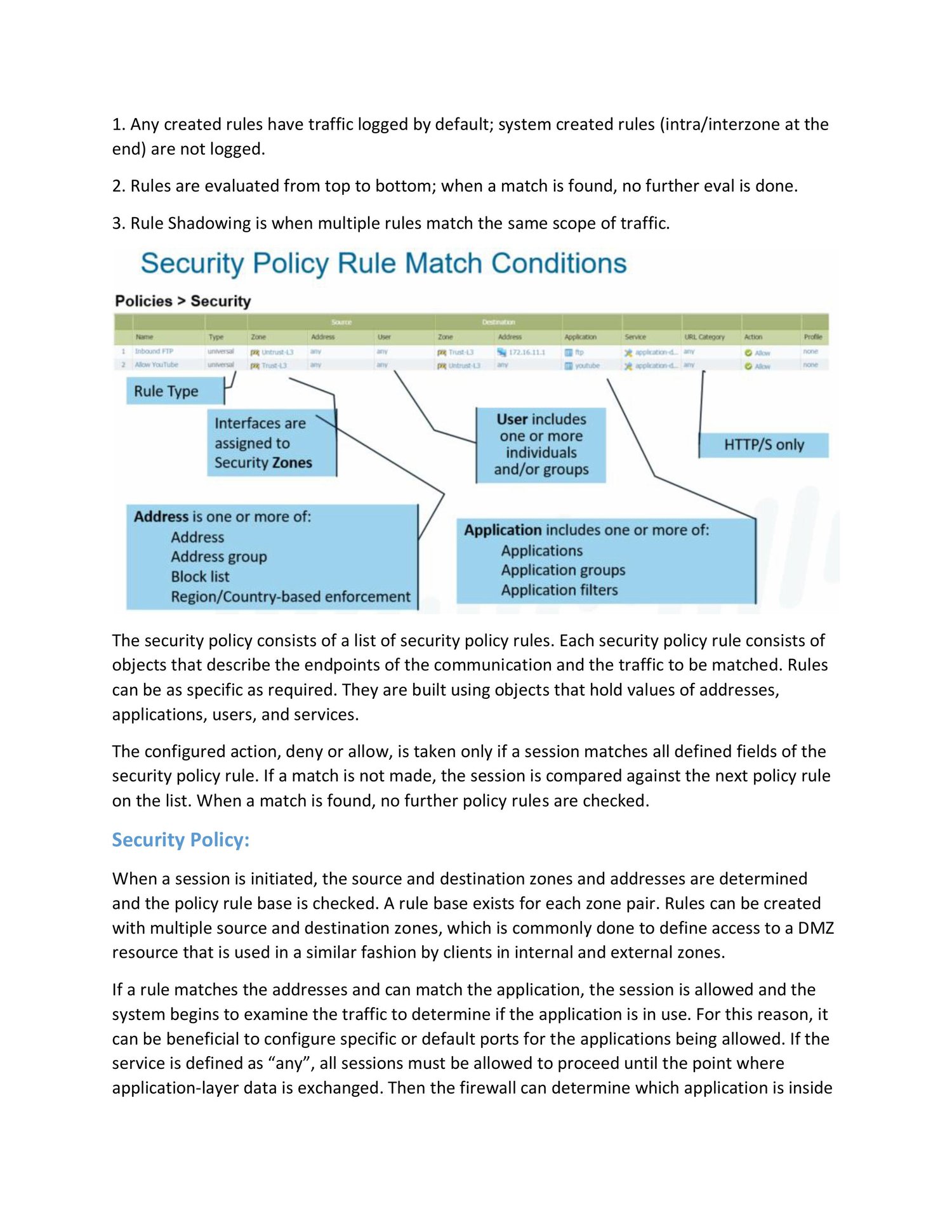
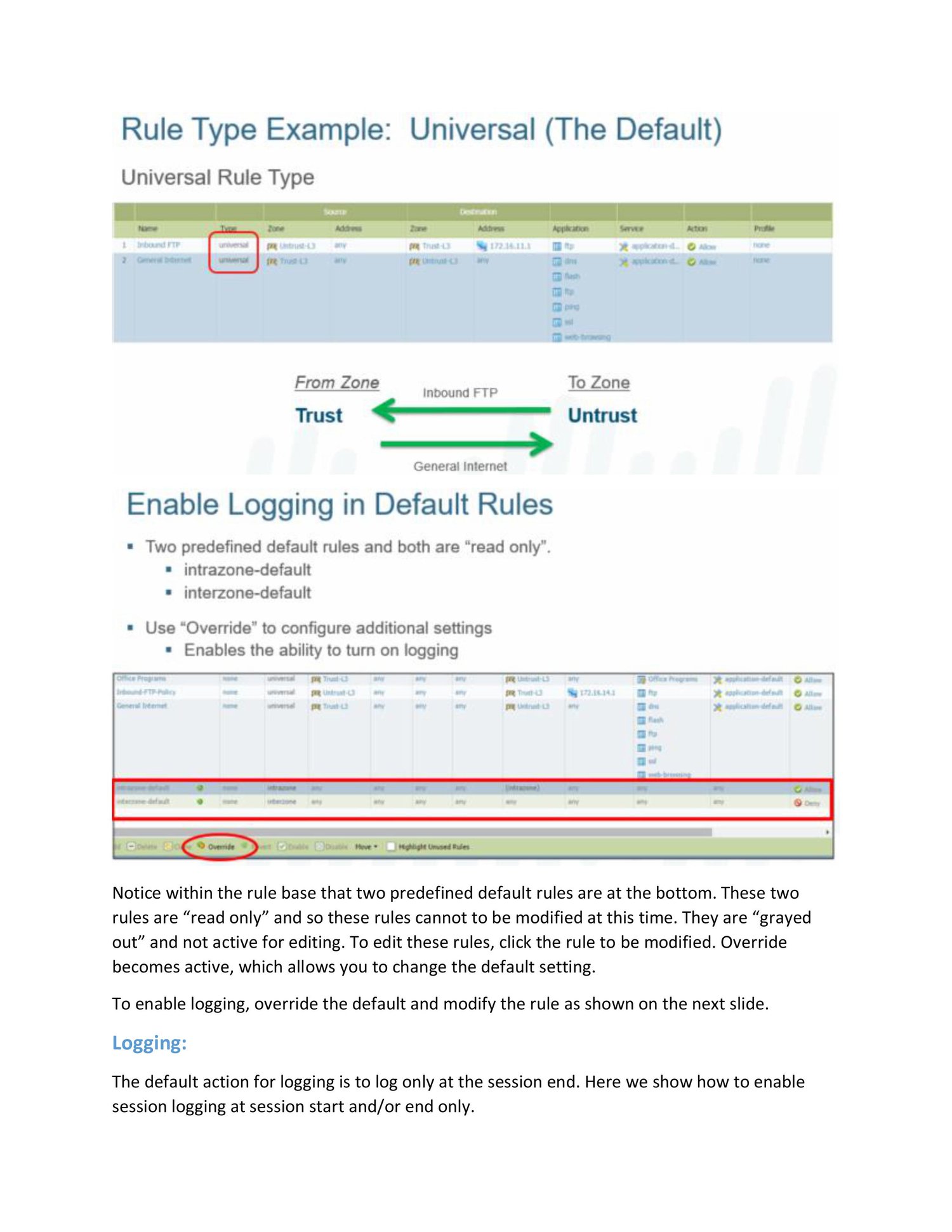
Policies → Security
Source Zone: Trust
Destination Zone: VPN-ZONE
Application: any
Action: allow
 GlobalProtect Remote Access VPN
Components
Component Purpose
Portal User authentication
Gateway VPN tunnel
Client User device
Step 1: Authentication Profile
Device → Authentication Profile
Local DB / LDAP / RADIUS / SAML
MFA supported
Step 2: Create GlobalProtect Portal
Network → GlobalProtect → Portals
Interface: Internet-facing
Authentication Profile
Client config (split/full tunnel)
Step 3: Create GlobalProtect Gateway
Network → GlobalProtect → Gateways
Tunnel Mode
Client IP Pool
Security Zone: GP-ZONE
Step 4: Security Policies
Allow traffic from GP-ZONE to internal zones.
#PaloAlto #PaloAltoNetworks #VPN #IPsecVPN #GlobalProtect #IKEv2 #NetworkSecurity #Firewall #CyberSecurity #SOC #BlueTeam #NetworkEngineering #ITSecurity #CloudSecurity #EnterpriseNetworking