



UI/UX Freelance Template: Win Clients
UI/UX Freelance Template: Win Clients Today!
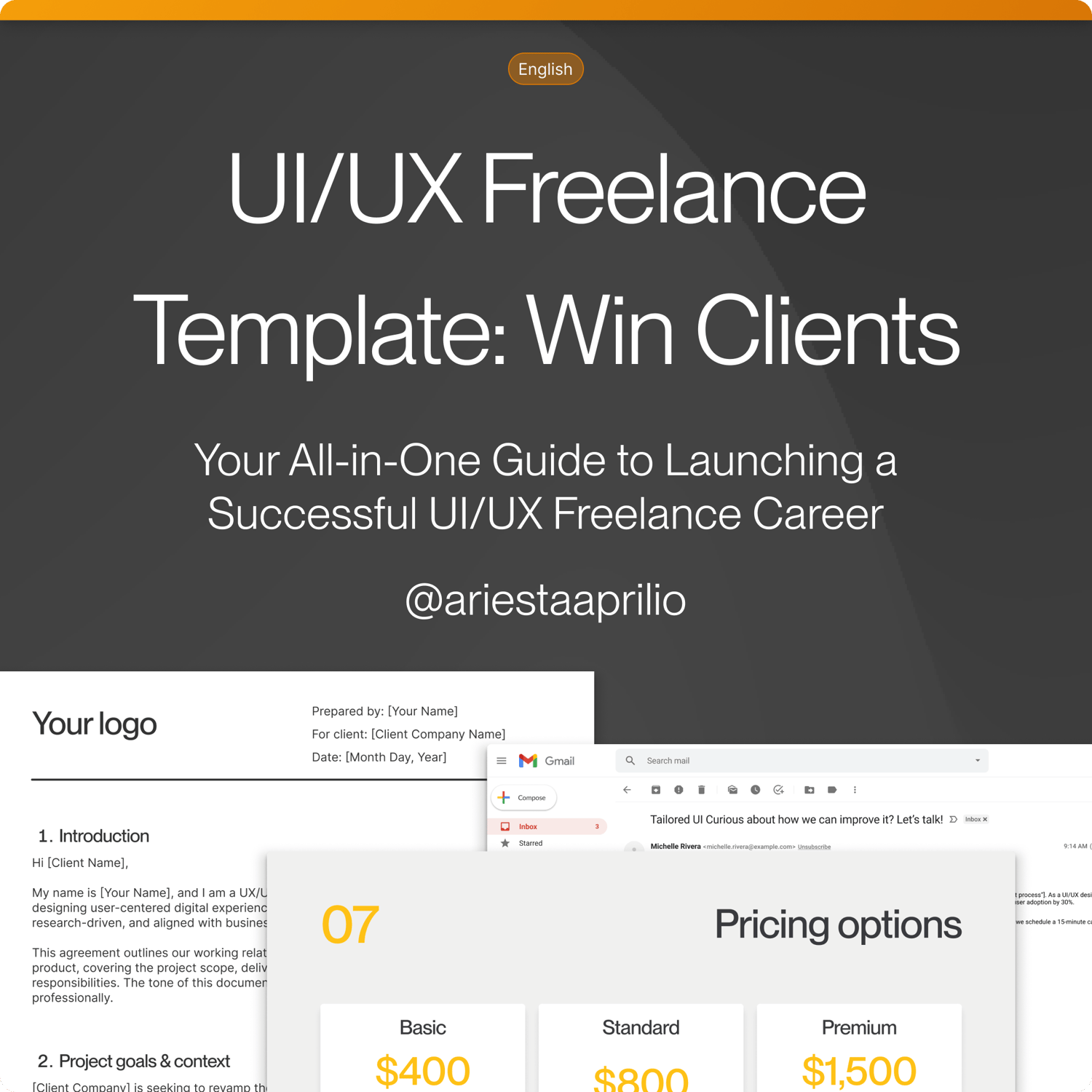
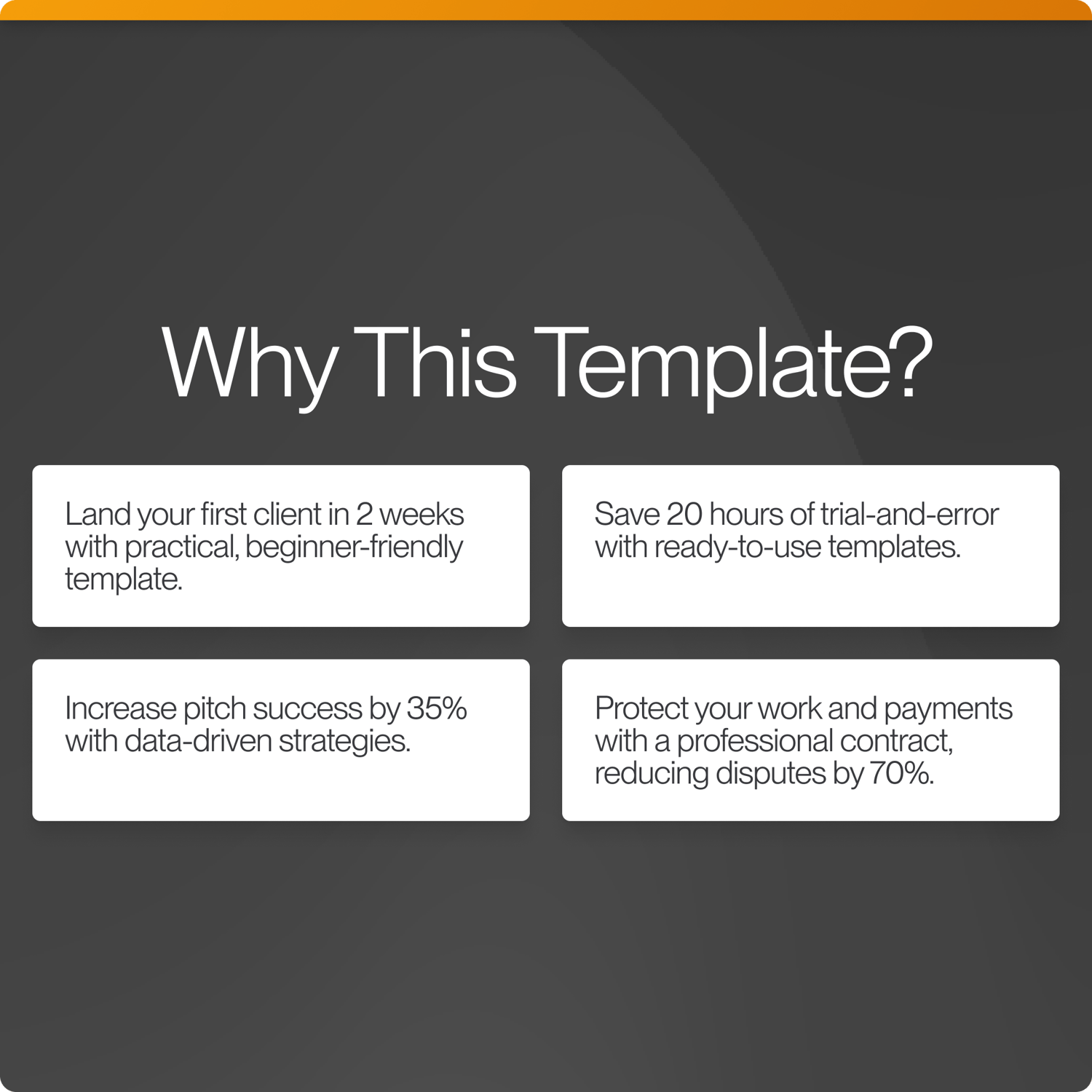
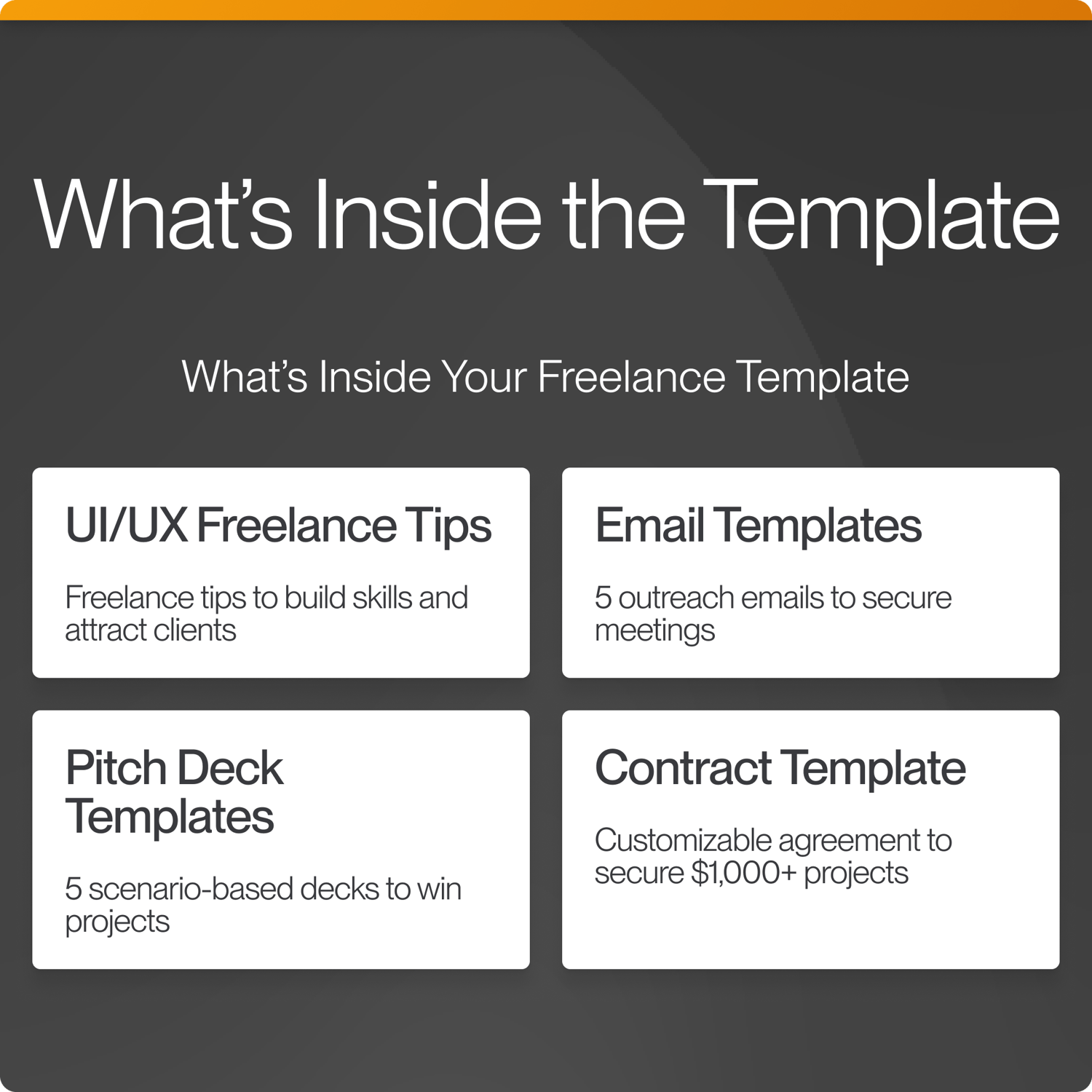
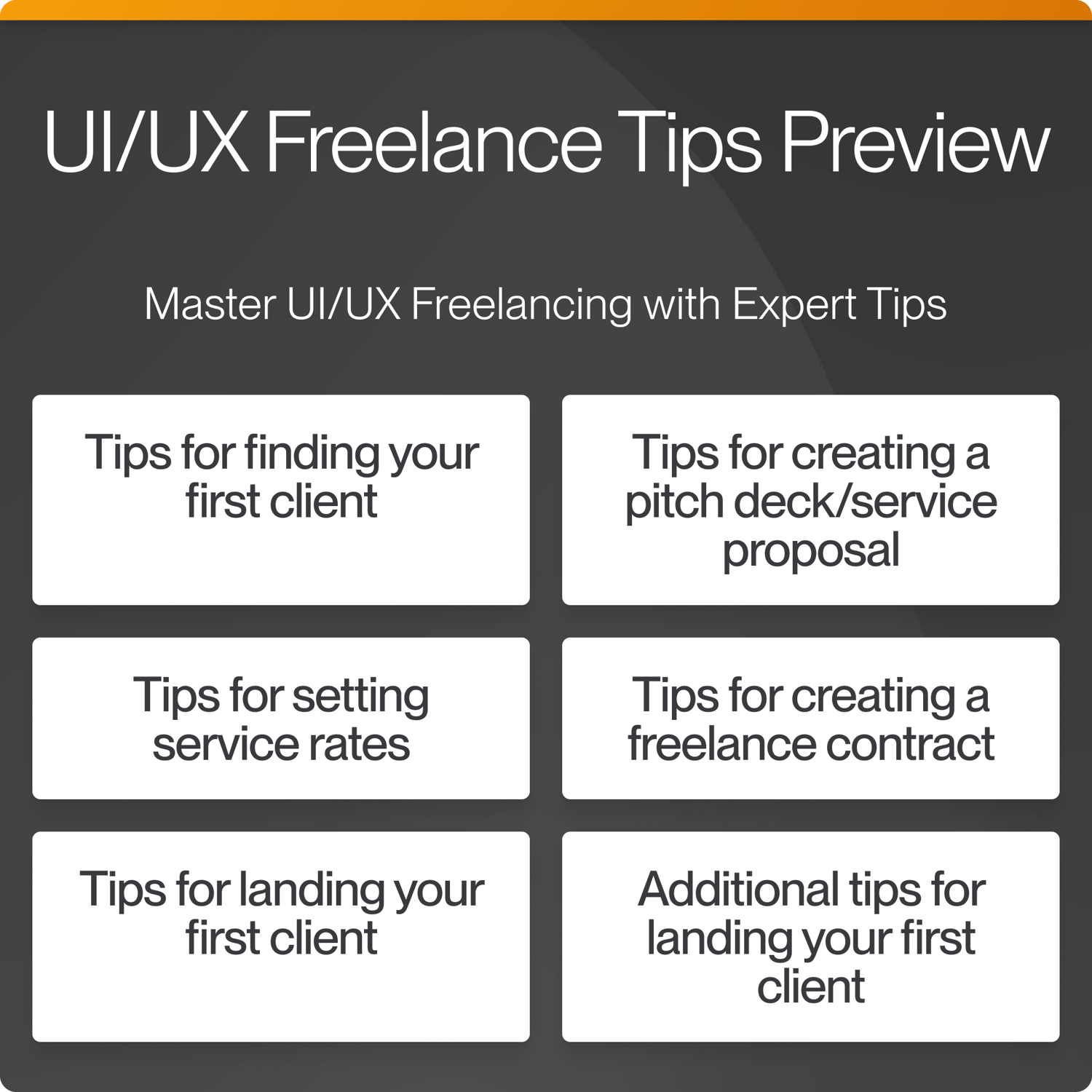
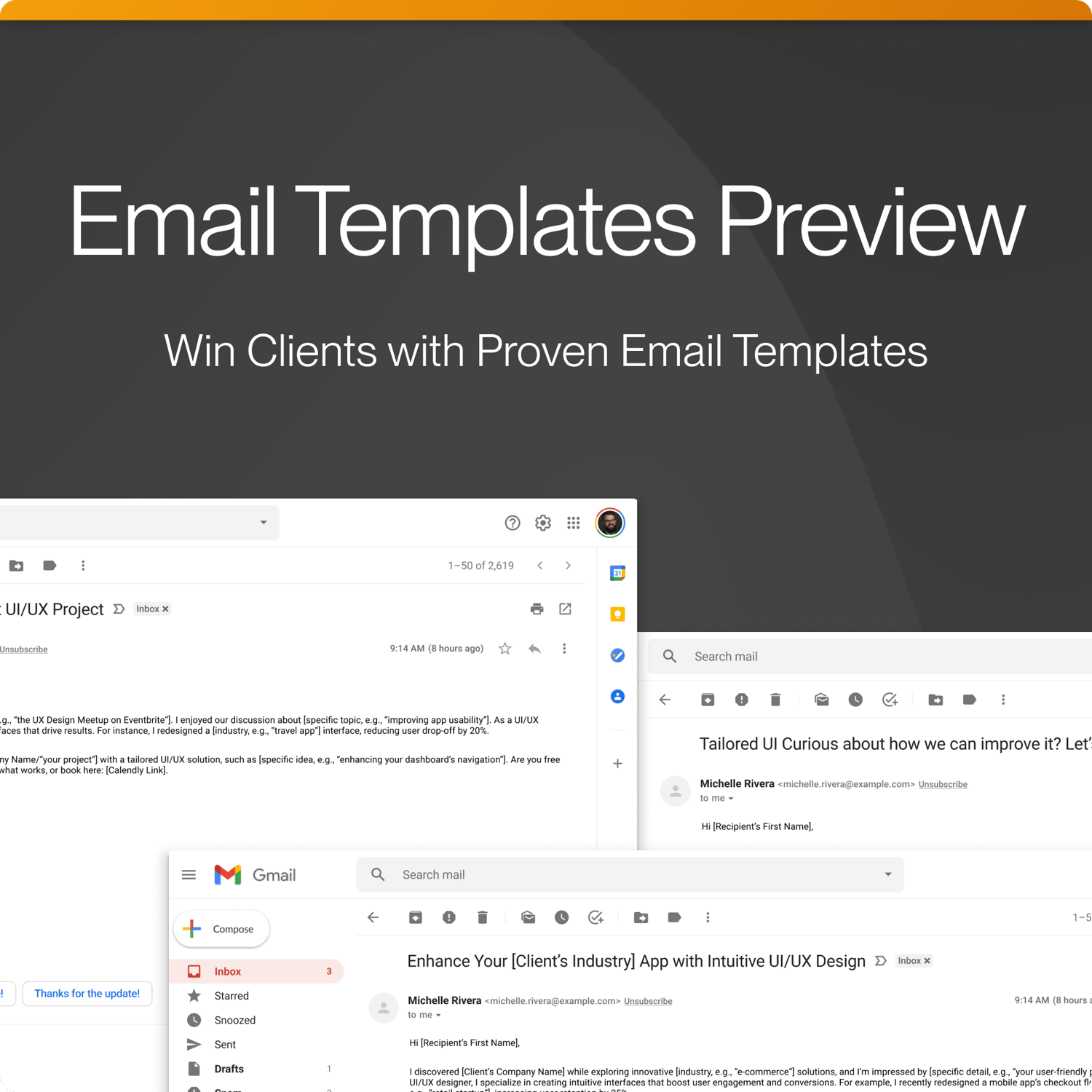
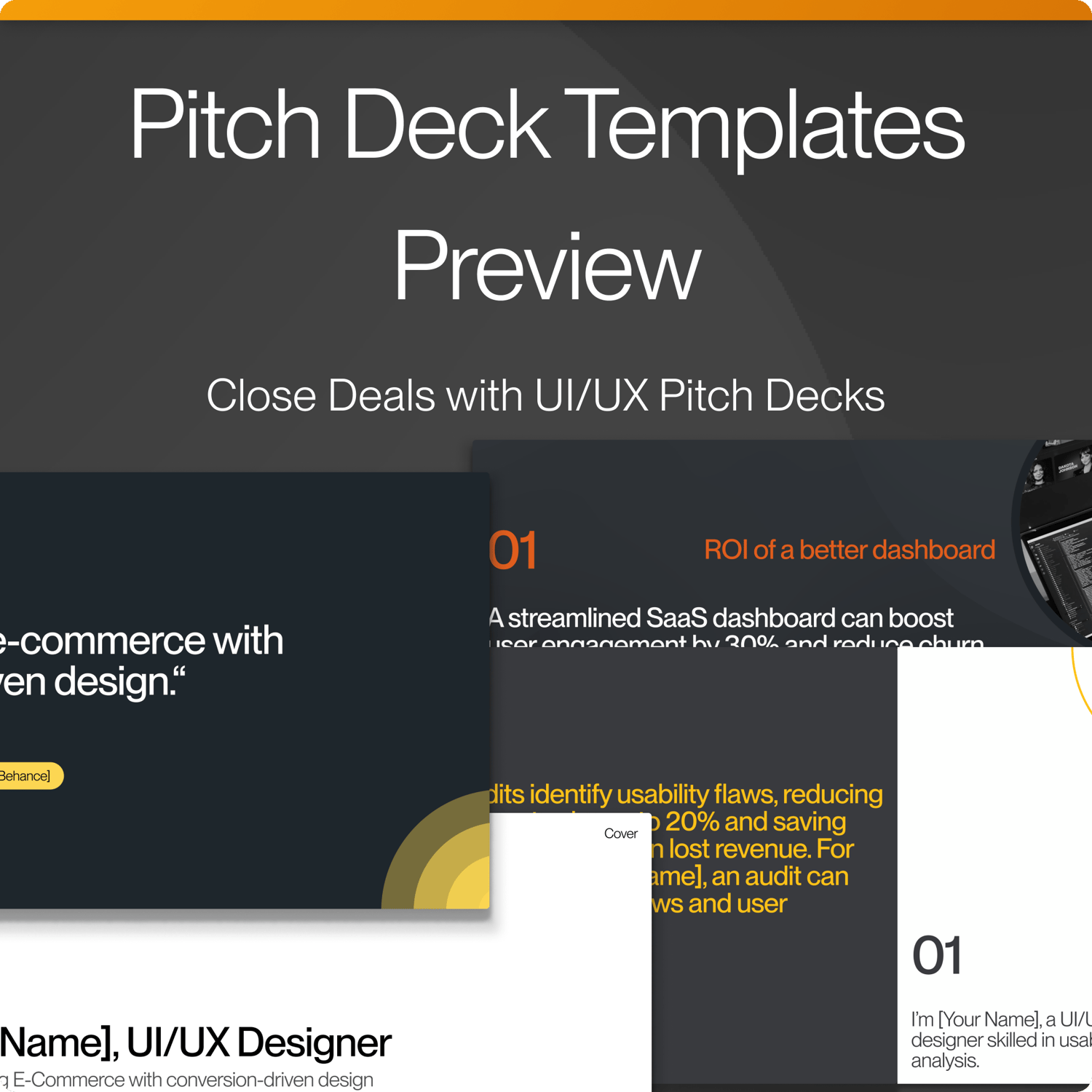
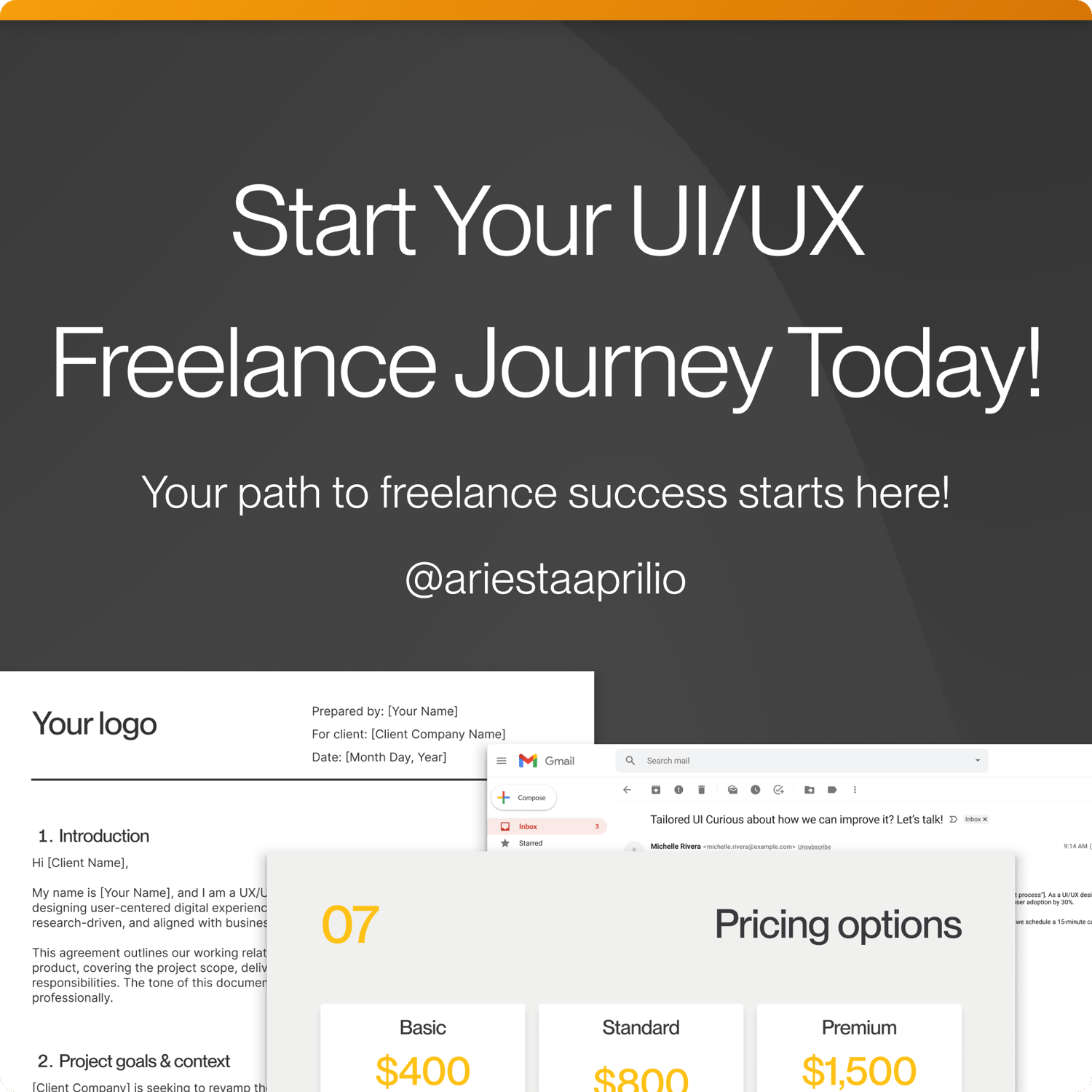
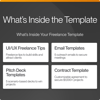
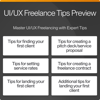
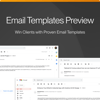
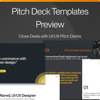
Launch your UI/UX freelancing career with the UI/UX Freelance Toolkit: Win Clients! This beginner-friendly toolkit equips you to land your first client in just 2 weeks with practical tools: UI/UX Freelance Tips, Email Templates, Pitch Deck Templates, and a Contract Template. Try the free version with one template each—Email, Pitch Deck, and Contract. Unlock the paid version for 15 templates (5 per category) to pitch $1,000+ projects and boost success by 35%. Get it now on my Payhip store, your hub for UI/UX freelancing resources, and start winning clients!
What Will You Receive After Purchase?
You’ll receive:
A Figma file (UI_UX Freelance Template_ Win Clients[Paid].fig) containing the Email Template, Pitch Deck Template Contract Template and Cover.
How to Import To Figma?
- Step 1: Sign in to Figma at figma.com or create a free account if you’re new.
- Step 2: In Figma, click “New File” > “Import File” from the top-right menu.
- Step 3: Select the downloaded UI_UX Freelance Template_ Win Clients[Paid].fig file from your computer.
- Step 4: Wait for the import to complete (takes ~10 seconds).
Need Help? Contact me at armansyahhkm07@gmail.com. Start your UI/UX freelancing journey today!