
Kids Allowance and Chore Tracker Spreadsheet (Google Sheets and Excel)
An easy-to-edit Kids Allowance & Chore Tracker for Google Sheets and Excel. Give chores a star value, mark each day they're done, and the sheet works out this week's allowance and bonus per child — already split into Save, Spend and Give — then keeps a running balance for every jar and shows how many weeks each savings goal is away.
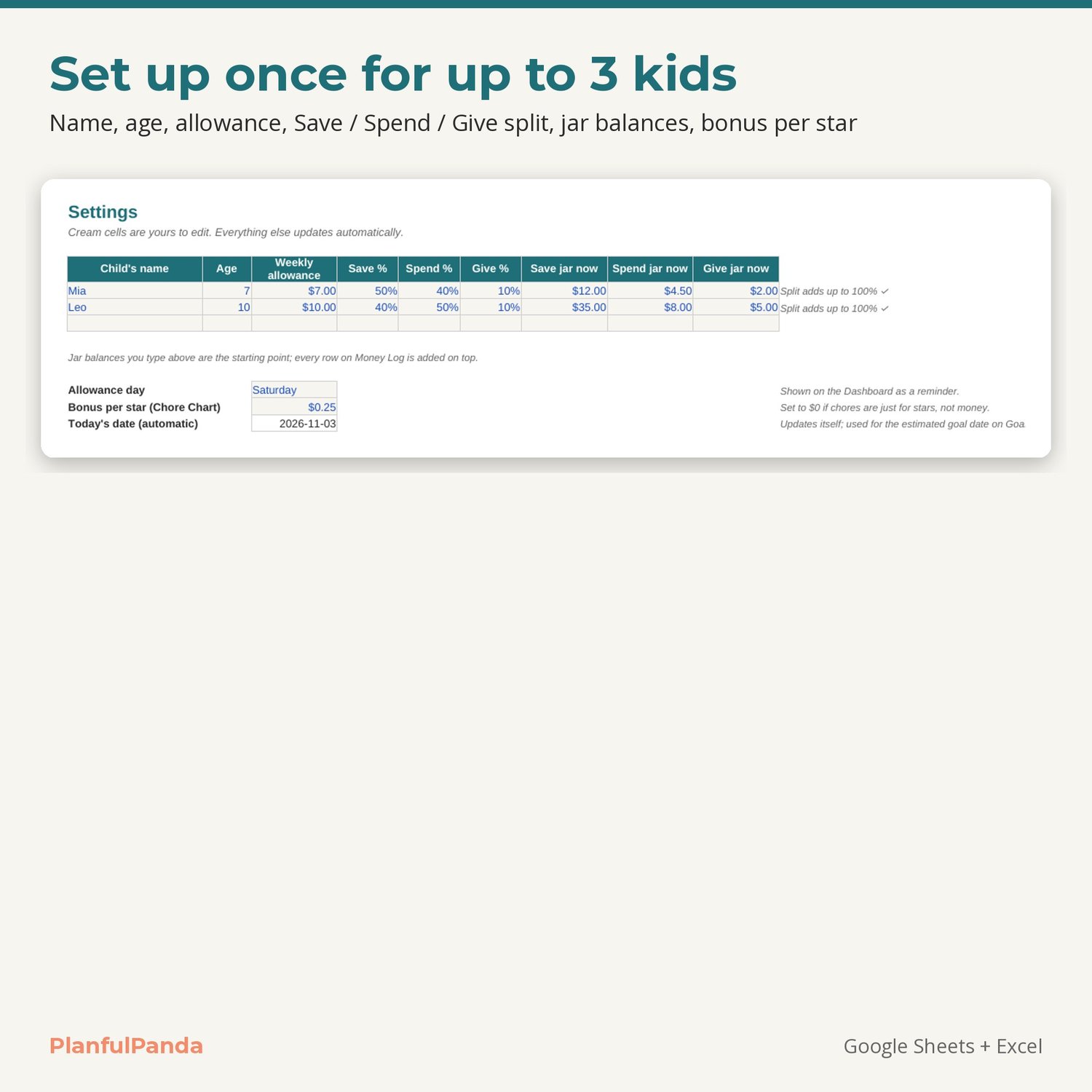
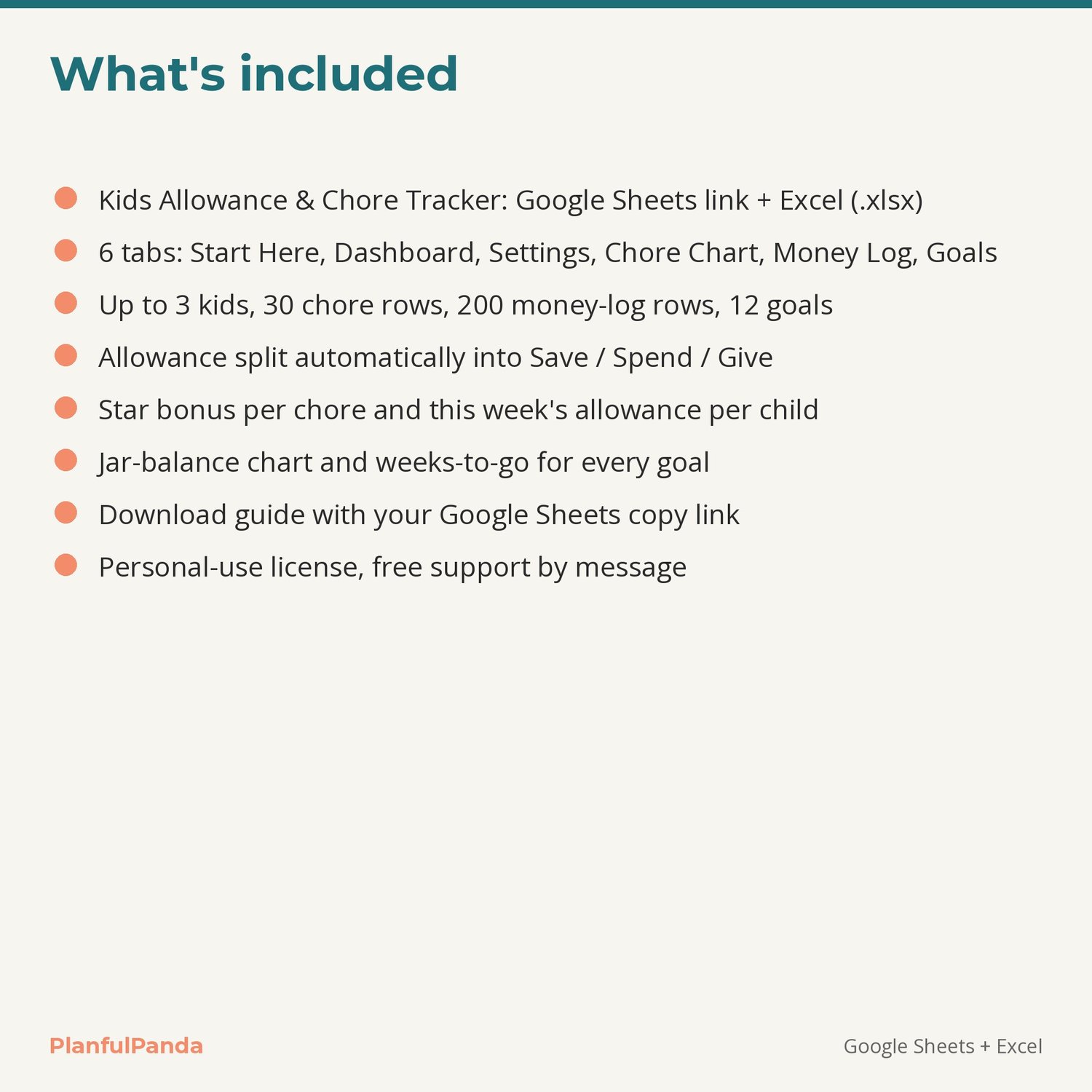
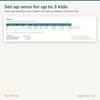
• Settings: up to 3 kids — name, age, weekly allowance, Save / Spend / Give split (checked to add up to 100%), jar balances today, allowance day, bonus per star.
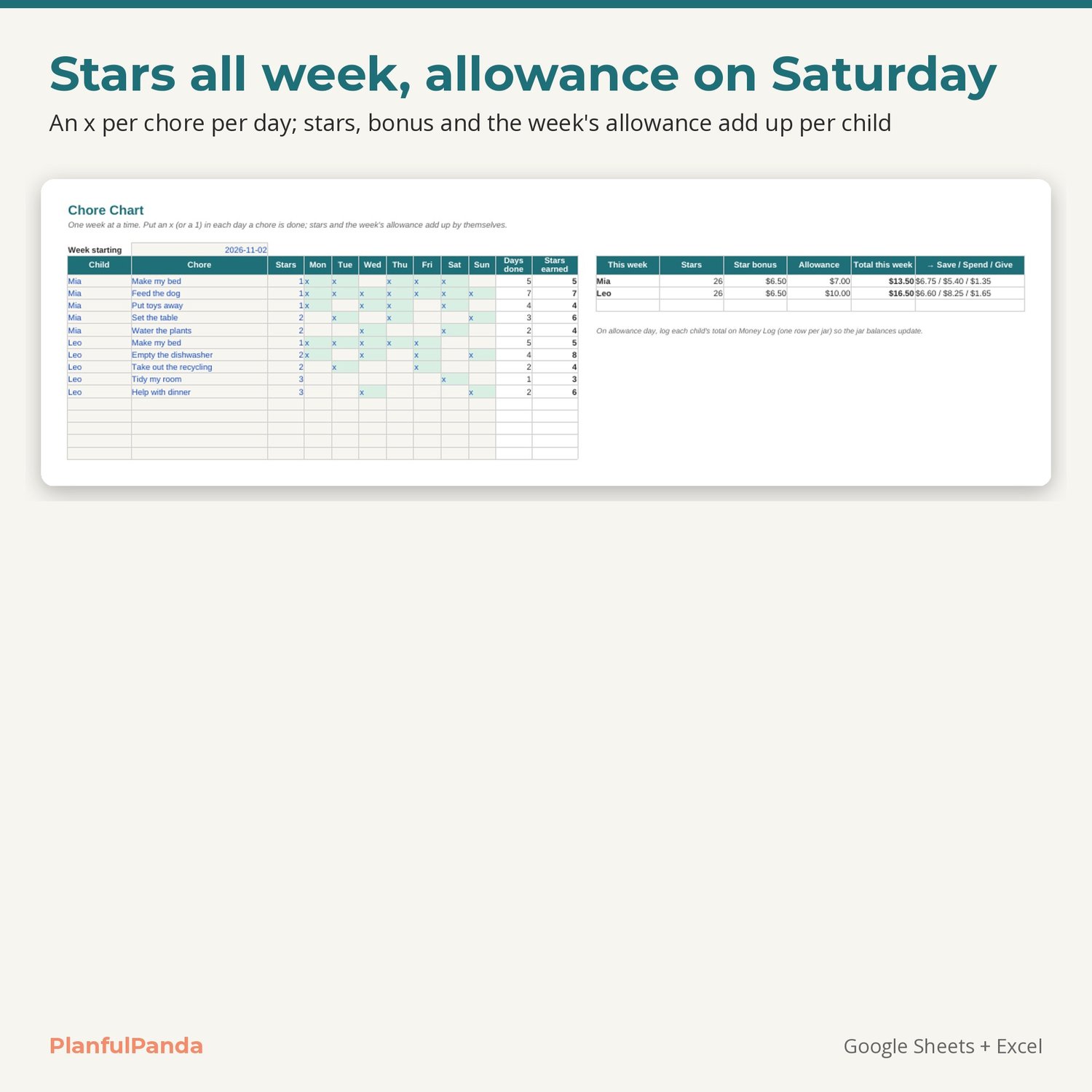
• Chore Chart: 30 chore rows with star values and Mon–Sun boxes; stars, bonus and the week's allowance per child with the jar split.
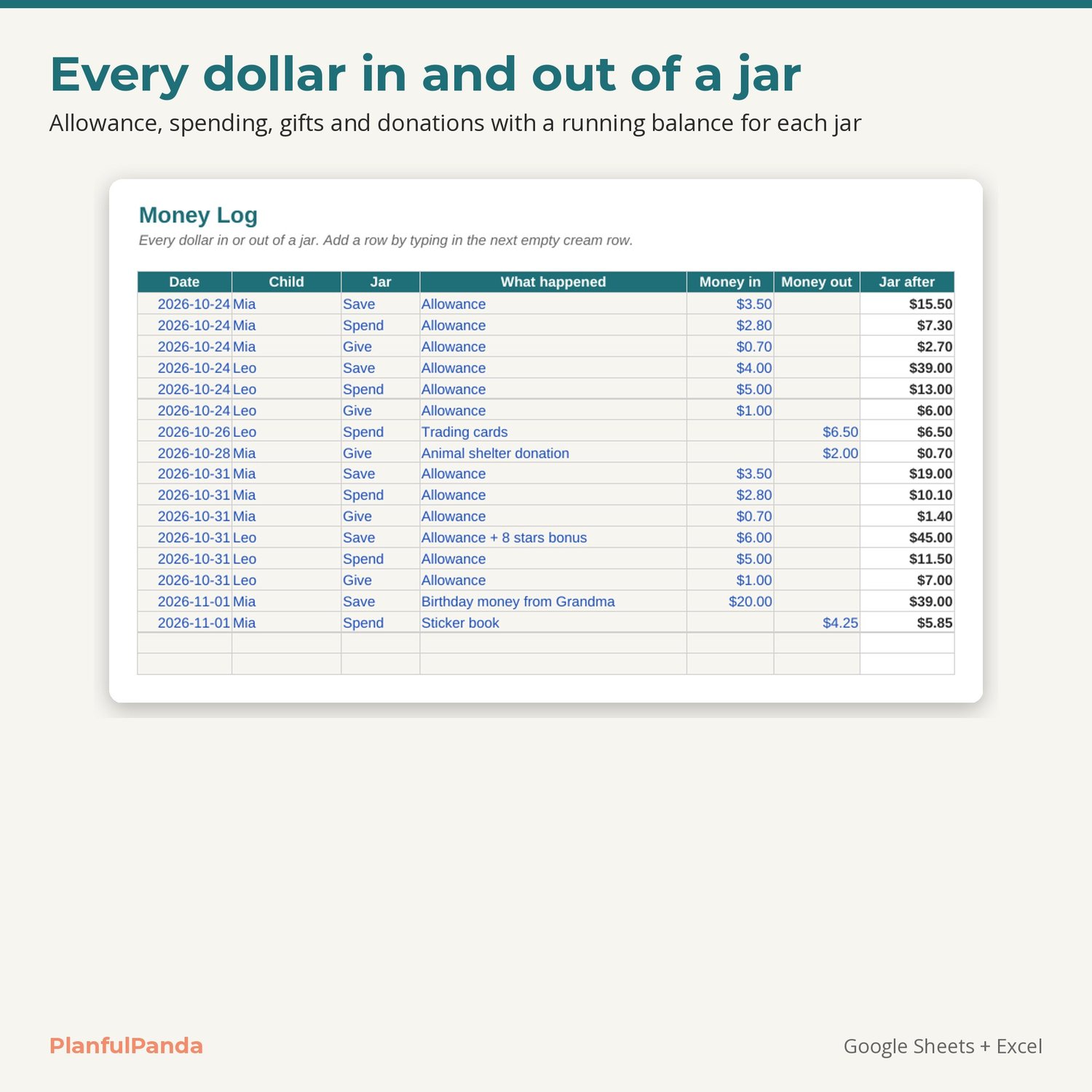
• Money Log: 200 rows with the jar balance after every row.
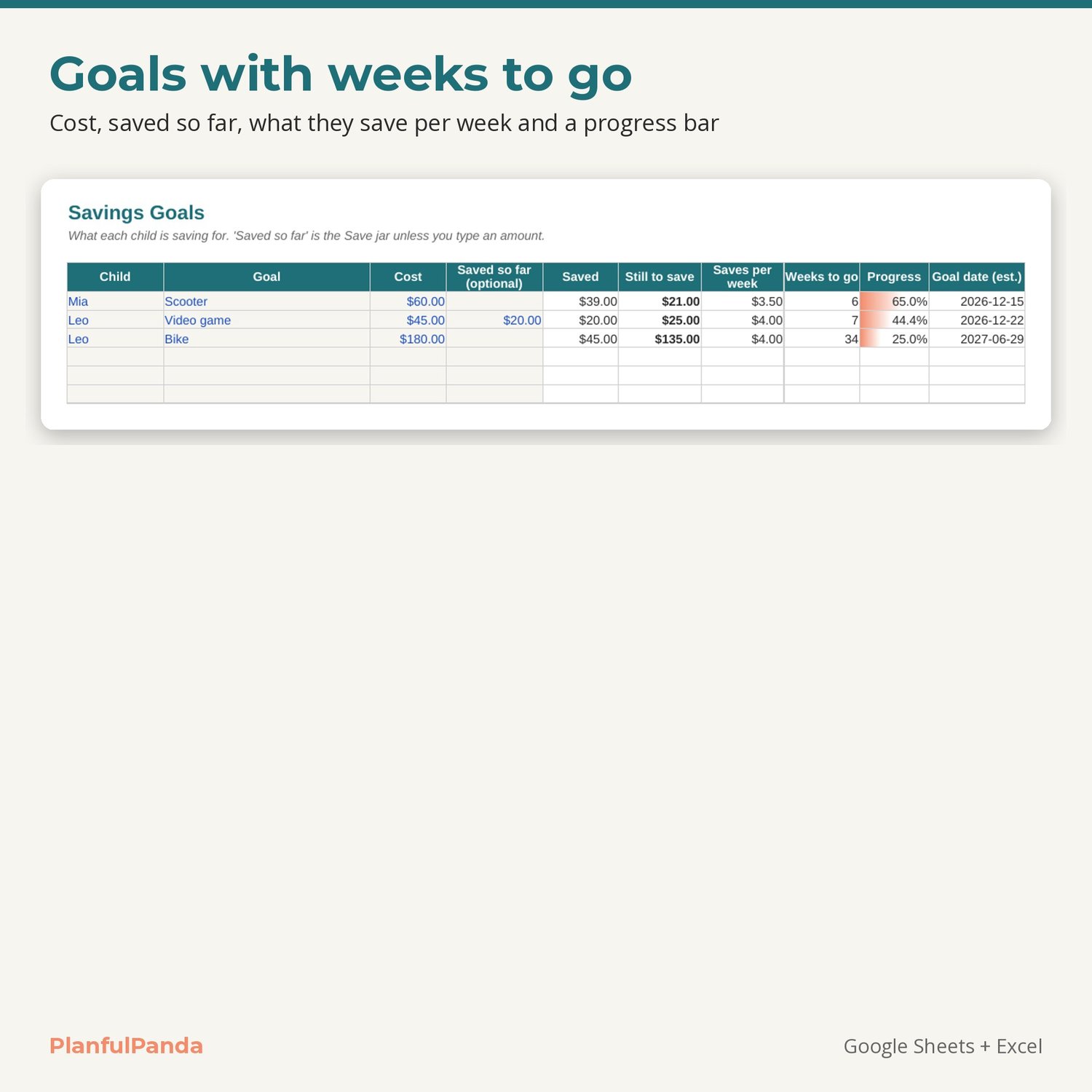
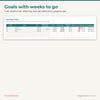
• Goals: 12 goals with cost, saved so far, weeks to go, estimated goal date and a progress bar.
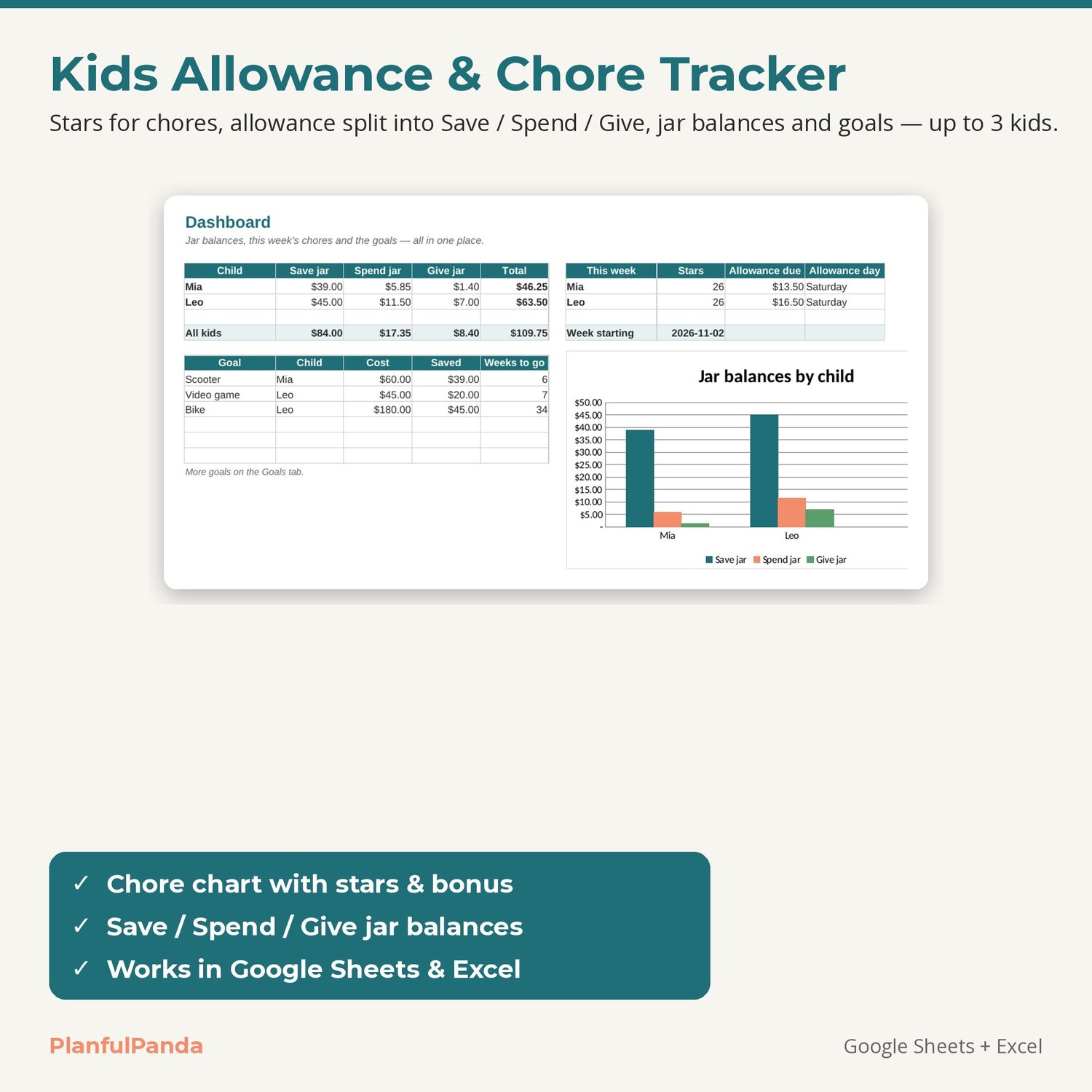
• Dashboard: jar balances per child, this week's stars and allowance, the first six goals and a chart.
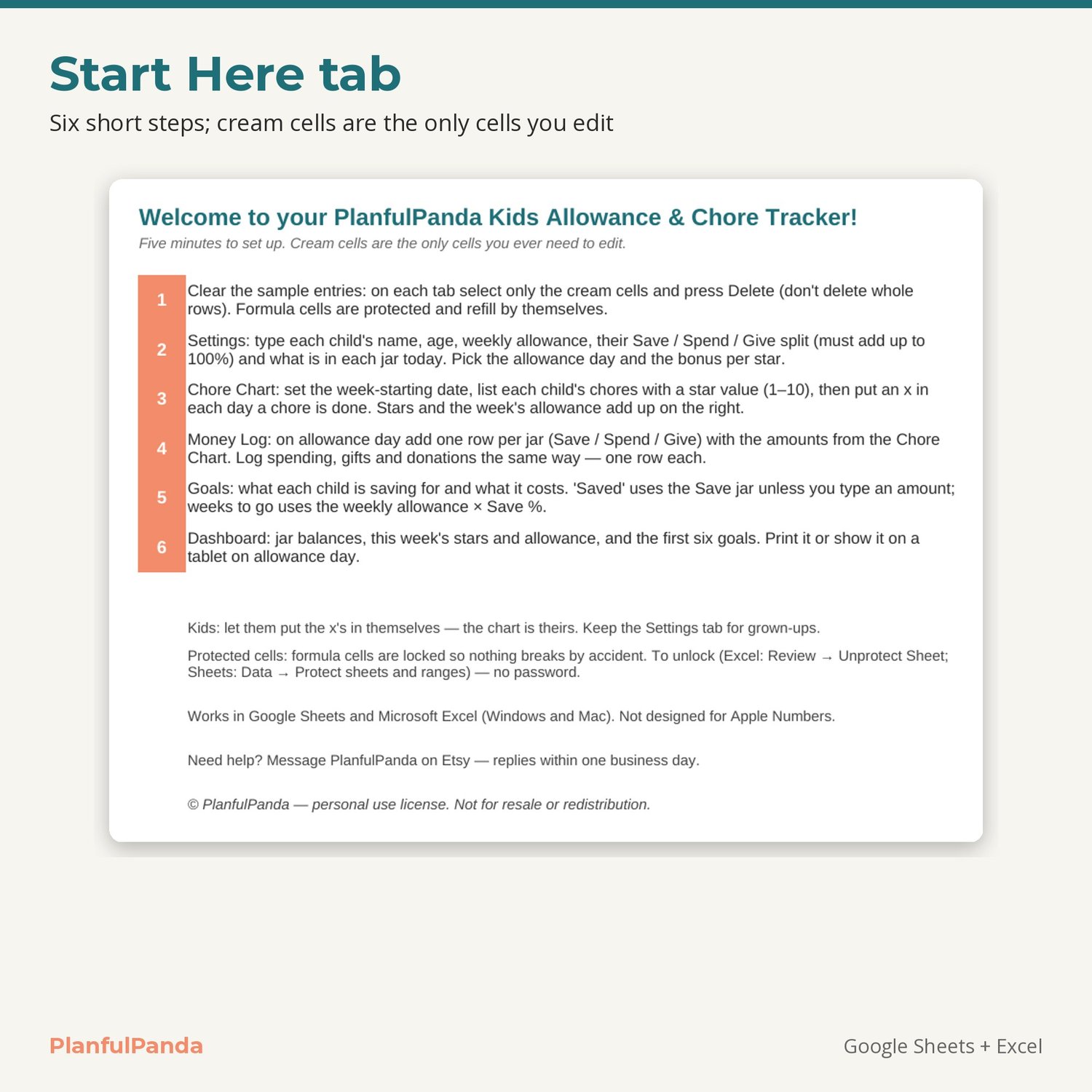
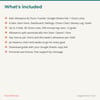
• Formula cells are protected (no password); add a row by typing in the next empty cream row.
HOW IT WORKS
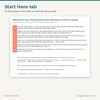
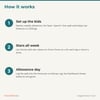
1. Download the files and open the Excel file, or use the one-click "make a copy" link in the download guide for the Google Sheets version.
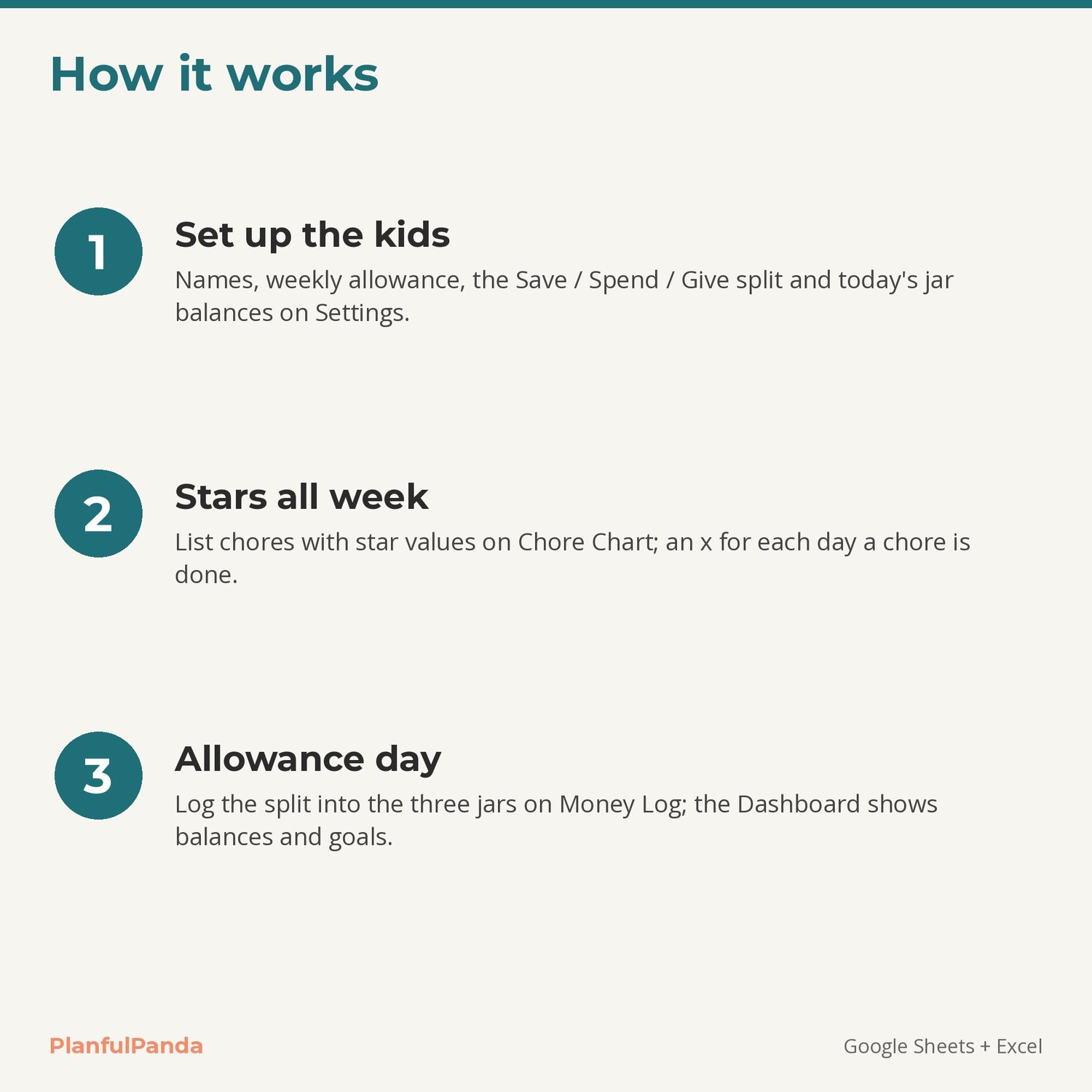
2. Enter each child's name, allowance and jar split on Settings.
3. Mark chores all week, log the allowance on allowance day, and check the Dashboard together.
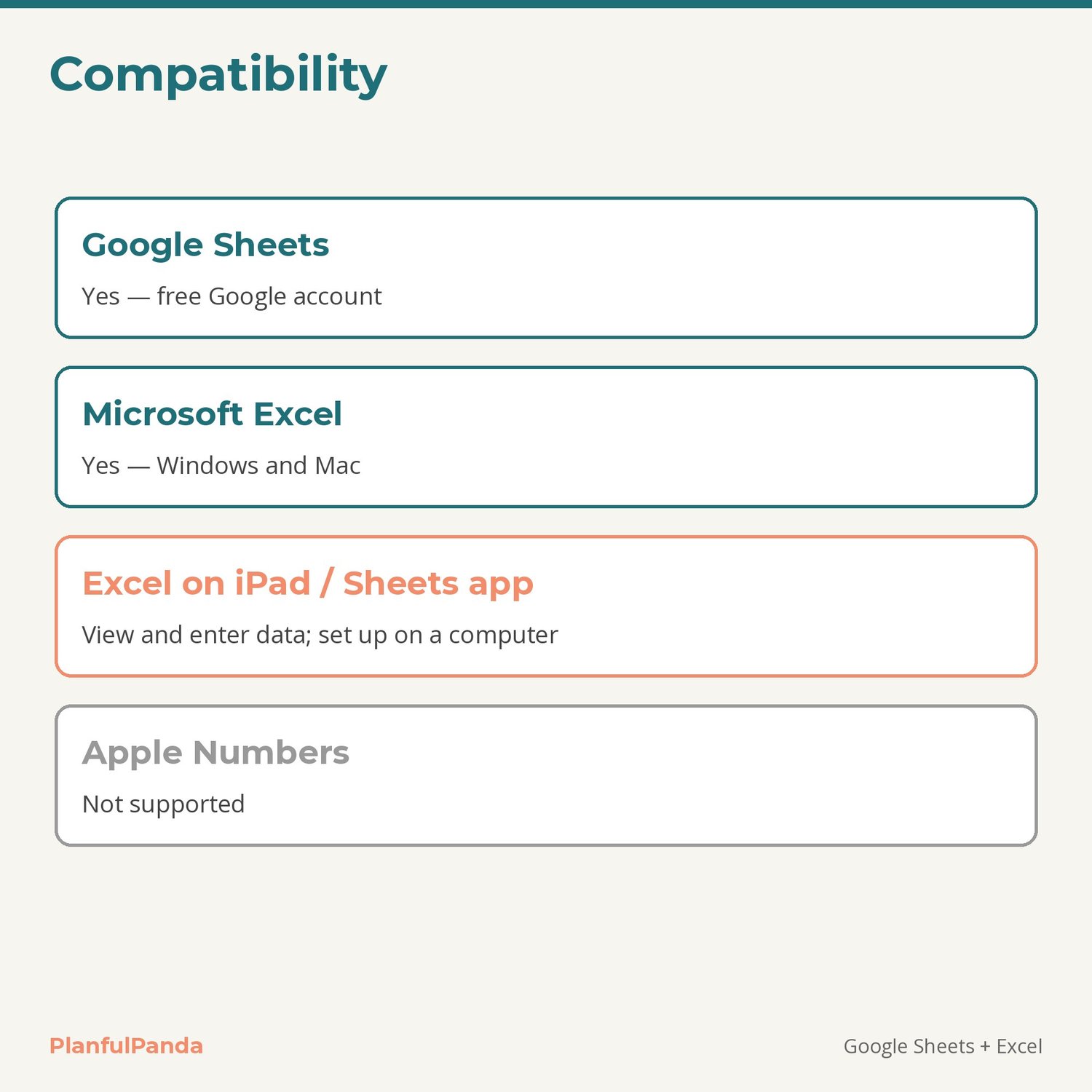
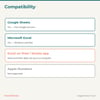
Works in Google Sheets (free account) and Microsoft Excel (Windows and Mac). Not designed for Apple Numbers.
Questions? Message PlanfulPanda through Payhip — replies within one business day.
Personal-use licence: https://www.planfulpanda.com/licence/ · Refund policy: https://www.planfulpanda.com/refunds/
Templates are budgeting tools, not financial advice. Not affiliated with or endorsed by Google or Microsoft.
Designed by PlanfulPanda with AI-assisted tools; every formula and layout is checked before listing.