

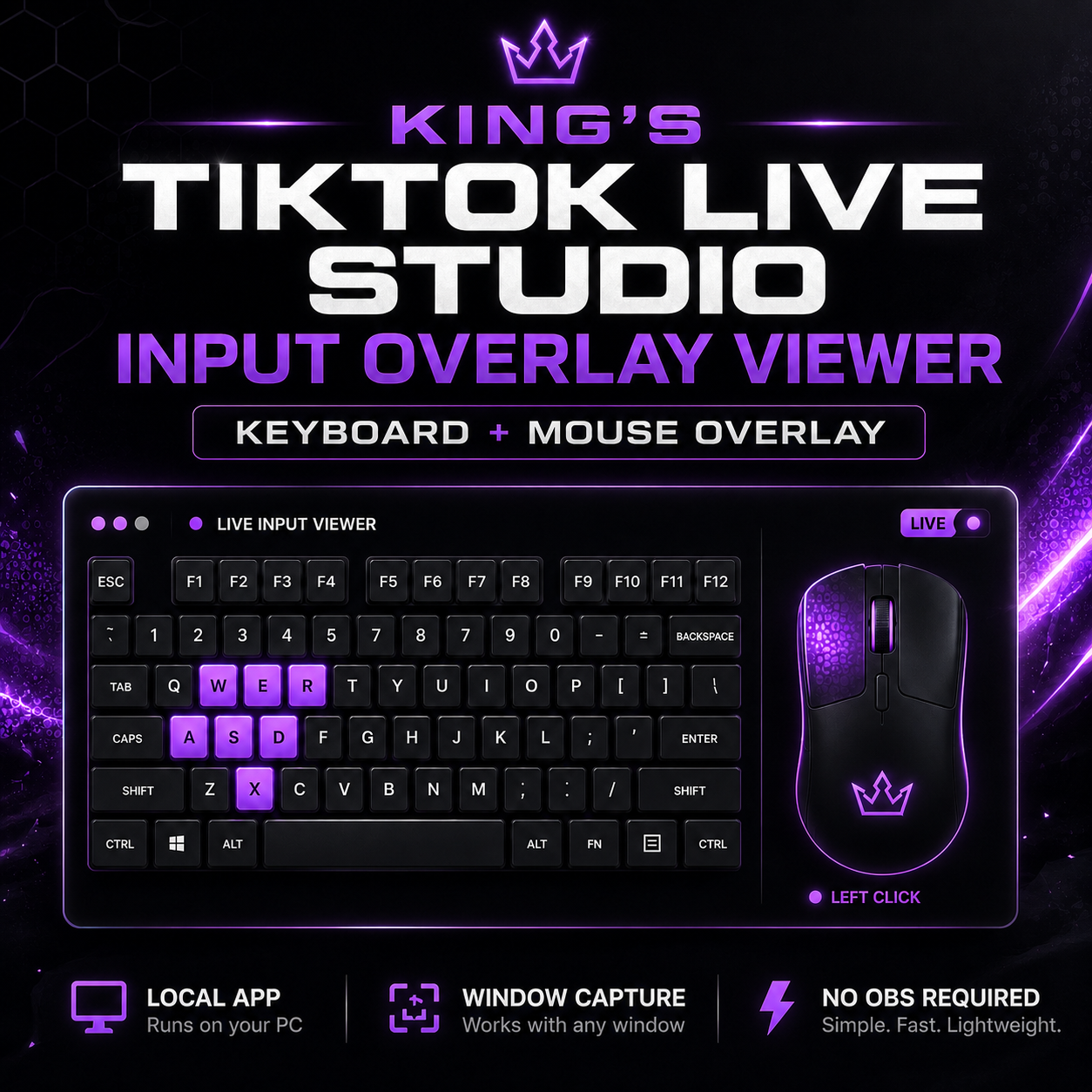
King’s TikTok LIVE Studio Input Overlay Viewer
King’s TikTok LIVE Studio Input Overlay Viewer
A lightweight local overlay viewer that lets TikTok LIVE Studio display your keyboard and mouse inputs through Window Capture, without needing OBS.
TikTok LIVE Studio does not support the same input overlay workflow that many streamers use in OBS. This tool gives you a local workaround: it reads your keyboard and mouse inputs on your PC, displays them in a small overlay window, and lets TikTok LIVE Studio capture that window.
This is made for streamers who want an on-screen keyboard and mouse input display while staying inside TikTok LIVE Studio.
The app runs locally on your computer and opens a lightweight Microsoft Edge app-style overlay window. Add that window to TikTok LIVE Studio using Window Capture, position it on your scene, and chroma key the green background if needed.
This is not a TikTok plugin. It is a local overlay viewer designed to be captured by TikTok LIVE Studio.
What It Does
- Displays keyboard and mouse input in a local overlay window
- Works with TikTok LIVE Studio through Window Capture
- Reads input while your game is focused
- Supports keyboard and mouse inputs from compatible overlay layouts
- Runs locally using Node.js and a lightweight Edge app-style window
- No OBS required
Requirements
- Windows PC
- Node.js LTS installed
- Microsoft Edge installed
- TikTok LIVE Studio
- Your own compatible PNG/JSON input overlay asset files
Important Asset Note
This product does not include third-party PNG or JSON overlay assets. You must provide your own compatible input overlay asset files.
Required asset filenames:
- wasd.png
- wasd-full.json
- mouse.png
- mouse-no-movement.json
What Is Included
- Local overlay viewer app
- Input listener
- Start file
- Install file
- Setup instructions
- Empty assets folder for your own overlay files
What Is Not Included
- No third-party PNG assets
- No third-party JSON layout files
- No OBS plugin
- No controller support
Compatible Asset Files
This app does not include keyboard/mouse overlay PNG or JSON preset files. To use it, add your own compatible Input Overlay-style preset files to the assets folder.
You can create your own preset files, use files you already own, or get compatible presets from the official Input Overlay project:
https://obsproject.com/forum/resources/input-overlay.552/
Disclaimer
This app is an independent viewer and is not affiliated with TikTok, OBS, or the Input Overlay project. Third-party names, tools, presets, and assets belong to their respective owners.