


TK9 Basic Course ENG
In saldo
€0.00
Paga quello che vuoi:
€
Suggested price: €10 — thank you for supporting my work ❤️
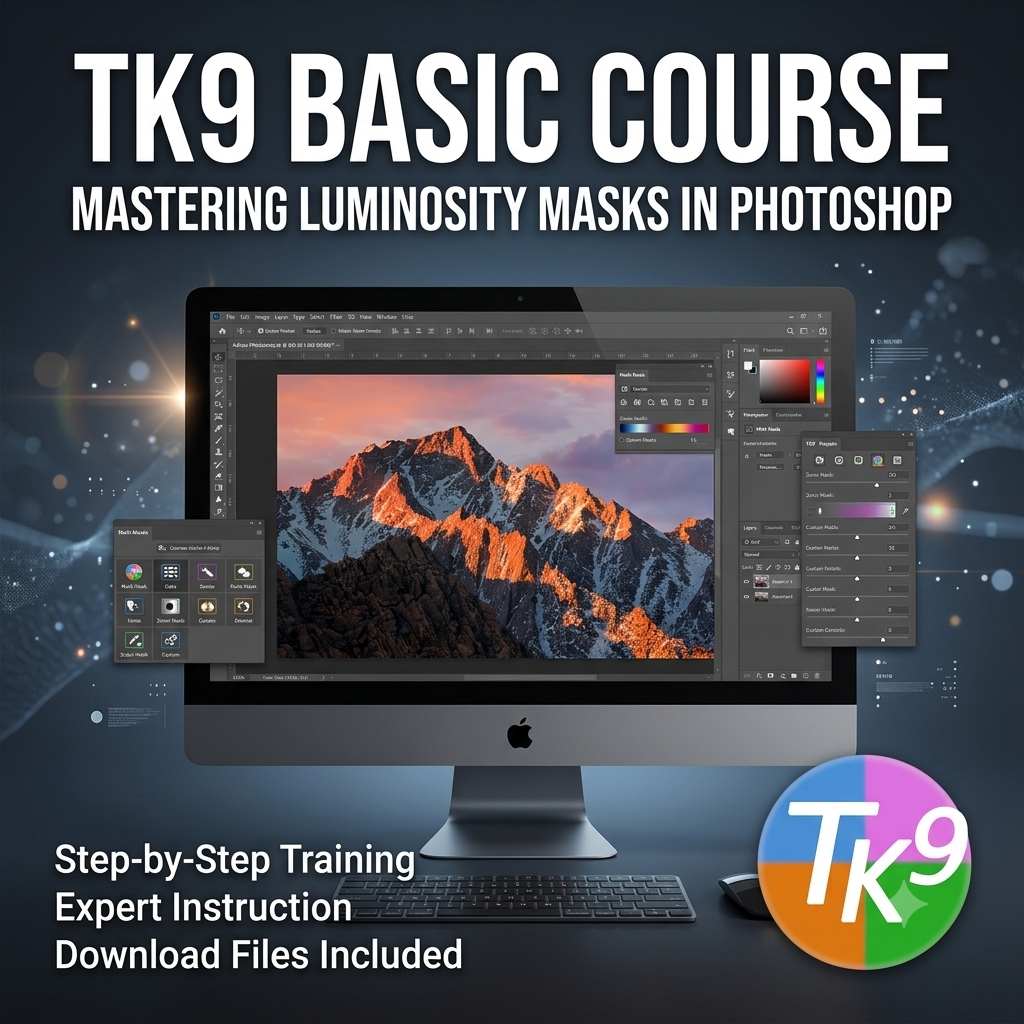
Master Luminosity Masks and the TK9 panel in Photoshop with a clear, practical, and structured learning path. This course walks you step-by-step through the most powerful features of TK9, helping you achieve precision, control, and creativity in your post-production workflow.
💡 What you will learn
- How layers, selections, and masks work in Photoshop
- What TK9 is and how to get the most out of its panels and tools
- How to automatically create and apply sky and foreground masks
- Selective techniques to enhance contrast, color, and three-dimensional depth (Dodge & Burn)
- Advanced use of the Calculator for mask intersections and combinations
- Color tuning, detail enhancement, vignetting, and zonal masks
- Selective application of the Orton Effect
🔧 Key tools covered
- Combo / CX panels
- Multi Mask panel
- Luminosity, luminance, color, zonal, and edge masks
- Integrated TK Actions
- Dedicated tools: Color Grading and Blend If Editor
🎯 Course goal
Build a solid, repeatable workflow that allows you to:
✔ precisely control every area of the image
✔ achieve natural, cohesive results
✔ speed up your Photoshop editing
✔ develop a personal creative vision using advanced masking techniques