


Microsoft Teams Project Workspace Template
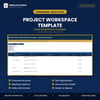
Project Workspace Template
Set up a project workspace properly the first time, instead of discovering six months in that nobody can find anything.
Most teams create a workspace, make a few channels, and let it sprawl. This template gives you the structure first: which channels to create, what goes in each, where files live, who has access, and the meeting rhythm that keeps it alive. Built for Microsoft Teams, but the structure works in any collaboration tool.
What's inside
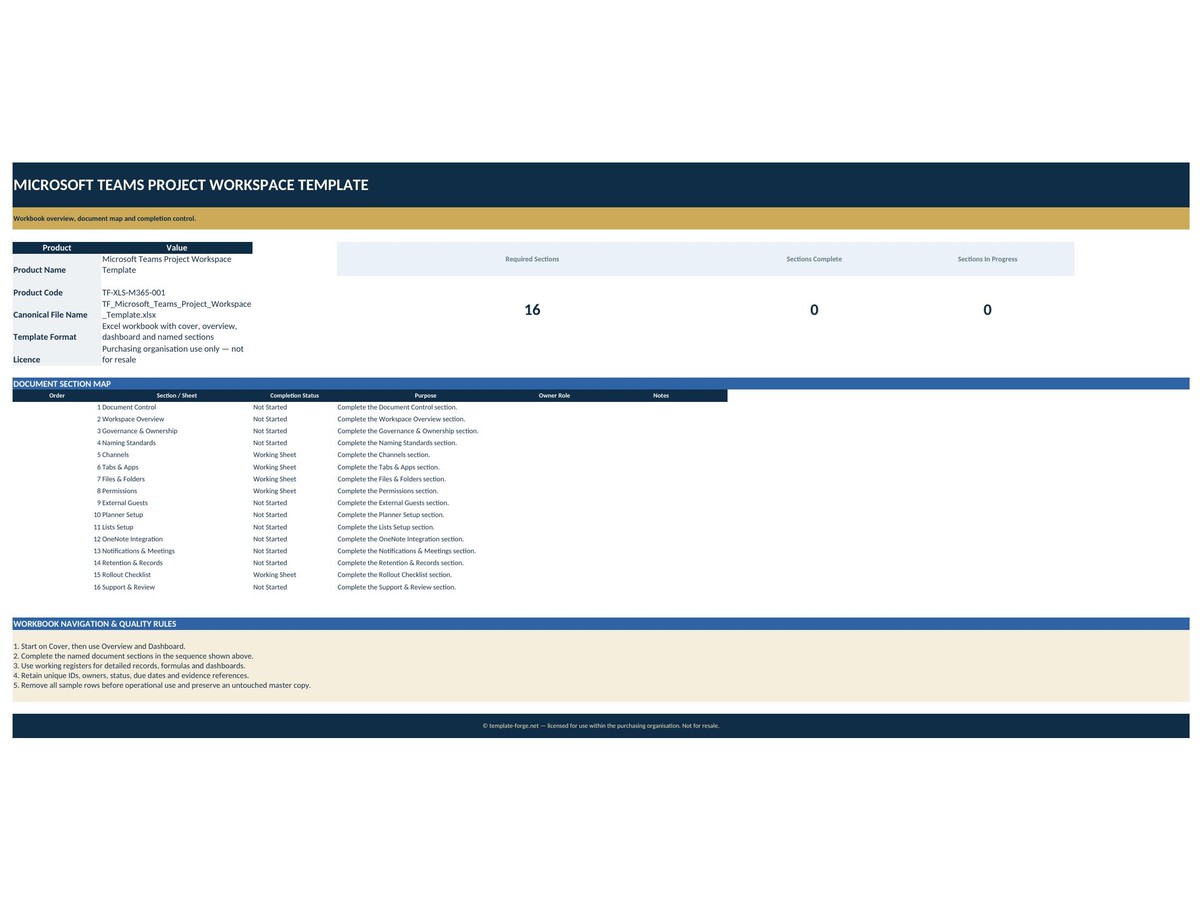
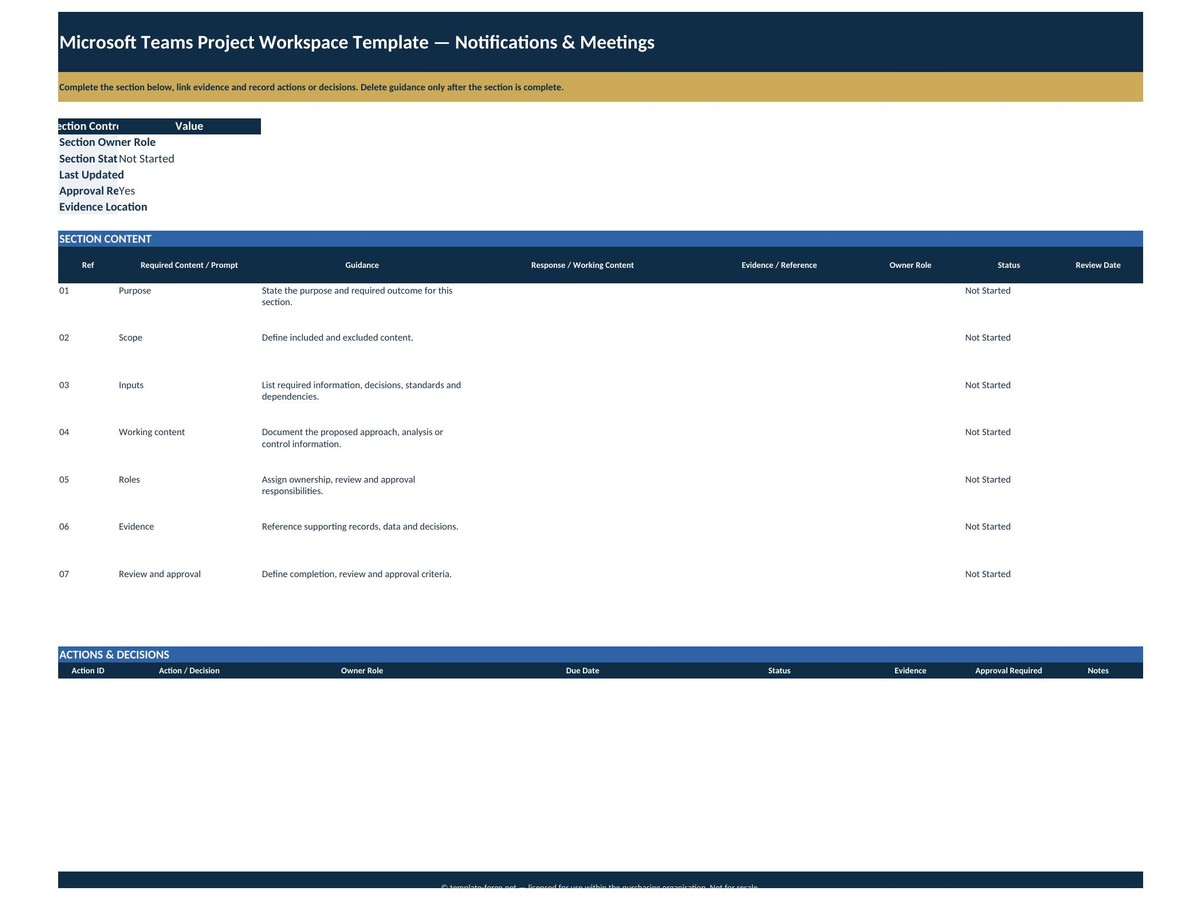
- Channel structure — the channels to create and what belongs in each
- File organisation — the folder structure behind each channel, named consistently
- Meeting cadence — which meetings, how often, who attends and what each is for
- Roles and access — who can see and do what, decided before people join
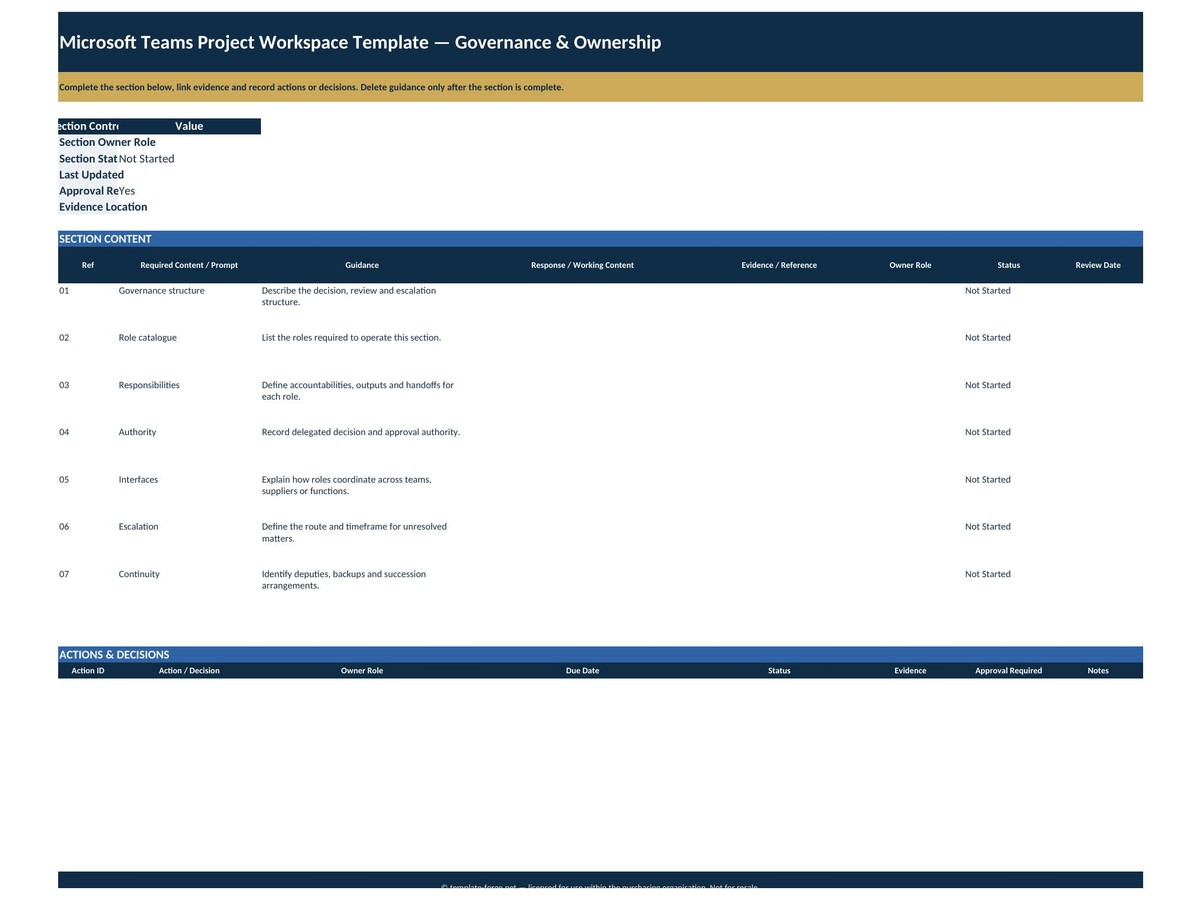
- Governance model — how decisions get recorded and where they live
- Setup checklist — the order to build it in, so nothing is missed
How it works
Work through the setup sheets, adapt the structure to your project, then build the workspace to match. No macros, no add-ins, no subscription — a normal Excel file that opens on any version of Excel.
Built in Australia from more than twenty years of program delivery experience. Instant download, yours to keep, use it on as many projects as you like.
One naming note: keep the product title as Project Workspace Template rather than leading with "Microsoft Teams". Microsoft is a trademark, and a title that starts with it can read as an official Microsoft product. Mentioning Teams inside the description, as above, is fine and still gets you found in search.