

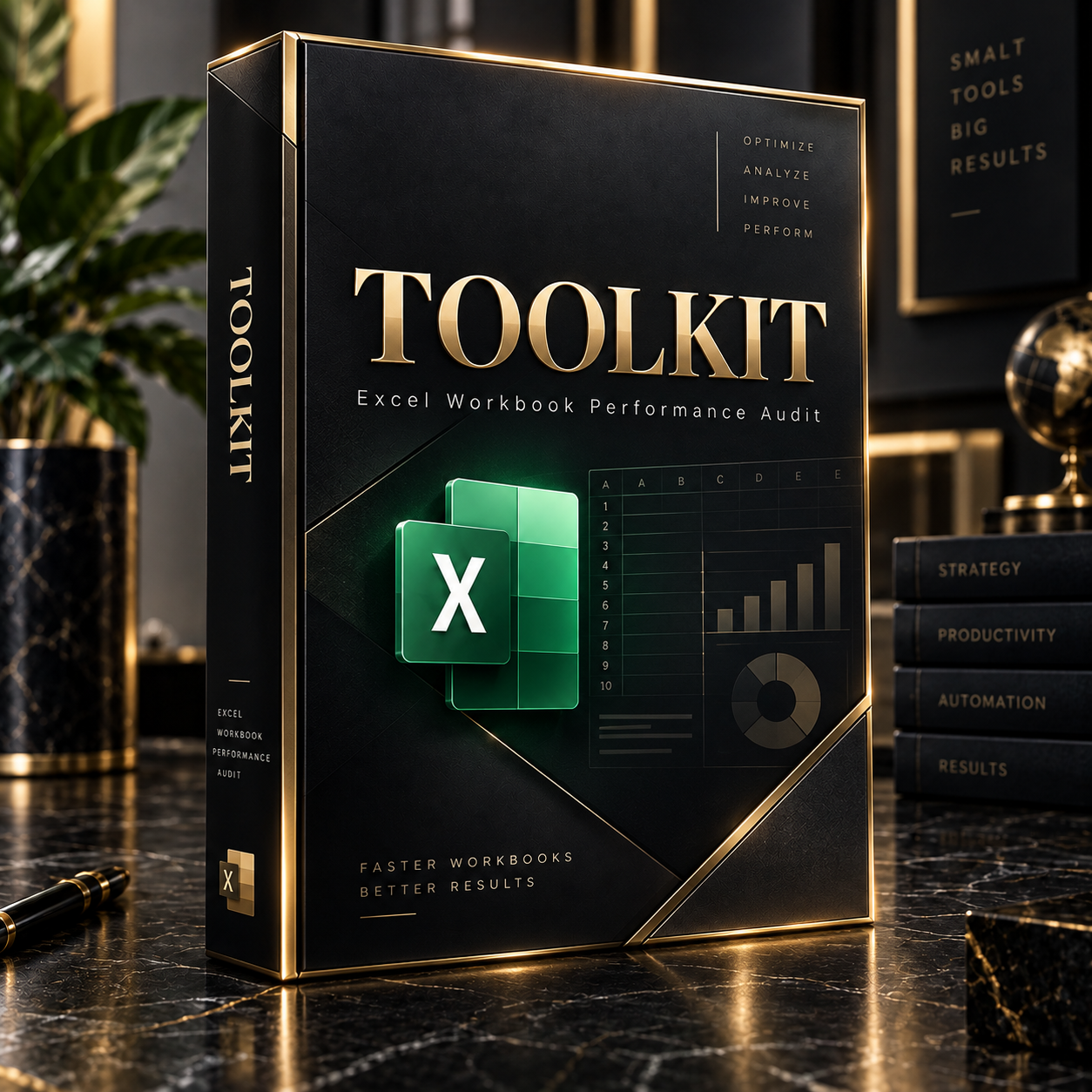
Excel Workbook Performance Audit & Optimization Toolkit
Turn slow, bloated, difficult-to-maintain Excel workbooks into a structured optimization project with a reusable performance audit system.
This toolkit is designed for analysts, finance teams, reporting specialists, managers, and advanced Excel users who work with large or complex workbooks and want a practical way to identify performance problems, prioritize fixes, document changes, and measure the result.
Unlike a simple checklist, this workbook gives you a complete workflow for reviewing your own Excel files. Start with the Workbook Audit and work through 30 performance checks covering calculation settings, volatile formulas, full-column references, repeated calculations, data structure, Conditional Formatting, Used Range problems, workbook objects, external links, queries, and other common sources of unnecessary overhead.
Each audit item includes a category, severity level, status, recommendation, evidence field, owner, due date, notes, and an automatic risk score. This makes the toolkit useful not only for personal files, but also for team reviews, client work, internal reporting processes, and workbook handovers.
The Core Performance Checklist focuses on the 10 highest-value optimization areas. You can record the condition before the change, apply the fix, update the after-status, and add evidence or notes. The completion KPIs update automatically, giving you a clear view of how much of the optimization process has actually been completed.
The Benchmark sheet allows you to measure the workbook before and after optimization. Enter your own values for file size, workbook opening time, full recalculation time, save time, formula count, volatile formulas, used rows, used columns, workbook objects, and Conditional Formatting rules. The workbook automatically calculates improvement percentages and creates a visual before-and-after comparison.
The Optimization Log is designed for real projects. Record each issue you find, where it was located, its severity, what action you took, the before and after condition, the current status, owner, and notes. This gives you a clean history of the work completed and makes the file useful for recurring reviews or team environments.
The Summary dashboard pulls the information together into a management-friendly view. It shows audit checks passed, high-risk findings, checklist completion, completed optimization actions, category-level audit status, risk scores, benchmark improvement, and visual charts. The result is a clear overview of workbook health without manually rebuilding reports.
You can use this toolkit with your own Excel workbooks and your own business data. The toolkit does not require your source data to match a specific template. Open the workbook you want to optimize alongside this toolkit, inspect each relevant performance area, record the findings, apply the changes in your original workbook, then document and benchmark the result here. This makes the toolkit reusable across financial models, dashboards, planning files, reporting workbooks, operational trackers, analysis files, and other Excel-based business processes.
No macros are required in the customer version. The toolkit is delivered as a standard Excel workbook and is designed for Excel 2021 and Microsoft 365.
Recommended use: keep the toolkit open next to the workbook you are reviewing, work through the audit from highest-risk issues to lower-priority items, measure the workbook before making major changes, document each optimization, then benchmark the final result and review the Summary dashboard before distribution.