
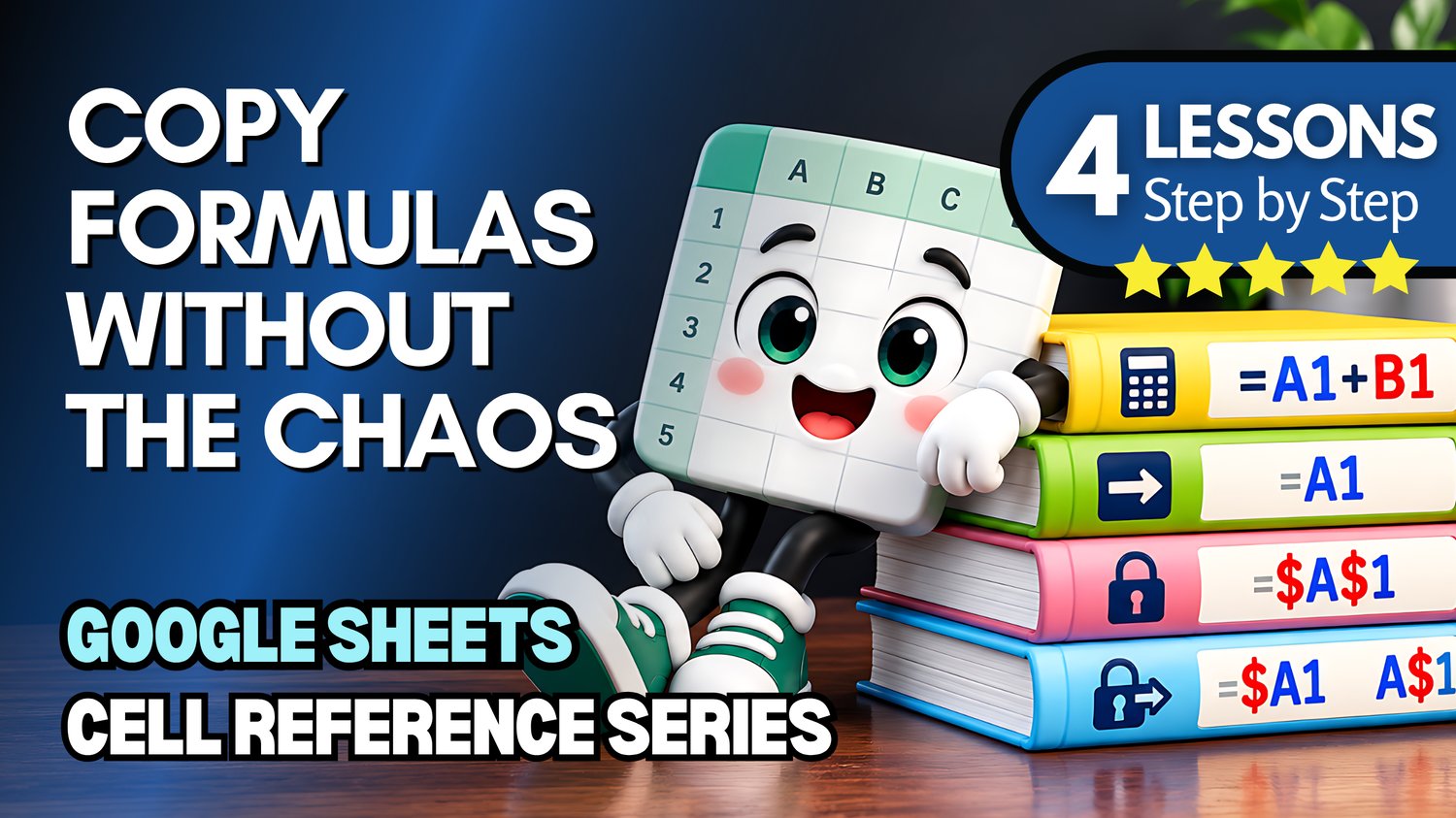
Google Sheets Bundle | Basic Formulas, Relative, Absolute & Mixed Cell References
Learn how to create formulas and master cell references in Google Sheets with this beginner-friendly collection of four practice workbooks from Easy Mode Excel Tutorials!
Ever wondered why Google Sheets changes cell references when you copy a formula, or how to keep certain rows and columns fixed?
This four-lesson bundle helps you understand how Google Sheets formulas work, starting with basic cell references and building up to relative, absolute, and mixed references.
Each workbook accompanies our free Google Sheets video lesson compilation, giving you hands-on practice with essential formula skills.
What You'll Practice
Creating Basic Formulas with Cell References
✓ Create formulas using cell references instead of typing numbers directly
✓ Practice basic calculations that update automatically when cell values change
Relative Cell References
✓ Understand how relative cell references work in Google Sheets formulas
✓ Practice copying formulas and watching cell references adjust automatically
Absolute Cell References
✓ Learn how dollar signs keep cell references fixed in formulas
✓ Practice using absolute references when copying calculations to other cells
Mixed Cell References
✓ Learn how to lock either a row or a column using mixed references
✓ Practice copying formulas while controlling which parts of the references change
What's Included
✓ Four Google Sheets practice workbooks — one for each topic
✓ Beginner-friendly exercises covering all four lessons
✓ Links to create your own editable copies in Google Sheets
✓ Hands-on activities to help reinforce your formula skills
Bundle & Save!
Get all four practice workbooks for just $7.99 USD!
Purchased separately, these four workbooks would cost $9.96 USD.
Your bundle savings: $1.97 USD — approximately 20% off!
One convenient purchase gives you all four workbooks to practice whenever you're ready.
Perfect for Google Sheets beginners! Build confidence creating formulas, copying calculations, and understanding how cell references work.
Learn by Doing!
Watching a tutorial is helpful, but practicing the skills yourself makes them easier to remember!
Open your workbooks, follow along with the free video compilation, and work through each topic at your own pace.
From your first formula to controlling exactly which references change, you'll develop practical Google Sheets skills you can use in everyday spreadsheets.
After purchasing, you'll receive links to create your own editable copies of all four Google Sheets practice workbooks.
This purchase includes access to four Google Sheets practice workbooks only. A Google account may be required to create and edit your own copies.
Watch the FREE Video Lesson Compilation
🎥 Google Sheets — Basic Formulas, Relative, Absolute & Mixed Cell References