
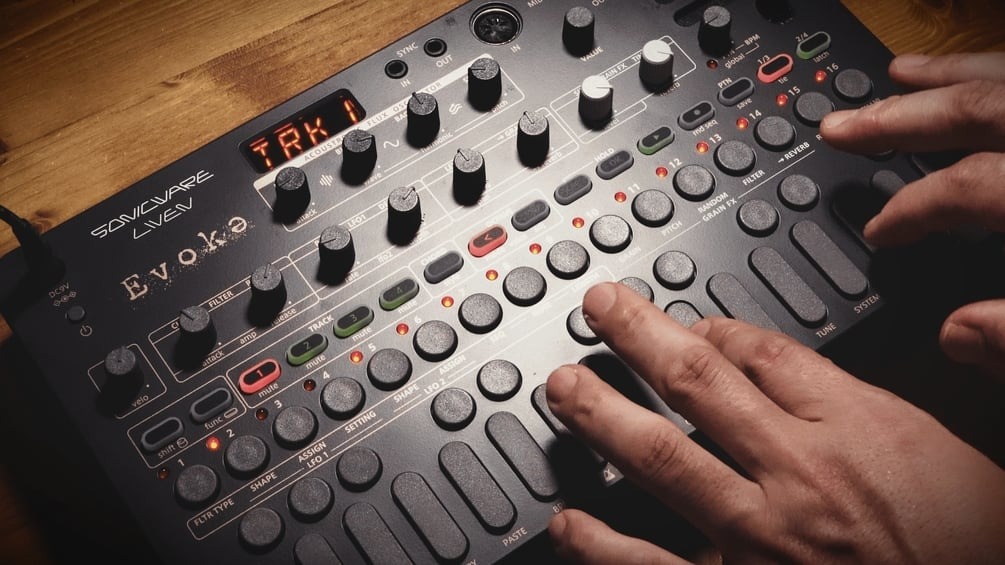
SONICWARE LIVEN Evoke Epic Cinematic Deep Ambient Sound Pack
SONICWARE LIVEN Evokə — EpicCinematic Deep Ambient Sound Pack — 9 Patterns + 1 Bonus, 16 Sounds
4 Essential Tips for Creating Epic Cinematic Ambient Tracks — SONICWARE LIVEN Evokə
Unlock the full cinematic potential of your Evokə with this all-in-one pack: 9 patterns used in the video, 16 lush cinematic sounds, and 1 bonus pattern. Instantly elevate your tracks with professional-grade textures and orchestration-ready sounds.
This pack includes:
- Evokə Project Files (9 total) — Actually used in the video for reference and inspiration.
- Sound Sweet Spot Tables(as images) — Handy visual guides for each project to help you quickly find the best sound settings.
- Cinematic Sound Palette (16 sounds) + 1 Bonus Pattern (CNM4) — Specially crafted for cinematic and ambient music production.
Whether you’re crafting ambient soundscapes, cinematic scores, or immersive electronic tracks, these ready-to-use patterns and sounds let you focus on creativity, not setup. Instantly enrich your Evokə productions with lush, immersive sounds.
⚠️ Important Notes
- This downloadable content is for SONICWARE LIVEN Evokə only. It cannot be used with other devices.
- Redistribution of the project files or sound palettes is prohibited.
- You may use and edit the pattern data included in this content (not the sounds) to create music or videos for free publication, but selling or monetizing them is strictly prohibited.
- Music created using the sounds included in the project files can be used commercially.
- This content is independently created and has no affiliation with SONICWARE.
Project Files (9 total):
BGS1.syx / BGS2.syx / BGS3.syx / BGS4.syx / BGS5.syx / BGS6.syx (not used in video) / BGS7.syx / BGS8.syx / BGS9.syx
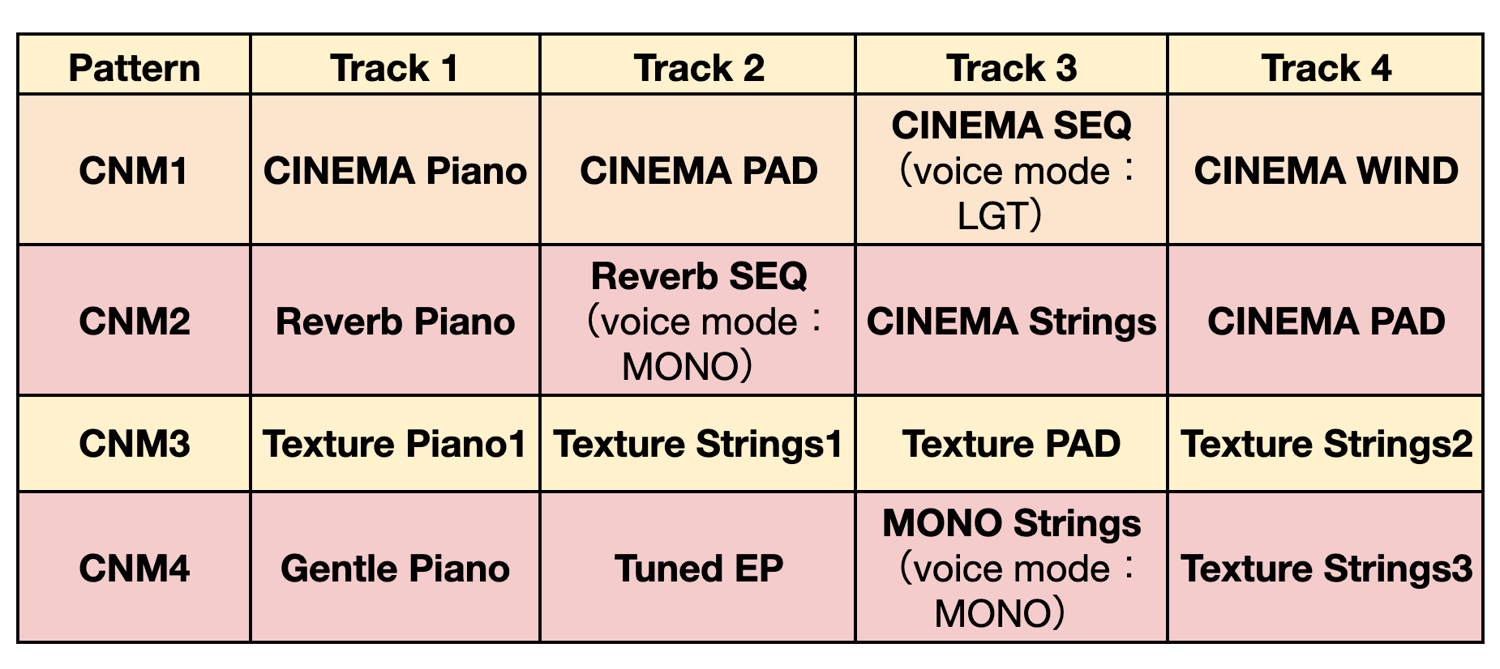
Cinematic Sound Palette (16 sounds) + 1 Bonus Pattern:
CNM1.syx / CNM2.syx / CNM3.syx / CNM4.syx
Each project contains 4 sounds. CNM4 also includes a pattern.
Additional Notes:
- Grain FX settings are carefully designed; tracks default to 0 send to clearly hear each sound. Adjust as needed.
- For importing instructions, refer to the official Evokə manual.
Import, tweak, and play — your Evokə productions will never sound the same. Start creating cinematic ambient masterpieces today!
For more details, please check the explanatory article below.