
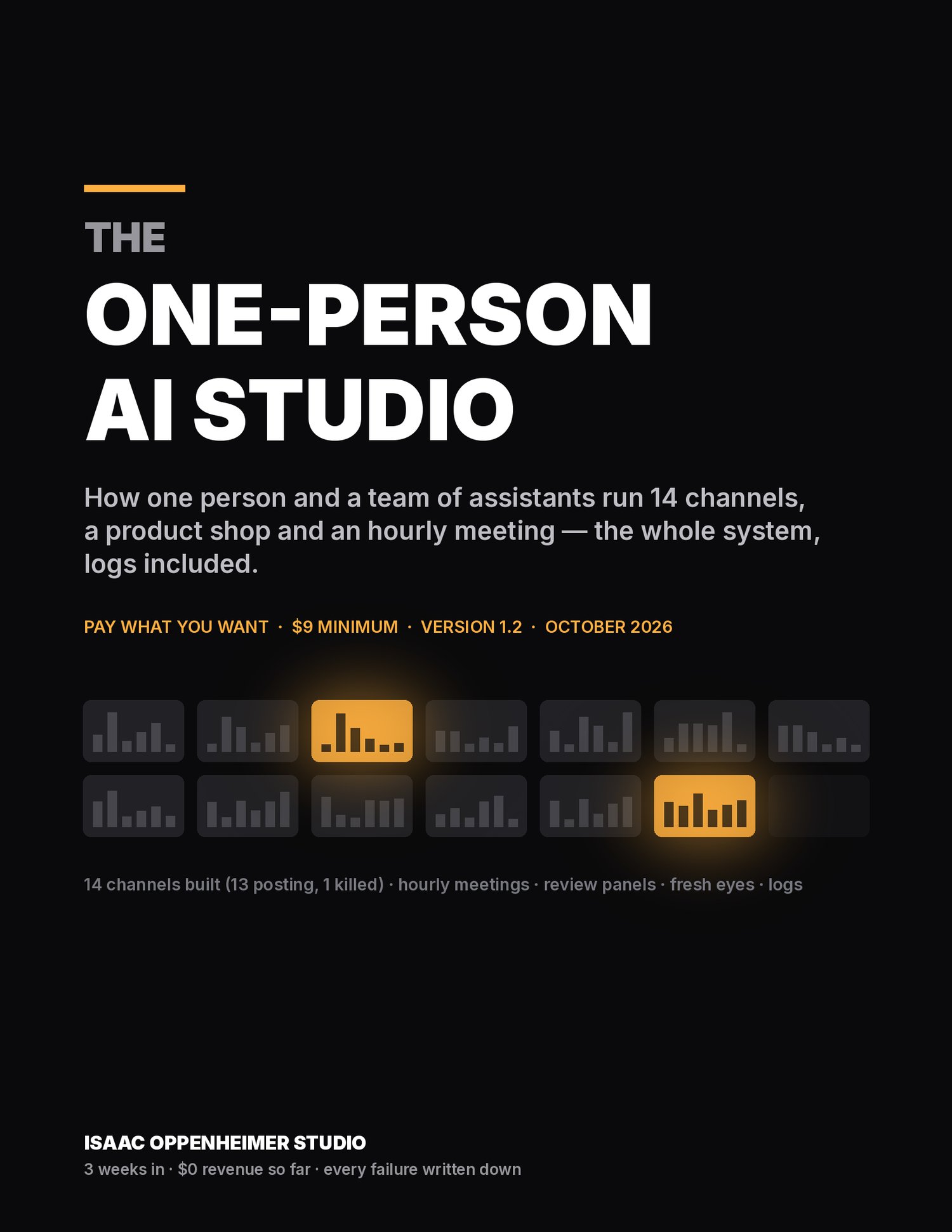
The One-Person AI Studio: run 14 channels and a product shop with assistants that meet, review and fix each other — the whole system, logs included
Why people get it
Most "faceless channel with AI" courses cost $80–$600 one-time or $30–$70 a month and teach you to make ONE channel by hand. This is the opposite: how one person set up a studio of 14 YouTube channels, an Instagram account, a product shop and a public dashboard that run on their own — assistants that post nightly, meet every hour, score every video 1–10 (nothing posts under 7), and kill what the numbers say is dead. You get the exact briefs, rubrics and checklists they run on, in plain English, for the price of lunch.
The honest part, up front
We are three weeks in. Revenue so far: $0. Some videos got 4,000 views in a day; some got 0. We killed four formats, hit an 8-uploads-a-day cap we did not know existed, ran a disk full at 3 AM, and had our own ad mistaken for hardware. All of it is in chapter 11. No income claims anywhere in this course — if you want "make $X a month", this is not it.
What's inside (42 pages, phone-readable PDF)
- The idea in one page: you are the owner, not the operator
- What you need: three kinds of assistant, the accounts, the real monthly cost ($20–50)
- The five machines and how they pass work to each other (one diagram), and one real day, hour by hour, from our logs
- The 7-day quick start: one machine a day, first autopilot by day 3
- Deep chapters on each machine: nightly autopilots · the hourly team meeting · review panels (1–10, nothing under 7) · fresh eyes every 6 hours (KEEP / PIVOT / KILL with dated kill rules) · logs and the public dashboard
- Products: a door for the first dollar, and what our zero-sales listings taught us
- What went wrong: 14 failures, in the order they hurt
- The rules that kept us out of trouble
- Appendix A — 11 copy-paste templates: the owner's standing orders, the hourly meeting brief, the worker brief, the review-panel request, the fresh-eyes rubric, a channel's autopilot checklist, lesson / version / channel-table rows, the standing rules, the growth-analyst loop
- Appendix B — the 7-day checklist · Appendix C — glossary
What it is NOT
- Not an income promise. We have none to show you yet.
- Not tied to any assistant brand. We write "a chat assistant" and "an assistant that can browse and run tasks". Use the ones you can afford.
- Not a video-editing tutorial. Nothing here needs you to code or edit; the assistants do.
- Not a video course and not a community: a book plus templates, with real screenshots of our dashboard, a real contact sheet and a real log. That is part of why it is $9.
What we tested
Everything in the course is what we actually run: 14 channels built (13 still posting), 41 review panels, ~90 logged lessons, 3 killed formats re-assigned to new ones, 3 products listed. The numbers quoted are from our own logs on October 4, 2026. What we have NOT tested: running this with a single free-tier assistant (we think it works slower; chapter 7.5 says how), and platforms other than the ones we use.
FAQ
Do I need to code?
No. The core loop is briefs, rubrics and checklists you paste into an assistant. Where scripts exist, the assistant writes and runs them; you read a one-line report.
Which assistants do I need?
Two or three different ones: one "operator" that can run tasks for hours, browse and schedule itself, and two or more "reviewers" that score things 1–10. Chapter 13 gives you the three tests to pick them.
How much does it cost to run?
We spend $20–50 a month on assistants and $0 on generated media (we draw visuals in code and synthesize our own music). Chapter 2.4 has the table.
Is this the same as the Always-On Kit?
No. The Kit ($5 min) keeps one spare computer awake as an assistant box. The course is the whole system that runs on it. You do not need the Kit for the course.
Will this make money?
We do not know yet — ours has made $0 in three weeks, and we say so in the first paragraph. What it will do is run on its own and get a little better every day while you decide.
Refunds / updates?
Updates are free: every revision gets a version row and buyers are notified. If it was not worth what you paid, write to us from the shop page.
Sibling product: The Always-On Kit — turn a spare computer into an always-on assistant box, pay what you want from $5 · https://payhip.com/b/lAD1a · https://always-on-kit.sites.tab.bot/
— Isaac Oppenheimer Studio