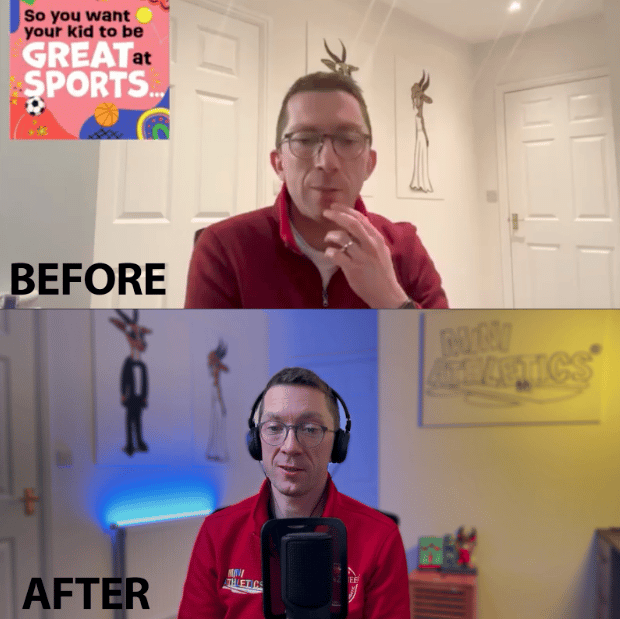
Look and sound pro on Zoom – In just 2 hours
Even if you’ve got no clue where to start...
A step-by-step video course to help you look and sound better on Zoom.

Even if you’ve got no clue where to start...
A step-by-step video course to help you look and sound better on Zoom.
If your Zoom calls look like a dodgy CCTV feed and your audio sounds like you're stuck in a tin can... this course is for you.
I’m a filmmaker who’s spent years helping brands and creators show up brilliantly on camera — and now I’ve turned everything I know into a no-fluff, beginner-friendly course to help you do the same.
No complicated tech. No expensive gear. No overwhelm.
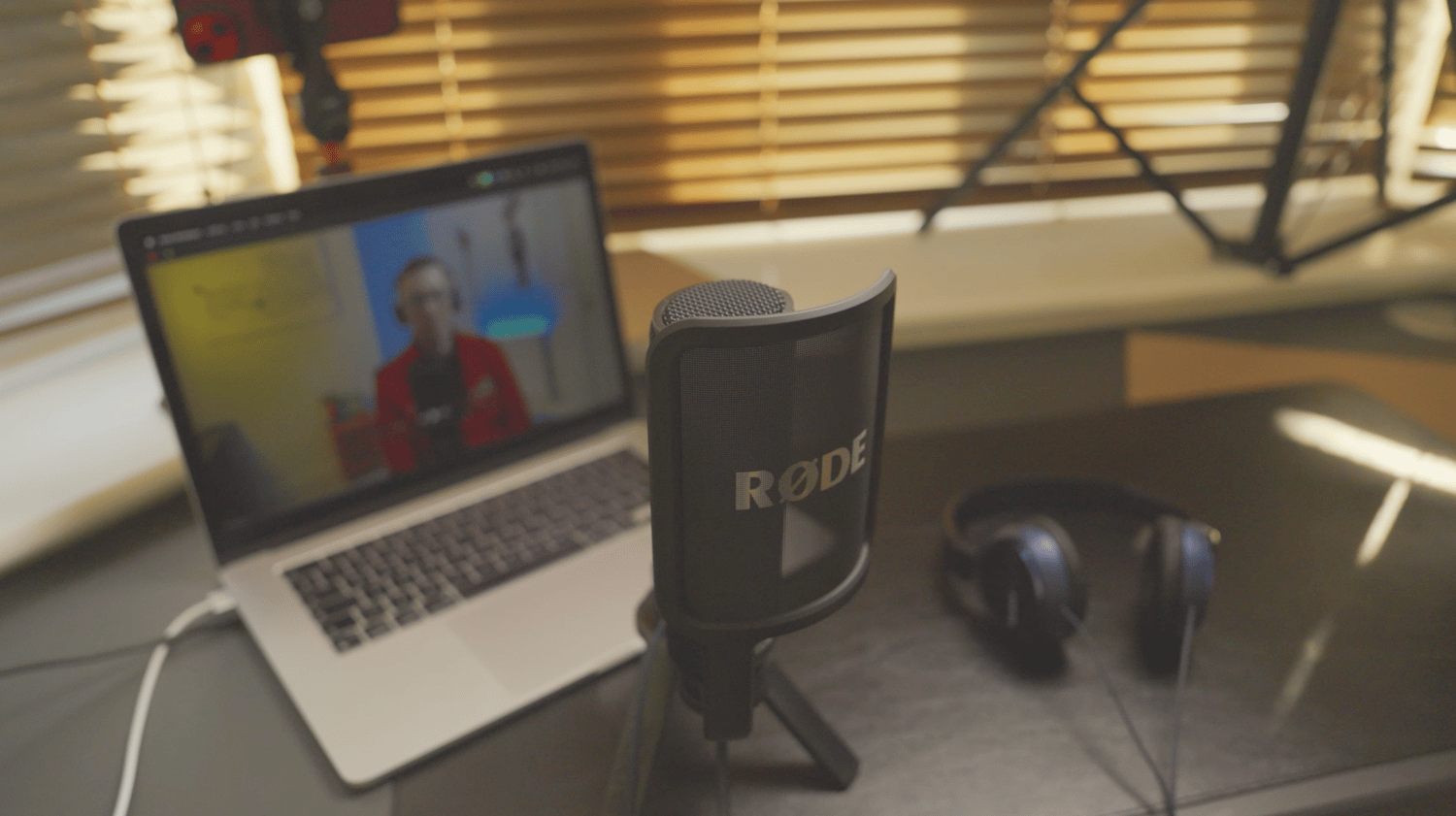
✅ Set up your mic, lighting, and camera to look sharp and sound clear
✅ Stop Zoom from crushing your video quality (it's fixable!)
✅ Know exactly what gear to use – and what not to waste money on
✅ Build a setup you can use for Zoom, podcasts, YouTube or online courses
✅ Show up confidently on screen – even in a small or shared space
All delivered in under 2 hours. Super simple. Watch it as you go...
🎬 5x short, easy-to-follow video modules
🧰 A no-fuss gear list with links to affordable kit
♾️ Lifetime access
📦 Instant delivery
📱 Works on Mac, PC, phone, tablet – no tech skills required
Welcome + Gear List
Skip the overwhelm – here’s what you actually need
Setting Up Equipment
I literally walk you through it
Audio
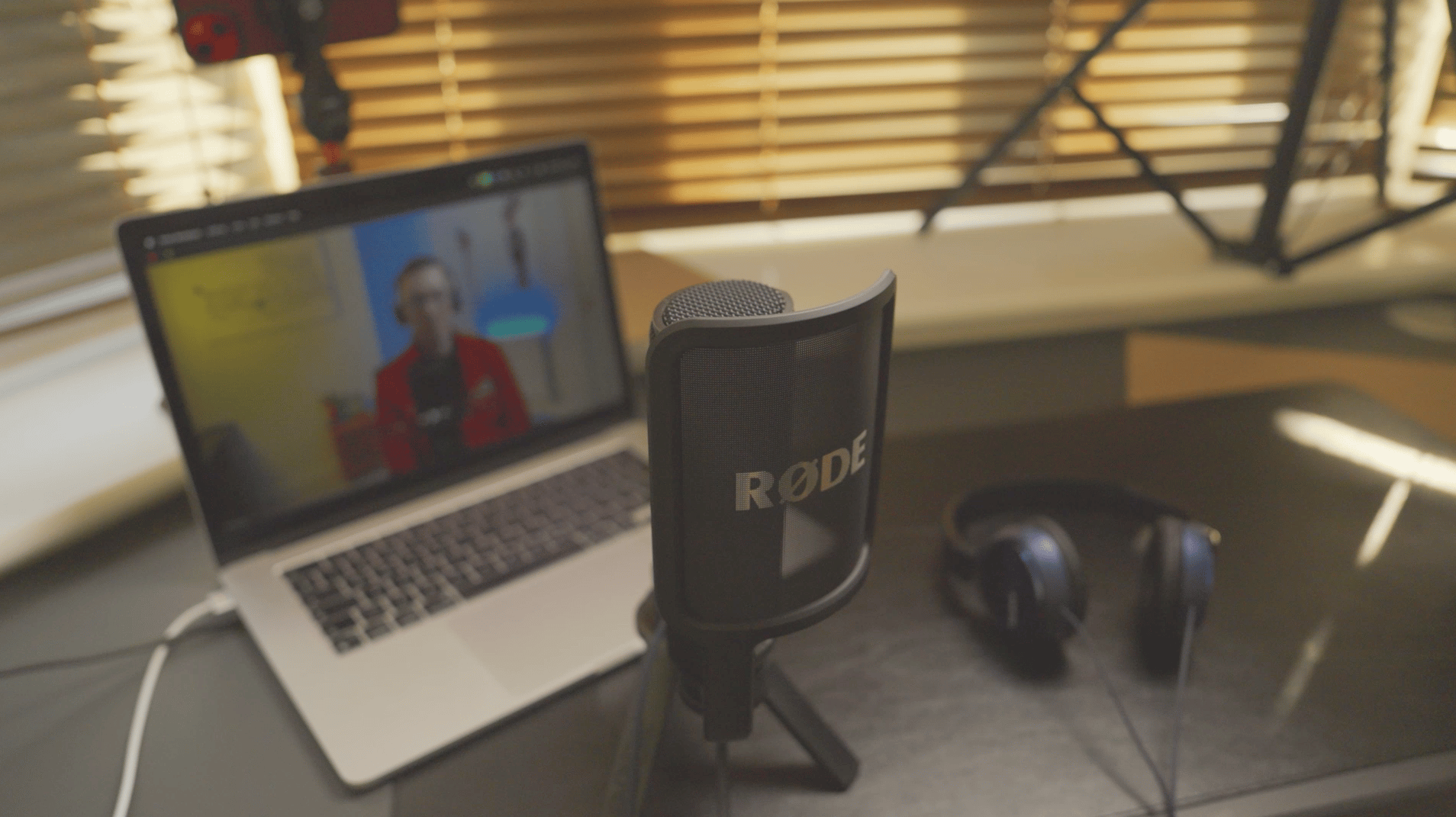
How to sound crisp, clear and confident with a pro mic
Camera
Make your webcam or phone look 10x better with simple settings
Lighting
The one thing that makes the biggest difference to your look
💥 Bonus: Extra cheat sheets to upgrade your space, background and presence
YES, if you’re a:
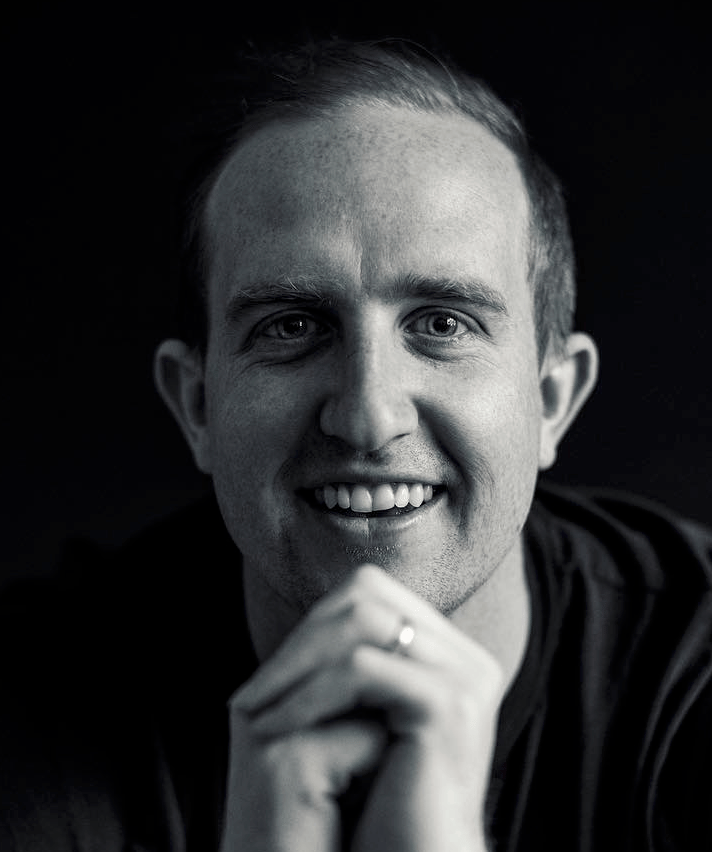
Hi, I’m Louis. I’ve been a professional filmmaker for over 13 years, helping brands, podcasters and creators show up professionally on screen — whether it's for YouTube, online courses or Zoom calls.
I made this course for people who want to look great without spending a fortune.
No jargon. No fluff. Just what works.
Let’s get your setup sorted.
Perfect! You’re already a step ahead. This course is flexible, so whether you've got a mic, lights, or camera already, I’ll show you how to get the best out of what you’ve got.
Nope! While Zoom is what we focus on in the course (because it's what most people use), the principles of good lighting, audio, and camera setup apply across any video platform—Google Meet, Microsoft Teams, Riverside, Loom, and more.
Not at all. We demo using an iPhone and Mac setup because it's simple and high quality—but you can adapt everything for Android, PC, or webcam-based setups. The gear and positioning advice still applies, regardless of your device.
This course is all about going from decent to dialled in. Even if you’ve already got a basic setup, you’ll learn how to tweak it to get that clean, pro look (and sound) that builds trust and levels up your presence on camera.
Absolutely. If you're creating video content of any kind, this course will help you show up looking and sounding your best. Whether it’s a Zoom call, a solo episode, or recording your first course, it all starts with how you show up on screen.
We walk you through budget-friendly kit that punches way above its price tag. You’ll also see how to set it all up properly—even in a small room—so you get great results without breaking the bank. Expect to pay anywhere between £200 - £700 depending on how far you want to take it!
Yep. This course was made exactly for people who aren’t super technical. It’s step-by-step, no jargon, and filmed in a regular home office with real-world gear. If you can open a laptop and plug in a cable—you’re good.
If you want to look more “pro podcast” than “hostage video”—then yeah, lighting matters. It’s probably the biggest visual upgrade you can make, and it doesn’t have to be complicated. We’ll show you how to nail it, fast.
You can—but your audience (and your own ears) will thank you if you don’t. We’ll show you affordable ways to get crisp, clear audio that instantly makes you sound more confident and credible.
You don’t need one. This isn’t about having a neon sign and a £2k bookshelf. It’s about using what you’ve got—clever positioning, a bit of light, and removing distractions. We’ll show you how to make even the plainest background look clean, intentional, and on-brand.
Totally fine. This course was filmed in a small, real home office—so everything we teach works in tight spaces. Whether you’re in a spare room, a shared desk, or a corner of your living room, we’ll show you how to make it work without needing loads of space or a full studio.
It won’t magically fill your calendar—but it will help you show up more confidently and professionally online. That means clearer communication, better first impressions, and more trust—especially on calls, pitches, and content. And trust is what gets clients saying “yes.”
It definitely helps. The course is designed around a specific setup—and we supply links to everything we use. You don’t have to buy it all right away, but to get the best results (and follow along easily), we recommend getting the gear. The good news? Once it’s set up, you’re done.
100%. This setup isn’t just for Zoom—it works brilliantly for recording content, filming online courses, interviews, YouTube videos, or going live. Once it’s dialled in, you’ve got a mini home studio ready to go anytime.
Yes! The setup works across most video platforms—not just Zoom. You’ll just need to select the right camera and mic in your settings. The principles stay the same: good lighting, clear audio, and a setup that makes you look like a pro—no matter what software you’re using.
You’re not alone. Most people feel awkward on camera at first—even the confident ones. This setup isn’t about looking perfect, it’s about feeling more in control. When you’ve got good lighting, sound, and framing, it’s amazing how quickly your confidence grows. You’ll still feel like you—just your best, most credible version.
Once your gear arrives, you can be up and running in under an hour. The course walks you through it step-by-step—no guesswork, no YouTube rabbit holes. And once it’s set up, it stays set up. Just flip a switch and you’re ready to go.
Definitely. The way you show up on screen is your brand. When you look and sound professional, people take you more seriously—whether you’re pitching, teaching, or creating content. This course helps you create a consistent, confident on-screen presence that builds trust (and makes people want to work with you).