

What Did You Actually Keep After Fees? Freelancer Multi-Currency Tracker
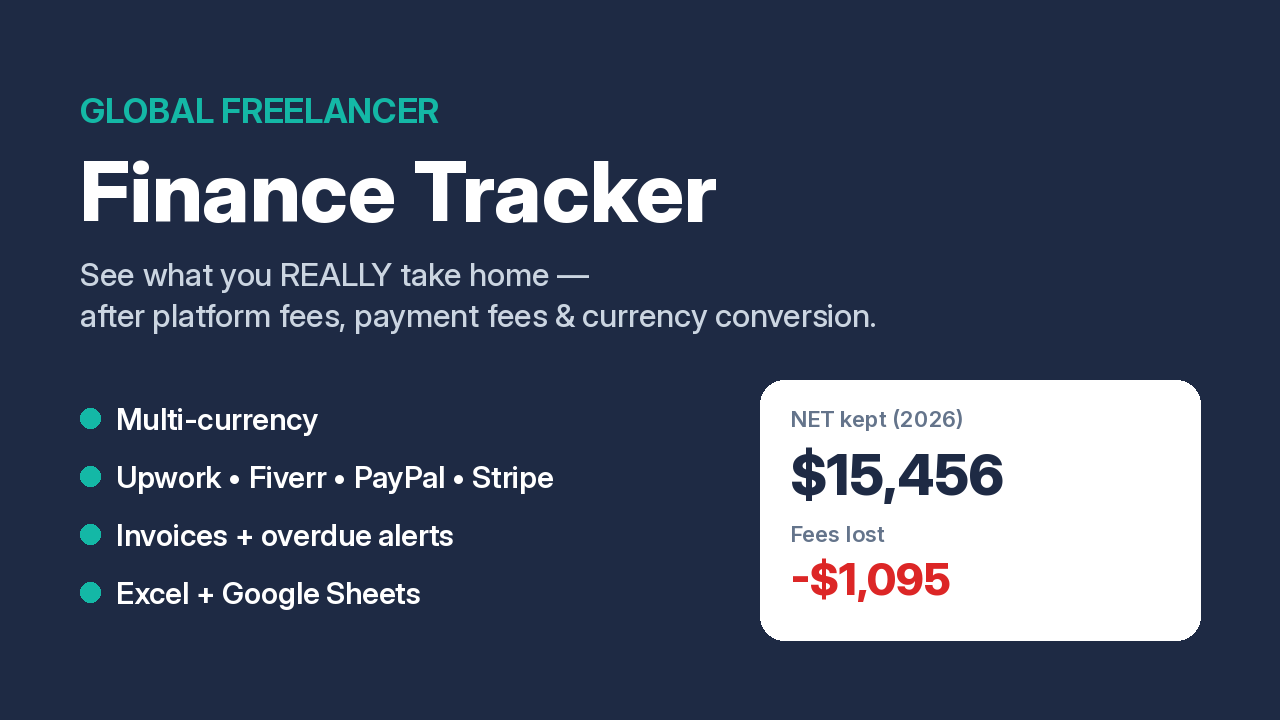
Paid in EUR, USD and GBP — and still guessing what you kept after platform fees, PayPal and FX? Log each payment once; see take-home by month, client and platform. Excel + Google Sheets.
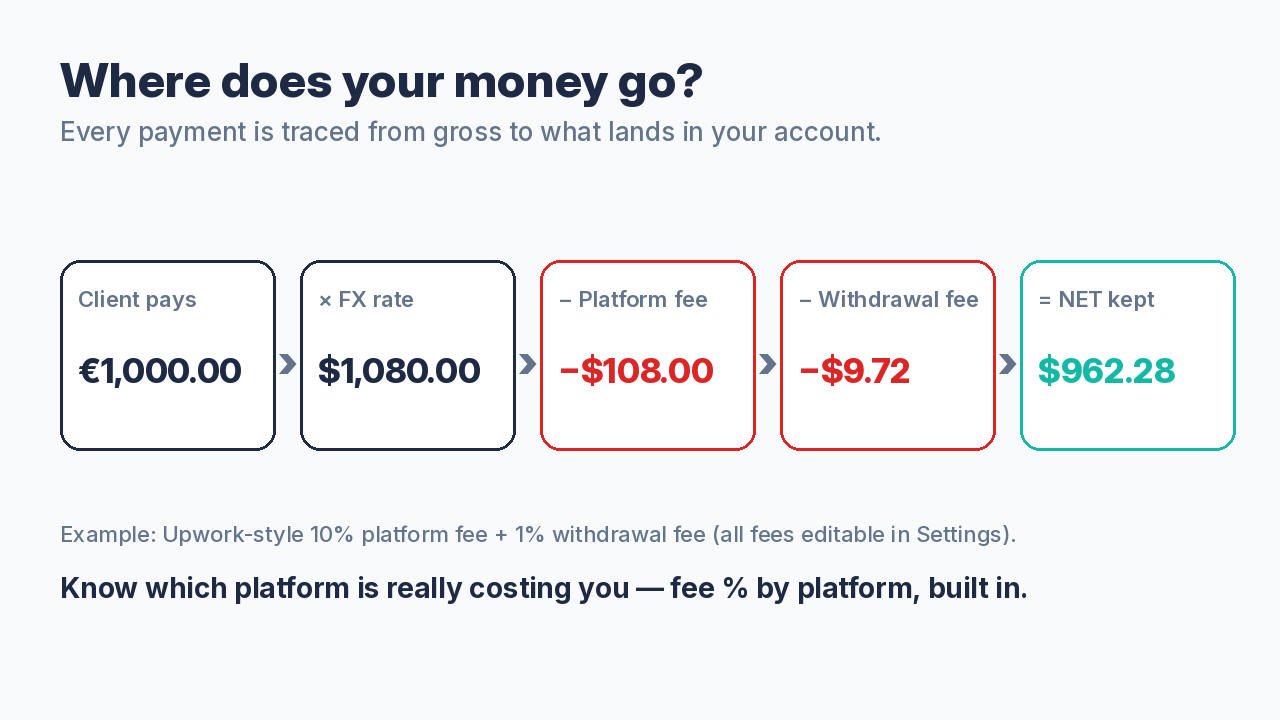
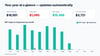
The Global Freelancer Finance Tracker turns every payment — in any currency, from any platform — into one honest number: what you kept. Type the gross amount; the sheet converts it to your base currency, subtracts the platform fee, the fixed per-payment fee and the withdrawal/FX fee, and rolls everything into a live dashboard.
Built for freelancers outside a single-currency world: developers, designers, writers, VAs and consultants working with international clients.
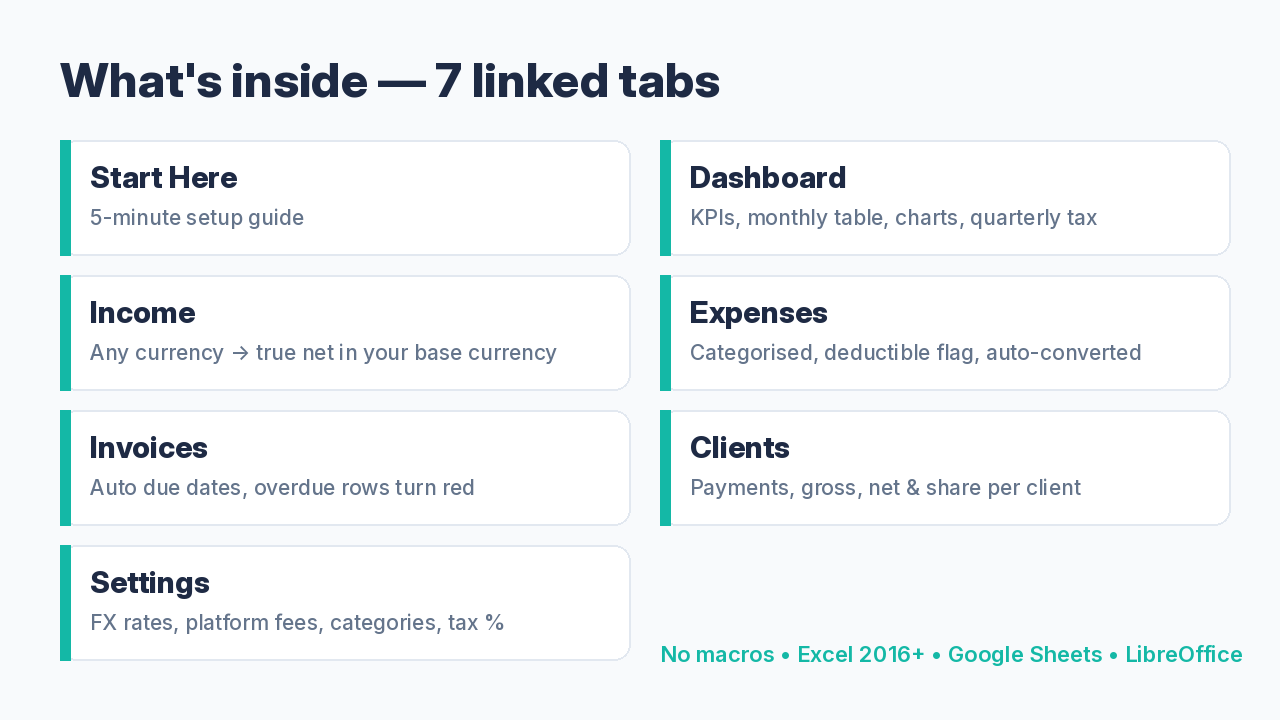
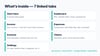
What's inside (7 linked tabs)
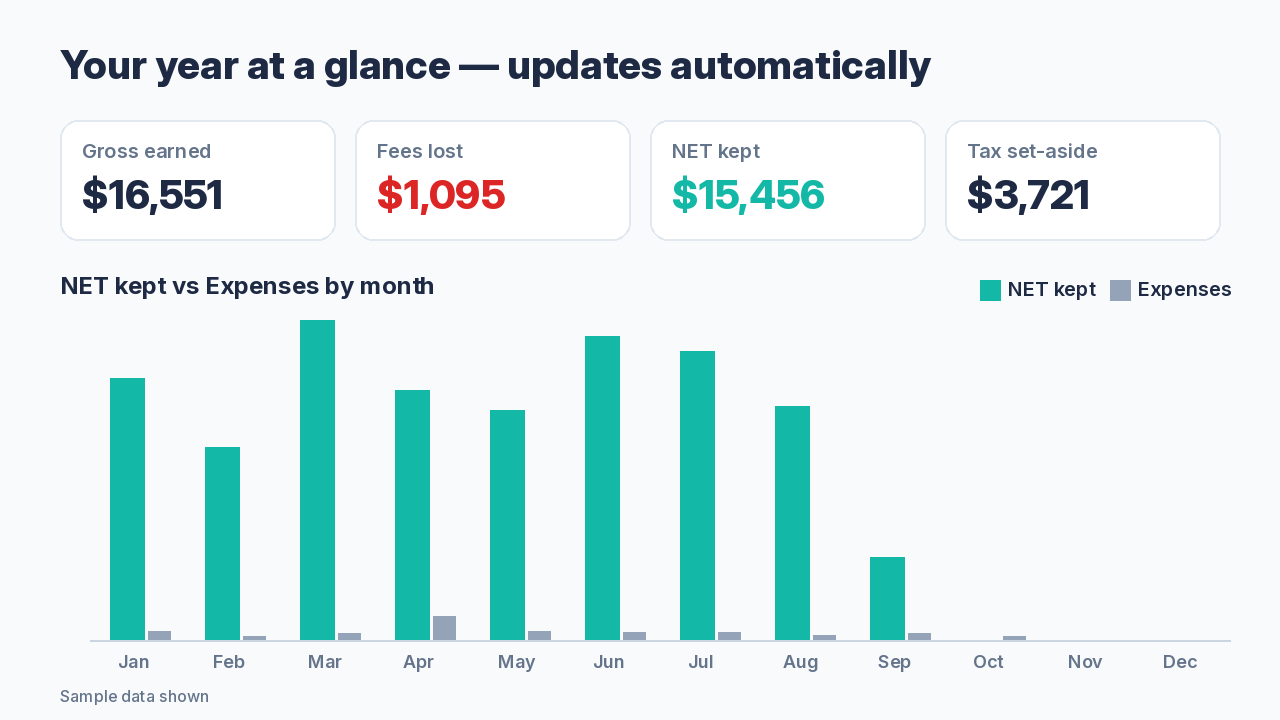
- Dashboard — gross earned, fees lost, NET kept, expenses, profit, tax set-aside, pending income and overdue invoices; month-by-month table; quarterly tax set-aside; charts
- Income log — any currency → true net in your base currency (500 rows)
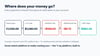
- Fee-by-platform breakdown — see exactly which platform costs you the most, as a %
- Expense log — categorised, deductible flag, auto-converted (500 rows)
- Invoice tracker — due dates from your default terms, overdue rows turn red with days overdue
- Client summary — payments, gross, net and share of income per client
- Settings — base currency, exchange rates, platform fee table (%, fixed, withdrawal %), categories, tax set-aside %
- Start Here guide — set up in 5 minutes
Details
- .xlsx — works in Microsoft Excel 2016+, Google Sheets and LibreOffice
- No macros, no add-ons, no subscription
- Sample data included so you can see it working, then clear it
- Yellow = you type, grey = formulas
- Instant download, lifetime updates
FAQ
Does it work in Google Sheets? Yes. Upload to Google Drive → open → File → Save as Google Sheets.
Are the platform fees correct? Fees change and vary by account, so every fee is an editable cell. Defaults are examples — check your own platforms once and you're set.
Does it fetch live exchange rates? No (that keeps it macro-free and private). Update the rate table monthly, or in Google Sheets you can replace a rate with =GOOGLEFINANCE("CURRENCY:EURUSD").
Can I change the base currency? Yes — set it in Settings and give it a rate of 1.
Is this tax advice? No. The tax set-aside is a simple % of profit you choose. It's a bookkeeping aid, not accounting advice.
Refunds? Because it's a digital download, contact me if anything doesn't work and I'll fix it or refund you.
Not sure yet? Try the free LITE version first: https://payhip.com/b/c2EjJ · More templates: https://payhip.com/StraightGate
Free guide (sources + worked example): https://zcbm2373125333-hub.github.io/en/upwork-fiverr-fees-what-freelancers-keep/