
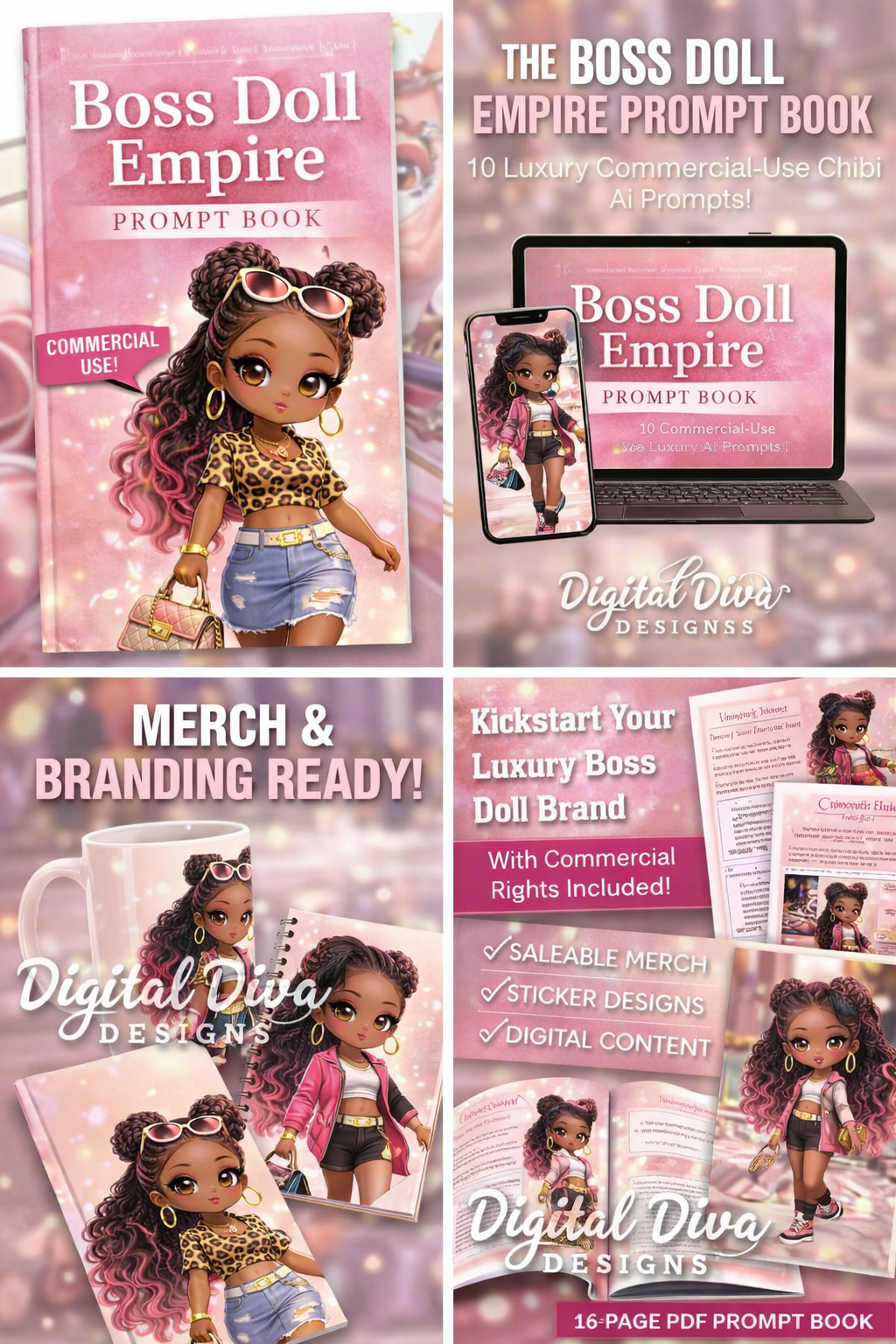
Boss Doll Empire Prompt Canva Editable Link
📥 How You’ll Receive Your Files (Instant Access)
After checkout, Payhip will provide an instant download PDF.
Inside that PDF, you’ll find a private Canva template link to access your editable design(s).
No physical items will be shipped. This is a digital product.
🎨 How to Access Your Editable Canva Template
Complete your purchase on Payhip
Download the PDF file provided on the confirmation page or in your email
Open the PDF and click the Canva Template Link
Log in to Canva (or create a free Canva account)
Click “Use template”
Your own editable copy will open — customize text, colors, and images as needed
Your edits will not affect the original template.
🖥️ Canva Requirements
A free Canva account is required
Some elements may require Canva Pro (clearly noted if applicable)
Works on desktop, tablet, and mobile (desktop recommended for full editing control)
📌 What You Can Do With This Template
Edit text, colors, layouts
Add your own branding
Export for social media, digital products, or print (depending on product type)
🚫 Important Notes (Please Read)
This is a digital download — no physical product will be mailed
Due to the nature of digital products (template link) all sales are final (no refunds).
The Canva link is for personal/business use by the purchaser only
Do not resell, share, or redistribute the template link or files
🛠️ Need Help?
If you experience any issues accessing your template, contact support via Payhip and include your order number.
✨ Optional Short Version (If You Want a Compact Description)
How It Works:
After purchase, download the PDF → Click the Canva template link → Log into Canva → Click “Use template” → Edit your own copy.
Digital product. No refunds. Canva account required.