
Client & Project Tracker – Freelance Spreadsheet (Excel + Google Sheets) for Freelancers and Small Agencies: Projects, Tasks, Time Log, Invoices + Pipeline Dashboard
On Sale
$12.00
$12.00
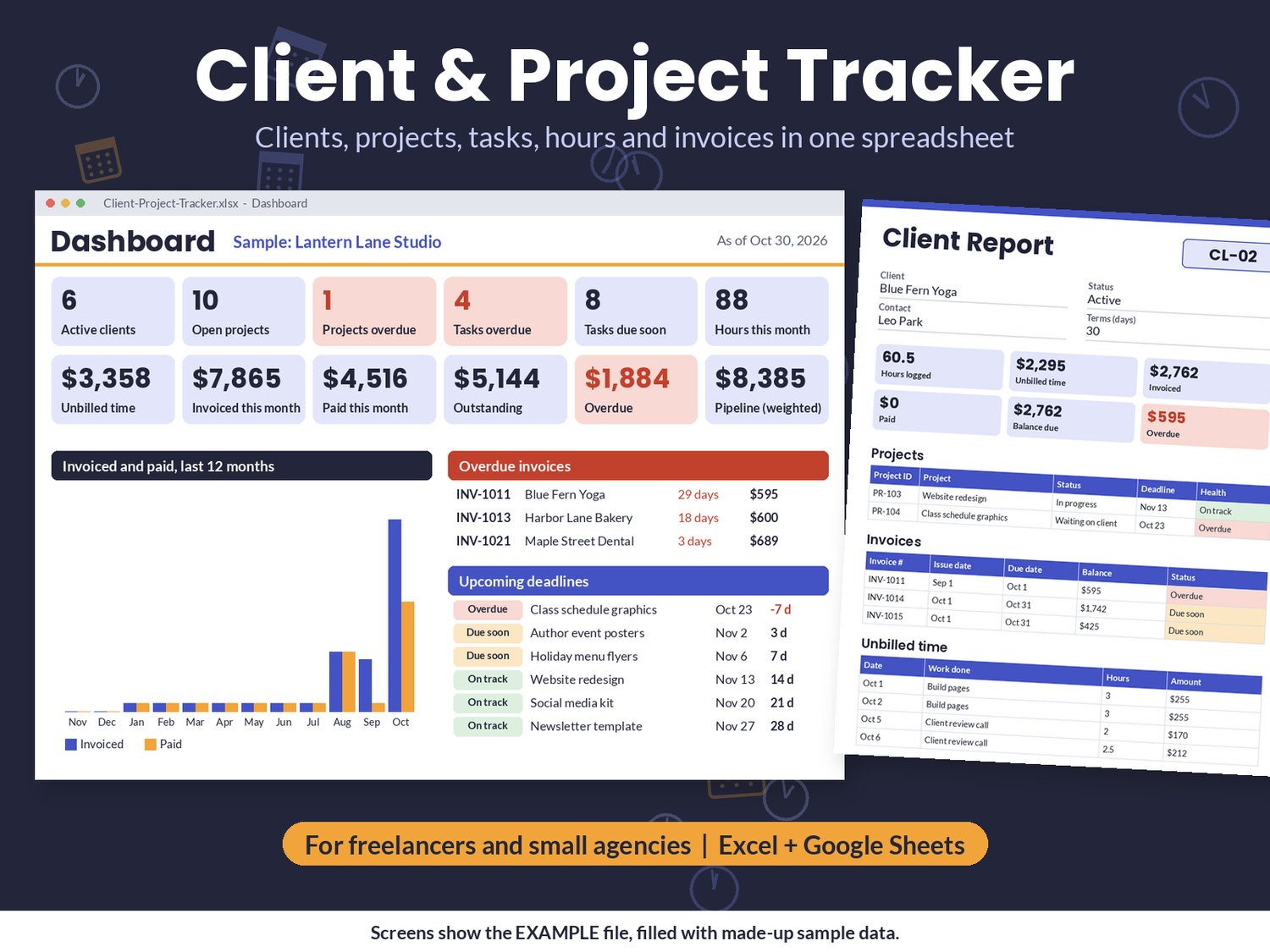
Juggling several clients, deadlines and unpaid invoices across notes, emails and a calendar? Keep it all in one spreadsheet and see at a glance what is due this week, what you have not billed yet and who still owes you.
The tracker spreadsheet (Excel + Google Sheets)
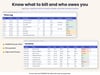
- Clients: contact details, hourly rate and payment terms, with totals for open projects, hours, unbilled time, invoiced, paid and balance due.
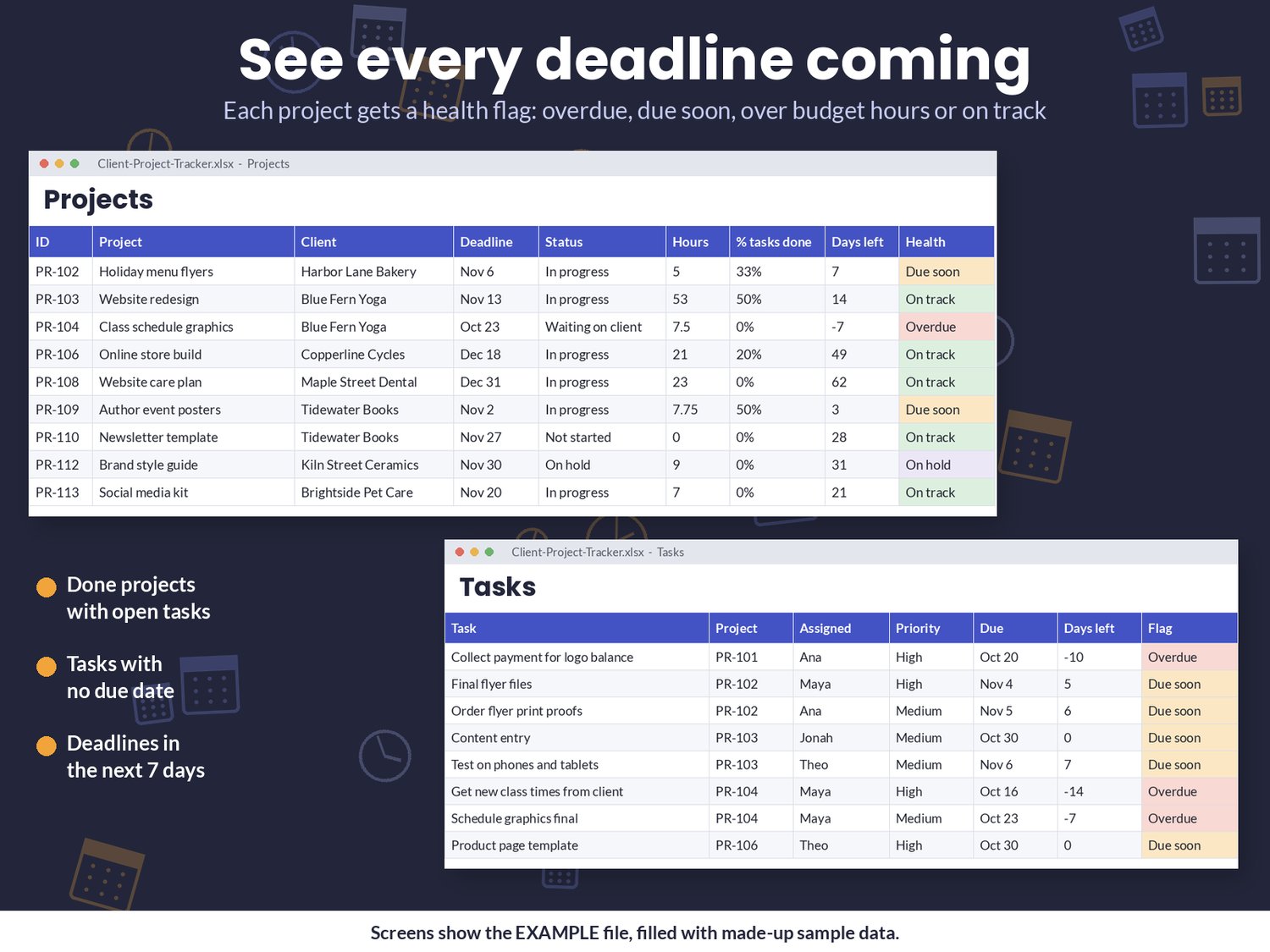
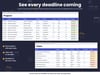
- Projects: client, deadline, status and billing type (Hourly, Fixed fee, Retainer or Non-billable), budget hours, task progress and a Health flag: Overdue, Due soon, Over hours, On hold or On track.
- Tasks: up to 1,000 tasks with the person assigned, priority and due date, flagged Overdue, Due soon, Open, No date or Done.
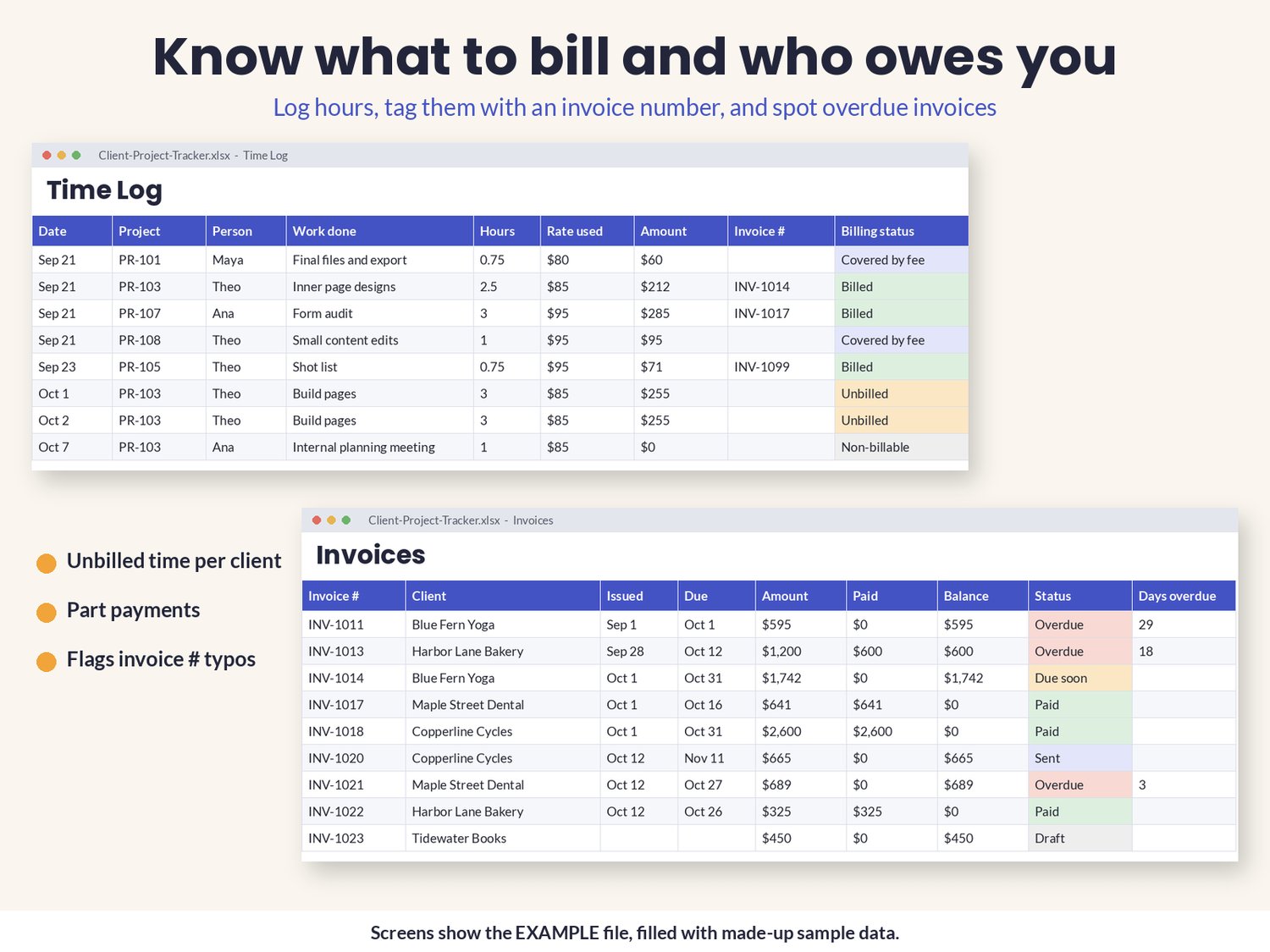
- Time Log: hours at the project or client rate (or a rate you type), with a billing status: Unbilled, Billed, Covered by fee or Non-billable.
- Invoices: a log of the invoices you send, with due dates from payment terms, part payments, days overdue and a status from Draft to Paid. (It tracks invoices; it does not create them.)
- Pipeline: leads and proposals by stage with an estimated value, a weighted value and follow-up reminders.
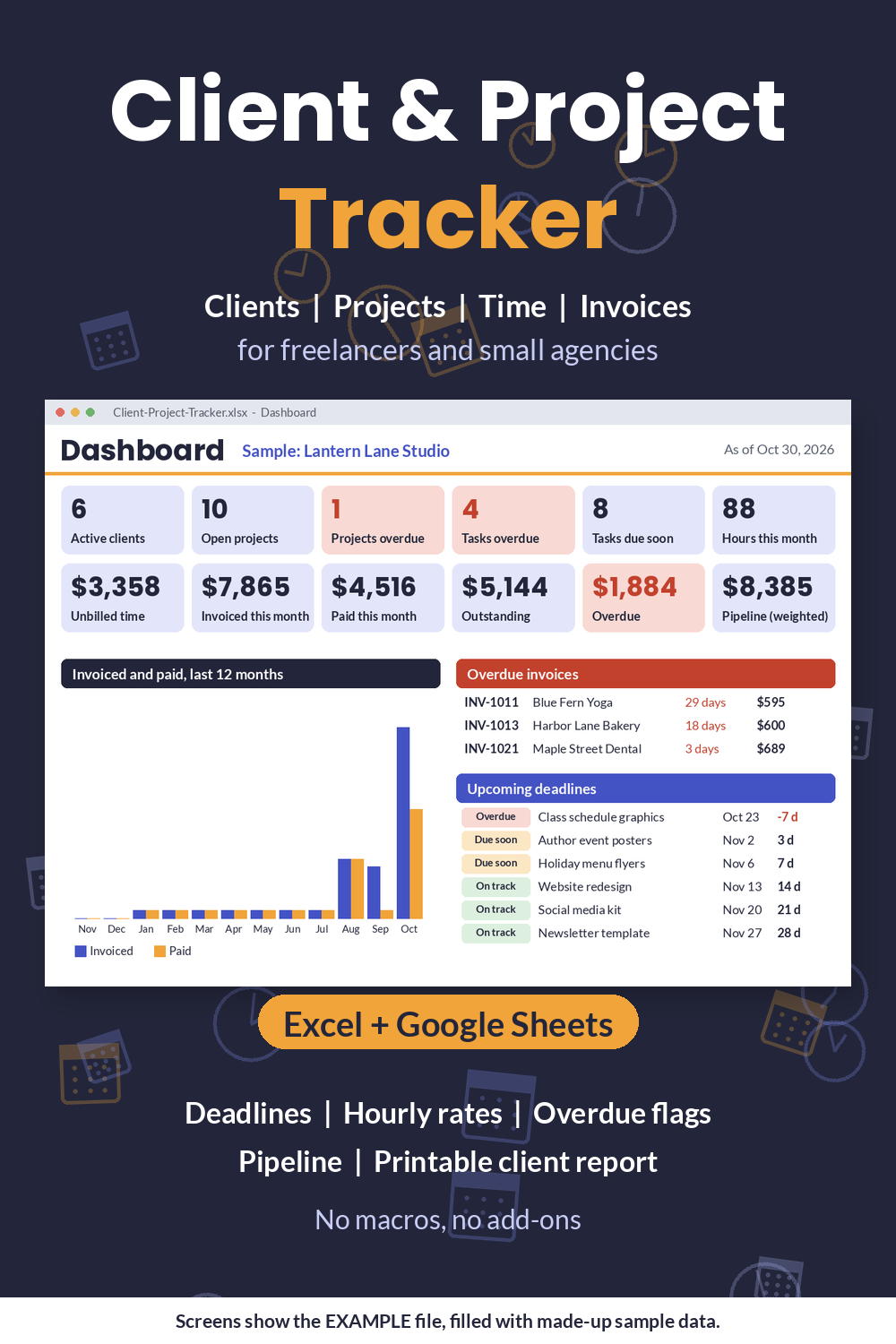
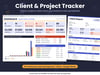
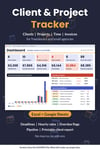
- Dashboard: 12 live numbers, a 12 month invoiced and paid chart, upcoming deadlines, open tasks by due date and overdue invoices, oldest first.
- Client Report: pick a client to see their projects, invoices and unbilled time on one printable page.
- Checks: flags duplicate IDs, a client or project ID that is not on its sheet, a deadline before the start date, done projects with open tasks, and invoice numbers on time entries that are not on the Invoices sheet.
- Setup: your business name, money symbol, people, services and lead sources (up to 40 each), default payment terms and the due-soon window.
- Blank file plus a filled-in example for a made-up design studio, so you can see every feature working.
Good to know
- Works in Excel 2010 or newer (Windows, Mac, web), Google Sheets (upload, then File → Save as Google Sheets) and LibreOffice. No macros, no add-ons, no sign-ups.
- Clear color coding: blue headers are for typing, grey headers are calculated.
- Room for 150 clients, 300 projects, 2,000 time entries and 500 invoices.
- Instant digital download. Nothing is shipped.
- Your information stays in your own file. Nothing is sent anywhere.
License: use it for yourself and your own business or team, with as many copies as your own work needs. Please don't resell, share or give away the file.
Refunds: because this is a digital download, sales are final. If a file won't open or something is broken, contact me through the link in your receipt and I'll fix it or refund you.