


Room Data Sheet Pro
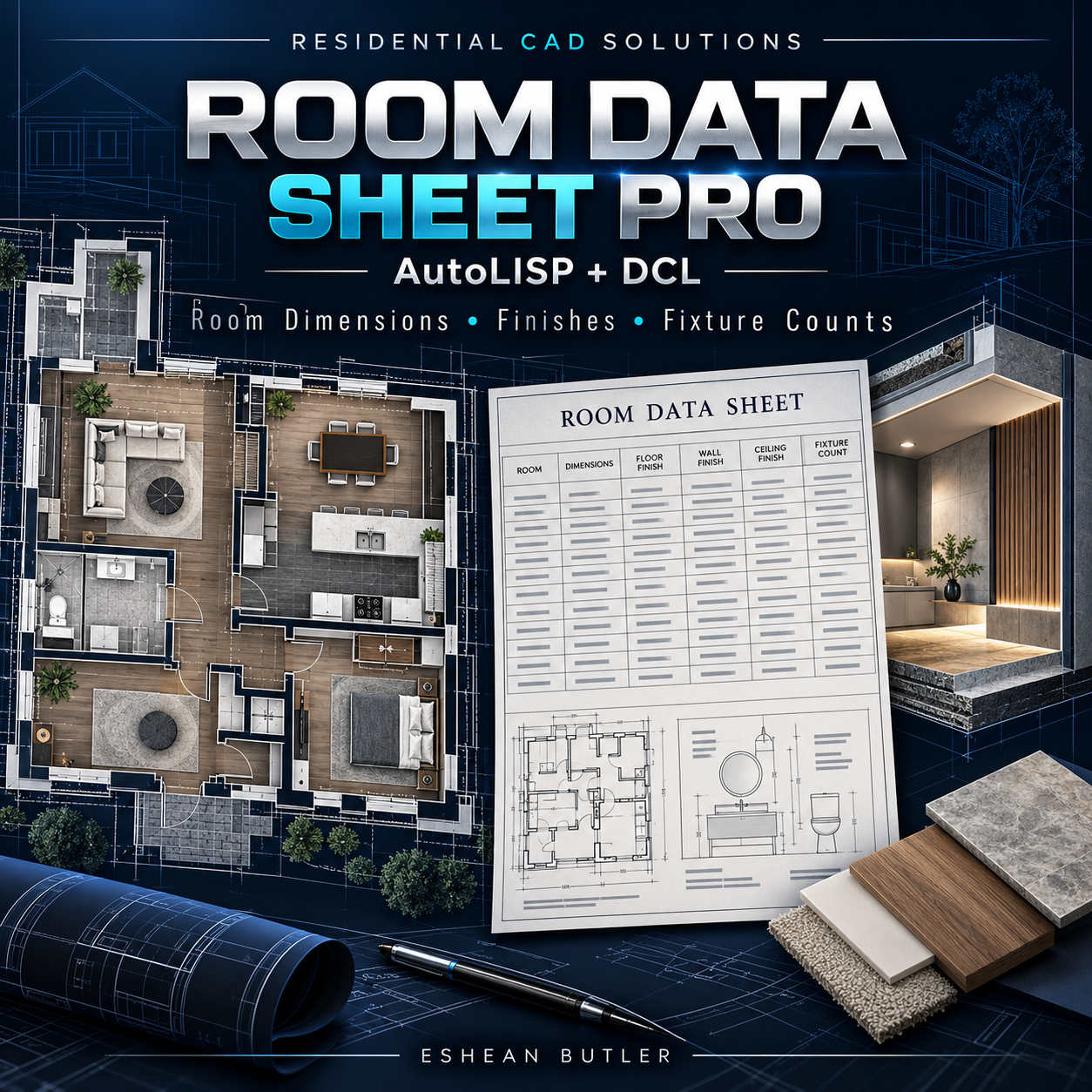
Room Data Sheet Pro — AutoLISP + DCL
Organize room dimensions, finishes, and fixture information in one convenient tool.
Room Data Sheet Pro helps architectural drafters and designers build a room register, calculate surface quantities, and create room information sheets directly in AutoCAD.
Room Measurement & Calculations
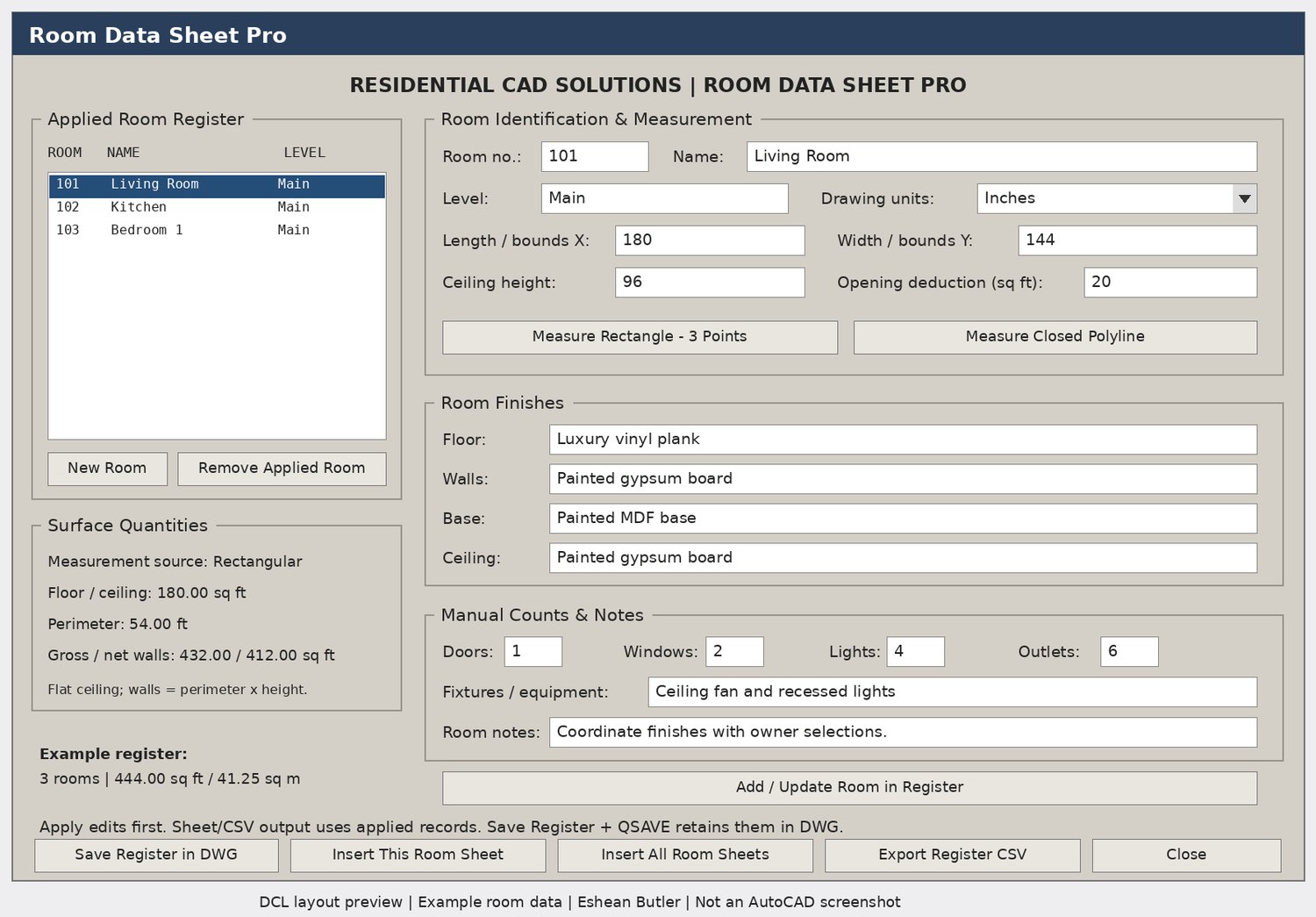
- Enter dimensions manually or measure rectangular rooms using three points.
- Measure area and perimeter from simple closed, straight-edged lightweight polylines.
- Record ceiling heights and calculate floor area, perimeter, and gross wall area.
- Enter opening deductions to calculate net wall area.
- Work in inches, feet, millimeters, or meters.
- View combined floor-area totals in square feet and square meters.
Finishes, Counts & Notes
Record floor, wall, base, and ceiling finishes for each room. Add manual counts for doors, windows, lights, and outlets, plus fixture, equipment, and general room notes.
Room Register & Drawing Output
- Manage up to 200 room records with unique room numbers.
- Add, update, select, and remove room records.
- Save the applied register inside the DWG.
- Insert an individual room data sheet or sheets for all applied rooms.
- Export the applied register to CSV.
- Create editable drawing sheets using ordinary text and line entities.
Your Download Includes
AutoLISP routine, matching DCL dialog, installation instructions, user guide, AutoCAD verification checklist, Payhip cover, and gray DCL preview.
Command: RDSPRO
Compatibility & Scope
Intended for Windows AutoCAD with AutoLISP, DCL, and ActiveX support. Source-level checks passed; testing inside your AutoCAD release is still required.
Calculations assume a uniform ceiling height and flat ceiling. Fixture counts and opening deductions are entered manually. Inserted sheets are static snapshots and must be regenerated when records change. Curved boundaries, holes, and self-intersecting polylines are outside this version’s measurement scope.
Residential CAD Solutions | Eshean Butler