



PIGGY BOT For all your Stream needs (Unofficial Windows helper for Rumble creators. Not affiliated with Rumble) free version
On Sale
$0.00
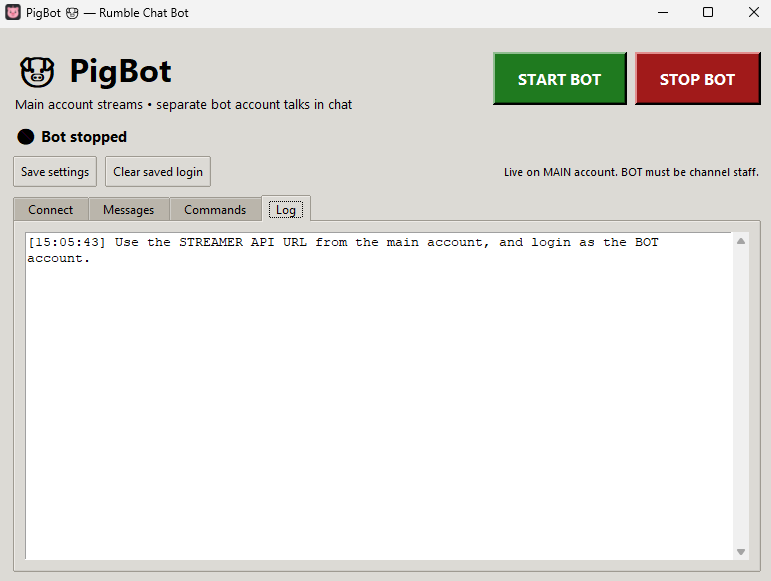
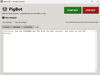
PigBot is an unofficial Windows helper for Rumble creators who want a separate bot account to talk in live chat while they stream updated frequently.
Your main account goes live. The bot account sends the welcome message, repeating timed messages, and simple !commands.
Not affiliated with Rumble.
What it does
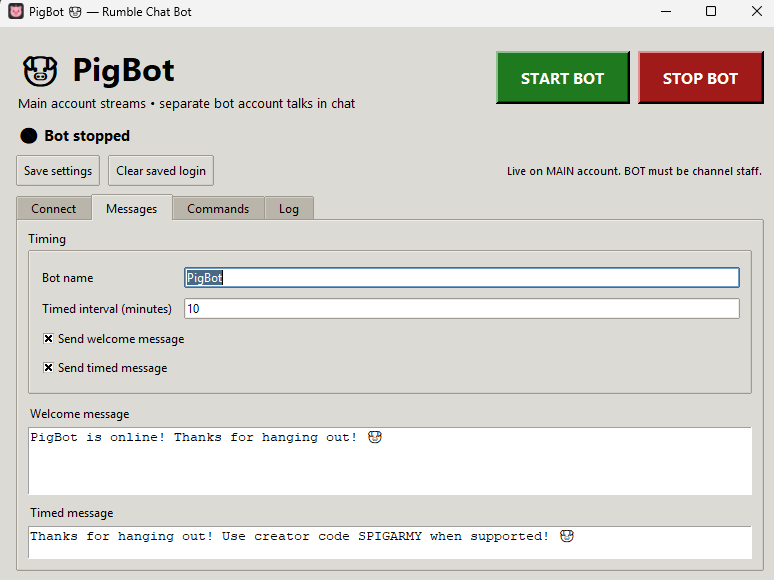
- Welcome message when the bot connects
- Timed message on a timer you set
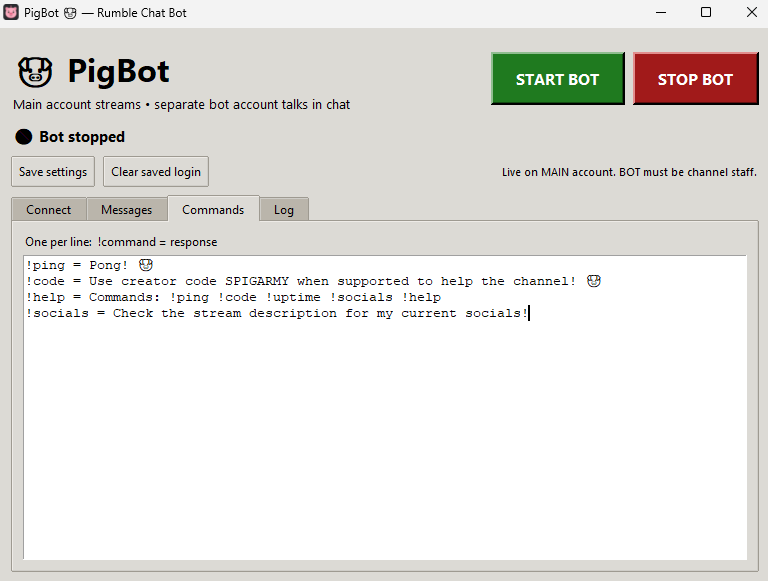
- Custom chat commands like !ping, !code, !help
- Built-in !uptime
- Start / Stop buttons
- Your own logo (replace the included icon files)
What you get
- PigBot app folder
- RUN_WITH_PYTHON.bat one-click starter
- Setup instructions
What you need
- Windows 10 or 11
- Python 3.12 or 3.13 from python.org (check Add python.exe to PATH)
- Your main Rumble account
- A separate bot Rumble account with 2FA turned off
- The bot added as chat staff / moderator on your channel
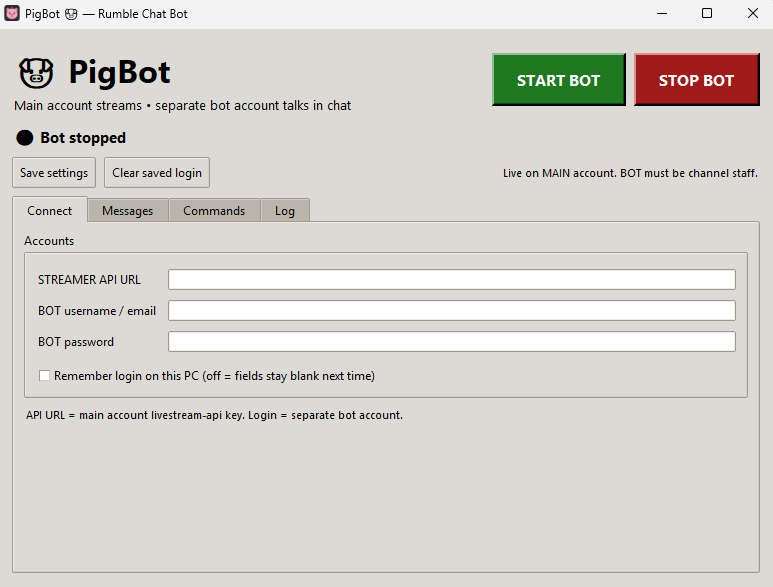
- Your Live Stream API URL from rumble.com/account/livestream-api
How to use it
- Unzip the folder
- Double-click RUN_WITH_PYTHON.bat
- Paste the streamer API URL from your main account
- Log in as the bot account
- Go live on Rumble
- Click START BOT
Login boxes start blank. Check “Remember login on this PC” only if you want this computer to save them.
Good to know
- You must already be live or the bot cannot join chat
- The bot posts as the bot account, not as your channel name
- Keep your API key private
- Rumble can change or block unofficial tools. No ban or uptime guarantee
Support
If it does not open, install Python 3.12/3.13 and run the .bat file again. If it cannot connect, confirm you are live and that the API URL includes ?key=.