

Wall Return Studio
Wall Return Studio
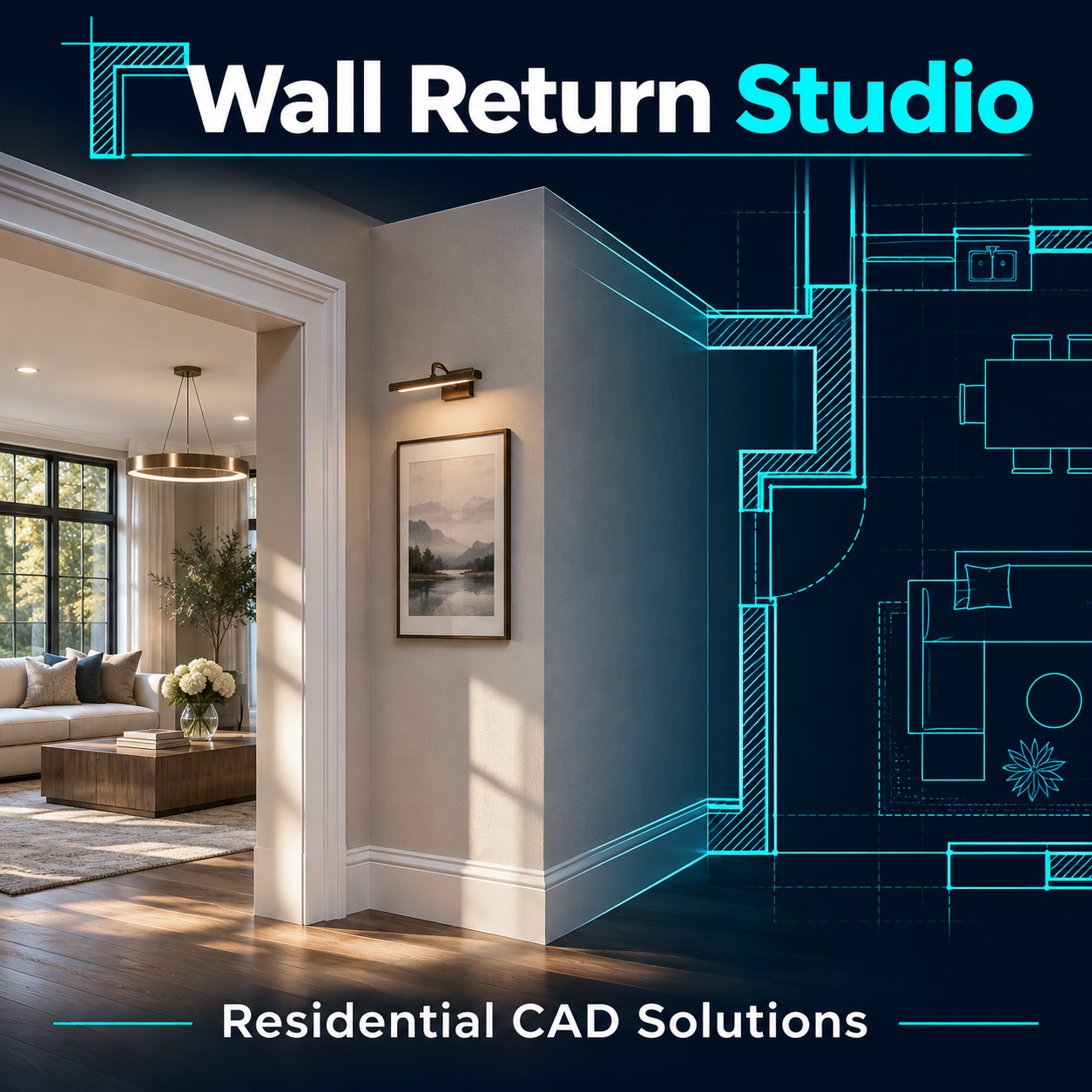
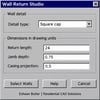
Finish open wall ends in 2D floor plans without drawing each return line by line. Wall Return Studio uses the two wall faces already in your AutoCAD drawing to create a square cap, a 90-degree corner return, or a cased jamb at an existing opening.
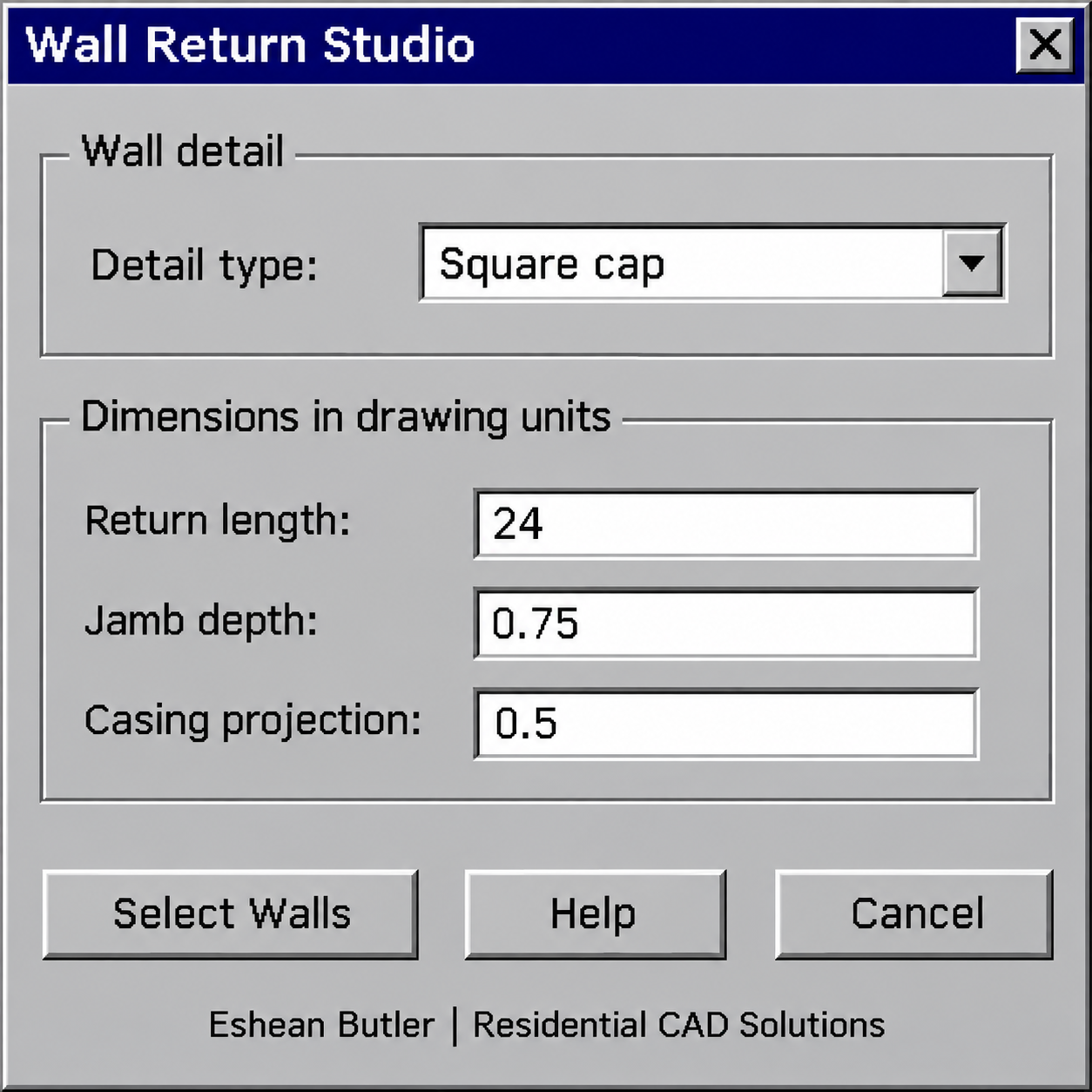
Type WRET, choose a detail, and select two parallel wall lines near their matching ends. For a corner return, enter the inside return length and pick the side the wall turns toward. For a cased opening, set the jamb depth and casing projection, then run the command again for the opposite jamb.
The tool draws the detail on your current layer using your drawing units. The download includes the AutoLISP program, a classic DCL dialog with built-in Help, and setup instructions.
Eshean Butler | Residential CAD Solutions