
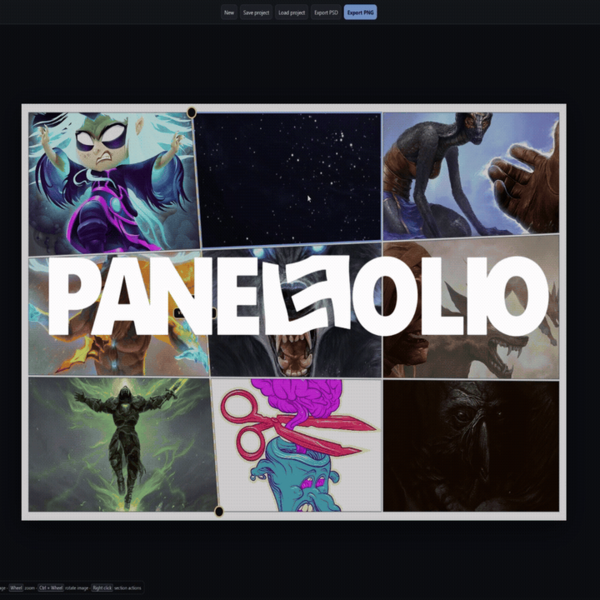
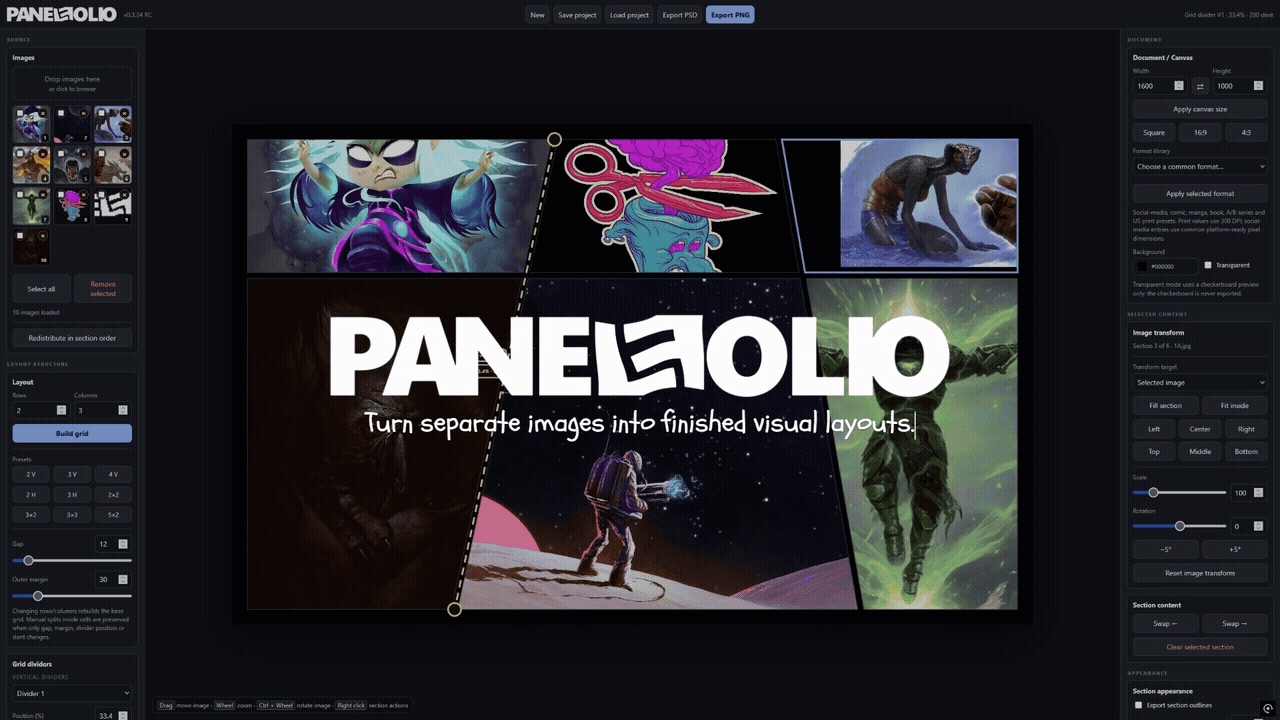
PanelFolio - offline image-panel compositor
PanelFolio is a fast, focused image-layout tool for artists, designers, comic creators, game developers and anyone who needs to arrange multiple images without fighting a full image editor.
Load a group of images, divide the canvas into rows and columns, slant and reposition the dividers, split individual sections, zoom and rotate images inside their masks, add special overlay frames, tune gaps, outlines and shadows, then export the finished composition as a high-resolution PNG.
PanelFolio keeps panel geometry separate from the image inside it.
That means you can reshape a section, angle a boundary or change the layout without destructively cropping the original source image.
Everything runs locally from one offline HTML application. Your images are not uploaded.
CORE FEATURES
- Fully offline browser application - no account, installation or cloud processing
- Load multiple PNG, JPG, WebP, GIF, BMP, SVG and AVIF images where supported by the browser
- Automatic row/column layouts and useful grid presets
- Adjustable gaps, outer margins, divider positions and divider slants
- Manual vertical, horizontal and diagonal splits inside selected sections
- Per-split gap controls and direct on-canvas divider editing
- Independent move, scale and rotation for every image inside its panel mask
- Mouse wheel zoom and Ctrl + wheel image rotation
- All-images transform mode using local pivots
- Rounded, oval, circular and lens-curve overlay panels
- Direct overlay move, resize, edge-scale and rotation gizmos
- Independent overlay gaps and layer order
- Separate section outlines and soft shadows
- Inside, outside or combined shadow placement
- True transparent-canvas PNG export
- Save and reopen complete PanelFolio projects
- Blank layered PSD template export with clipped PLACE IMAGE HERE layers and panel masks
PSD TEMPLATE EXPORT
The PSD exporter intentionally leaves imported images out. Each panel becomes a clean clipping setup:
PLACE IMAGE HERE
MASK (keep)
Special overlays appear above base panels, and Canvas Background stays at the bottom. This gives you a ready-made Photoshop layout without packaging or duplicating your original image files.
WHO IT IS FOR
- Comic and sequential-art layouts
- Character and environment presentation sheets
- Game-art portfolios and pitch boards
- Social media image grids
- Posters, promos and comparison layouts
- Mood boards and visual-development sheets
- Product and process presentations
WHAT IS INCLUDED
- PanelFolio offline application
- Quick Start Guide
- Technical Overview
- Standard commercial-use license
BASIC USE
1. Extract the ZIP.
2. Open index.html in a current desktop browser.
3. Load images.
4. Choose or build a layout.
5. Adjust panel geometry and image transforms.
6. Export PNG or a blank layered PSD template.
COMPATIBILITY
Designed for current desktop browsers on Windows, macOS and Linux. PNG export is universal. PSD templates use standard raster layers and clipping flags; exact presentation may vary between PSD-compatible editors.
PRIVACY
PanelFolio works locally in your browser. No image upload, account or server connection is required.
LICENSE SUMMARY
Personal and commercial use are allowed for one licensed user. Finished outputs may be sold or delivered to clients. Redistribution or resale of the PanelFolio application is not allowed.
Attribution is appreciated, not required.