



No Spend Challenge Tracker Spreadsheet, Gamified Savings Challenge, Google Sheets & Excel, Printable No Spend Month PDF, Streak Tracker
Turn a no-spend month into a game you actually want to win. Check in each day with one tap. The tracker counts your streak, awards points and badges, grows your level from Seed to Forest, and shows the real money you kept by pausing the categories you picked. Perfect for a No-Spend January, a 30-day reset, or any challenge from 7 to 90 days.
★ WHY IT STANDS OUT
• Money kept, counted for you: pick your off-limits categories and what you usually spend, and see how much you've really kept
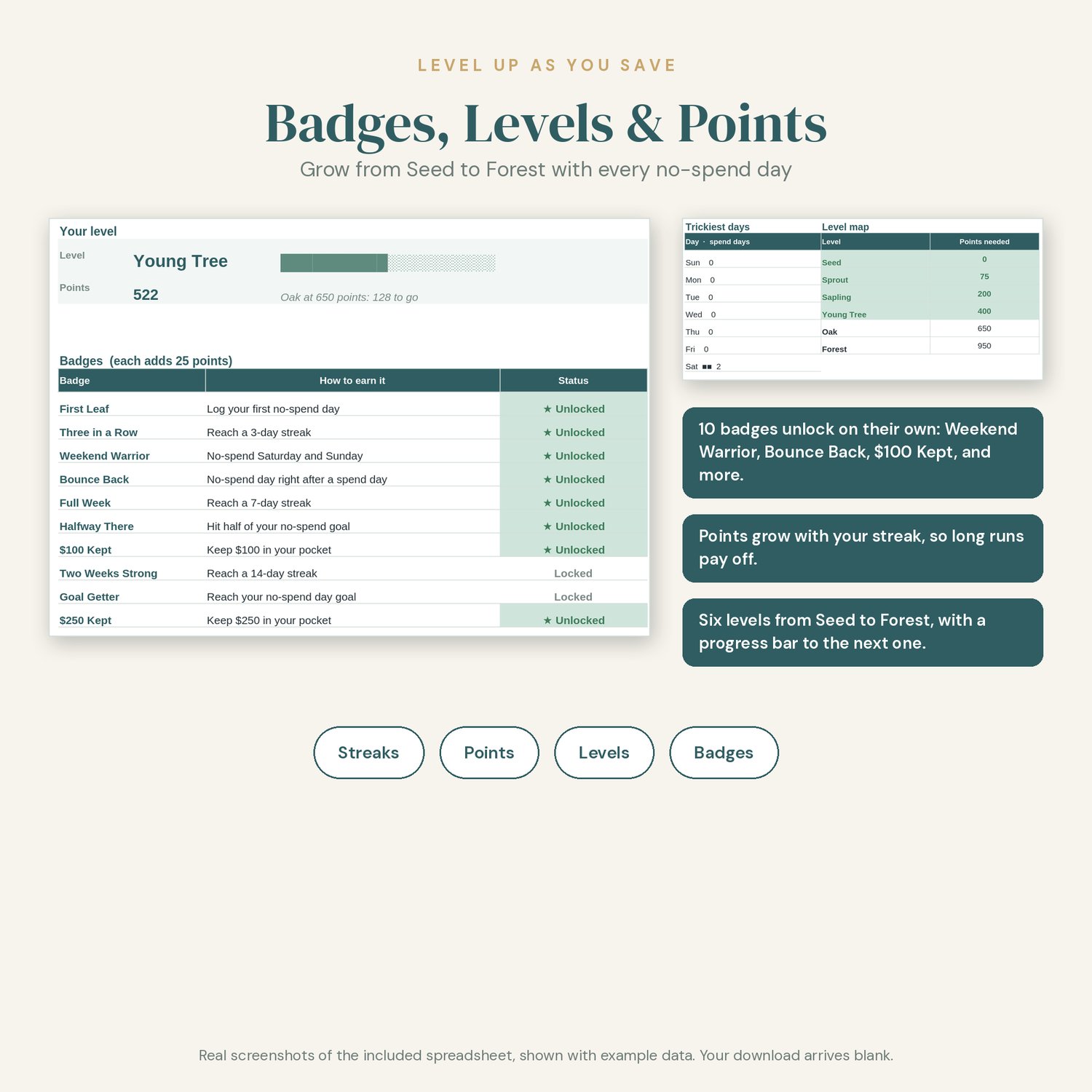
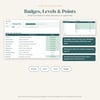
• Game mechanics: streaks, points, 6 levels, and 10 badges that unlock on their own (Weekend Warrior, Bounce Back, $100 Kept, and more)
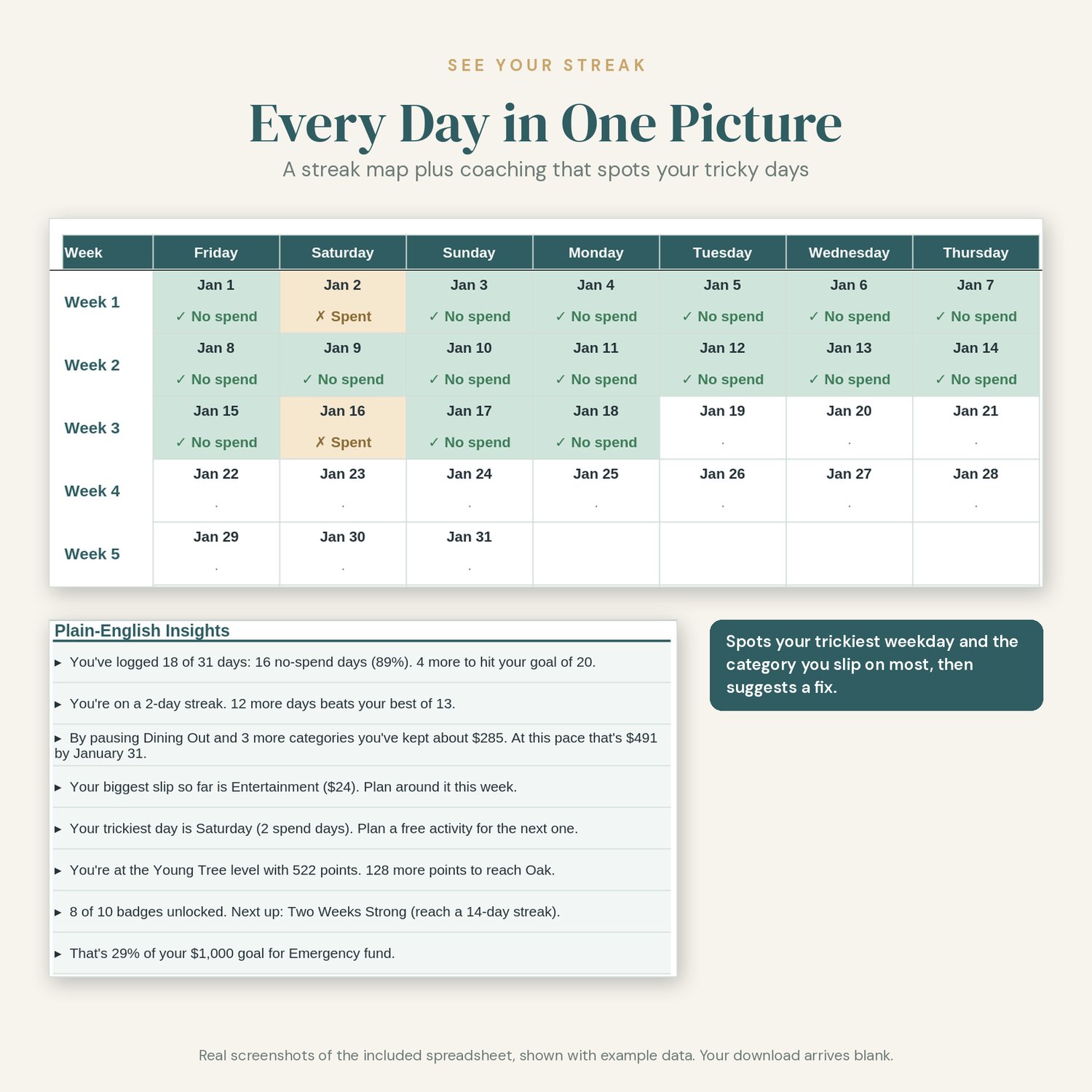
• Plain-English Insights panel: live sentences like "By pausing Dining Out and 3 more categories you've kept about $285."
• Spots your trickiest weekday and the category you slip on most
• What-If box: see what repeating the challenge in 2027 could add up to
• 10-minute numbered Quick Start on the Start Here tab
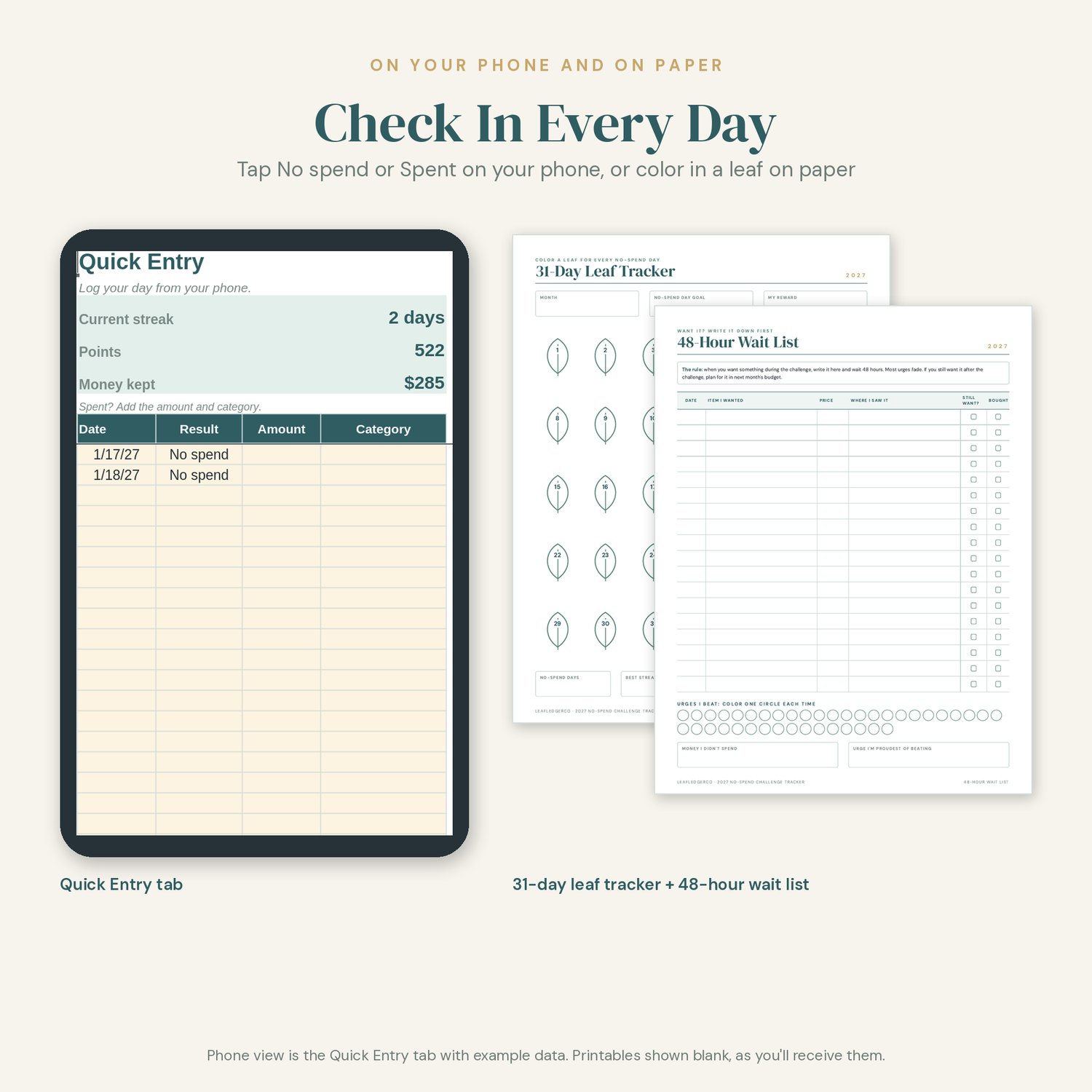
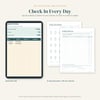
• Quick Entry tab sized for checking in on your phone in the Google Sheets app
• Category names that match the 2027 Annual Budget Toolkit
• Free 2028 update
★ WHAT'S INCLUDED
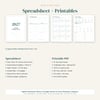
SPREADSHEET (one .xlsx file that works in Google Sheets and Microsoft Excel)
• Start Here: a numbered 10-minute Quick Start and a color key (cream cells are for you, white cells calculate)
• Setup: start date, length (7 to 90 days), your no-spend day goal, a reward, where the money goes, off-limits categories with what you usually spend, and your always-allowed list (rent, bills, groceries from your list)
• Quest Board: no-spend days, current and best streak, money kept, your level and progress bar, 10 badges, trickiest days, Plain-English Insights, and the What-If box
• Daily Tracker: one row a day with No spend or Spent, the amount, category, streak, and points. Today's row is highlighted.
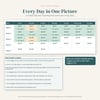
• Streak Map: every day of your challenge in one colored grid
• Quick Entry: check in from your phone in seconds
• Categories: spending categories that match the 2027 Annual Budget Toolkit
PRINTABLE CHALLENGE KIT (6 pages, in both US Letter and A4)
• Cover
• 31-Day Leaf Tracker: color in a leaf for every no-spend day
• Challenge Rules: my why, off-limits list, always-allowed list, and my reward
• 2027 No-Spend Year: mark every no-spend day of the year
• 48-Hour Wait List: write it down, wait 48 hours, then decide
• Levels & Badges: track your level and badges on paper
★ HOW TO USE IT IN GOOGLE SHEETS
1. Download the files from the link in your purchase receipt email.
2. In Google Drive, click New > File upload and choose No-Spend-Challenge-Tracker.xlsx.
3. Open it and choose File > Save as Google Sheets. Work in that copy.
4. On your phone, open that copy in the free Google Sheets app and use the Quick Entry tab.
★ HOW TO USE IT IN MICROSOFT EXCEL
1. Open No-Spend-Challenge-Tracker.xlsx in Excel (desktop, web, or mobile).
2. If you see a Protected View bar, click Enable Editing.
3. Save a personal copy, then follow the 10-minute Quick Start on the Start Here tab.
★ PRINTING
Print the PDF at home or at a print shop. Choose "Actual size" or "Fit" in your print settings. Print every page or only the ones you need. The pages use thin lines and little color to save ink.
★ WANT THE WHOLE YEAR IN ONE FILE?
The full 2027 Annual Budget Toolkit is in the same shop, LeafLedgerCo. It adds 12 monthly budgets, an annual dashboard, bills, sinking funds, debt payoff, savings goals, a 52-week challenge, and a 19-page printable planner. This tracker uses the same spending category names, so the two work side by side.
★ PLEASE NOTE
• This is a DIGITAL DOWNLOAD. Nothing will be shipped to you.
• Download your files from the link in your purchase receipt email (a computer is easiest).
• FREE 2028 UPDATE: when the 2028 edition (with a new year of printable calendars) is ready, I'll add it to this product, and you can download it at no extra cost from your original purchase download link. I'll also email buyers when the update is ready.
• Amounts are shown in US dollars. You can change the currency format in your spreadsheet app.
• You need a free Google account or Microsoft Excel to use the spreadsheet, and a PDF reader to print.
• The listing photos show example data so you can see how it works. Your file arrives blank.
• Money kept is an estimate based on what you usually spend in your off-limits categories.
• For personal use only. Please do not share or resell the files.
• Colors may look slightly different on screen than on paper.
★ ABOUT HOW THIS WAS MADE
This product was designed with AI assistance under my direction. I planned the tracker, set its features and look, and reviewed and tested the spreadsheet formulas and printable pages before listing.
Questions? Use the contact form on this store, or reply to your receipt email. I'm happy to help you get set up.