
Collage Splitter
Collage Splitter – Turn Images Into Organized Panels
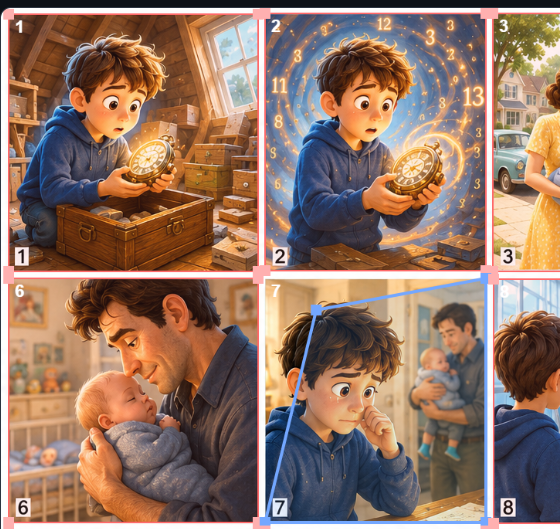
Collage Splitter helps creators, authors, educators, storytellers, publishers, and content creators transform full-page images into organized panels ready for editing and publishing.
Import your collage, automatically split it into panels, organize your content, add dialogue and narration, and prepare your projects for export.
Features
✔ Automatic Panel Splitting
✔ Manual Panel Adjustment Tools
✔ Visual Content Organization
✔ Dialogue and Story Workflow Support
✔ Creator-Friendly Interface
✔ Multi-Panel Layout Support
✔ Project Management Workflow
✔ Export-Ready Projects
Perfect For
• Authors
• Educators
• Storytellers
• Publishers
• Children's Book Creators
• Independent Creators
• Digital Content Creators
• Visual Designers
How It Works
- Upload your collage or image.
- Automatically split panels into individual sections.
- Adjust and organize panel layouts.
- Add dialogue, narration, and content elements.
- Review and finalize your project structure.
- Export your completed project.
Access Includes
• 30 Days of Collage Splitter Access
• One Device Access
• Access to Updates During Your Active Access Period
• Reactivate Anytime With a New Access Pass
Organize visual content faster with tools designed to simplify panel-based layouts and creative workflows.