

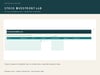
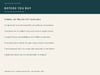
Small Business Inventory and Orders Command Center, Excel Spreadsheet Template, Digital Download
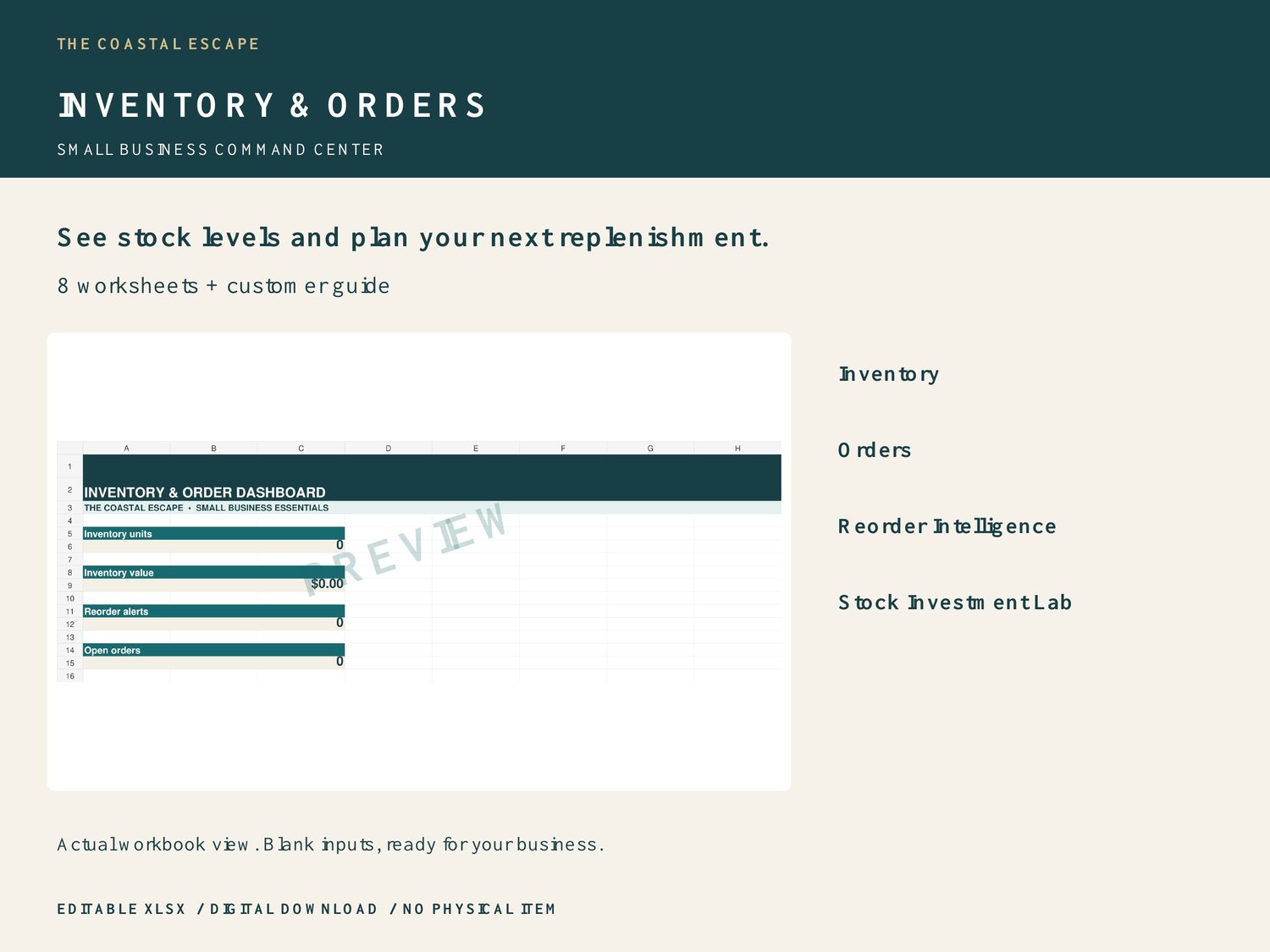
See stock levels and plan your next replenishment.
Small Business Inventory & Orders Command Center by The Coastal Escape is an editable Excel-format workbook for small-business owners who want a clear, hands-on way to manage their own information.
WHAT YOU RECEIVE
One ZIP containing Inventory_and_Orders_Command_Center.xlsx and Inventory_and_Orders_Instructions.pdf. 100 rows each for inventory, orders, suppliers and restock planning; 50 reorder and stock-investment scenarios.
INCLUDED WORKSHEETS
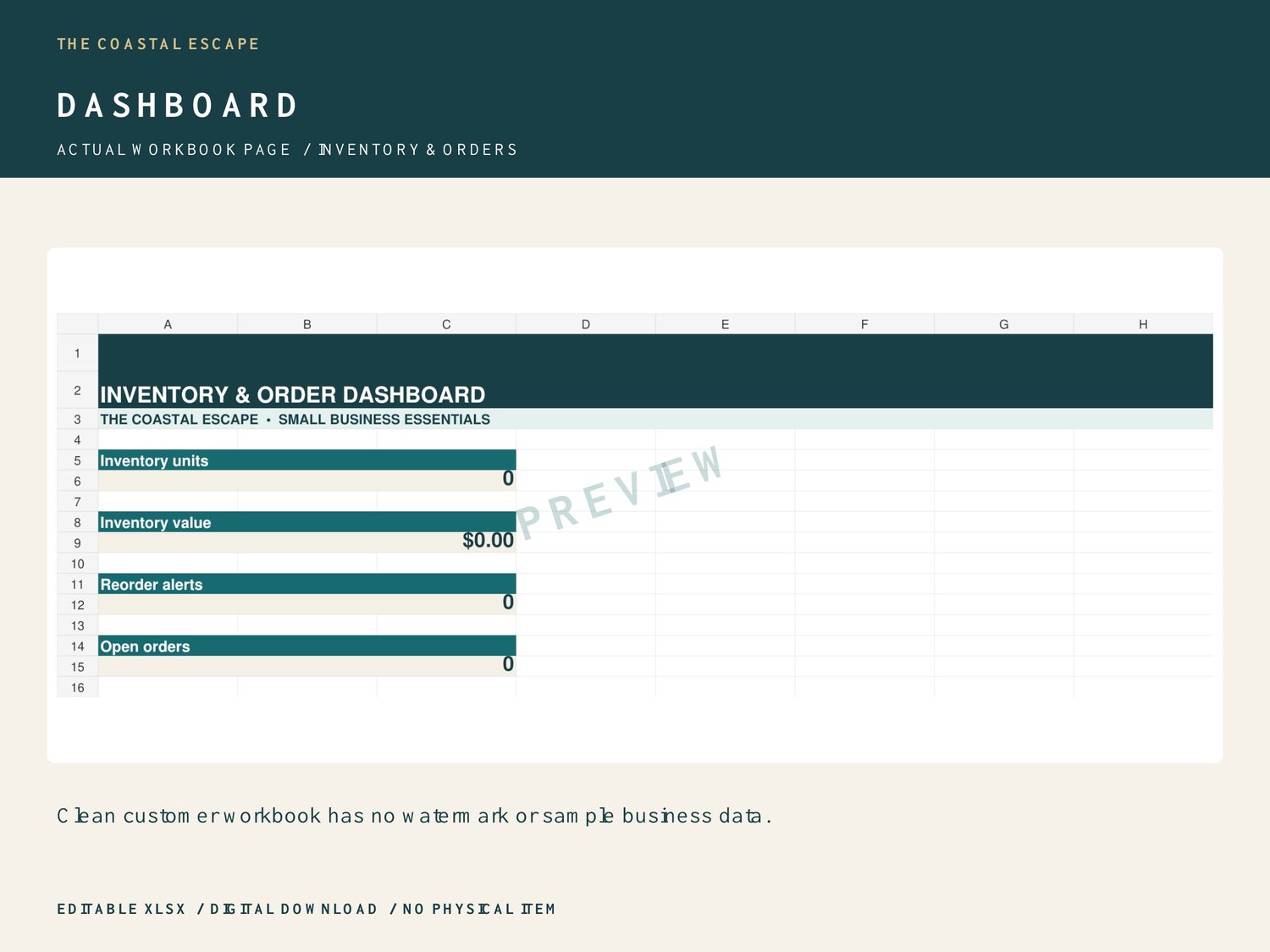
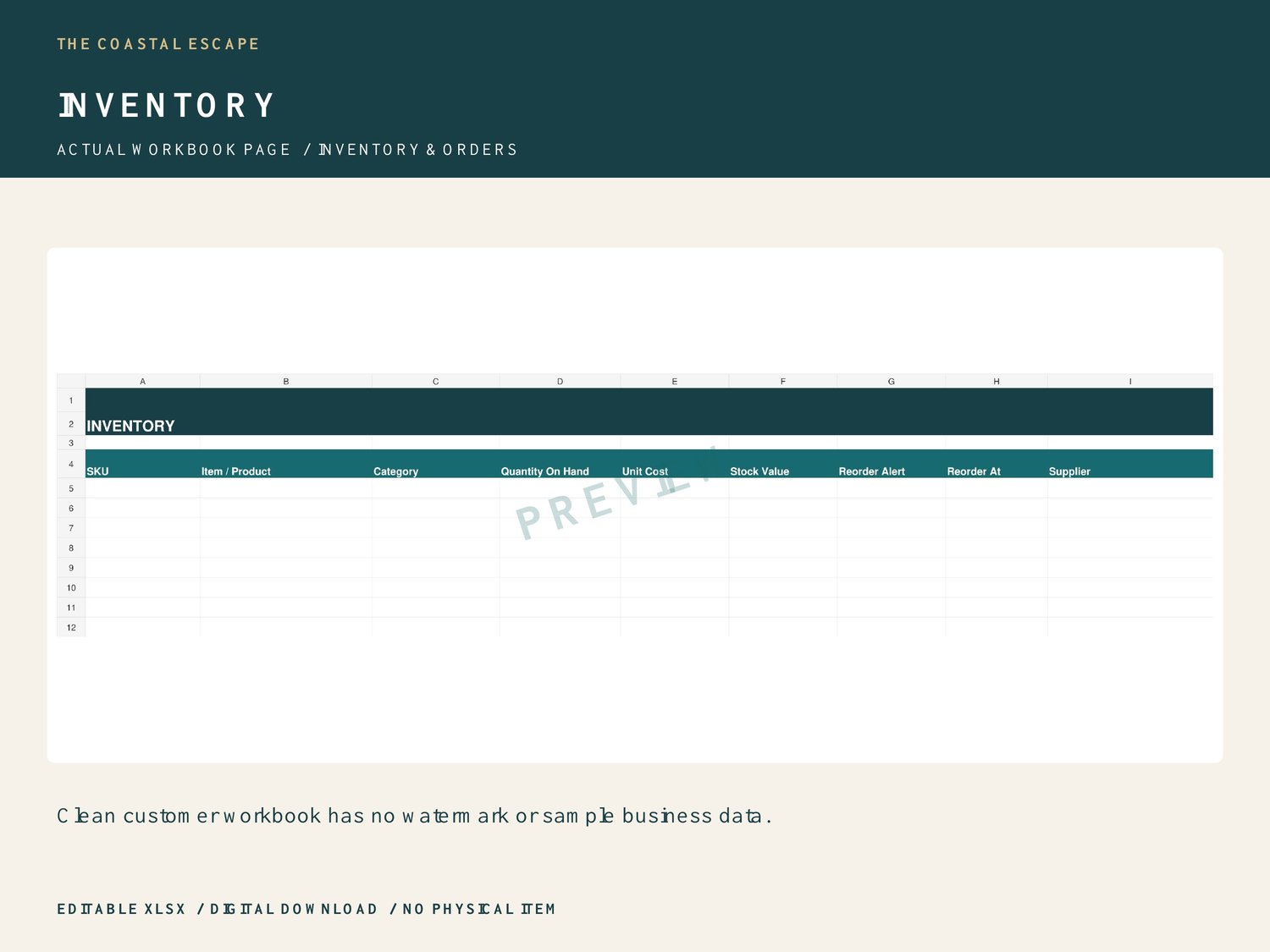
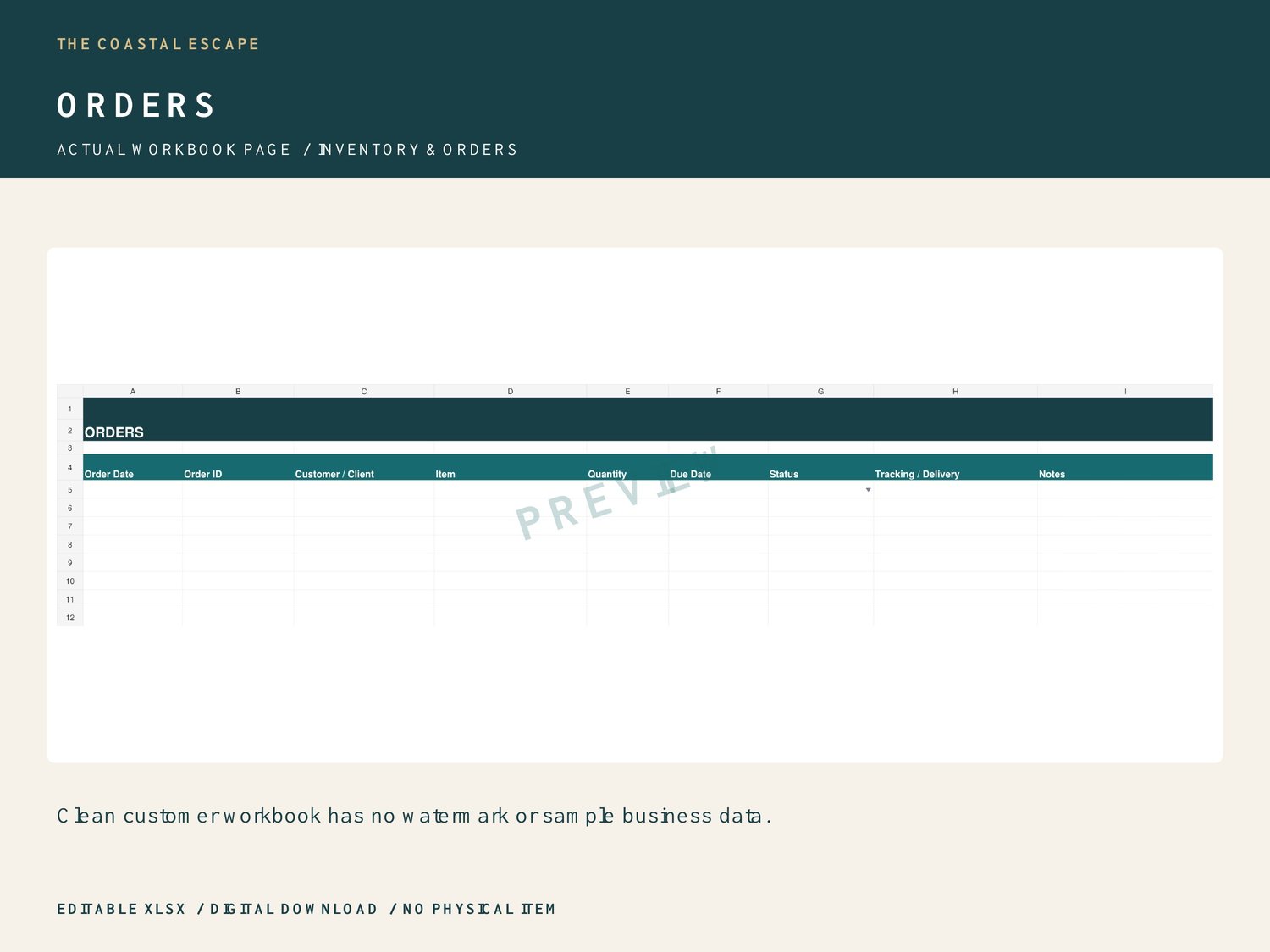
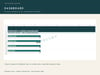
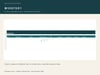
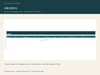
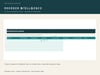
Dashboard, Inventory, Orders, Suppliers, Restock Planner, START HERE, Reorder Intelligence, Stock Investment Lab.
HOW IT WORKS
MAINTAIN STOCK AND ORDERS
Enter current quantities, unit costs and reorder levels on Inventory. Stock value = quantity × unit cost. The alert shows REORDER at or below your reorder threshold. Use Orders status dropdowns to record progress; Open and In Progress are counted on the dashboard. These sheets are separate manual logs: orders do not deduct inventory and SKU entries do not look up or synchronize data.
PLAN REPLENISHMENT
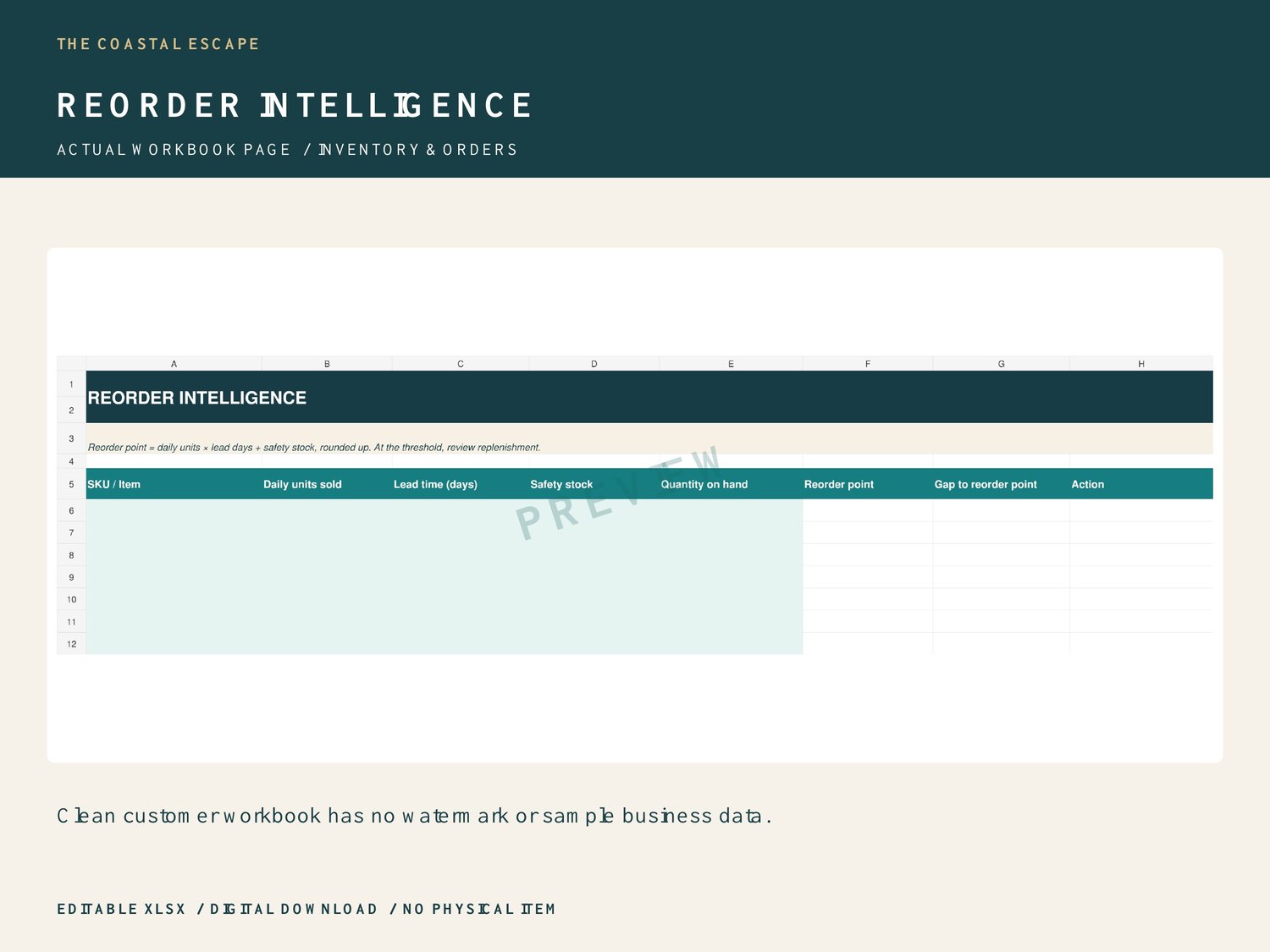
Restock Planner requires current stock, reorder level and target stock. At or below the reorder level, Units To Order is the positive gap to your target. Above the threshold it is zero. Enter unit cost for the estimated spend. Reorder Intelligence rounds up daily units sold × lead time in days + safety stock. Its gap column fills only the gap to that threshold, not a full purchase quantity. At exactly the threshold, REORDER may appear with a zero gap: review your desired target and supplier minimum manually.
REVIEW INVESTMENT
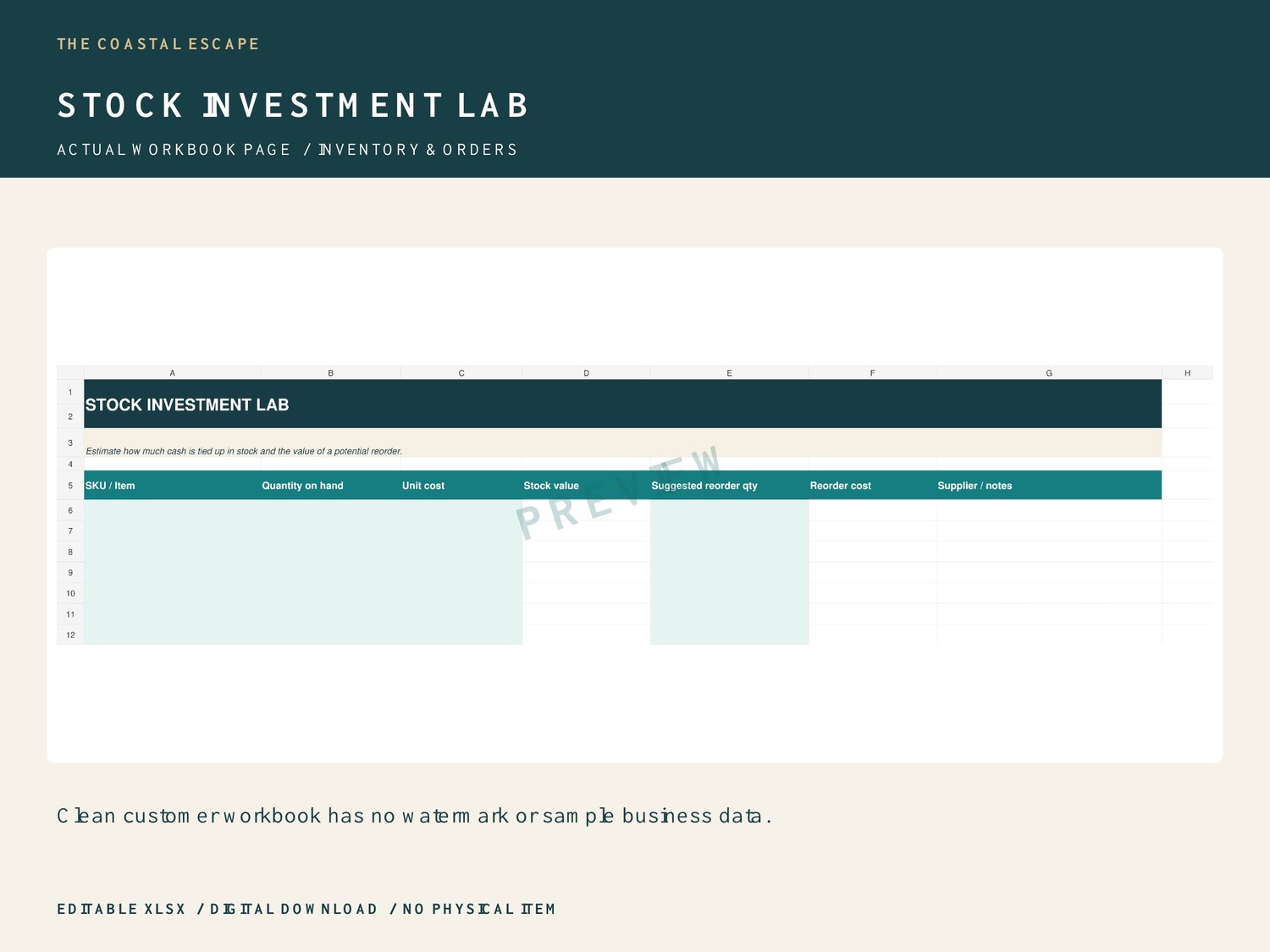
Stock Investment Lab calculates quantity on hand × unit cost and suggested reorder quantity × unit cost. You enter those quantities yourself; this sheet does not import suggestions from the other tabs. Suppliers holds contacts, lead times and minimums for reference. Unlimited digital downloads do not require physical stock tracking.
SOFTWARE AND IMPORTANT DETAILS
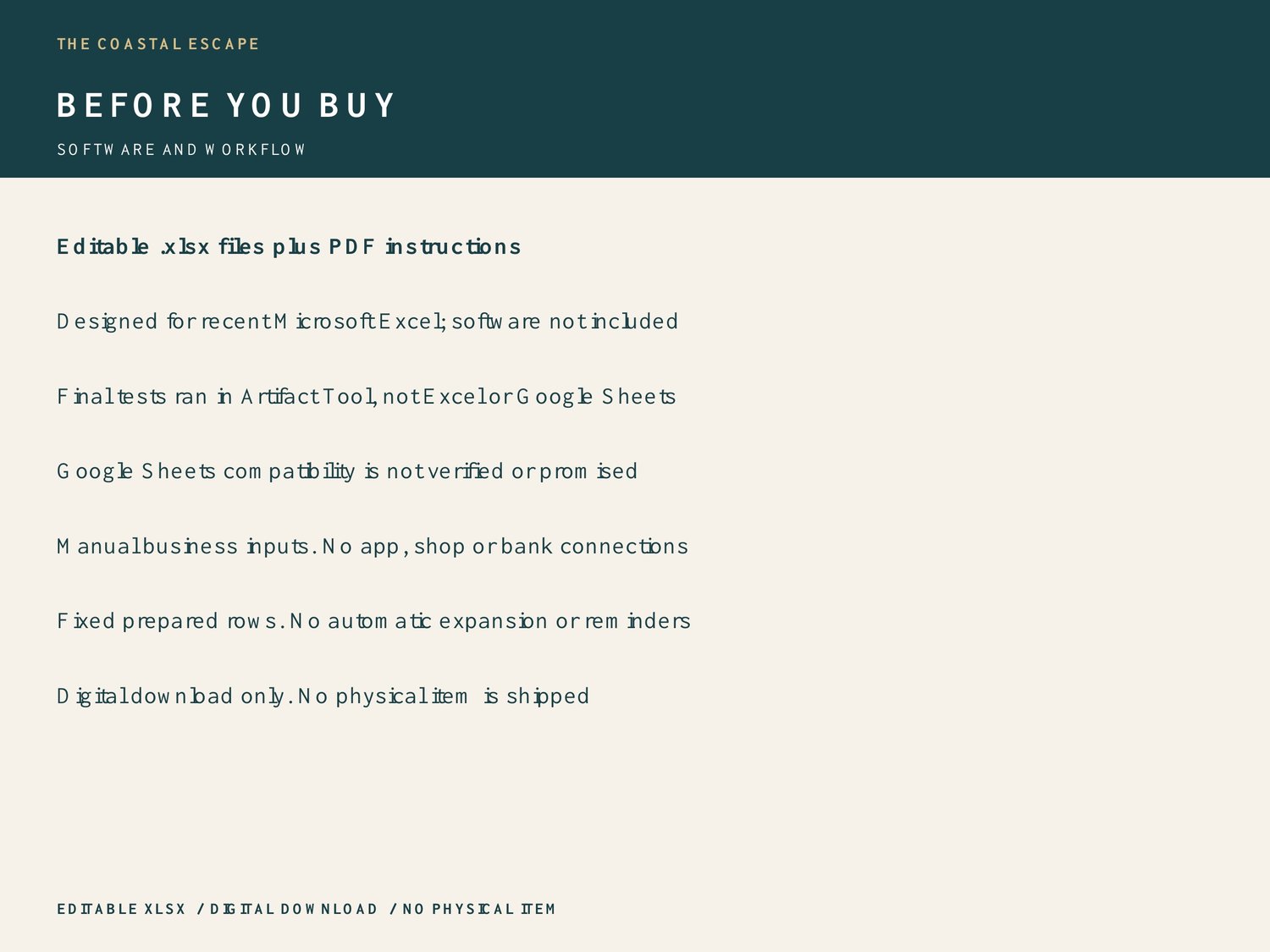
Download and unzip on a computer. Keep a backup of the original. Open the editable .xlsx in spreadsheet software that supports this format. These files are designed for recent Microsoft Excel. This final review tested calculations and file structure in Artifact Tool, not Microsoft Excel or Google Sheets. The supplied earlier QA report described LibreOffice tests, which were not repeated here. Google Sheets compatibility has not been verified and is not promised. Spreadsheet software is not included.
Start with START HERE. Customer input rows are blank; zeros on dashboards are calculated starting values. Type business information into input cells and leave formula cells intact. The decision-tool inputs are pale teal; use the supplied guide for other input columns. Prepared row limits are fixed. Adding rows requires extending formulas, summary ranges, dropdowns and formatting; automatic expansion is not included. Use one currency consistently. Currency displays use $, which you can reformat; there is no currency conversion.
These are standalone templates with manual data entry. There are no Etsy, Payhip, bank, supplier or software connections, macros, automated imports or notifications. They are management aids, not a complete accounting or tax system. Verify entered data and results against your business records. No sales or profit outcome is guaranteed. Customer downloads are clean, editable and contain no PREVIEW watermark or example business data.
Digital download only. No physical item is shipped. Listing images are watermarked views of the actual blank workbook; watermarks are not in your customer files. Created with AI assistance and reviewed for calculation accuracy. Contact The Coastal Escape through the storefront if you need help locating your download.