

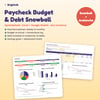
Paycheck Budget Spreadsheet with Debt Snowball & Avalanche, Excel and Google Sheets Budget Template
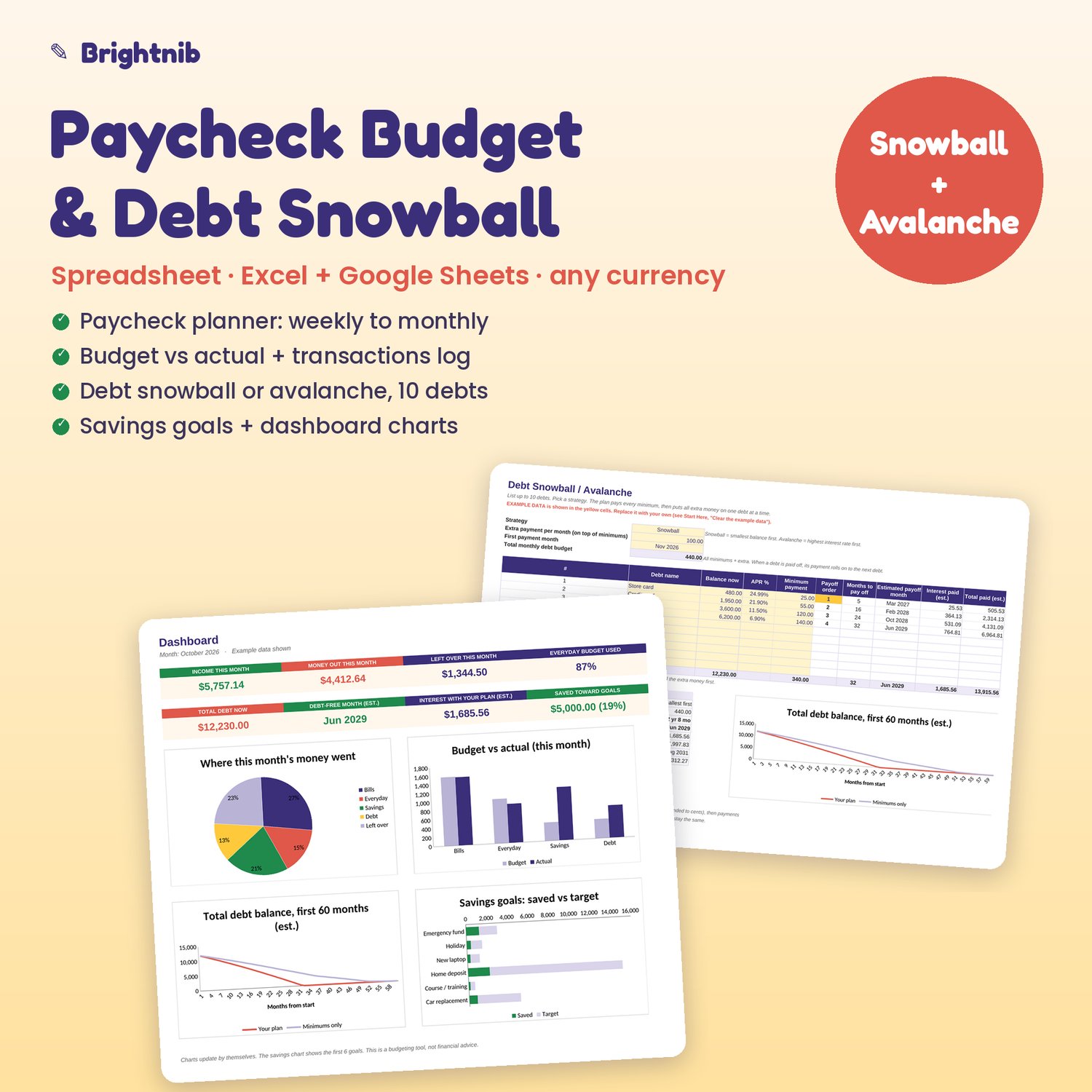
Plan each paycheck, track what you spend and map out a debt payoff plan, all in one spreadsheet. It works in Excel, Google Sheets and LibreOffice, in any currency.
WHAT'S INSIDE (8 tabs)
• Start Here: setup steps, a colour key and a "clear the example data" list
• Settings: currency symbol, pay frequency (weekly, biweekly, semi-monthly or monthly), up to 30 categories with monthly budgets
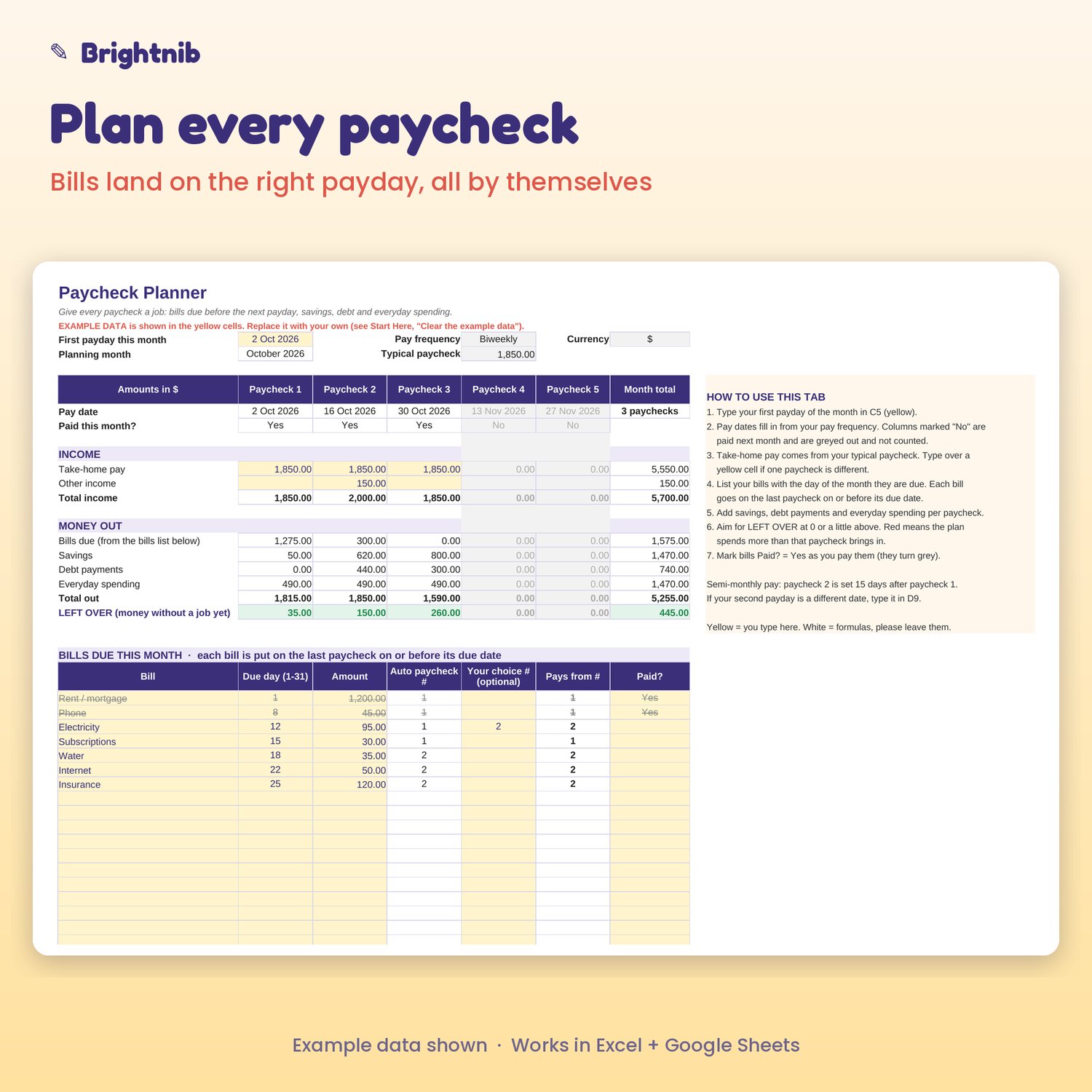
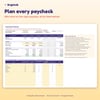
• Paycheck Planner: up to 5 paychecks a month. Pay dates fill in by themselves, each bill goes on the last paycheck on or before its due date, and you plan savings, debt payments and everyday spending per paycheck. It shows what is left over from each one.
• Budget vs Actual: pick a month to compare your budget with your transactions, by category and by type
• Transactions: 500 rows with a category dropdown
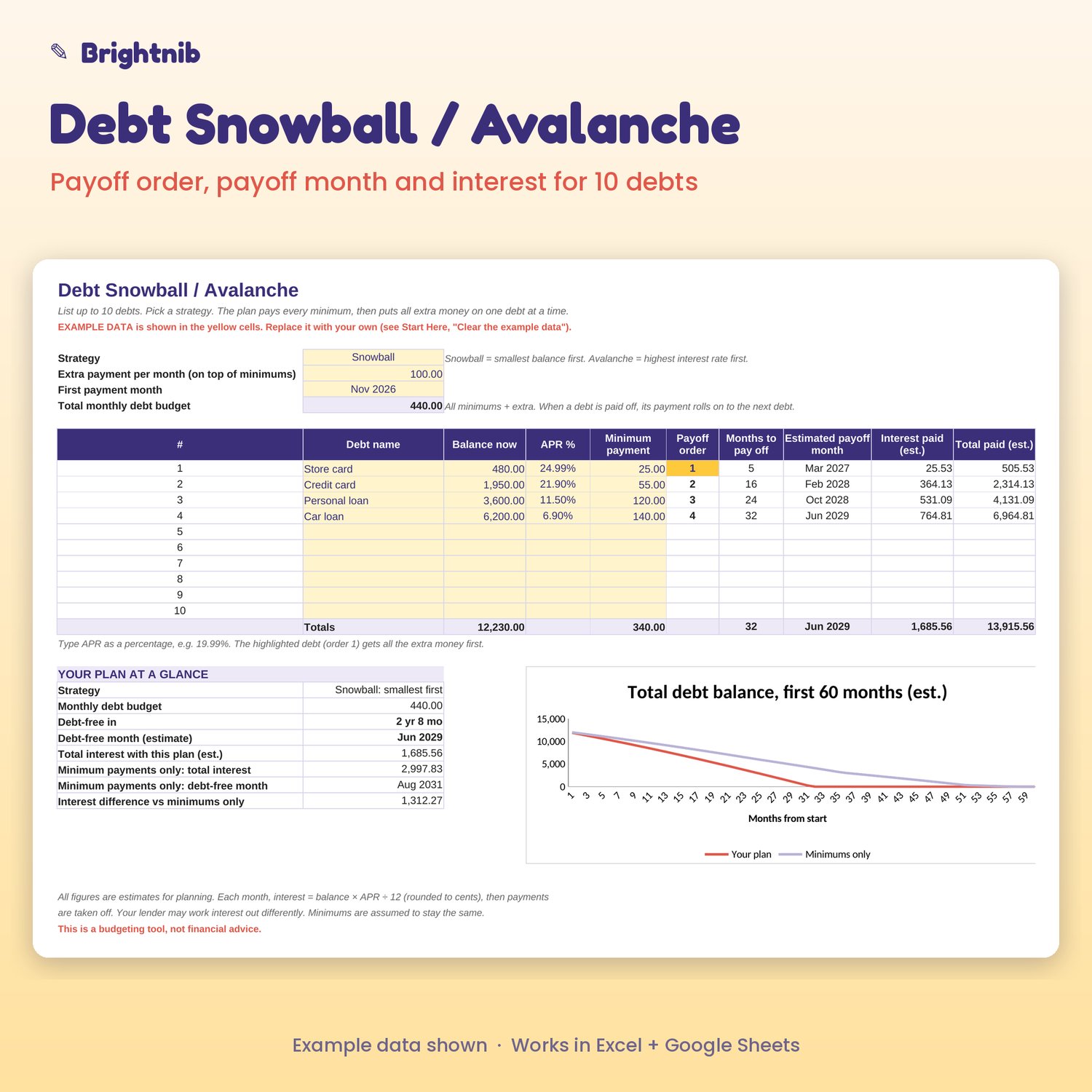
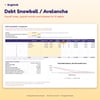
• Debt Snowball: up to 10 debts. Switch between Snowball (smallest balance first) and Avalanche (highest interest rate first) to see the payoff order, an estimated payoff month for each debt, estimated interest and a debt-free month. You can also compare the plan with paying minimums only.
• Savings Goals: target, saved so far, progress bar, estimated finish month and the amount needed per paycheck
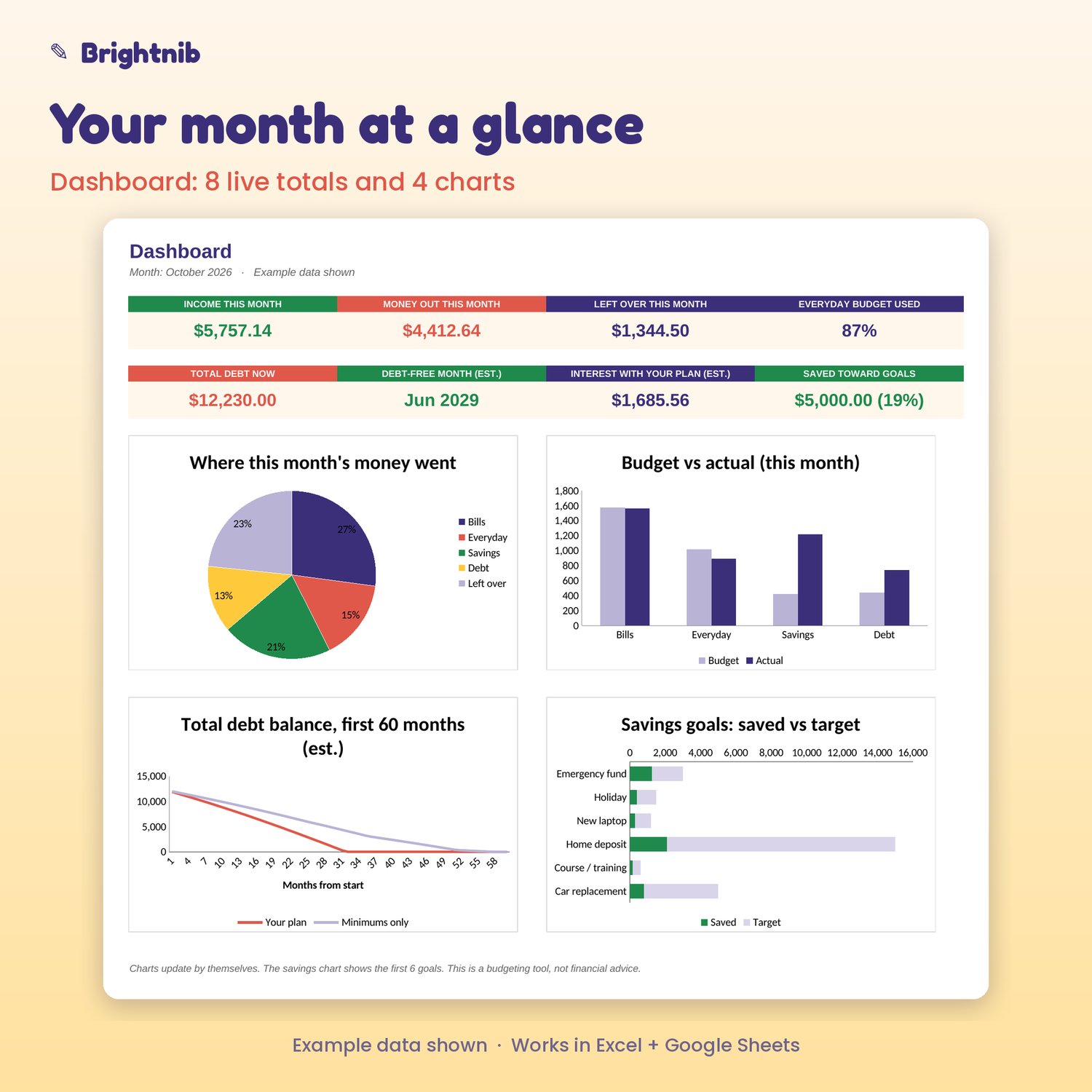
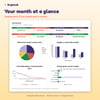
• Dashboard: 8 live totals and 4 charts
HOW YOU USE IT
• Excel / LibreOffice: open the .xlsx and start on the Start Here tab.
• Google Sheets: start a blank spreadsheet, then File → Import → Upload, choose the file and pick "Replace spreadsheet". The 2-page PDF guide walks you through it.
• Comes filled with clearly labelled example data, so you can see how it works before typing in your own numbers.
• Plain formulas only: no macros, no add-ins, no links to other files.
GOOD TO KNOW
• Instant digital download (zip with the .xlsx and a PDF guide). Nothing is shipped.
• Payoff dates and interest are estimates based on the numbers you enter. Your lender may calculate interest differently.
• This is a budgeting tool, not financial advice.
• For personal use. Please don't share or resell the file.
Want the whole year? The PLUS version adds a 12-month Annual Overview and a Sinking Funds tab.