
Monthly Budget Spreadsheet
Give every dollar a job. Enter your income and bills, and see what you planned, what you spent and what is left. For Excel and Google Sheets. Instant download.
What you get:
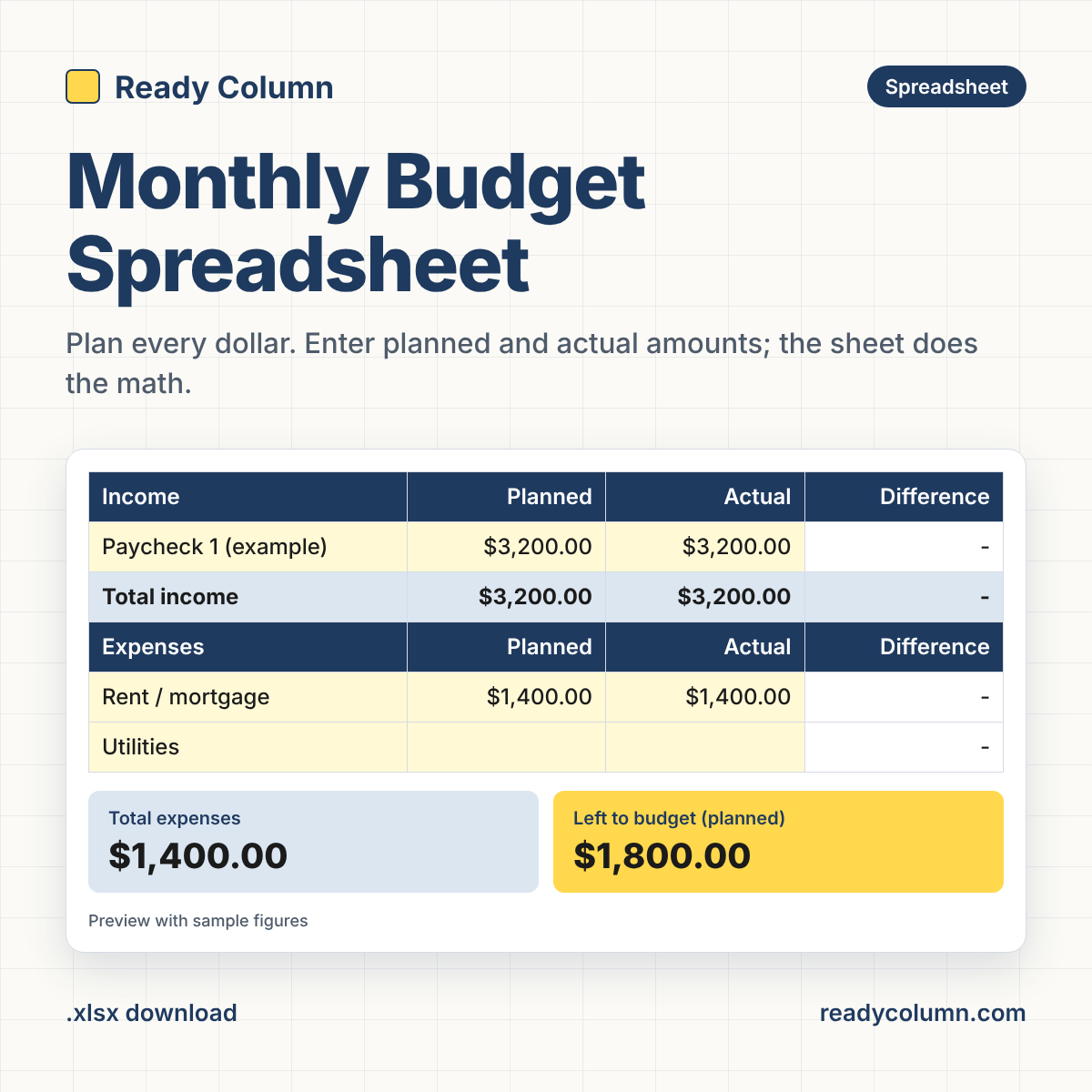
• Income section for two paychecks, side income and other income
• 12 expense categories you can rename
• Planned, Actual and Difference columns that calculate by themselves
• Totals, plus "left to budget" and "left over"
• Example amounts to type over
• Yellow cells show where you type
• One file that opens in Excel and imports to Google Sheets
How it works:
- Download and open the file.
- Type your income and what you plan to spend.
- Add what you actually spend. The Difference column shows where you are over or under.
There is no automatic bank syncing; you type the numbers yourself. This is a tracking tool, not financial advice. All sales are final. If the file will not open or does not work as described, write to specialist@readycolumn.com within 14 days and we will fix it or refund you.