
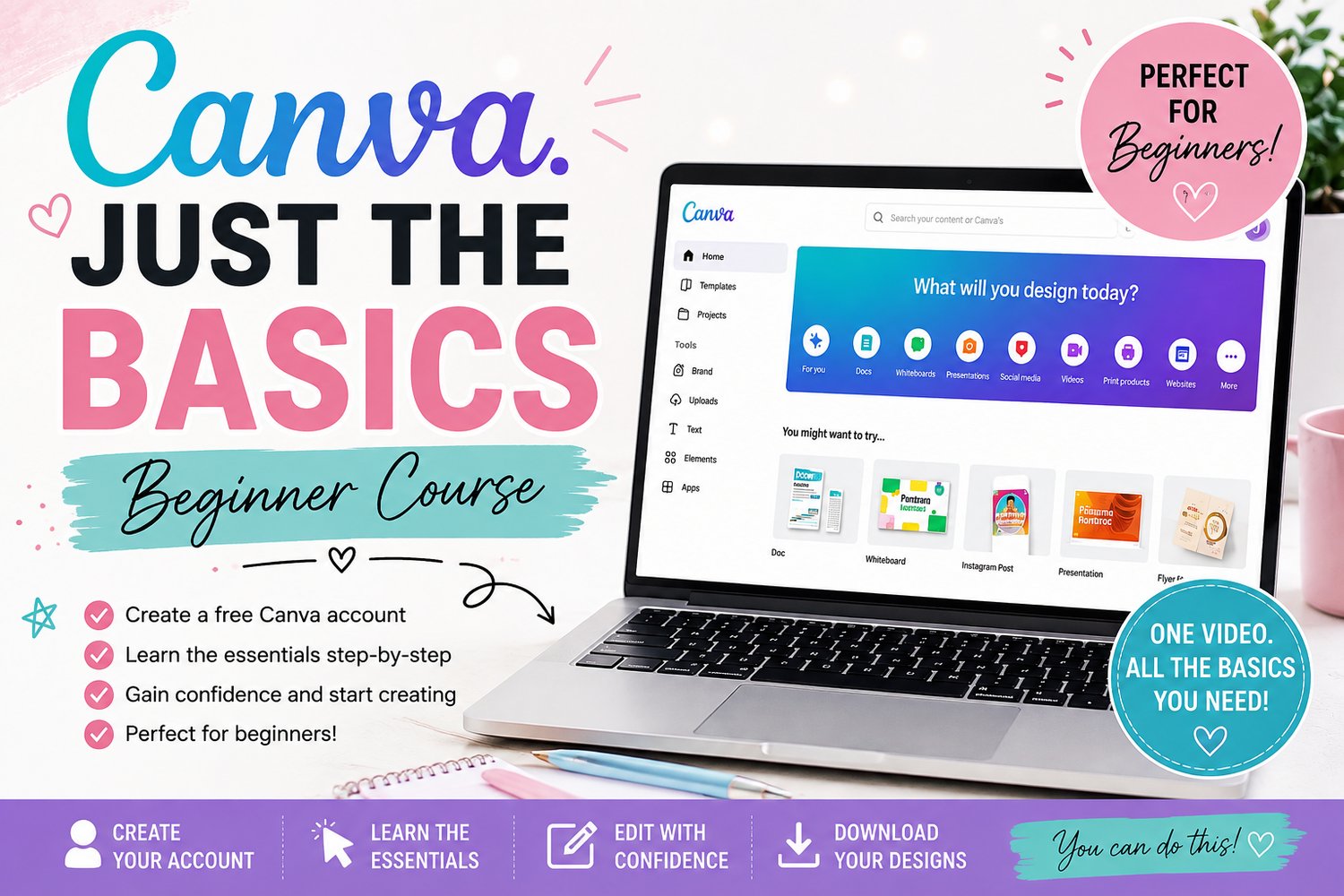
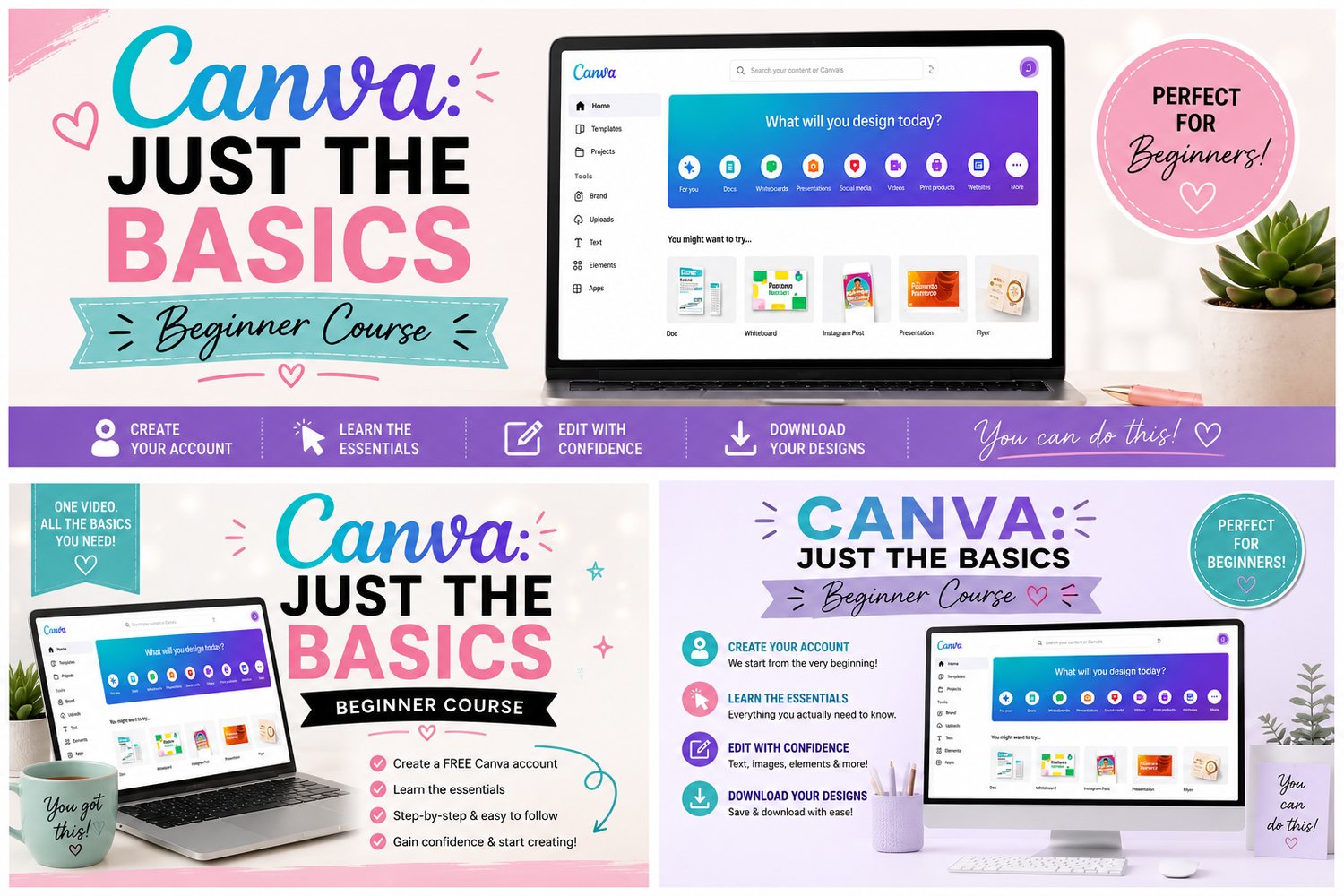
Canva: Just The Basics
Canva: Just the Basics
Never used Canva before? Not sure where to start? This mini-course is for you!
If you want to take my other Canva-based courses but feel like you need a little help getting comfortable with Canva first, I created Canva: Just the Basics specifically for you!
In this beginner-friendly, step-by-step video, I'll start from the very beginning and show you how to create a FREE Canva account and get familiar with the basics of using Canva.
We'll cover:
Creating your Canva account
Logging in and navigating the Canva home page
Understanding the Canva workspace
Creating a new design
Using custom dimensions
Understanding the basic tools and menus
Adding and editing text
Adding shapes, graphics, and images
Uploading your own images
Moving, resizing, and positioning elements
Grouping and layering elements
Naming and saving your designs
Downloading your finished designs
This course is intentionally short, simple, and beginner-friendly. I'm not going to throw a bunch of advanced Canva features at you that you don't need.
I'm also going to demonstrate everything using a brand-new FREE Canva account, so you can follow along without needing Canva Pro.
The goal isn't to make you a Canva expert. It's simply to give you the confidence and basic skills you need to open Canva and know what you're doing.
By the end of this course, you'll be ready to jump into my other Canva courses without feeling completely lost! ❤️
Perfect for:
✔️ Canva beginners
✔️ Anyone who has never used Canva
✔️ Anyone who feels overwhelmed by Canva
✔️ Anyone who wants to learn the basics before taking my other courses
One video. The basics you actually need. No unnecessary fluff. $10.00 One time fee for lifetime access!