
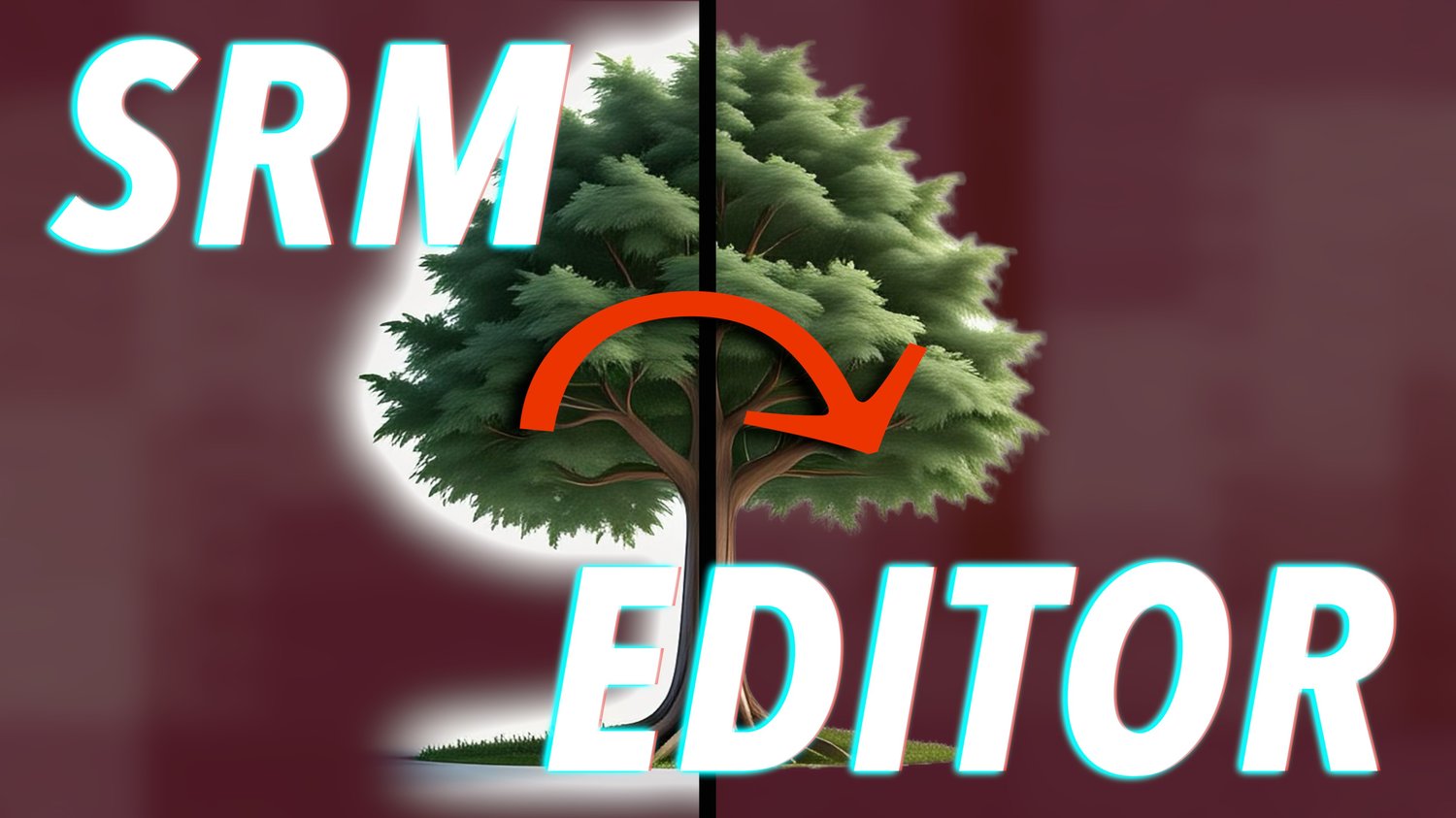


🛠️ SRM Editor v1.0 — for Final Cut Pro
Fine-Tune Your Mask's Alpha Channel
Pay what you want — even free!
SRM Editor is a lightweight but essential plugin designed to give you better control over Final Cut Pro’s Masks. Be it the "Scene Removal Mask", for which it was originally developed, the "Magnetic Mask" or just any other media with an alpha channel such as a green screen key! Think of it as the missing adjustment panel for Apple’s background-removal tools.
It’s especially useful when:
- You need to clean up boiling or noisy edges
- You’re trying to shrink, soften, or adjust the alpha channel
- You want more precision when isolating complex subjects (not just people!)
Built using Motion’s Magic Matte, this filter gives you quick access to critical edge and matte refinements — making your masks cleaner, tighter, and more production-ready in seconds.
🎯 Great for fixing:
- Hair fuzz, soft edges, and color spill
- Misaligned masks on non-human objects (like pets, cars, candles…)
- Subtle layering tricks like color correction or blurring just the background
💡 Works best when you view your clip in Alpha Channel mode and tweak in real time, as outlined in my Youtube tutorial "No Green Screens in Final Cut Pro Ever Again?!…"
💸 Grab it for free or toss in a few bucks if it saves you time or hassle.
👉 Download SRM Editor now and get more out of Final Cut’s amazing masking and keying tools.