

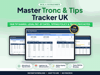

Master Tronc & Tips Tracker UK
Since 1 October 2024 every tip, gratuity and service charge must reach your staff in full, be shared fairly, and be paid by the end of the month after the customer paid. This spreadsheet does the sums: log the day's tips and each person's hours, and it shares every pay period to the penny, shows the legal pay-by date, fills in your written tipping policy and keeps the records a worker can ask for.
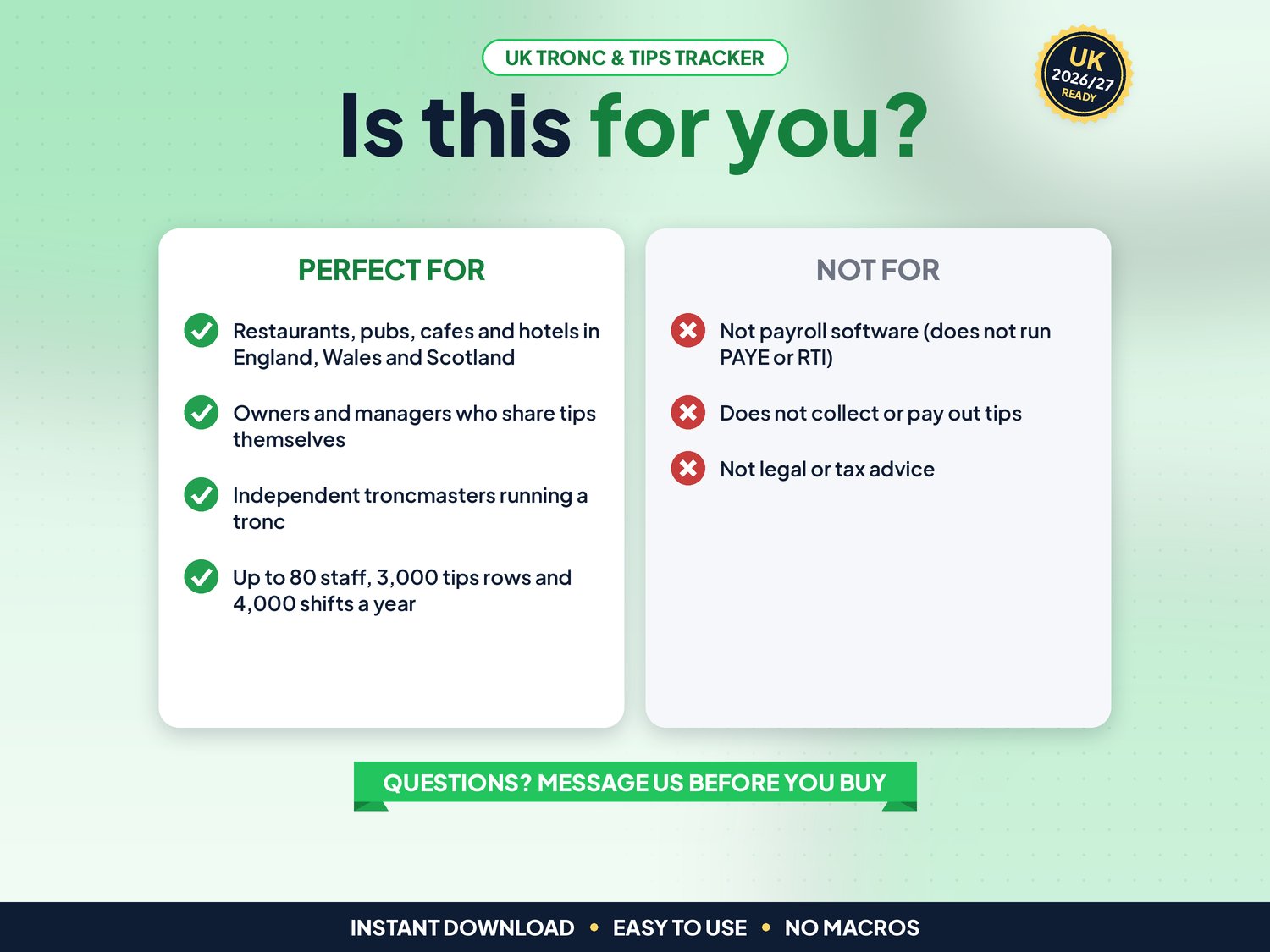
Made for restaurants, pubs, cafes and hotels in England, Wales and Scotland, whether you share tips yourself through payroll or use an independent troncmaster.
▶ Easy Start Here guide included – video tutorial coming to our YouTube channel
Works in Microsoft Excel and Google Sheets, with no macros.
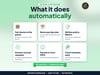
What it does for you
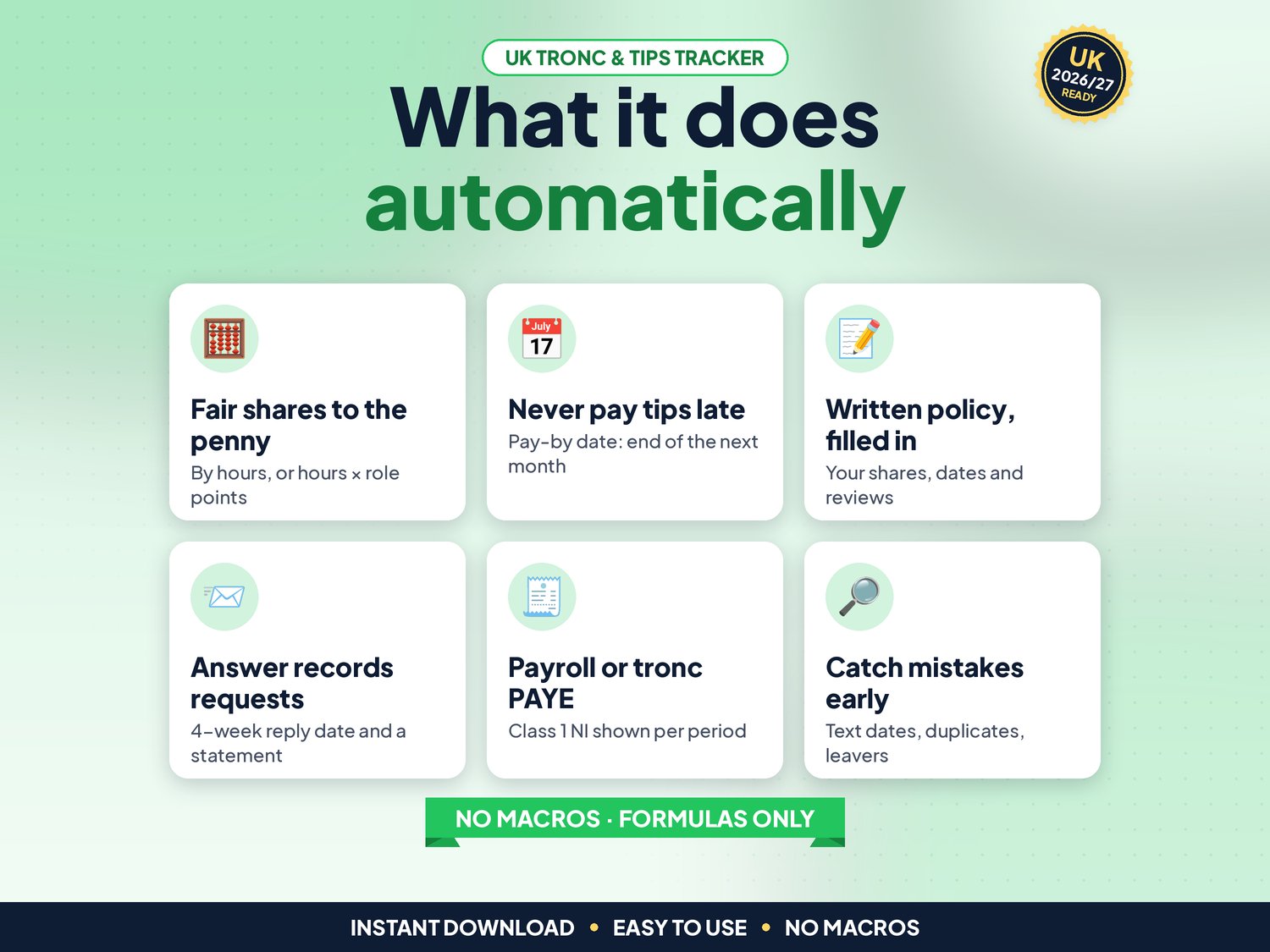
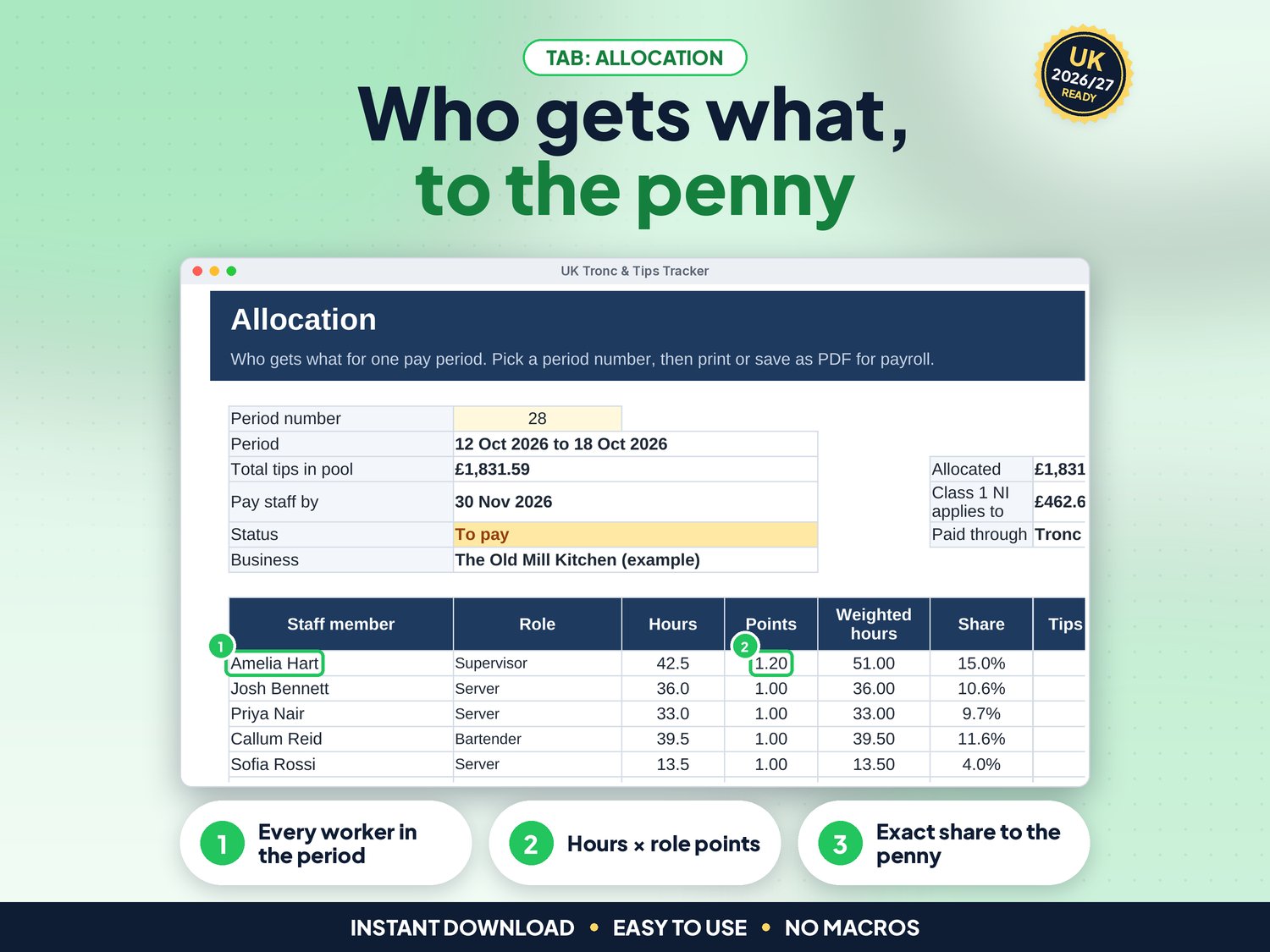
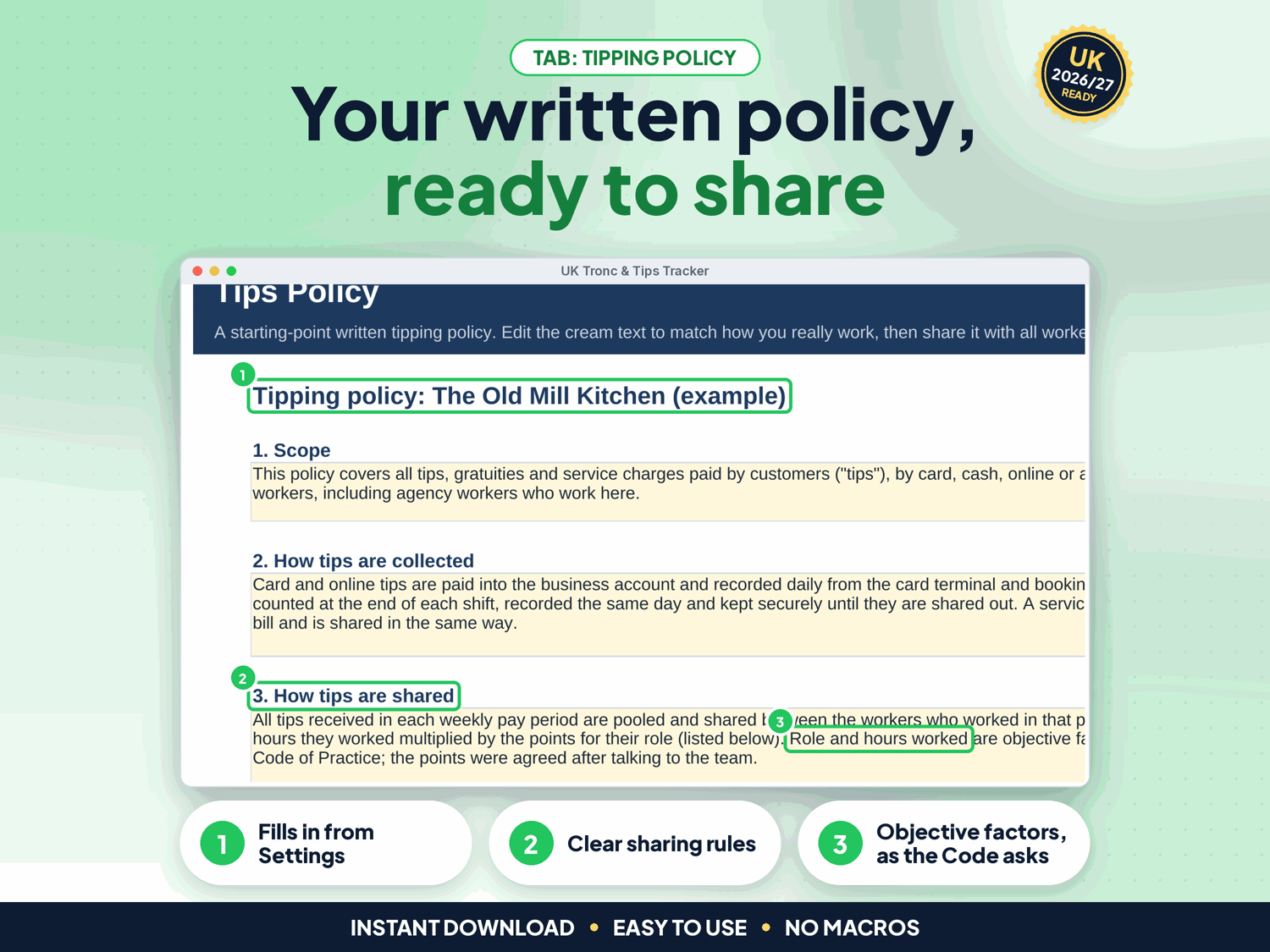
- Fair shares to the penny: by hours worked, or hours × points per role you agree with your team (the Code of Practice lists role and hours as objective factors). Any rounding penny goes to the last shift, so each period adds up exactly
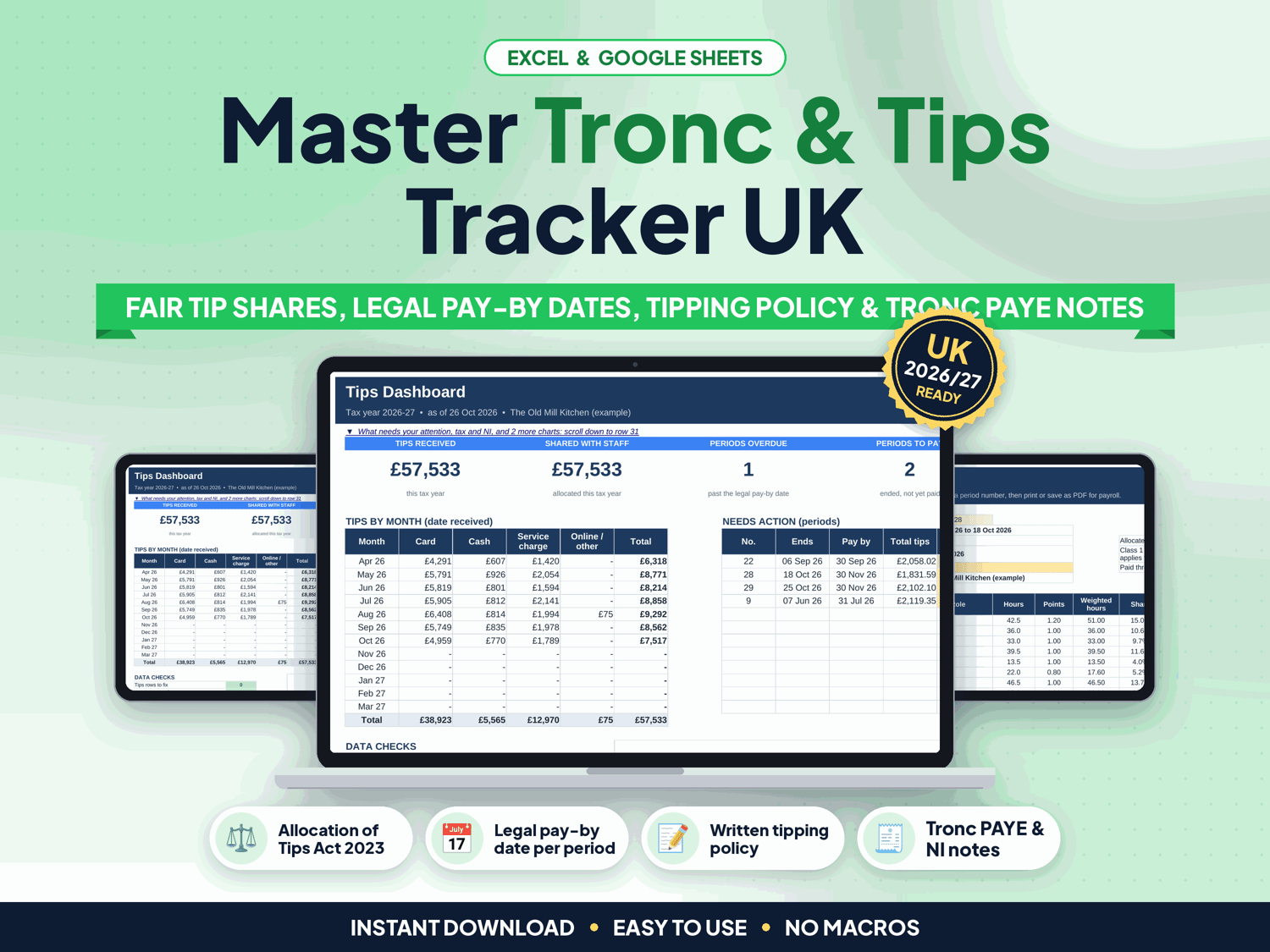
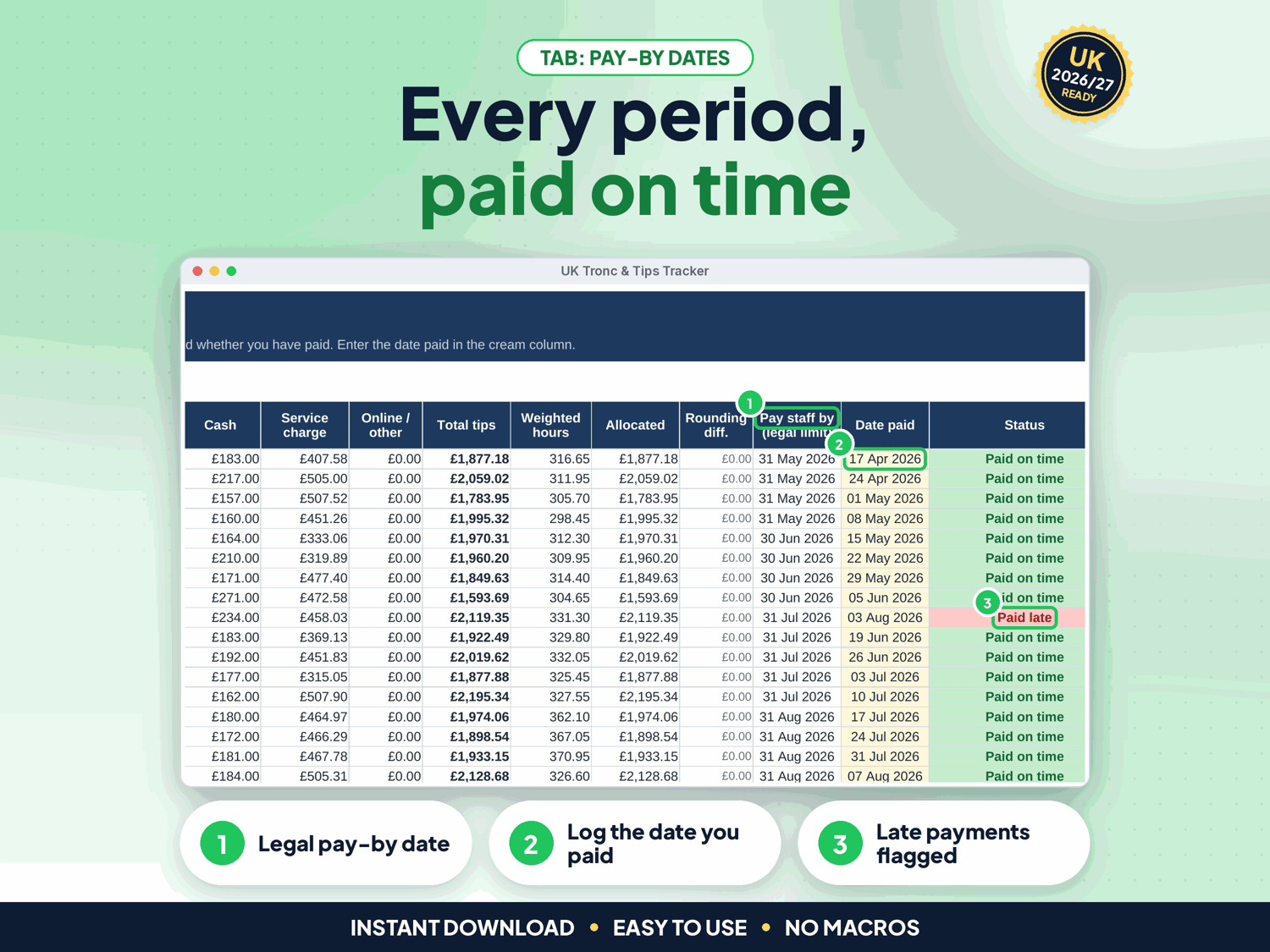
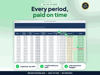
- Weekly, fortnightly, 4-weekly or monthly pay periods, each with the legal pay-by date (end of the following month) and a status: open, to pay, overdue, paid on time or paid late
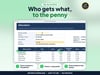
- Allocation: pick a period for every person's hours, points, share and amount, ready to pass to payroll or the troncmaster
- Tax and NI: choose who decides the shares (you, or an independent troncmaster) and your service charge type (optional or compulsory). Each period shows the tips that carry Class 1 NI (HMRC E24), with a 2026/27 NI estimate on the Dashboard
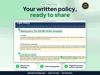
- Written tipping policy that fills in from Settings: how tips are collected and shared, role points, payroll or tronc PAYE, agency workers, records and reviews. Edit and share it with all workers
- Statement and Requests: a tips record for any worker and any months, plus a log of written requests with the 4-week reply date and the once-every-3-months and 3-year rules
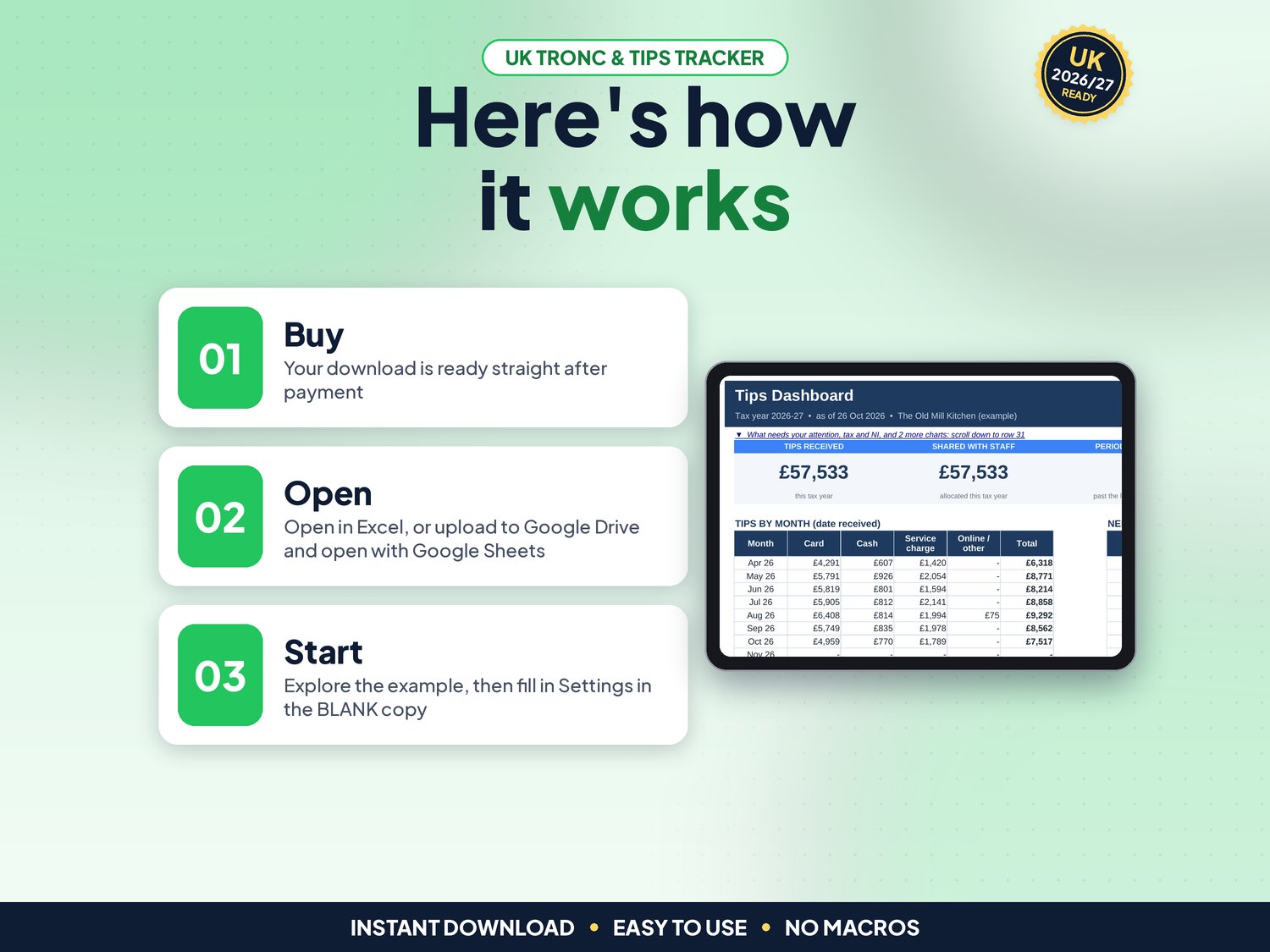
- Dashboard: tips this tax year, tips by month and source, shares by role, periods overdue, a "What needs your attention" list (pay-by dates, policy review, consultation, requests, tronc PAYE scheme) and 3 charts
- Checks on every row: text in a date or amount, unknown source or name, duplicates, shifts before a start date or after leaving, future dates, roles without points
- Agency workers included: their share is shown as paid to the agency, which must pass it on in full
- Up to 80 staff, 3,000 tips rows and 4,000 shifts
How it works (3 steps)
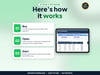
- Set up once: your business, pay period, how you share and role points on Settings, then one row per person on Staff (about 10 minutes)
- Log as you go: tips by date and source on Tips, hours per person per day on Hours
- Share, pay and record: Allocation for who gets what, the date paid on Periods, and the Tips Policy printed for your team
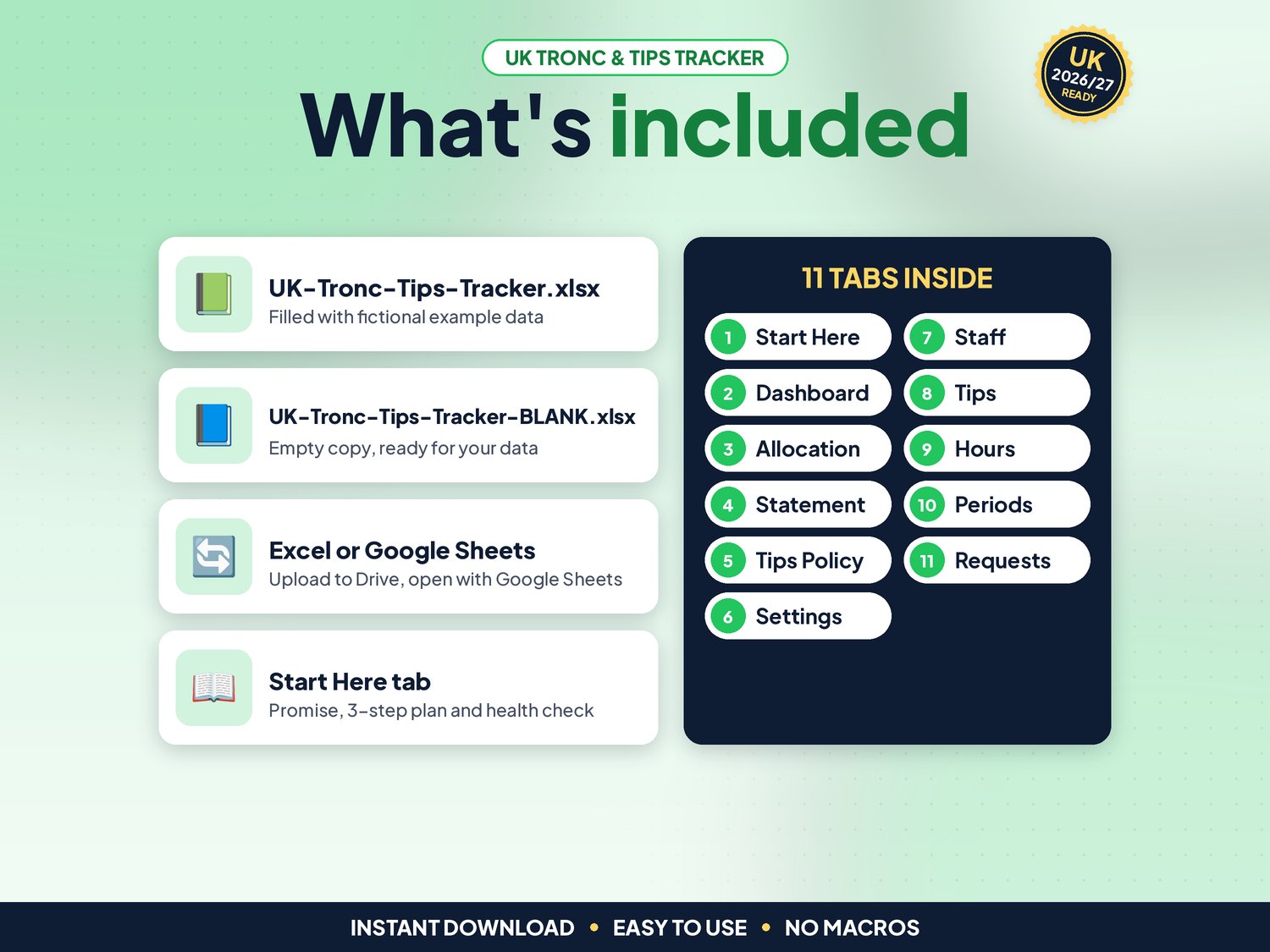
What's included
- UK-Tronc-Tips-Tracker.xlsx: filled with fictional example data (12 staff, 30 weekly periods) so you can see how it works
- UK-Tronc-Tips-Tracker-BLANK.xlsx: an empty copy, ready for your own business
- Works in Google Sheets: upload the .xlsx to Google Drive, right-click > Open with > Google Sheets, then File > Save as Google Sheets (tested: formulas and charts kept)
- Start-here.pdf: one-page quick-start guide, including how to open it in Google Sheets
Compatibility
- Microsoft Excel 2010 or newer (Windows & Mac) and Microsoft 365
- Google Sheets (free Google account). Set File > Settings > Locale to United Kingdom for £ and UK dates
- Not designed for Apple Numbers or mobile-only editing. A computer is recommended
- No macros, add-ons or subscriptions
Instant download
This is a digital product. Nothing physical will be shipped. Your download link appears straight after checkout and is also emailed to you. Stuck or have a question? Email info@phkmedia.co.uk and I'll gladly help you set it up.
Good to know
- Cream (pale yellow) cells are for your input. White and grey cells are worked out for you, and the sheets are protected (no password) so formulas are not overwritten by mistake
- A Health check on the Start Here tab and a Check/Status column on every log flag missing or odd entries
- The law: Employment (Allocation of Tips) Act 2023, which added Part 2B to the Employment Rights Act 1996 (in force 1 October 2024, England, Wales and Scotland). Pay all qualifying tips in full (only Income Tax and NI may be deducted), share fairly, pay by the end of the next month, written policy if you receive tips more than occasionally, keep records for 3 years
- Code of Practice on fair and transparent distribution of tips (29 July 2024) and Acas guidance on tips, checked 02/11/2026
- From 1 January 2027 (Employment Rights Act 2025): consult workers or their representatives before the first policy and each review, review at least every 3 years and share an anonymised summary. Settings and the Dashboard track this
- Tax and NI (HMRC E24, PAYE72080): if you or your managers decide the shares, tips go through payroll with PAYE and Class 1 NI. If an independent troncmaster decides, a tronc PAYE scheme deducts PAYE and no NI, except on a compulsory service charge. 2026/27 Class 1 rates (gov.uk): employer 15% above £96 a week, employee 8% from £242 to £967 a week
- Northern Ireland is not covered by the Act: the tracker still works, but check local rules
- Dates show as DD/MM/YYYY
- FAQ: Does it pay my staff? No. It works out who gets what and when; you pay through payroll or the tronc
- FAQ: Does it work on a phone? You can view it in the Google Sheets app, but entering data is easiest on a computer
DISCLAIMER
This spreadsheet is a record-keeping aid, not legal or tax advice and not payroll software. Check gov.uk, Acas or an adviser if you are unsure. All names and figures in the example file are fictional.
Licence: Licensed for use within one business. Please do not resell, share or redistribute the files.
AI disclosure: This template and its listing images were designed by PHK MEDIA LTD with the help of AI tools. All formulas were tested and the files were reviewed and finalised by the seller.
© PHK MEDIA LTD
Licence: Licensed for use within one business or household. You may edit and print the files for that business. You may not resell, share or upload them for others.