

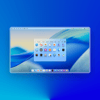
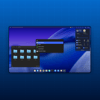

Documentation - KDE Plasma 6 Look Like macOS | Version 4.0
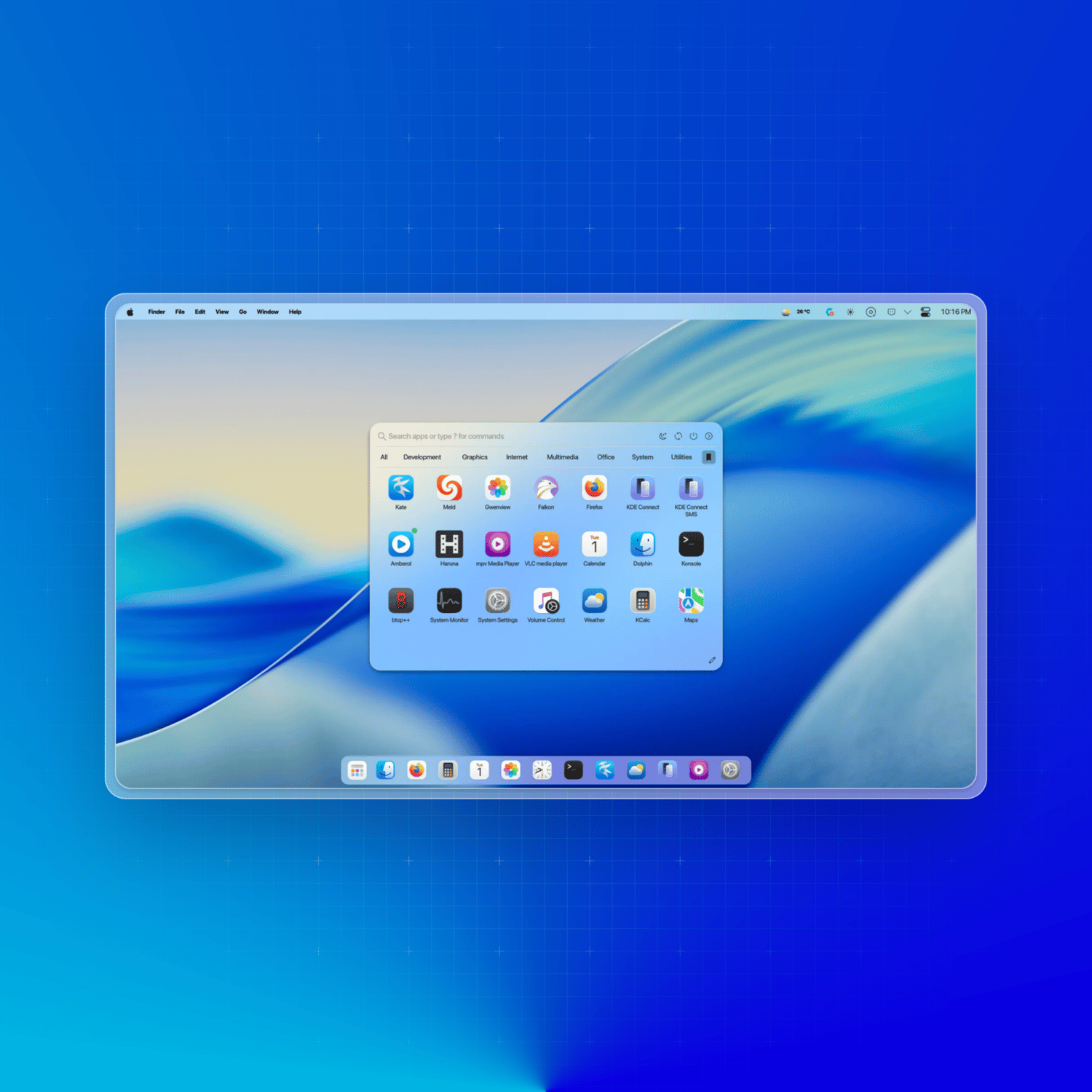
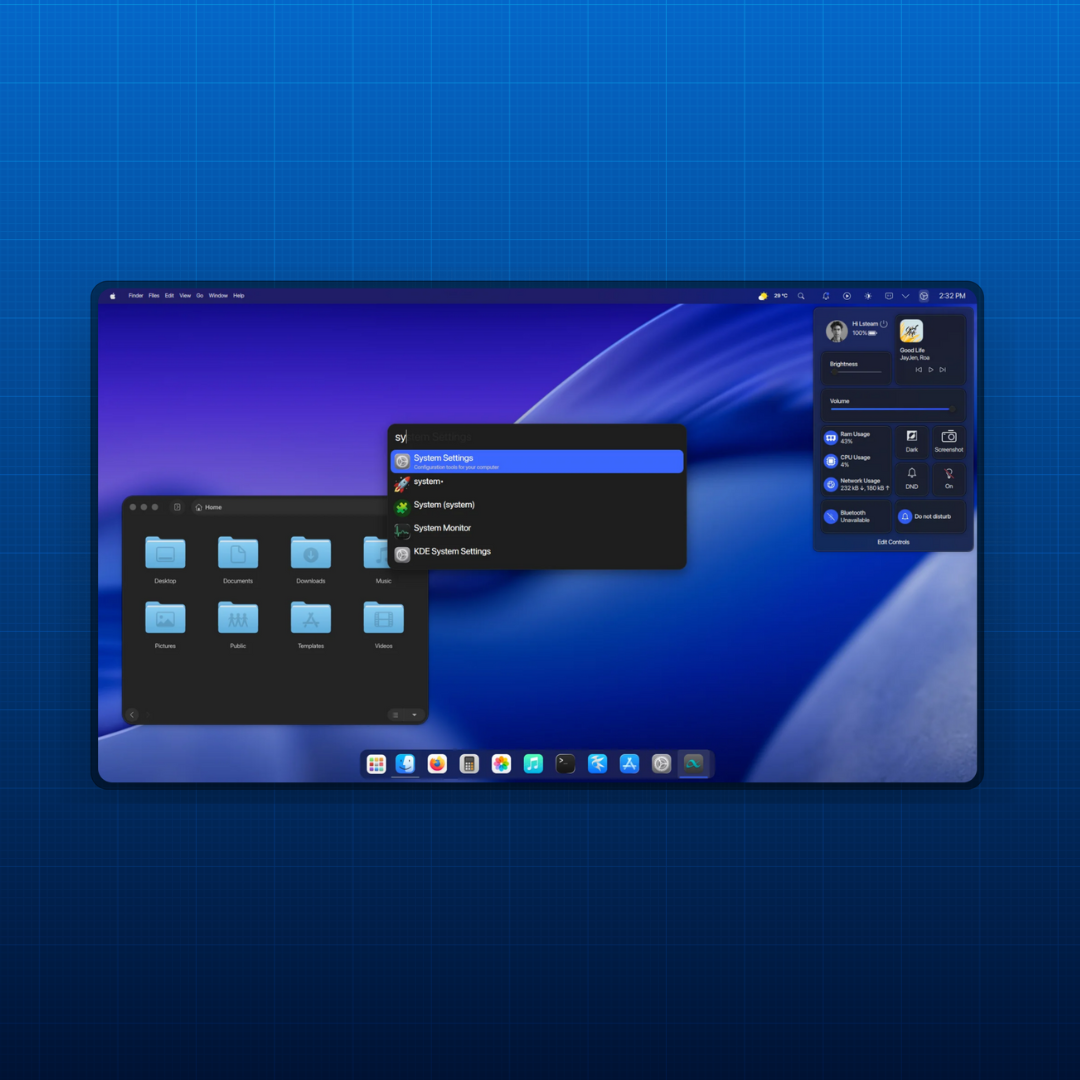
Bring the clean, polished aesthetic of macOS to your KDE Plasma 6 desktop — step by step, with full documentation to guide you every click of the way.
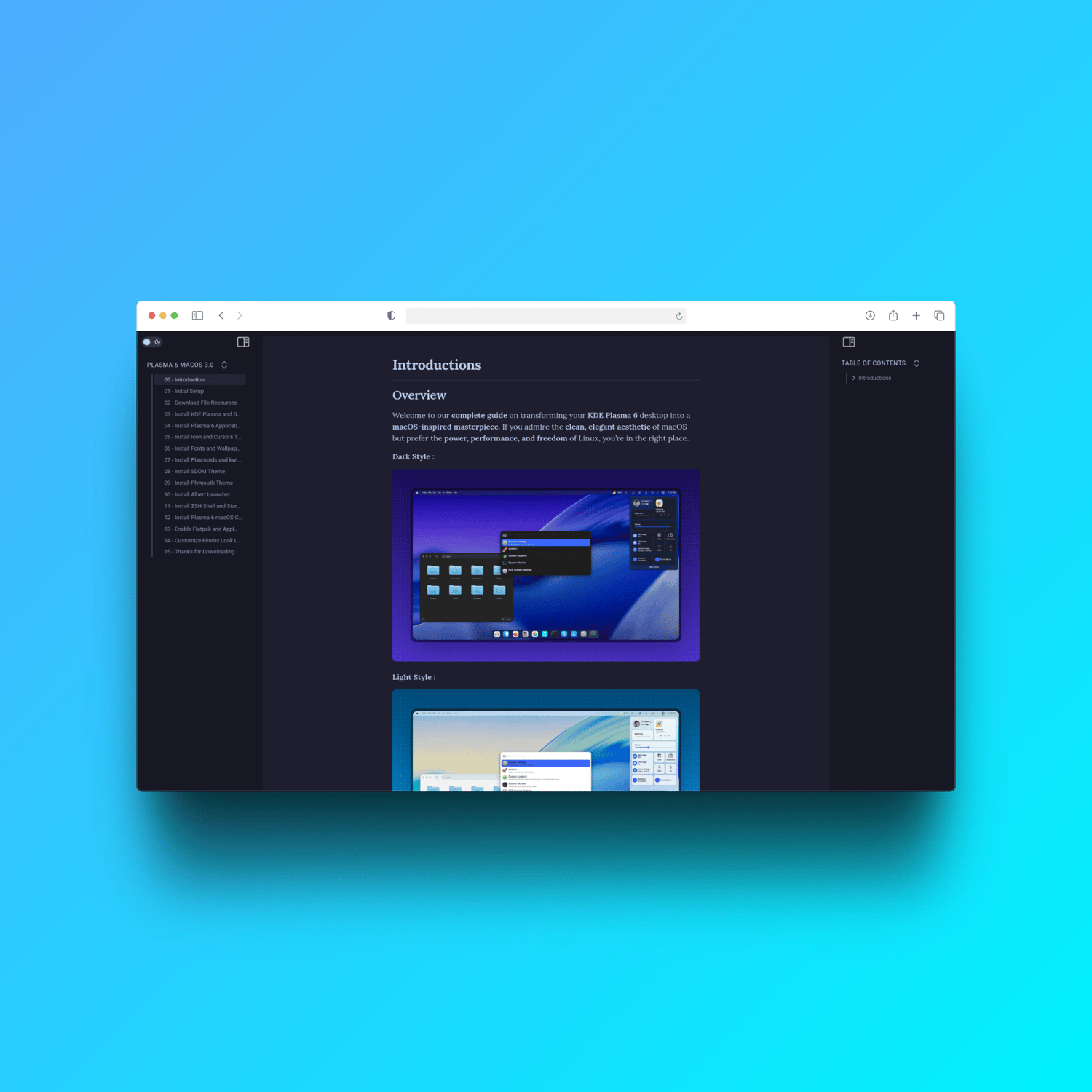
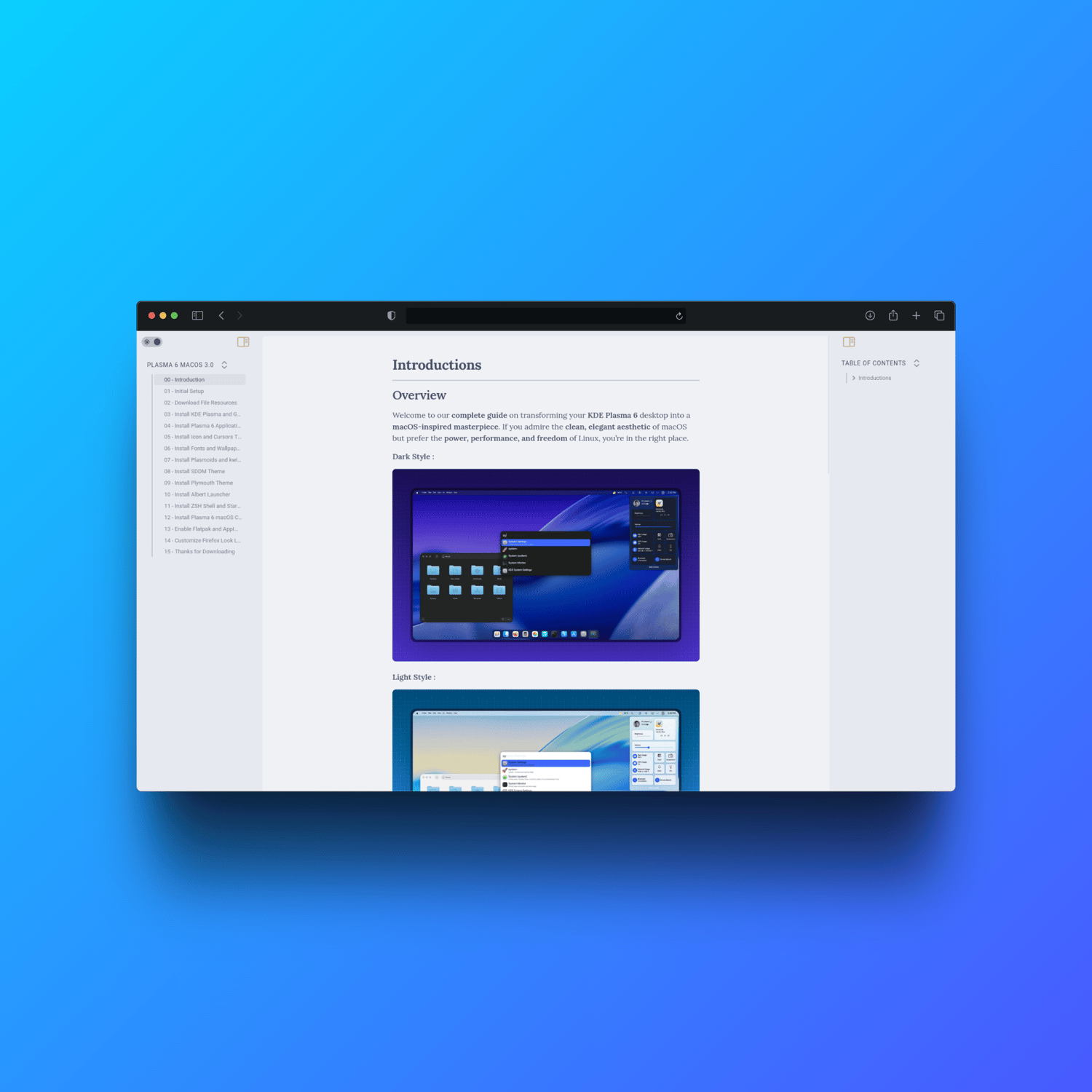
This is not just a theme pack. This is a complete, well-structured guide that walks you through every layer of the transformation: themes, icons, cursors, fonts, dock, widgets, and system tweaks — all explained clearly, with tested commands and real visual examples.
Whether you're new to Linux customization or a seasoned KDE user looking for a reliable reference, this documentation gives you everything you need to build a beautiful, consistent macOS-style desktop — without leaving the freedom of Linux.
📋 What's Inside
🎨 Full Customization Coverage
- macOS-inspired Plasma theme, color scheme & panel layout
- Icons, cursors, fonts, and wallpaper setup — all sourced and explained
- Dock configuration with macOS-style behavior and animations
- Widgets selection and placement for a seamless, cohesive look
- GTK theme alignment so even non-KDE apps look consistent
🖥️ Step-by-Step Instructions
- Clear, beginner-friendly walkthroughs for every customization phase
- Terminal commands — copy, paste, done
- Visual examples included to confirm you're on the right track
- Resource links for every required tool and file
🐧 Compatible Distributions
Requirements: KDE Plasma 6 must be installed. Compatible with:
- Fedora 43+ KDE Plasma
- KDE Neon (based on Ubuntu 24.04 LTS)
- Manjaro 26 KDE Plasma
- openSUSE Tumbleweed KDE
- CachyOS KDE Plasma
💡 Why This Documentation Stands Out
- 🎯 Tested configurations — no guesswork, no broken desktops
- 👶 Beginner-friendly — no advanced Linux knowledge required
- 🔧 Power-user ready — detailed enough to understand why, not just how
- 🎨 Visually consistent results — your whole desktop, not just parts of it
- ⏱️ Saves hours — everything curated and organized for you
👥 Perfect For
- Developers and creators who want a beautiful, distraction-free workspace
- Linux newcomers transitioning from macOS who miss the familiar look
- KDE enthusiasts who want a polished, reference-quality customization guide
- Anyone who values visual consistency and aesthetic precision on their desktop
❓ Frequently Asked Questions
- Do I need prior Linux experience?
- No. The guide is written to be approachable for all skill levels. If you can follow steps and use a terminal, you're ready.
- Is this a script or a manual guide?
- This is a documentation guide — written instructions, commands, and visuals. If you prefer a fully automated one-command solution, check out the companion script product: Single Command Auto Customize KDE Plasma 6 Look Like macOS Ver. 4.0.
- What format is the documentation delivered in?
- The documentation is delivered as a structured digital file, ready to follow on any device alongside your Linux machine.
Ready to build your perfect macOS-inspired KDE Plasma desktop?
⬇️ Get the documentation now and start your transformation today — clean, elegant, and entirely yours.